

Transport requests
What it is
Requests from families for a bus place or a stop change.
Why it matters
Gives families a clear way to ask and a record of the answer.
When to use it
Parents request a place; the transport office approves or declines.
Who uses it
Administrator
How to get here
Section titled “How to get here”- Sign in as Administrator (see Signing in).
- In the left menu, click Transport to open it.
- Click Transport requests.
What you see
Section titled “What you see”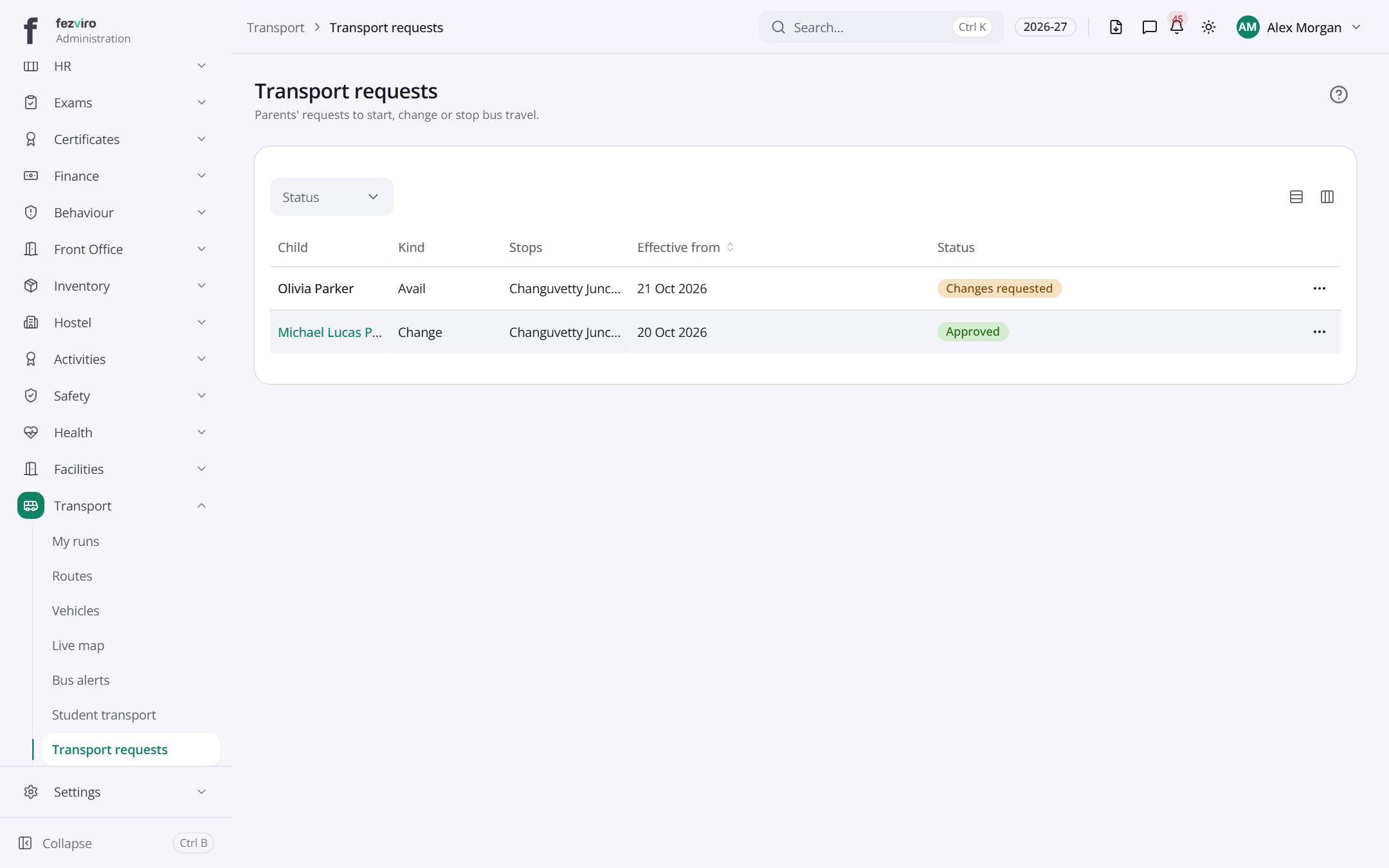
- The list has these columns: Child, Kind, Stops, Effective from, Status, Actions. Click a column name to sort by it.
Filling in the form
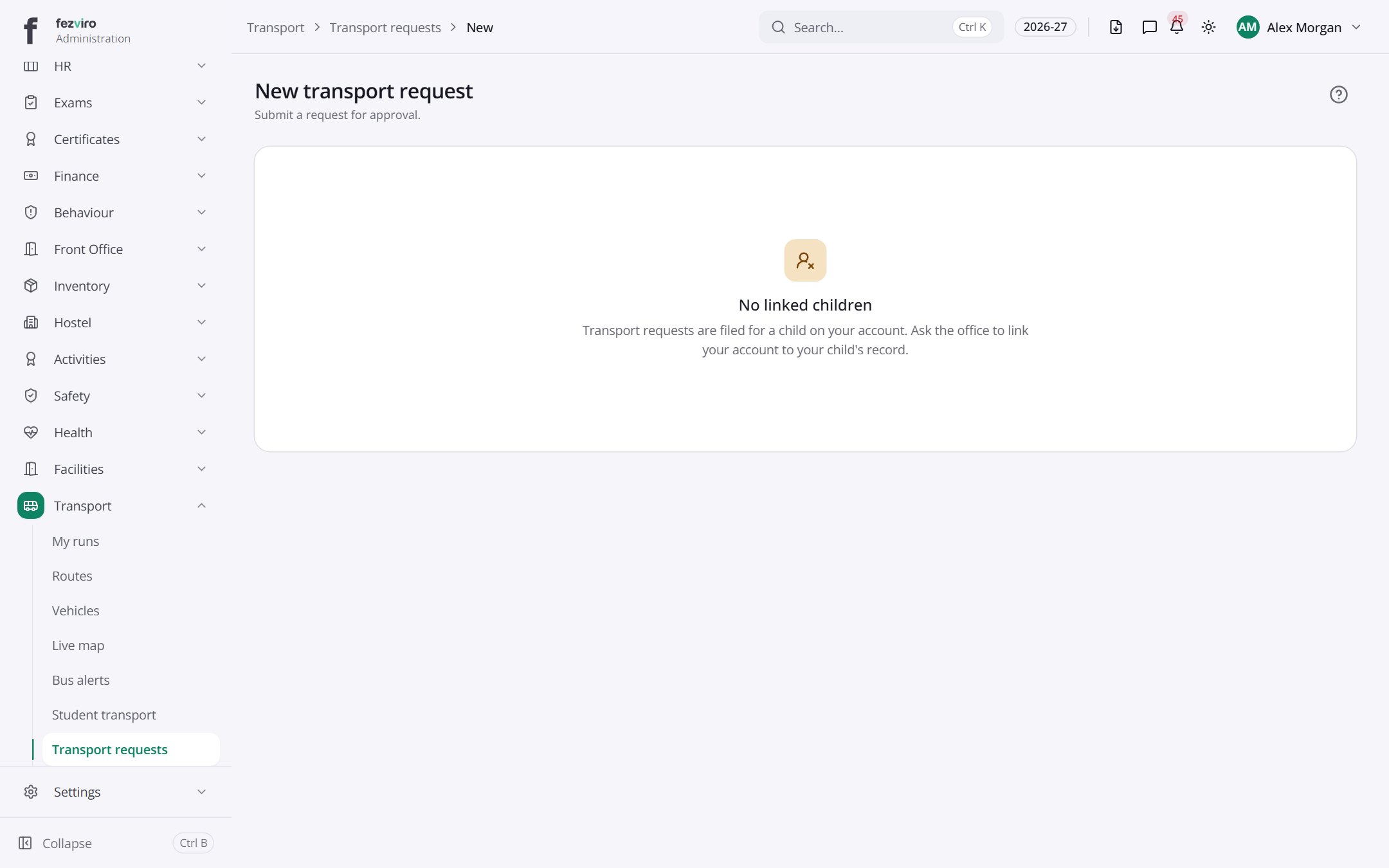
Section titled “Filling in the form”- Click the New button at the top right.
- Fill in the boxes.
- Click Save at the bottom. If something is missing, the box turns red and tells you what to fix.
← Back to Transport overview