

Attendance
Fast daily and period-wise attendance, leave and absence explanations from parents, instant alerts, and analytics that spot chronic absence early.
👥 Teachers, class teachers, office staff, principal, parents🖥️ 13 screens📝 4 forms

What it does
Section titled “What it does”- Daily and period-wise marking
- Bulk marking
- Custom attendance codes
- Late minutes and remarks
- Register lock with audited overrides
- Parent leave requests
- Parent absence explanations
- Instant absence alerts to parents
- Chronic absence alerts
- Subject-wise attendance percentage
- Analytics: heatmap, trends, patterns
- Printable registers, roll calls, evacuation lists
- Offline marking with sync
- Card reader and biometric device support
Its screens
Section titled “Its screens”Each screen has its own page: what it is for, how to reach it, a picture, its buttons and its form.
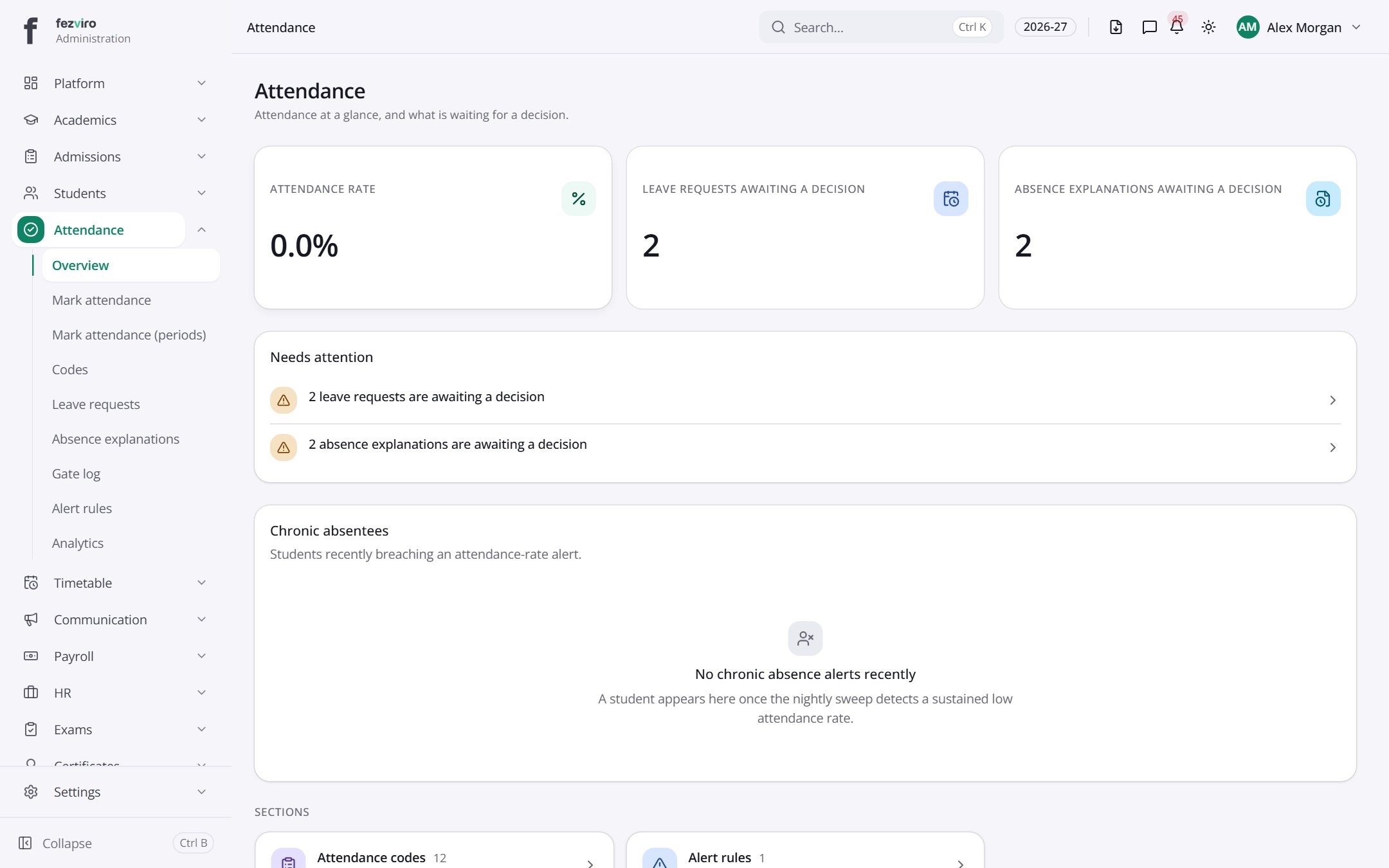 Attendance dashboardThe landing page for all attendance work.
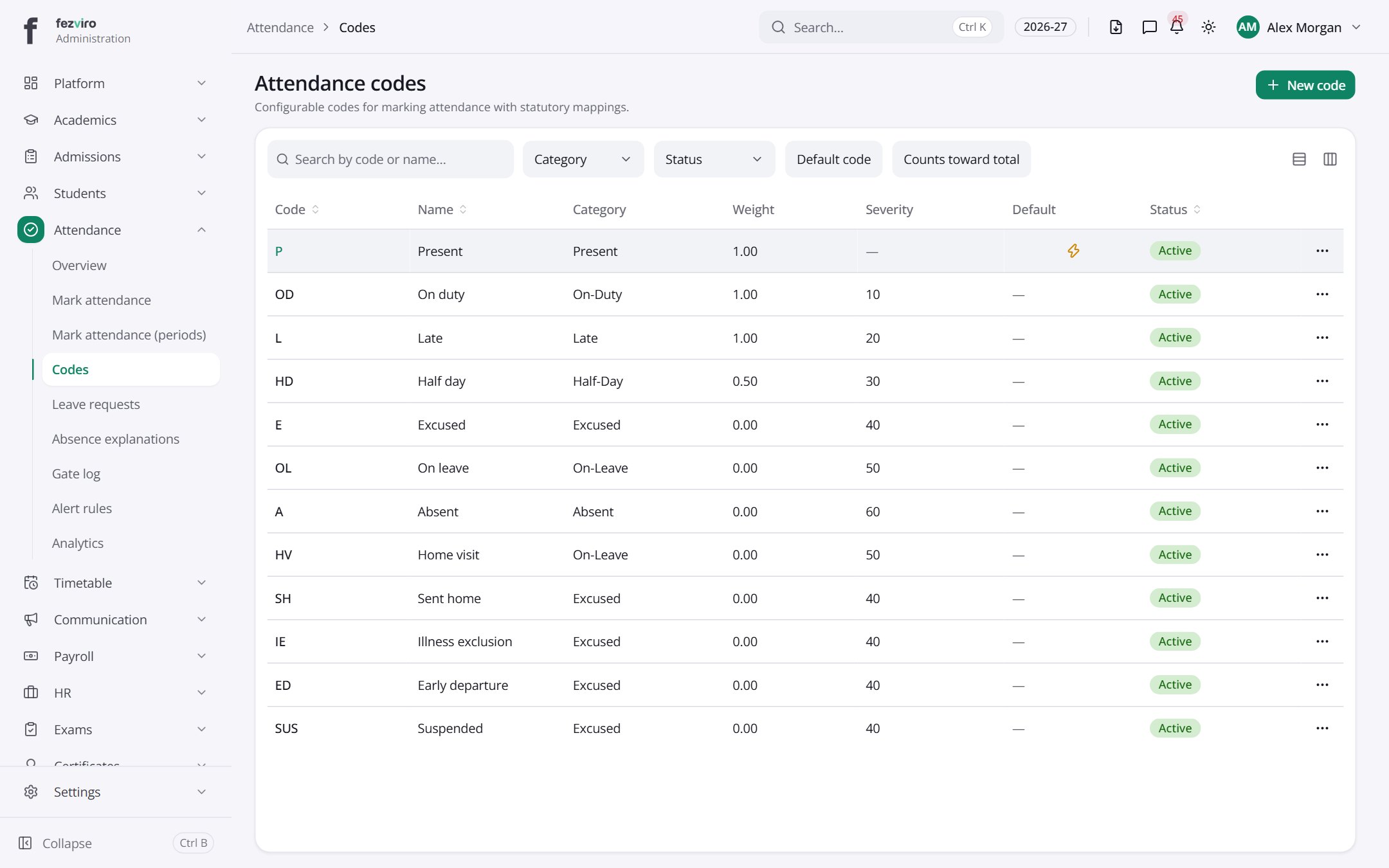 Attendance codesThe short codes used to mark present, absent, late and other statuses.has a form
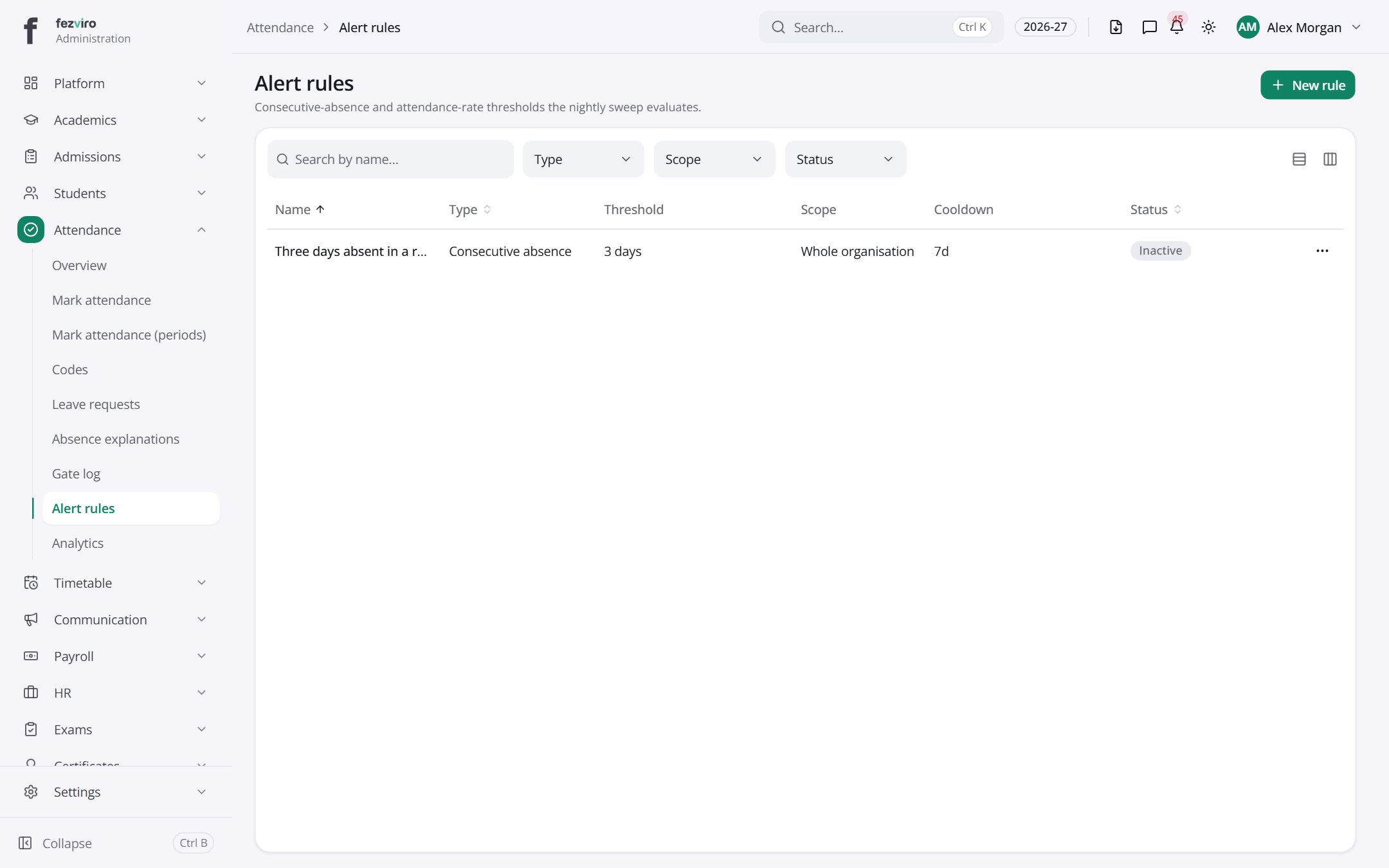 Alert rulesRules that flag pupils with too many absences or low attendance.has a form
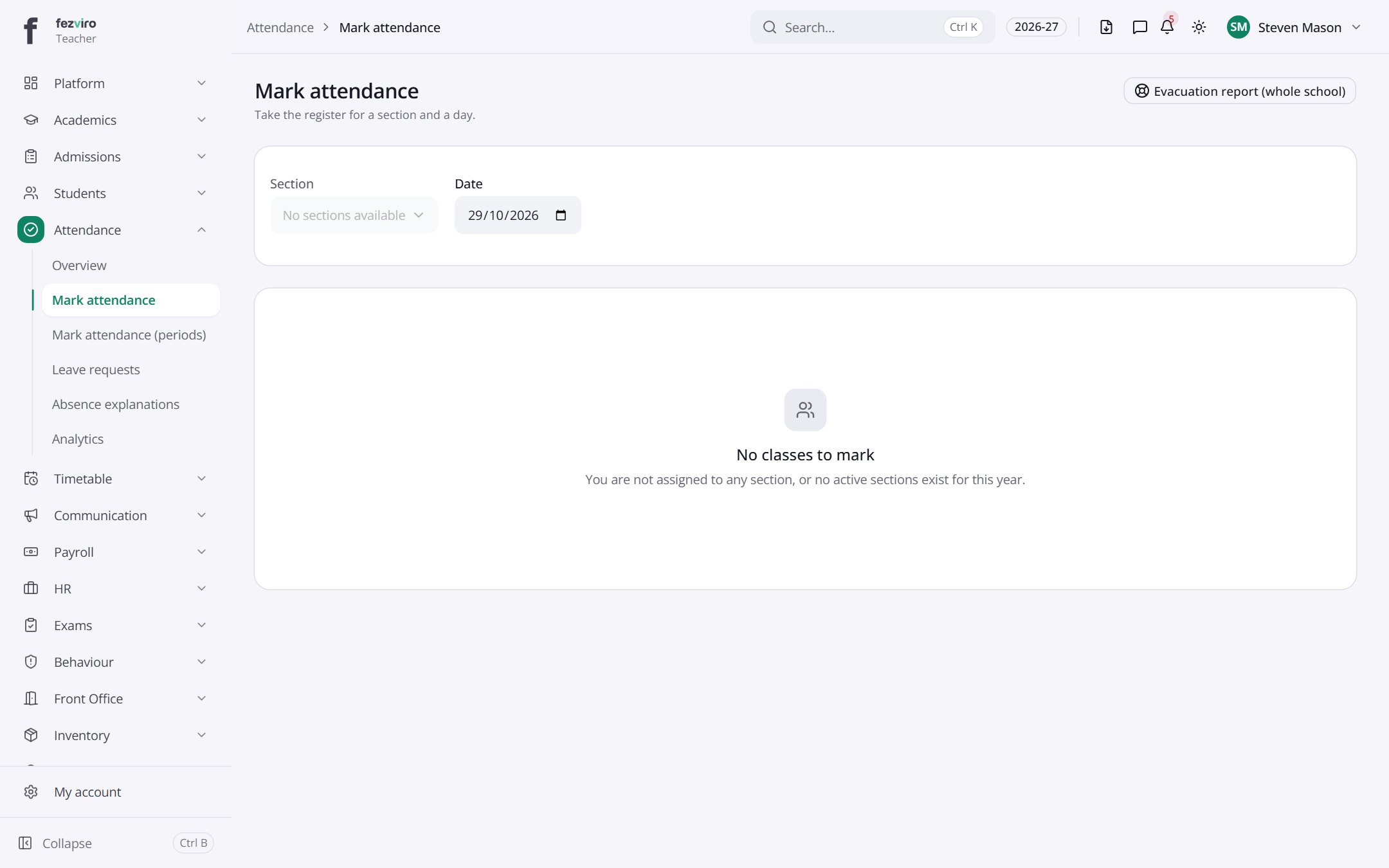 Mark attendanceThe daily register for your class, marked one pupil at a time.Teacher
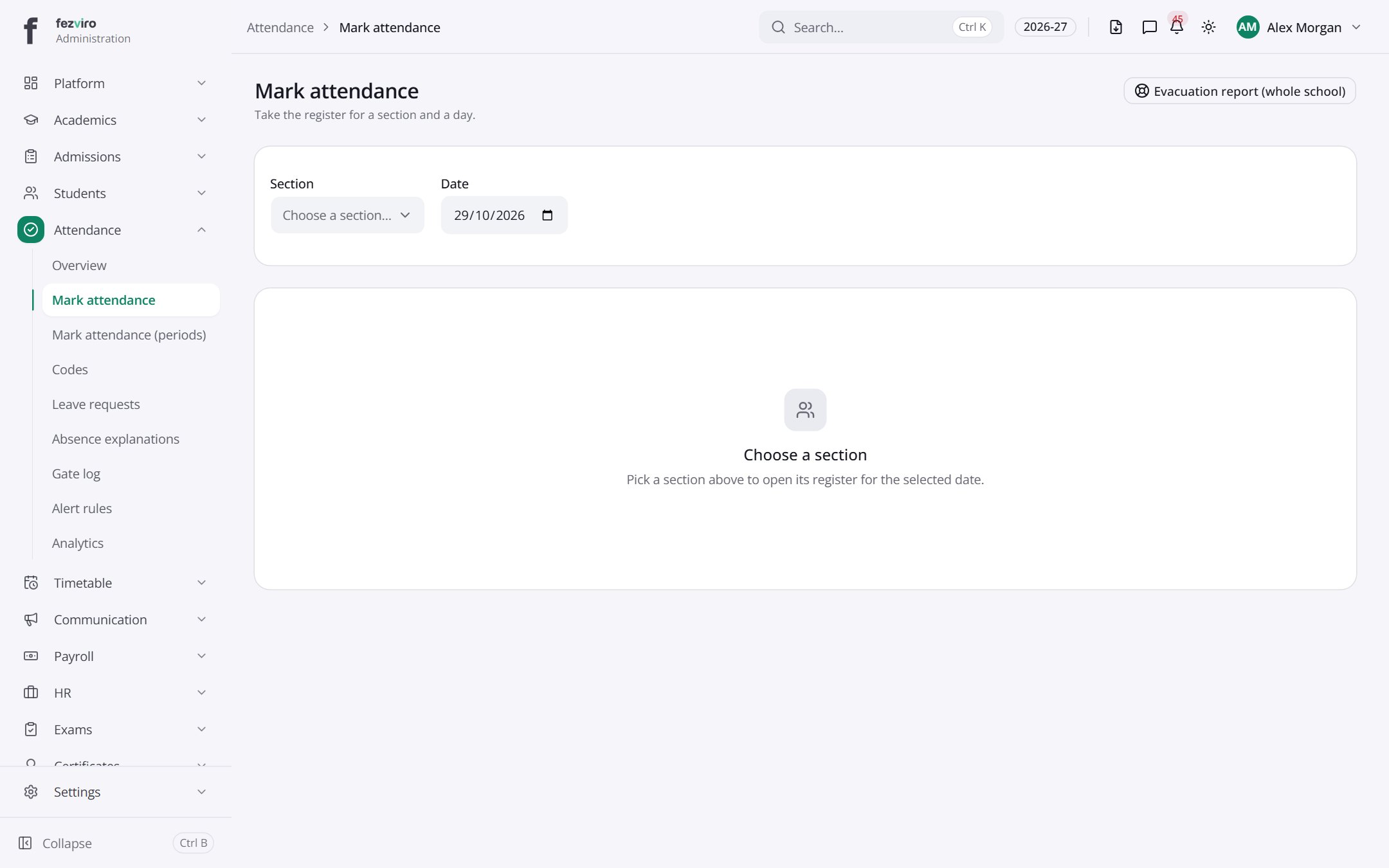 Mark attendanceThe daily register for your class, marked one pupil at a time.
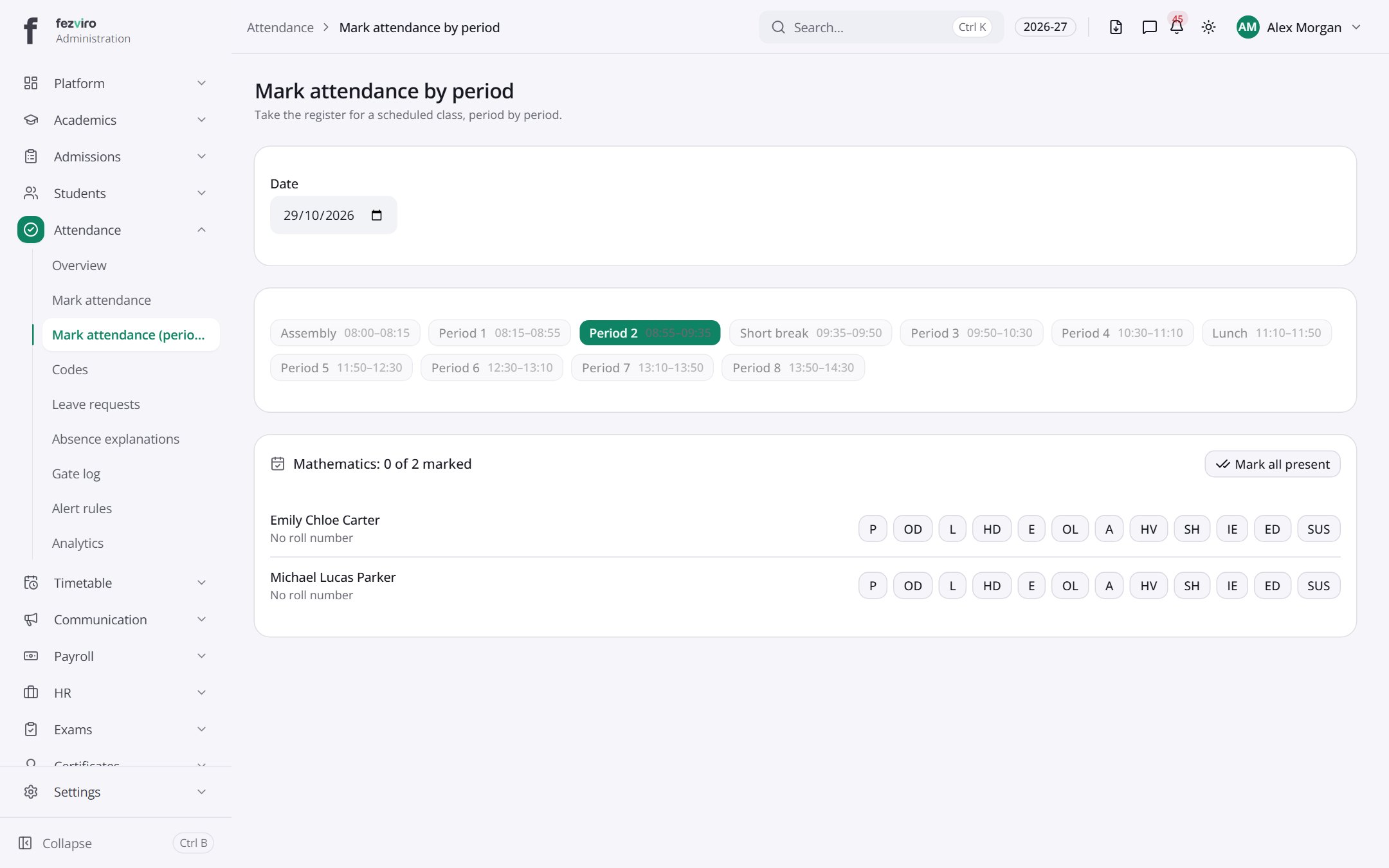 Mark attendance by periodA register for each lesson in the school day, not just the morning.
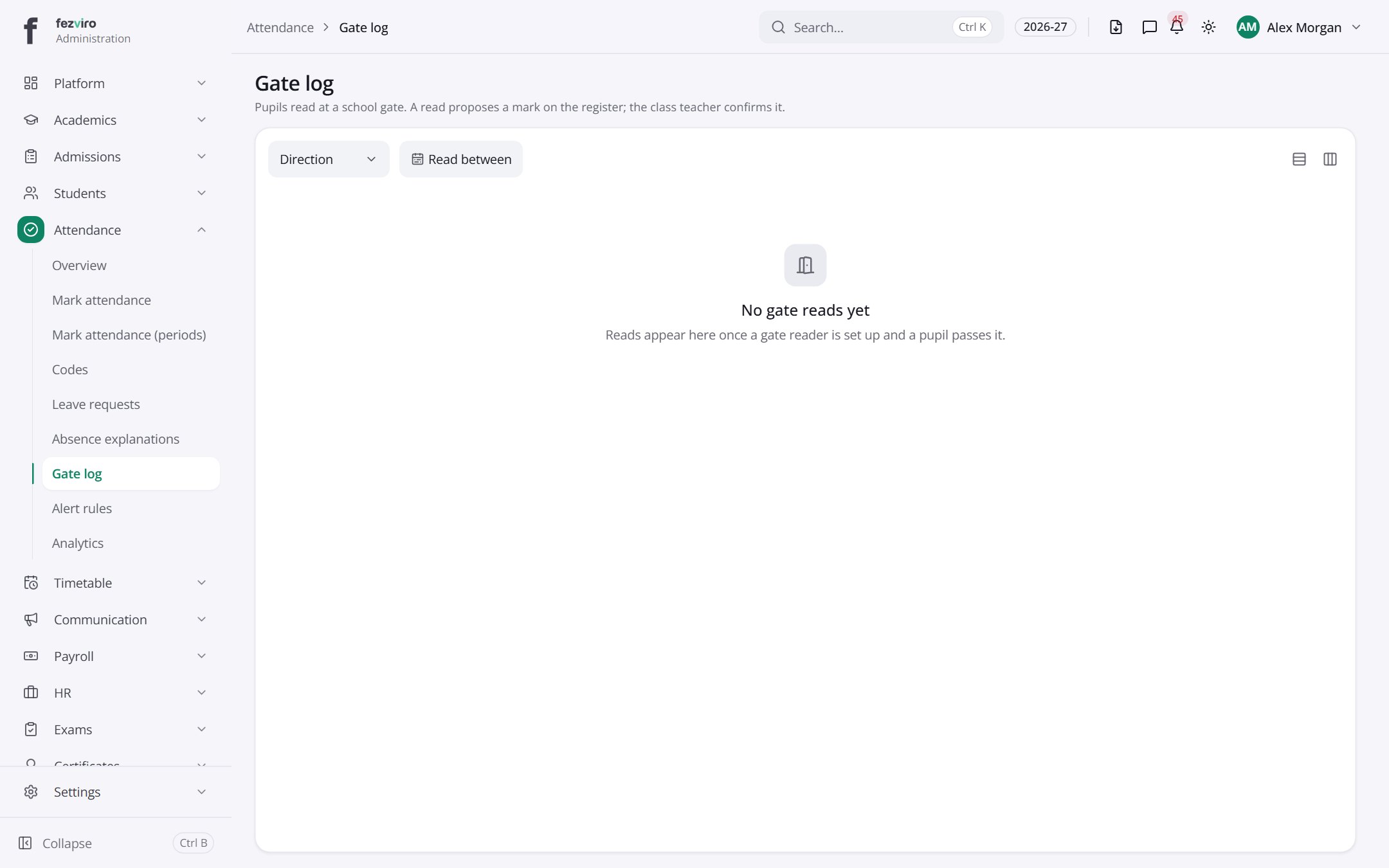 Gate logA live log of pupils passing school gate readers, newest first.
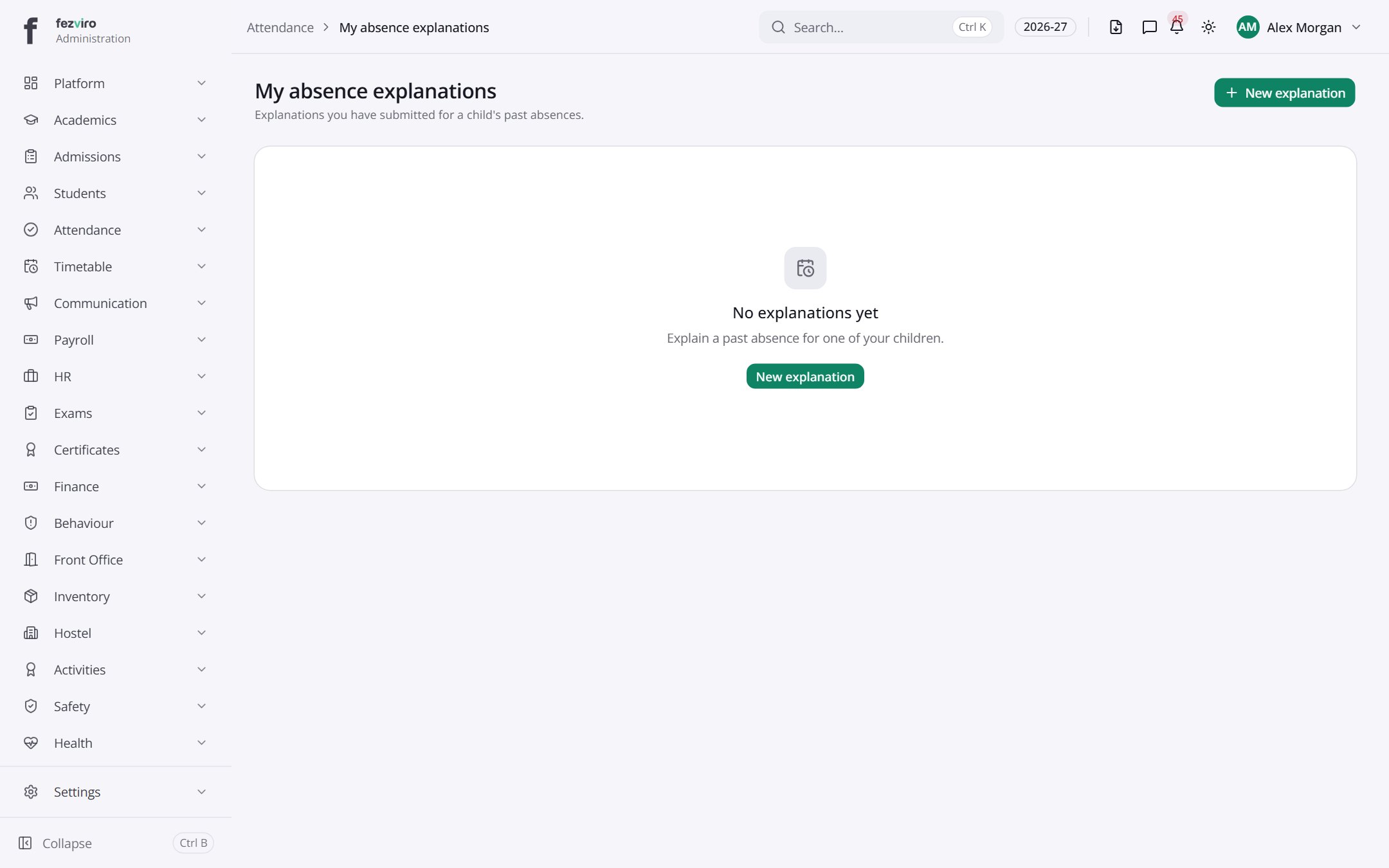 My absence explanationsYour list of explanations for your child's absences.has a form
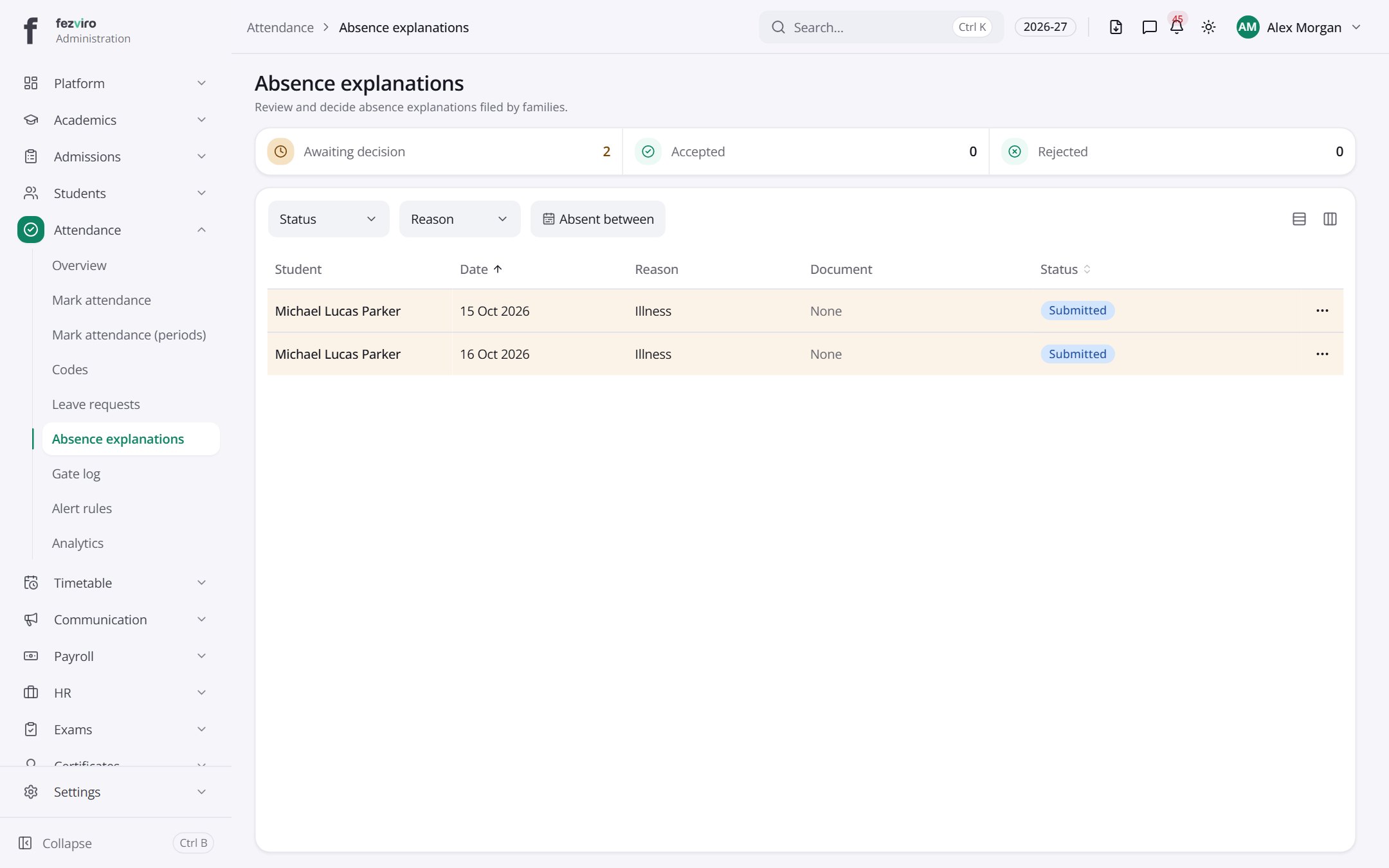 Absence explanationsThe queue of absence explanations waiting for a decision.
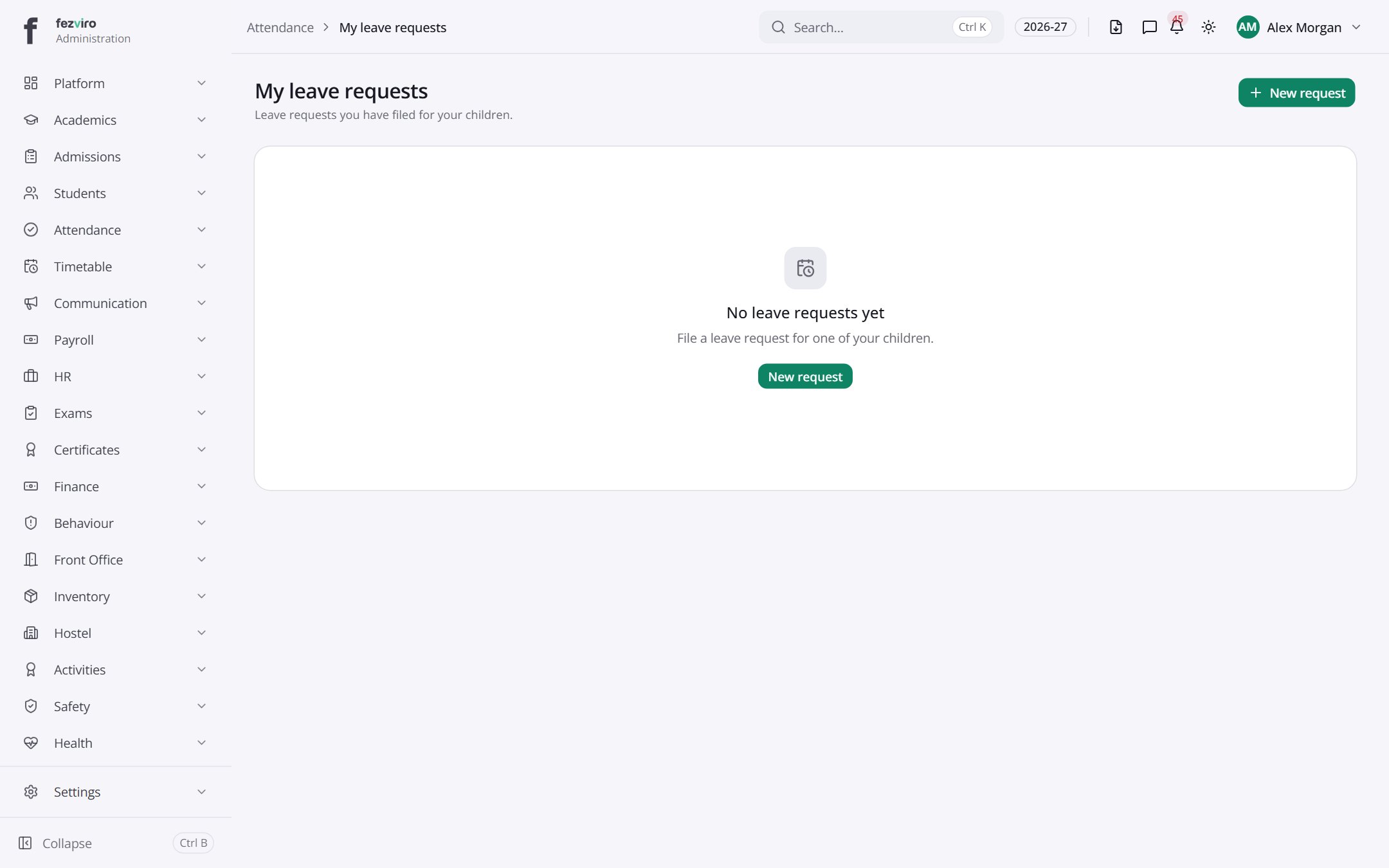 My leave requestsYour list of leave requests for your child's planned time away.has a form
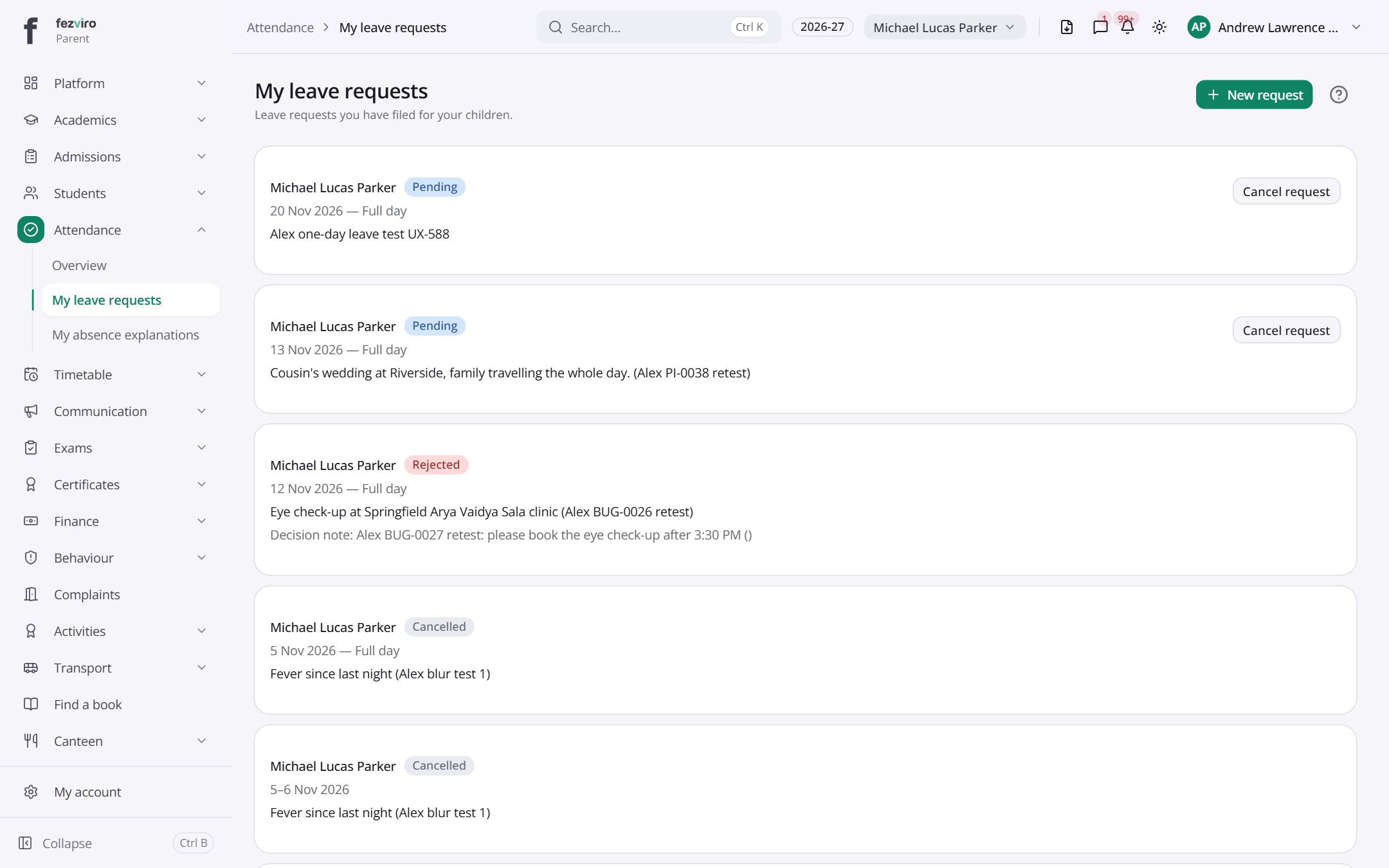 My child's leave requestsYour list of leave requests for your child's planned time away.Parent
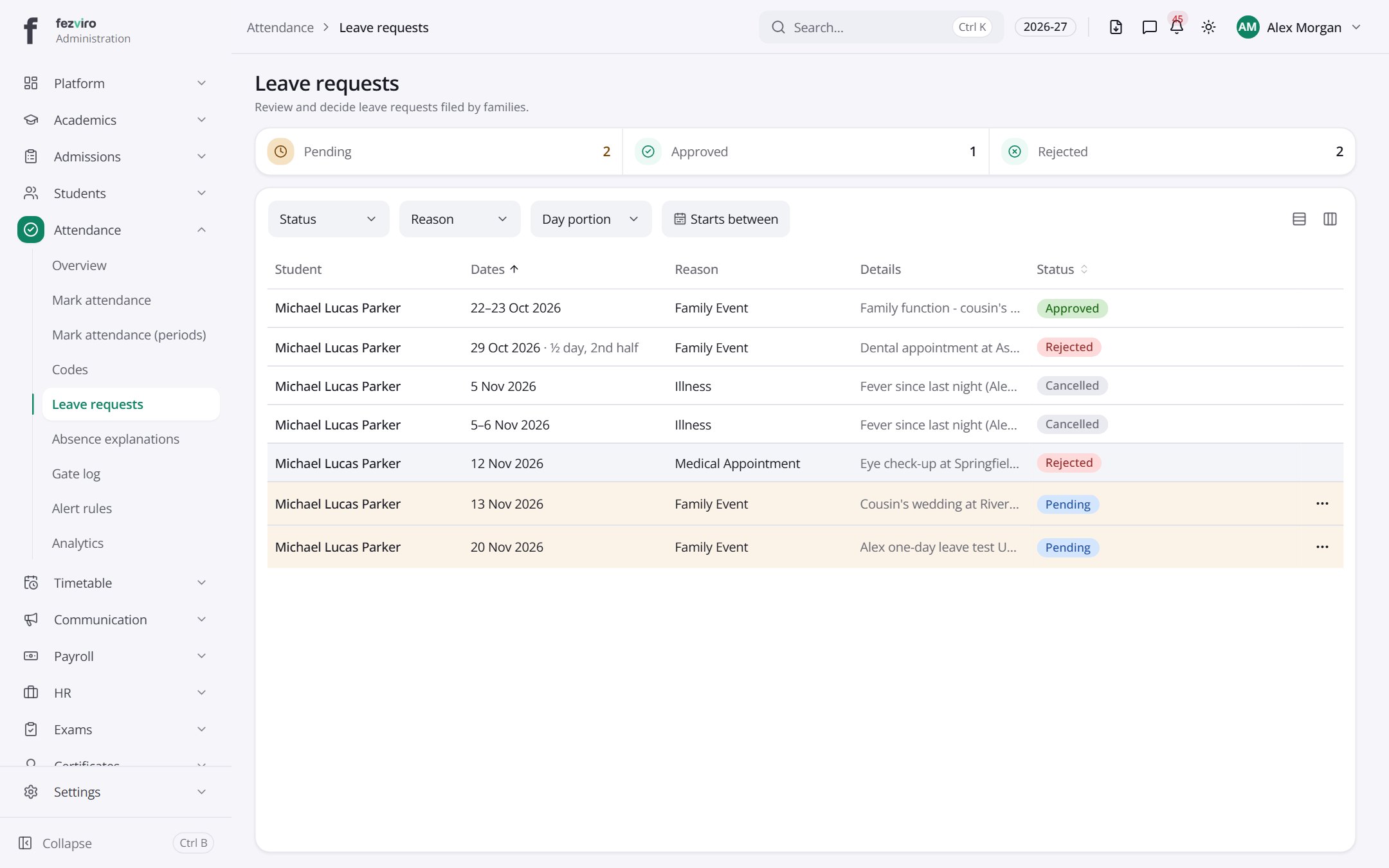 Leave requestsThe queue of leave requests waiting for a decision.
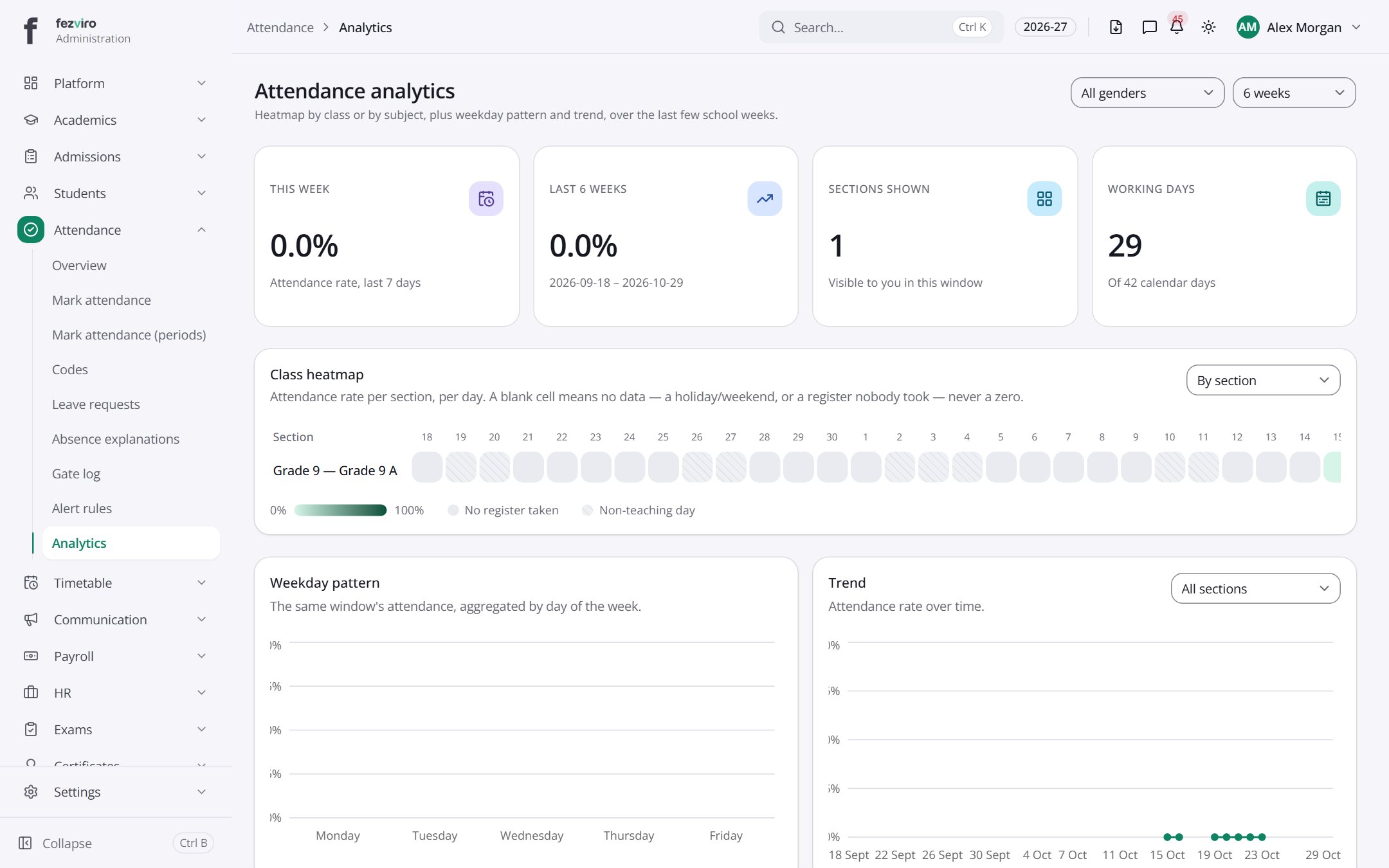 Attendance analyticsCharts showing attendance patterns by class, weekday and subject.
Step by step
Section titled “Step by step”Mark today’s register
Section titled “Mark today’s register”- Teachers open Attendance → Marking (or tap the class on their dashboard).
- Everyone starts as present; tap only the exceptions: absent, late (with minutes) or another code.
- Save. Parents of absent students get an alert instantly.
- After the cut-off the register locks; any later change is an audited override.
Approve a parent leave request
Section titled “Approve a parent leave request”- Parents apply for leave from their portal.
- The class teacher reviews in Leave requests → Review.
- Approved days are marked automatically, so the teacher does not mark the child absent.
Watch for chronic absence
Section titled “Watch for chronic absence”- Set thresholds under Alert rules (e.g. below 85%).
- Open Analytics for heatmaps, trends and day-of-week patterns.
- Students crossing the threshold are flagged to the class teacher and principal.
Questions
Section titled “Questions”Can teachers mark attendance offline?
Yes. Marking works without a connection and syncs when the device is back online.
Do you support biometric or card readers?
Yes. Supported devices post punches directly; the gate log shows every entry.
Can we define our own codes?
Yes. Codes lets you add codes like Medical, Sports, Half-day, each counted as present or absent as you choose.