

Meeting slots
What it is
Time slots teachers open up for parent-teacher meetings.
Why it matters
Lets teachers set their availability once, not reply to each request.
When to use it
Teachers create their meeting times; families then pick from them.
Who uses it
Administrator
How to get here
Section titled “How to get here”- Sign in as Administrator (see Signing in).
- In the left menu, click Communication to open it.
- Click Meeting slots.
What you see
Section titled “What you see”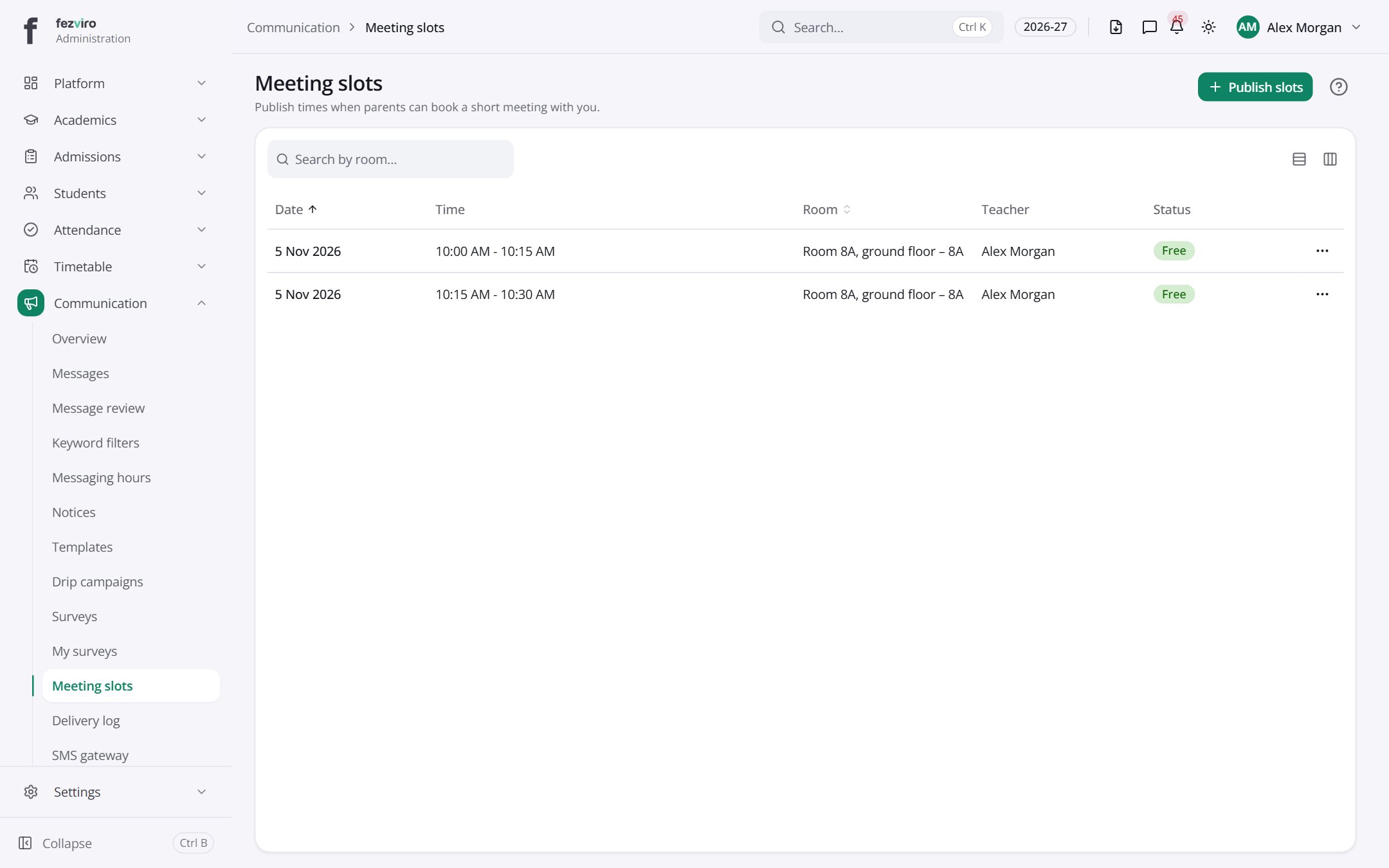
- The list has these columns: Date, Time, Room, Teacher, Status, Actions. Click a column name to sort by it.
Buttons on this screen
Section titled “Buttons on this screen”- Publish slots — sends or publishes it to the people chosen.
← Back to Communication overview