

Timetable — by room
What it is
One room's weekly timetable, from the timetable currently published.
Why it matters
Shows when each room is in use and when it is free.
When to use it
Staff check room availability before booking or setting up a lesson.
Who uses it
Administrator
How to get here
Section titled “How to get here”- Sign in as Administrator (see Signing in).
- In the left menu, click Timetable to open it.
- Click Timetable — by room.
What you see
Section titled “What you see”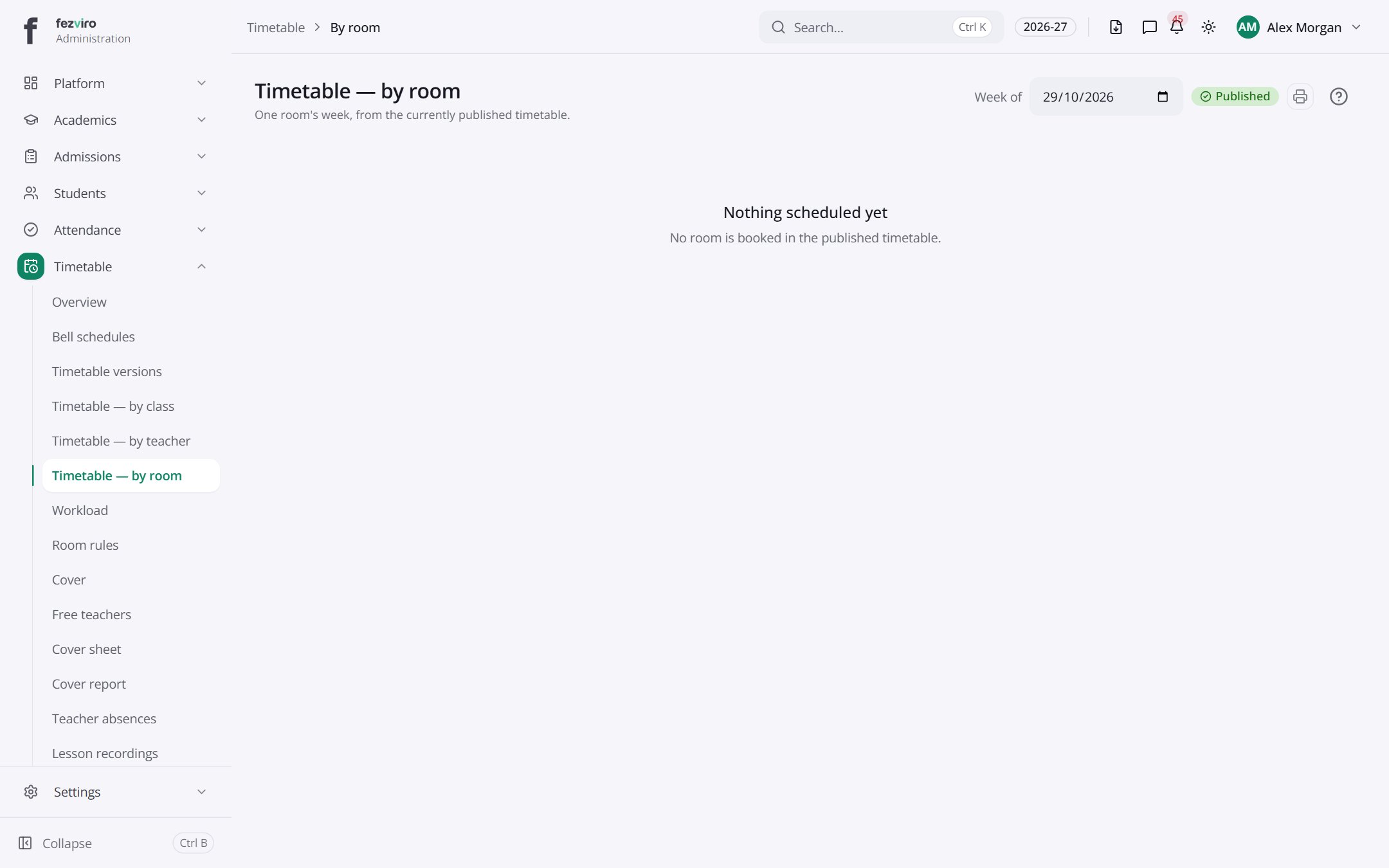
← Back to Timetable overview