

Check in an invited visitor
What it is
Starts a visit from a pre-booked invite, using its details.
Why it matters
Avoids typing details twice for visitors who were already expected.
When to use it
The desk confirms an invited guest's arrival in a single step.
Who uses it
Administrator
How to get here
Section titled “How to get here”- Sign in as Administrator (see Signing in).
- In the left menu, click Front Office.
What you see
Section titled “What you see”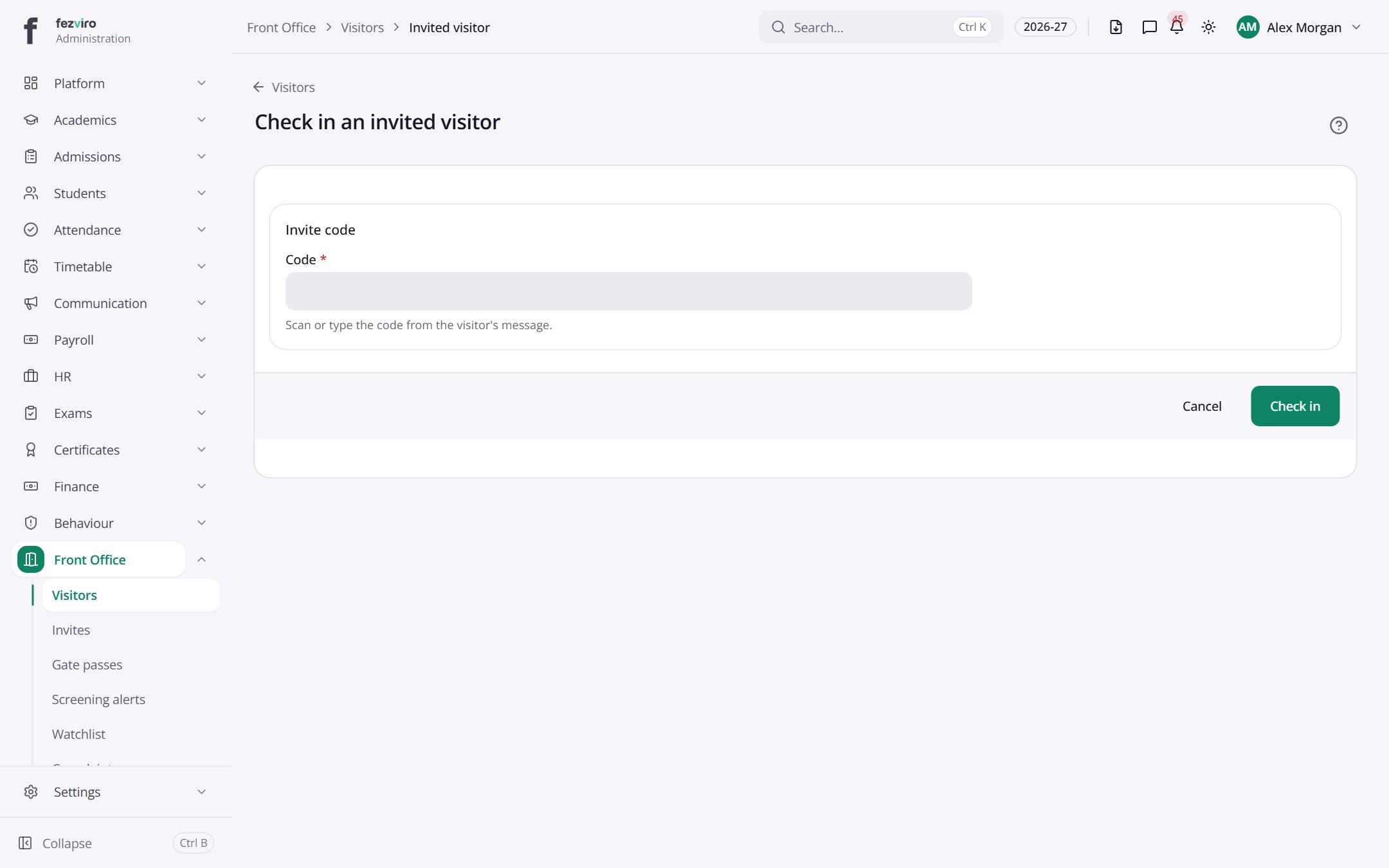
- Sections on the page: Invite code.
Buttons on this screen
Section titled “Buttons on this screen”- Visitors — does what it says on the button.
← Back to Front Office overview