

Charges
What it is
Charges from other areas, such as library fines, not yet billed.
Why it matters
Stops fees raised elsewhere from being lost before they reach a bill.
When to use it
Office staff fix whatever blocked a charge, then send it on to billing.
Who uses it
Administrator
How to get here
Section titled “How to get here”- Sign in as Administrator (see Signing in).
- In the left menu, click Fees to open it.
- Click Charges.
What you see
Section titled “What you see”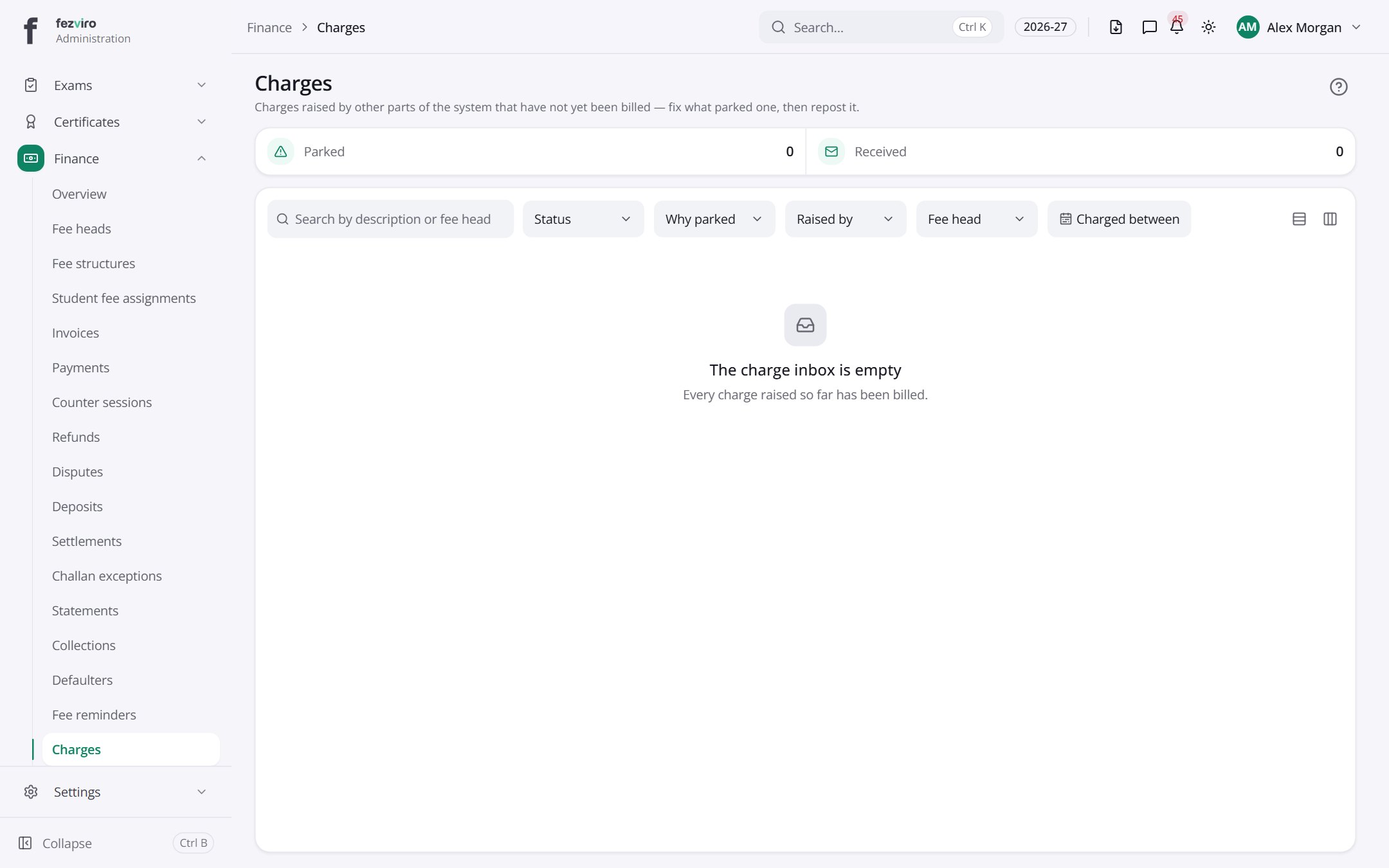
← Back to Fees & Finance overview