

Receivables ageing
What it is
How long each outside customer's bills have been unpaid.
Why it matters
Shows who is slow to pay so reminders go out at the right time.
When to use it
Finance staff check it weekly and chase the oldest debts first.
Who uses it
Administrator
How to get here
Section titled “How to get here”- Sign in as Administrator (see Signing in).
- In the left menu, click Accounting to open it.
- Click Receivables ageing.
What you see
Section titled “What you see”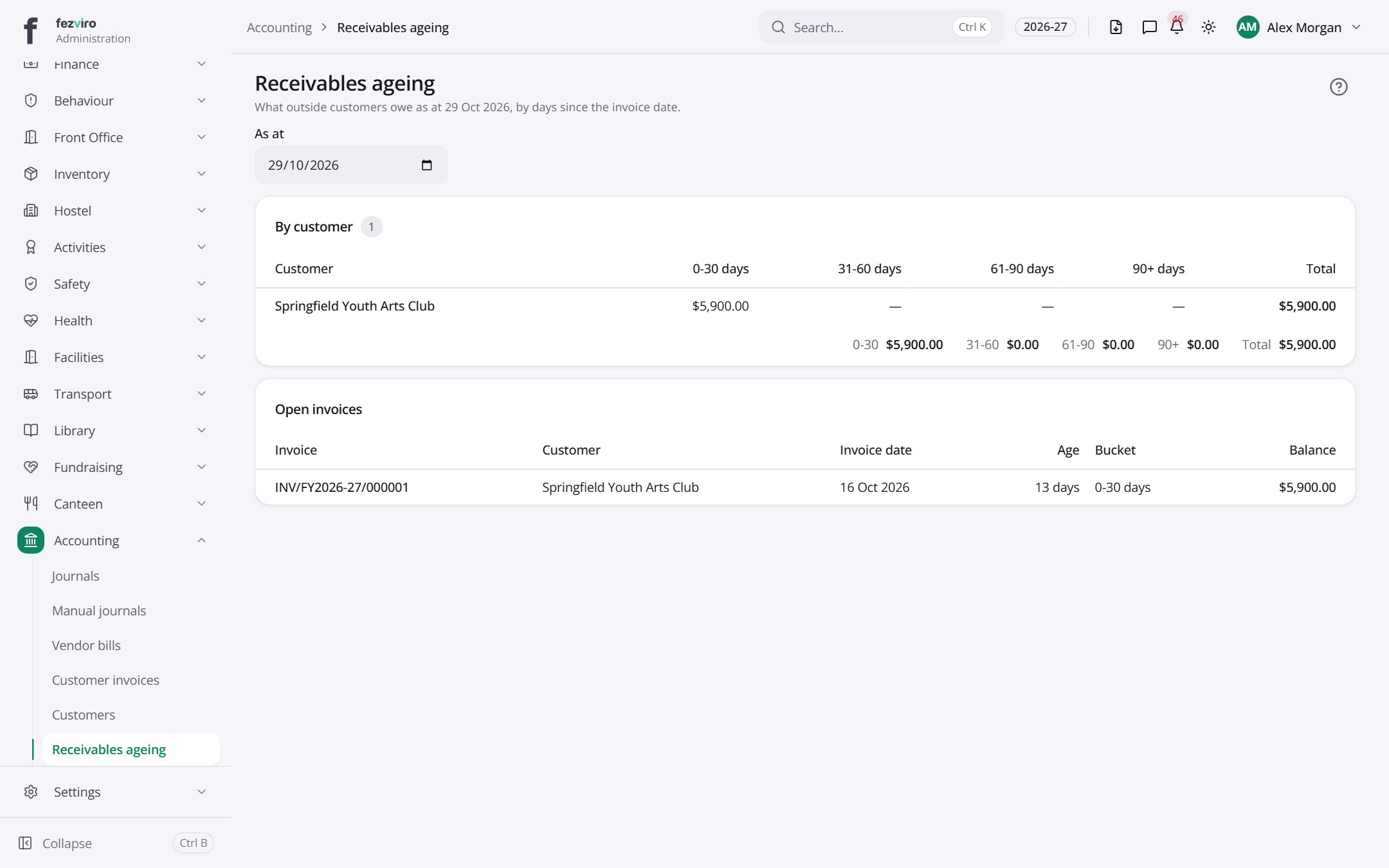
- Sections on the page: By customer, Open invoices.
- The list has these columns: Customer, 0-30 days, 31-60 days, 61-90 days, 90+ days, Total, Invoice, Invoice date, Age, Bucket, Balance. Click a column name to sort by it.
← Back to Accounting overview