

Settings
What it is
Your own account settings, such as security and notification choices.
Why it matters
Puts personal account controls in one easy place.
When to use it
Anyone signed in opens this to change their own account details.
Who uses it
Administrator
How to get here
Section titled “How to get here”- Sign in as Administrator (see Signing in).
- In the left menu, click Platform to open it.
- Click Settings.
What you see
Section titled “What you see”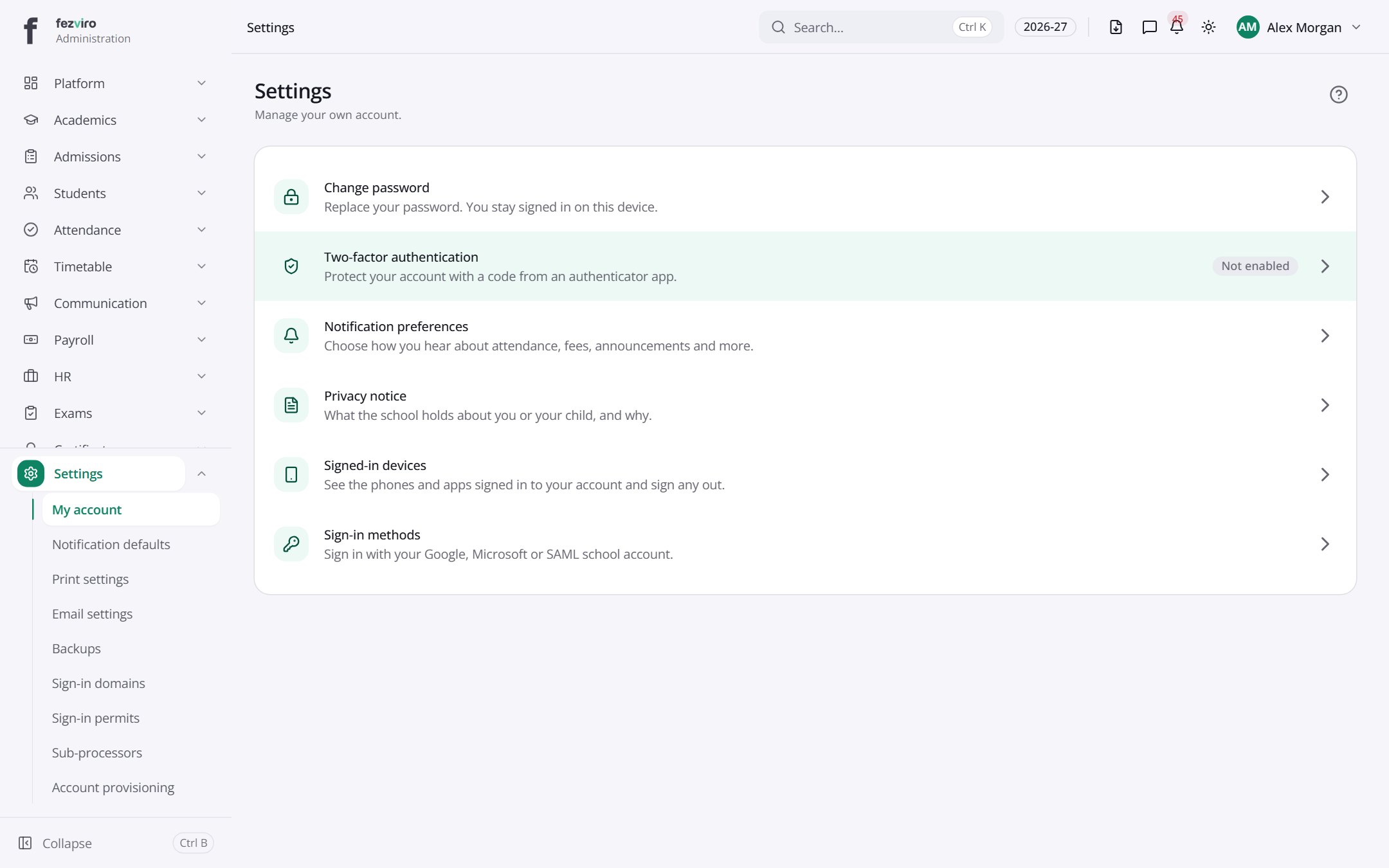
← Back to Platform & Security overview