

Applications
What it is
Every submitted application, in one list you can search and filter.
Why it matters
Lets the review team see all applicants and where each one stands.
When to use it
The admissions team reviews applications and moves them forward from here.
Who uses it
Administrator
How to get here
Section titled “How to get here”- Sign in as Administrator (see Signing in).
- In the left menu, click Admissions to open it.
- Click Applications.
What you see
Section titled “What you see”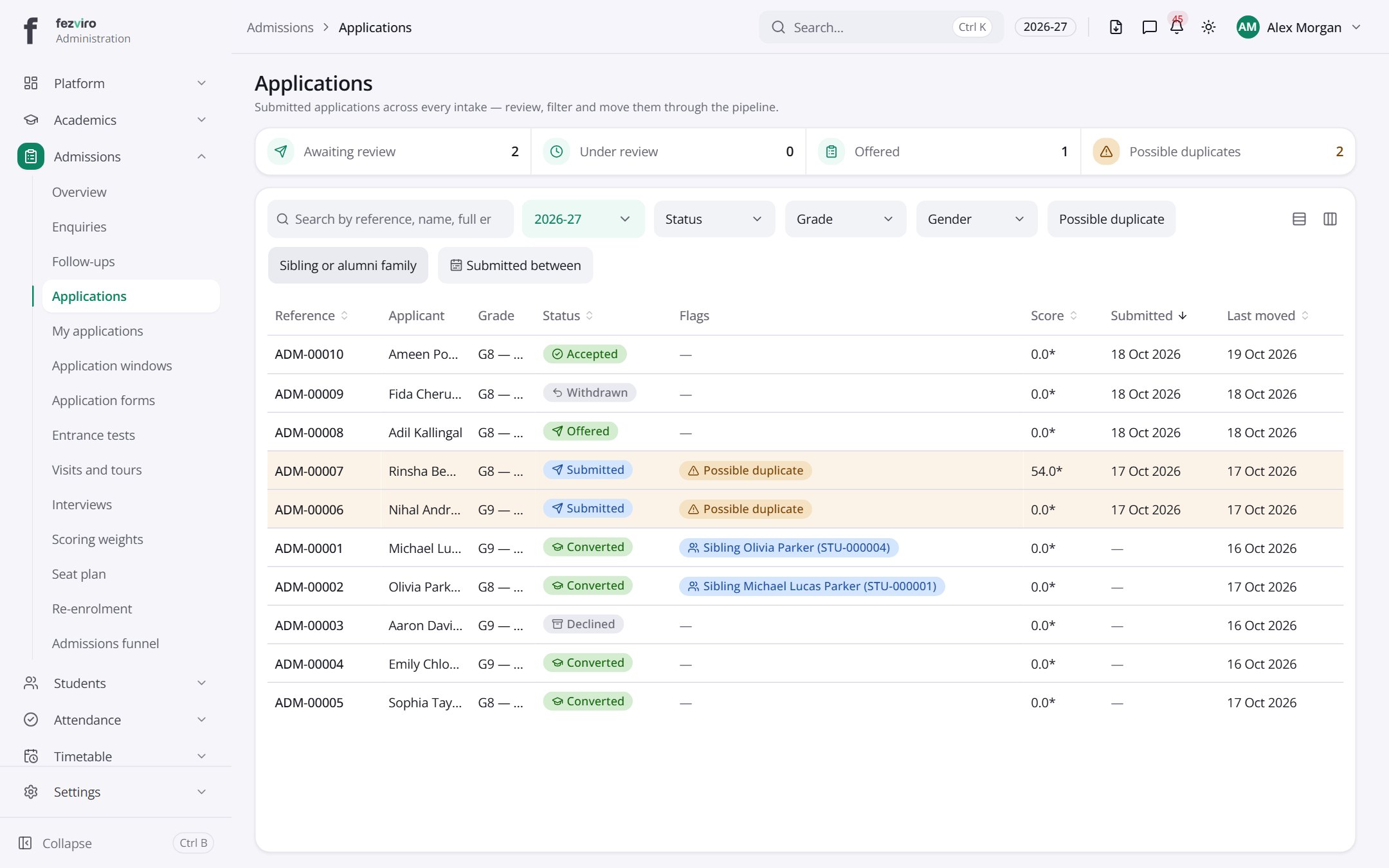
- The list has these columns: Reference, Applicant, Grade, Status, Flags, Score, Submitted, Last moved. Click a column name to sort by it.
← Back to Admissions overview