

Remark bank
What it is
A shared list of pre-written remarks for report cards.
Why it matters
Keeps comments consistent and saves teachers writing the same line again.
When to use it
Teachers pick or add phrases when writing report card remarks.
Who uses it
Administrator
How to get here
Section titled “How to get here”- Sign in as Administrator (see Signing in).
- In the left menu, click Exams to open it.
- Click Remark bank.
What you see
Section titled “What you see”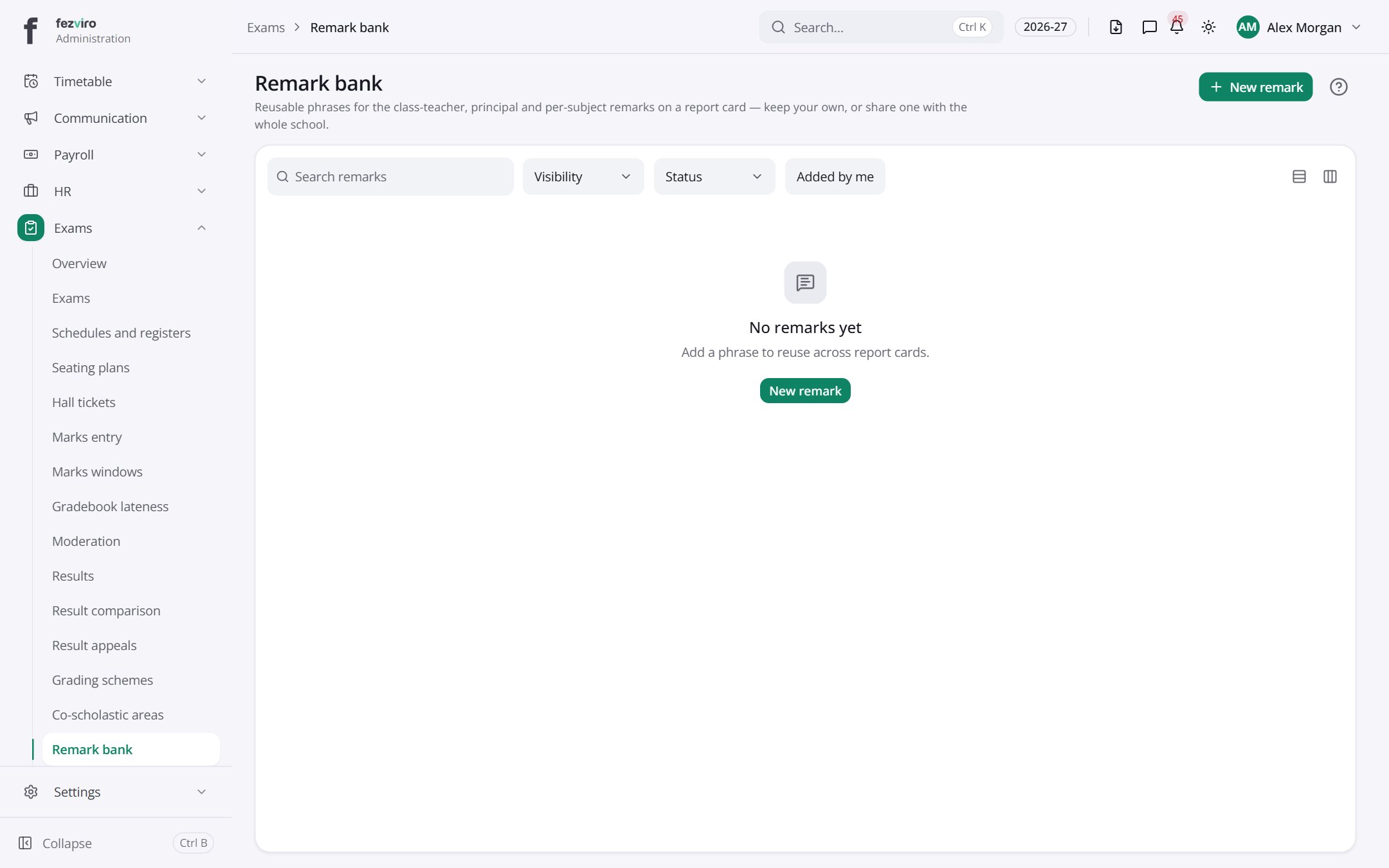
Buttons on this screen
Section titled “Buttons on this screen”- New remark — opens a form to add a new one. See Filling in the form below.
← Back to Exams & Grading overview