

Discount rules
What it is
Rules that reduce fees for families who qualify.
Why it matters
Applies agreed reductions the same way every time, with a clear record.
When to use it
Principals set the rules and limits; staff apply them to eligible students' bills.
Who uses it
Administrator
How to get here
Section titled “How to get here”- Sign in as Administrator (see Signing in).
- In the left menu, click Fees to open it.
- Click Discount rules.
What you see
Section titled “What you see”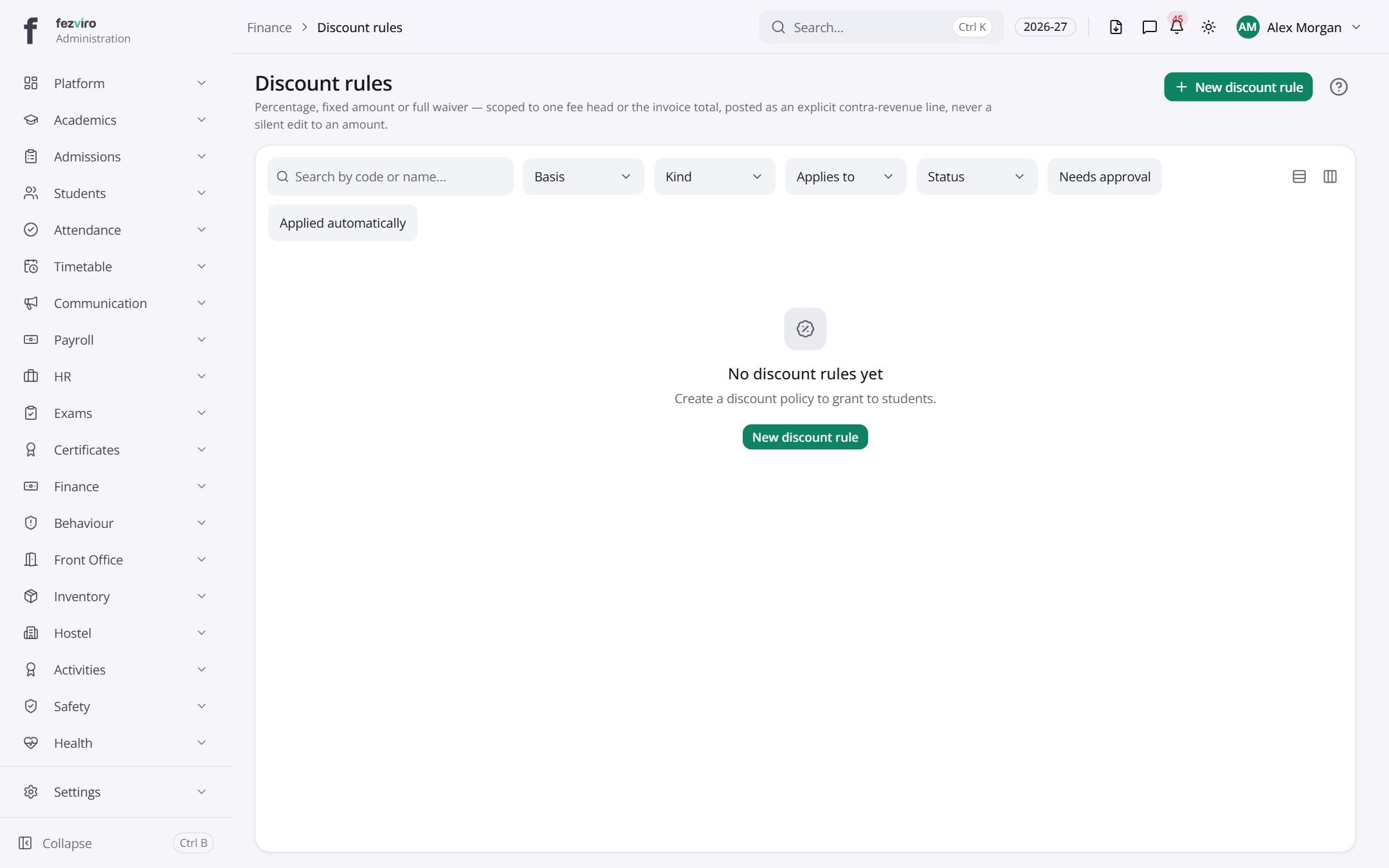
Buttons on this screen
Section titled “Buttons on this screen”- New discount rule — opens a form to add a new one. See Filling in the form below.
Filling in the form
Section titled “Filling in the form”- Click the New discount rule button at the top right.
- Fill in the boxes. Boxes marked with a red * must be filled in (5 on this form).
- Click Save at the bottom. If something is missing, the box turns red and tells you what to fix.
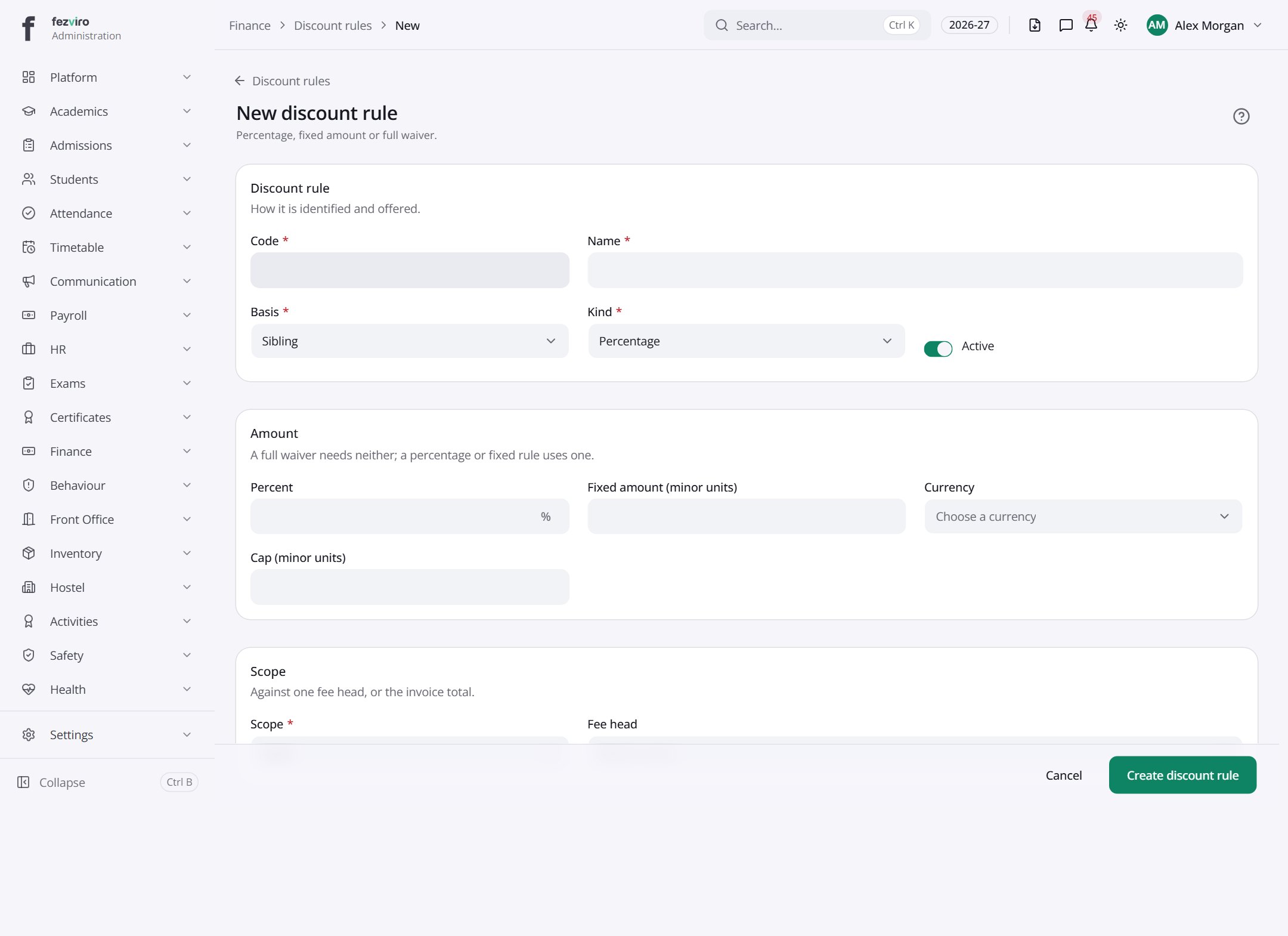
The fields
Section titled “The fields”| Field | Type | What to enter, and why |
|---|---|---|
| Code * | text | A short code for this discount, such as SIB-10. Must be unique. |
| Name * | text | A clear name for the discount, such as Sibling discount. |
| Basis * | choose | Pick what decides whether the discount applies. |
| Kind * | choose | Pick whether the discount is a percentage or a fixed amount. |
| Active | switch | Tick to let this discount be used. Untick to switch it off. |
| Percent | number | The percentage taken off, such as 10 for ten percent. |
| Fixed amount (minor units) | number | The flat amount off in the smallest money unit. Type 500 for 5.00. |
| Currency | choose | Pick the currency the fixed amount is written in. |
| Cap (minor units) | number | The most the discount can give, in the smallest money unit. |
| Scope * | choose | Pick which fees the discount applies to: all of them or one fee. |
| Fee head | choose | Pick the one fee this discount applies to. |
| Requires approval | switch | Tick if someone senior must approve before this discount is used. |
| Approval threshold (minor units) | number | Discounts above this amount need approval, in the smallest money unit. |
| Applies automatically | switch | Tick to give this discount without anyone having to ask for it. |
Types: text — type it in · number — digits only · date — click and pick from the calendar · choose — click and pick one from the list · pick one — click one of the options · switch / tick box — click to turn on or off · long text — type as much as you need · file — click to attach a file from your computer.
← Back to Fees & Finance overview