

Keyword filters
What it is
Words that hold back messages for a human check before sending.
Why it matters
Catches inappropriate or sensitive wording before it reaches families.
When to use it
Administrators add or change words so flagged messages reach the right reviewer.
Who uses it
Administrator
How to get here
Section titled “How to get here”- Sign in as Administrator (see Signing in).
- In the left menu, click Communication to open it.
- Click Keyword filters.
What you see
Section titled “What you see”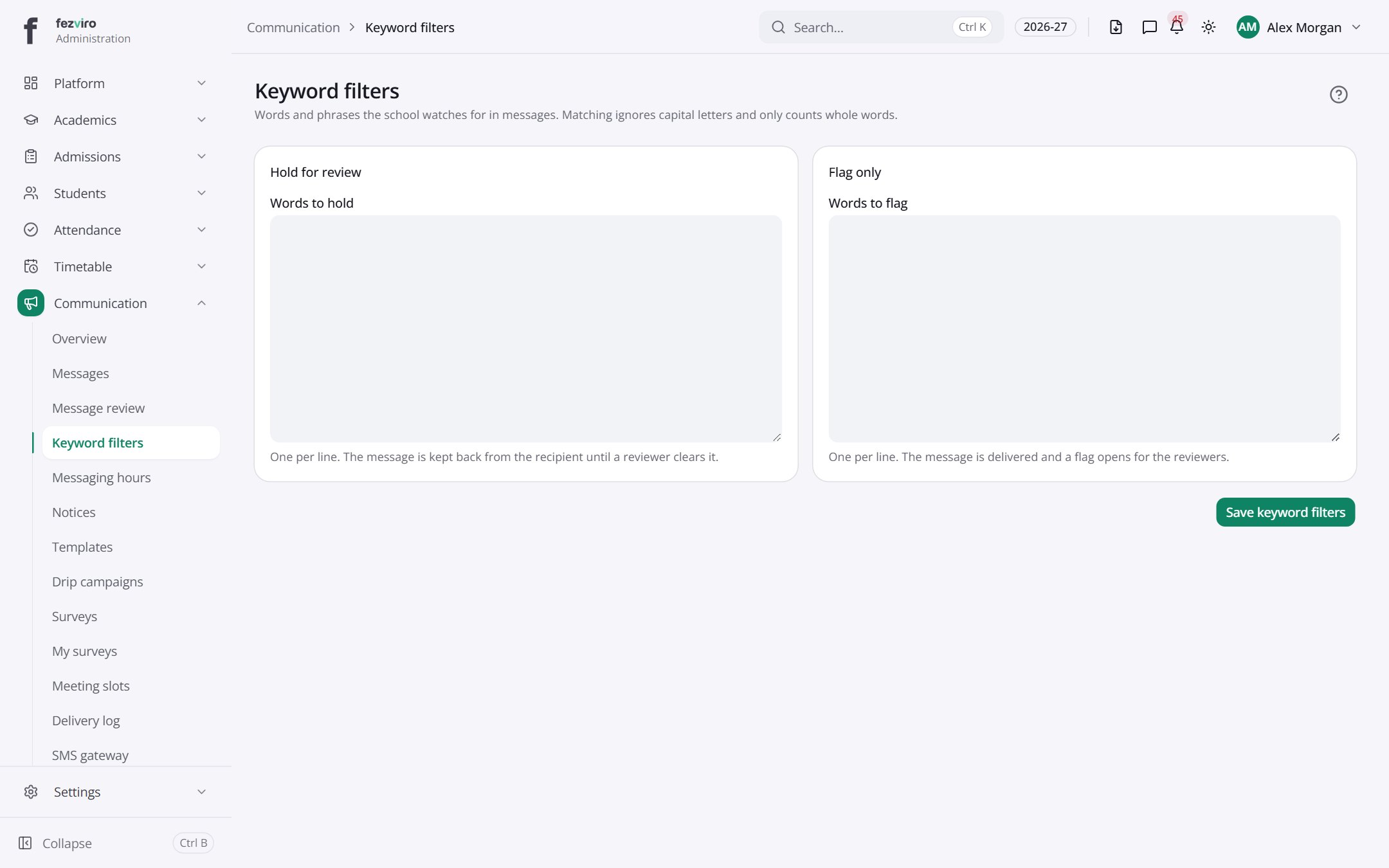
- Sections on the page: Hold for review, Flag only.
← Back to Communication overview