

Saved reports
What it is
Reports saved for reuse, and reports shared with you.
Why it matters
Saves time by reopening the same report with its choices kept.
When to use it
Staff open a saved report; each one shows only the rows they may see.
Who uses it
Administrator
How to get here
Section titled “How to get here”- Sign in as Administrator (see Signing in).
- In the left menu, click Reports to open it.
- Click Saved reports.
What you see
Section titled “What you see”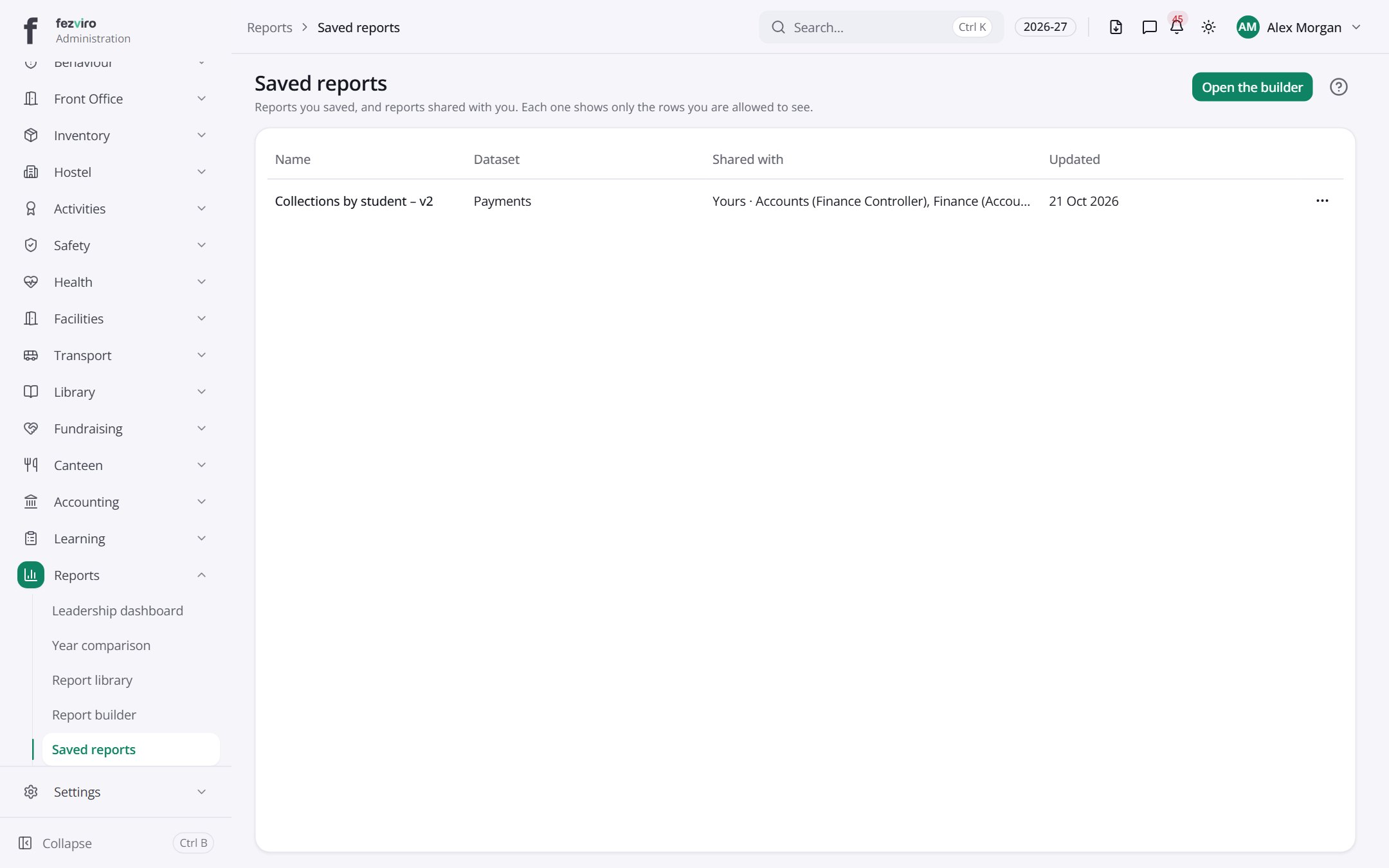
- The list has these columns: Name, Dataset, Shared with, Updated, Actions. Click a column name to sort by it.
Buttons on this screen
Section titled “Buttons on this screen”- Open the builder — does what it says on the button.
← Back to Reports & Analytics overview