

Roles & permissions
What it is
The sets of permissions that decide what each role can do.
Why it matters
Gives each staff role exactly the access its job needs.
When to use it
Administrators adjust which abilities each role has.
Who uses it
Administrator
How to get here
Section titled “How to get here”- Sign in as Administrator (see Signing in).
- In the left menu, click Platform to open it.
- Click Roles & permissions.
What you see
Section titled “What you see”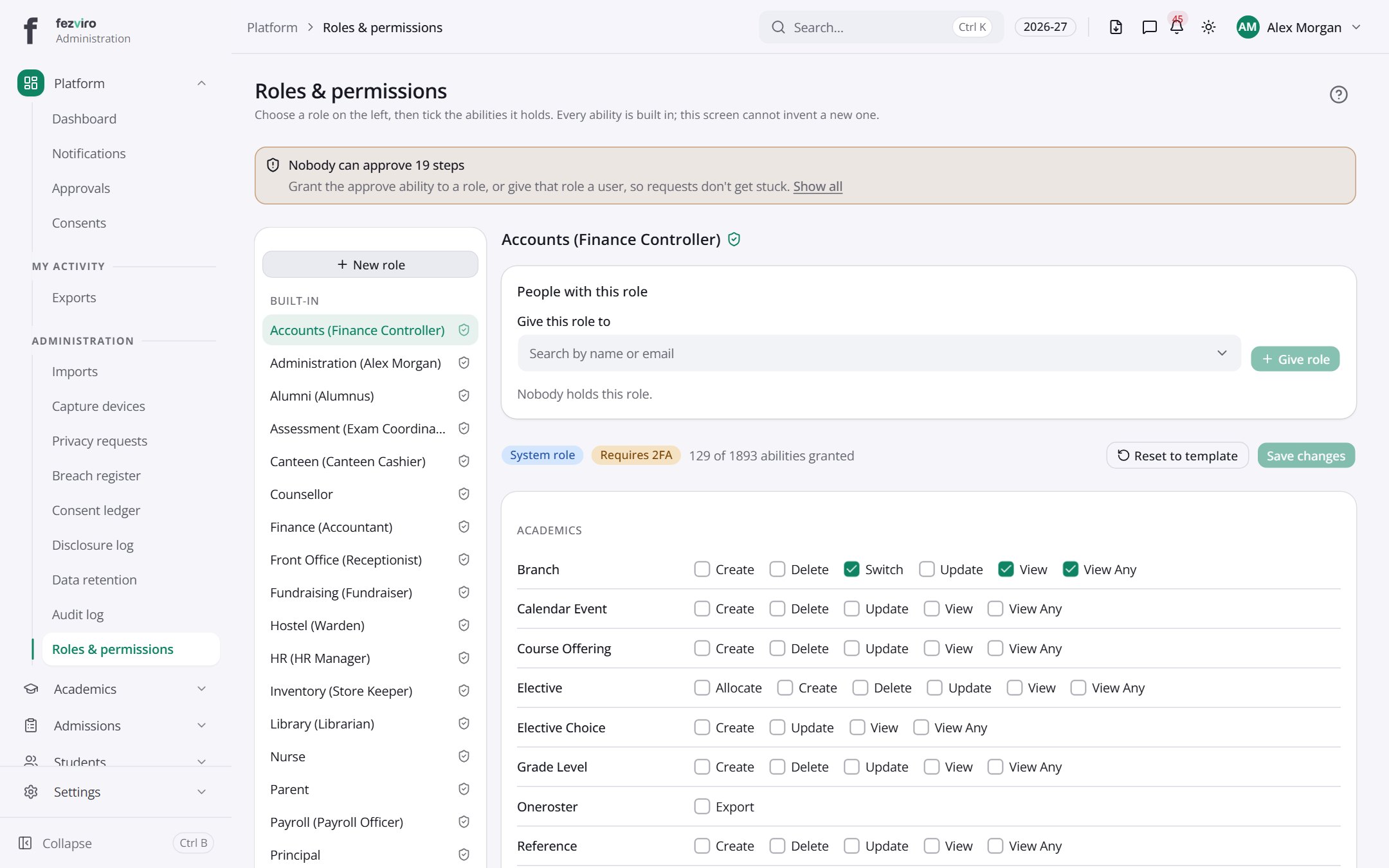
- Sections on the page: Built-in, Created by the school, Accounts (Finance Controller), People with this role, Academics, Accounting, Activities, Admissions.
← Back to Platform & Security overview