

Year comparison
What it is
School years side by side, or one intake class followed over time.
Why it matters
Shows whether results and numbers are improving across the years.
When to use it
Principals compare years and see only the pupils they are allowed to see.
Who uses it
Administrator
How to get here
Section titled “How to get here”- Sign in as Administrator (see Signing in).
- In the left menu, click Reports to open it.
- Click Year comparison.
What you see
Section titled “What you see”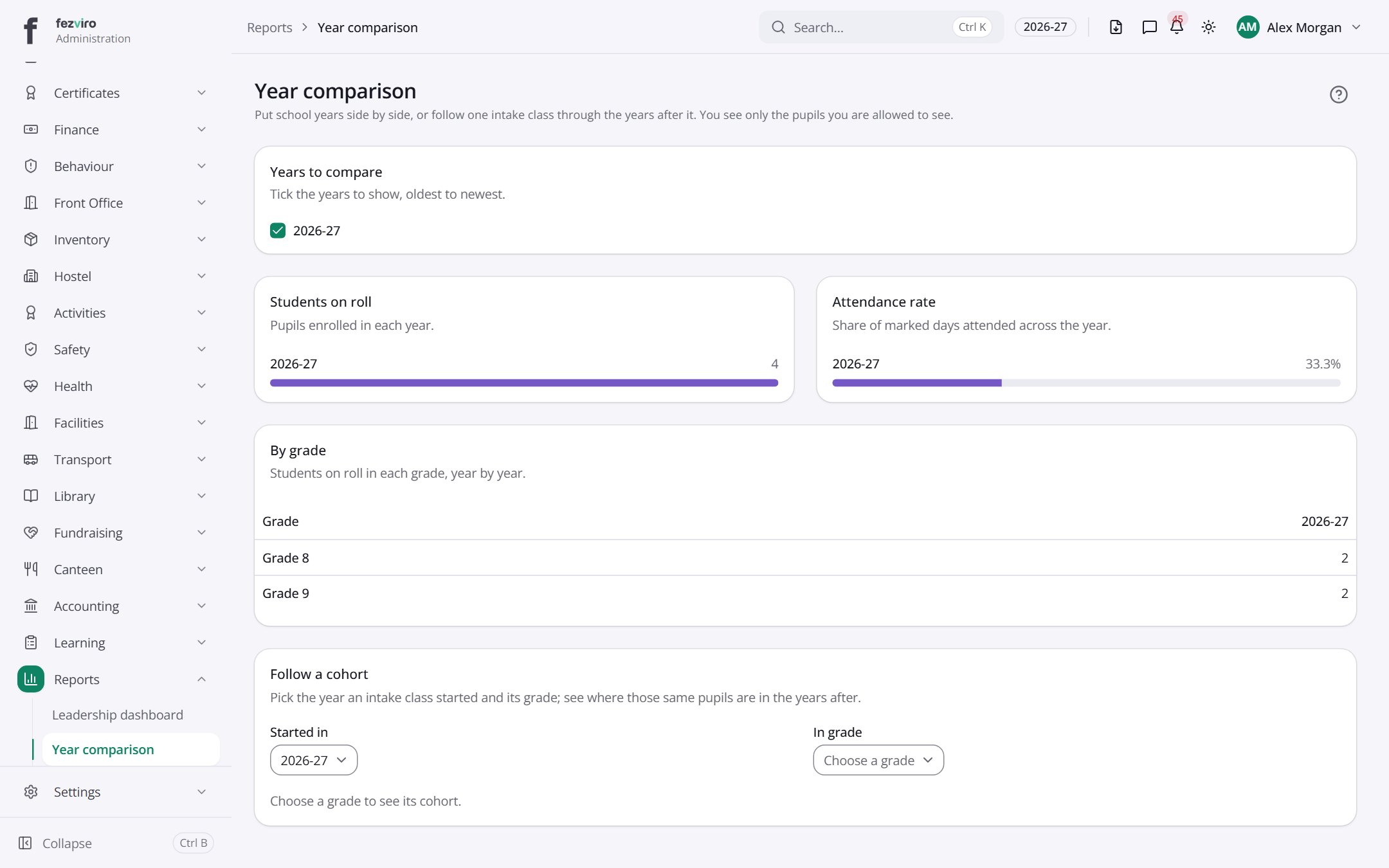
- Sections on the page: Years to compare, Students on roll, Attendance rate, By grade, Follow a cohort.
- The list has these columns: Grade, 2026-27. Click a column name to sort by it.
← Back to Reports & Analytics overview