

Campus map
What it is
A map of the campus with each building, floor and room.
Why it matters
Helps visitors and new staff find their way around quickly.
When to use it
Staff and visitors find a room, then see its details on the plan.
Who uses it
Administrator
How to get here
Section titled “How to get here”- Sign in as Administrator (see Signing in).
- In the left menu, click Facilities to open it.
- Click Campus map.
What you see
Section titled “What you see”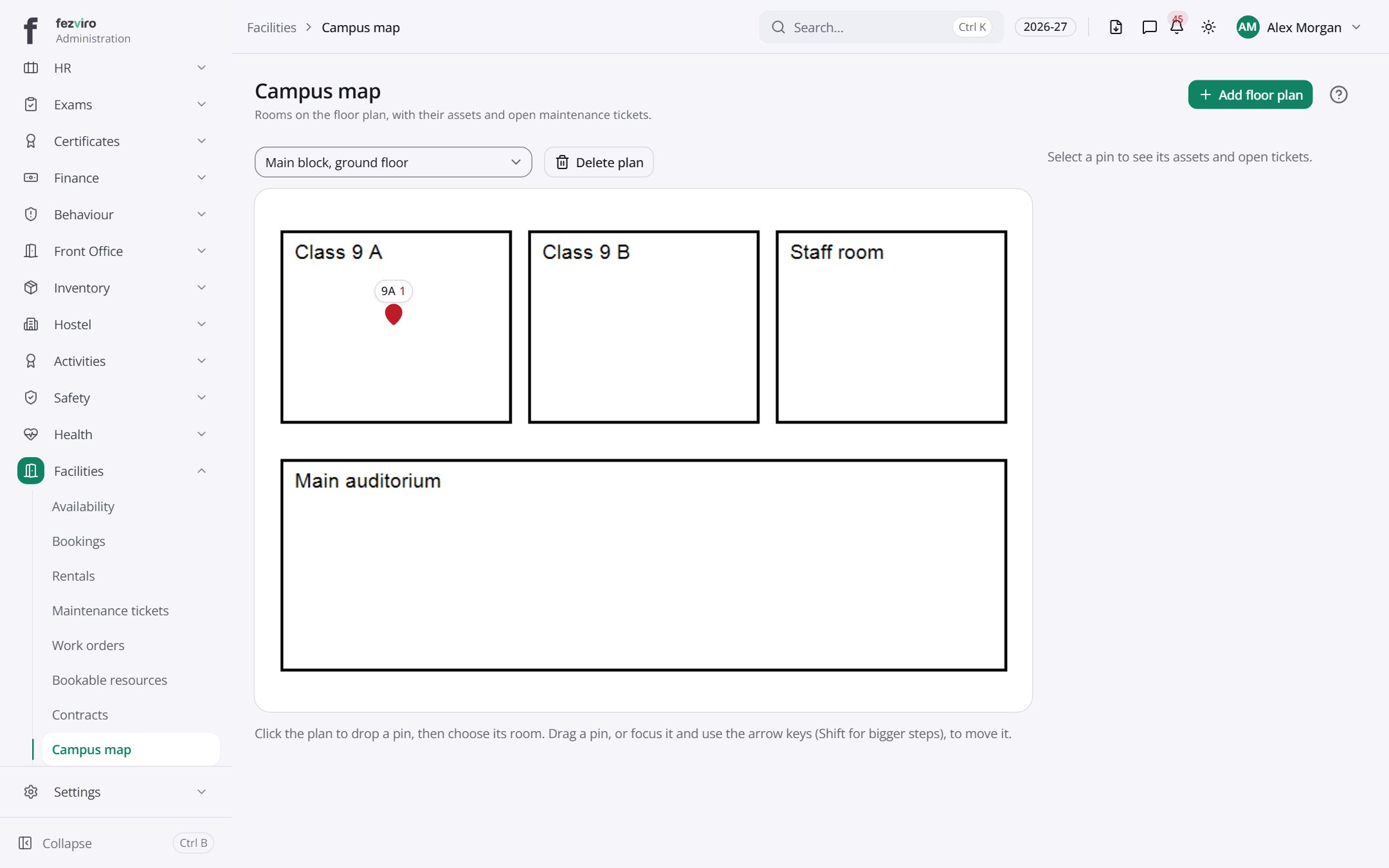
Buttons on this screen
Section titled “Buttons on this screen”- Add floor plan — opens a form to add a new one. See Filling in the form below.
← Back to Facilities overview