

Year rollover
What it is
A guided page with four panels for moving the school into a new year.
Why it matters
Copies last year's structure forward instead of rebuilding it by hand.
When to use it
The office runs this once a year, before the new year opens.
Who uses it
Administrator
How to get here
Section titled “How to get here”- Sign in as Administrator (see Signing in).
- In the left menu, click Academics to open it.
- Click Year rollover.
What you see
Section titled “What you see”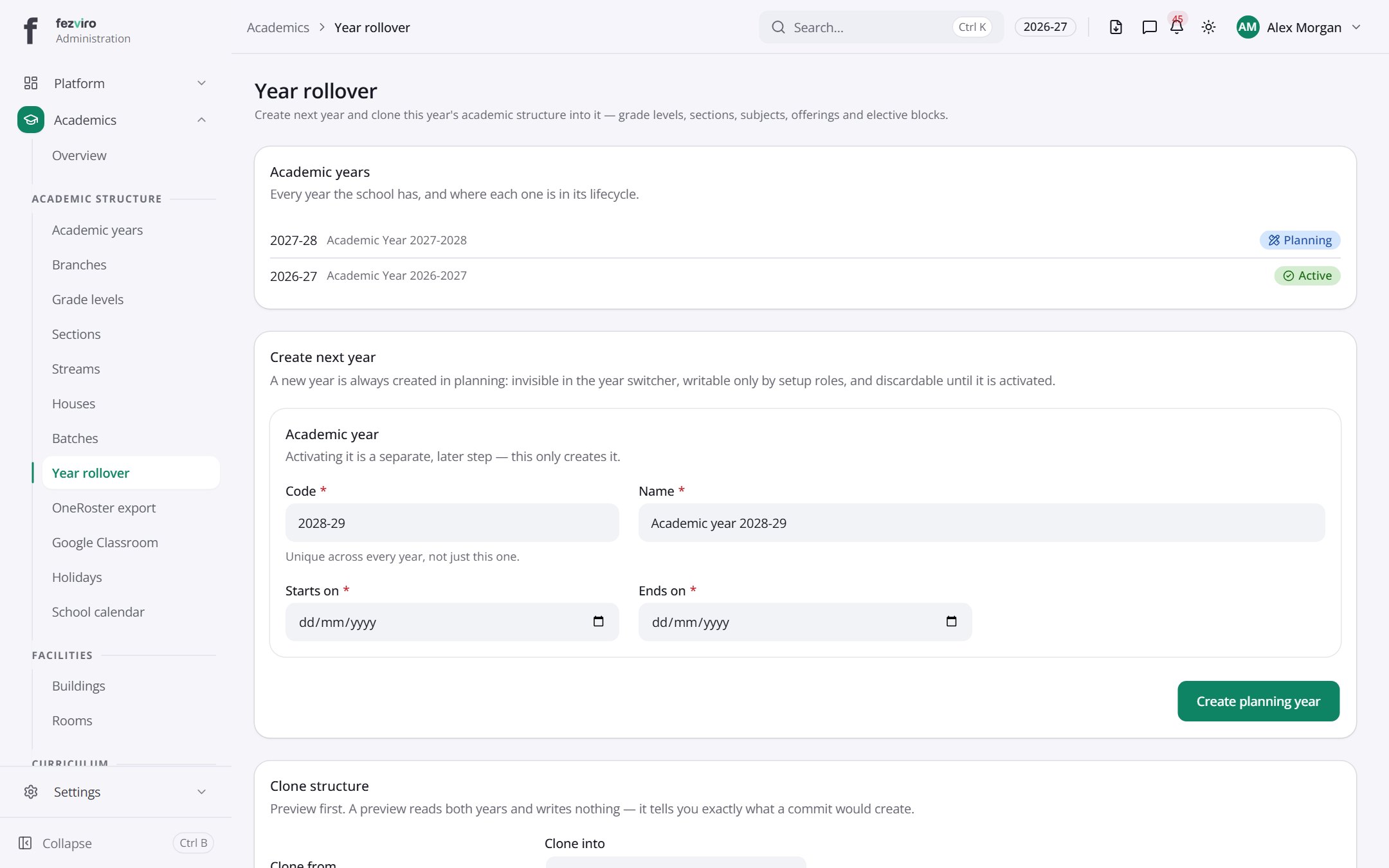
- Sections on the page: Academic years, Create next year, Academic year, Clone structure, Proposal — 2026-27 into 2027-28, Rollover history.
← Back to Academics overview