

Room bookings
What it is
A history of room bookings, filterable by room and status.
Why it matters
Shows which rooms were booked and whether each booking went ahead.
When to use it
Staff check past bookings; new requests are made in the facilities area.
Who uses it
Administrator
How to get here
Section titled “How to get here”- Sign in as Administrator (see Signing in).
- In the left menu, click Timetable to open it.
- Click Room bookings.
What you see
Section titled “What you see”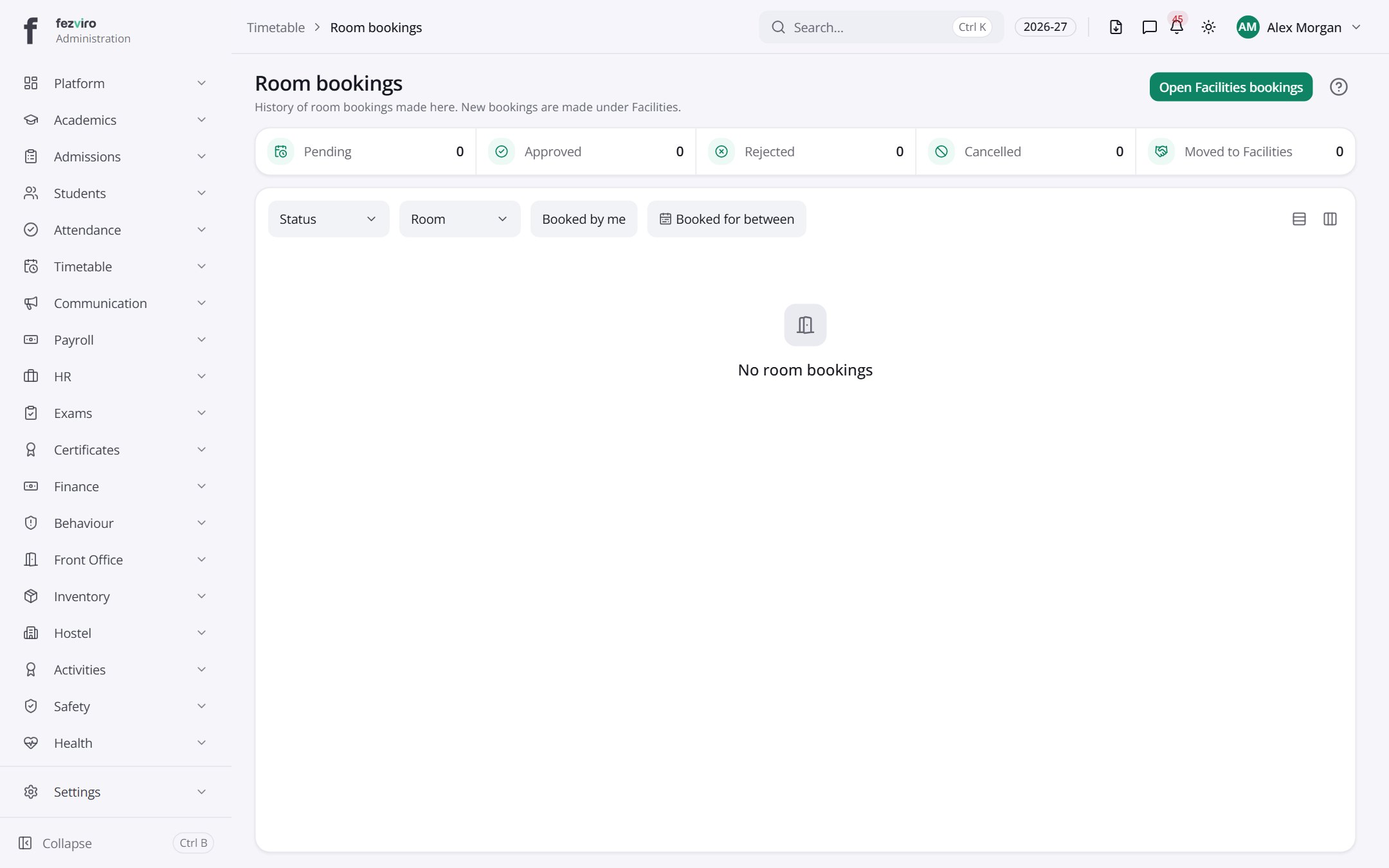
Buttons on this screen
Section titled “Buttons on this screen”- Open Facilities bookings — does what it says on the button.
← Back to Timetable overview