

Stock valuation
What it is
Stock reports showing levels, movement and value.
Why it matters
Shows what to reorder and what is sitting unused.
When to use it
Store managers and finance staff run reports for review or export.
Who uses it
Administrator
How to get here
Section titled “How to get here”- Sign in as Administrator (see Signing in).
- In the left menu, click Inventory to open it.
- Click Reports.
What you see
Section titled “What you see”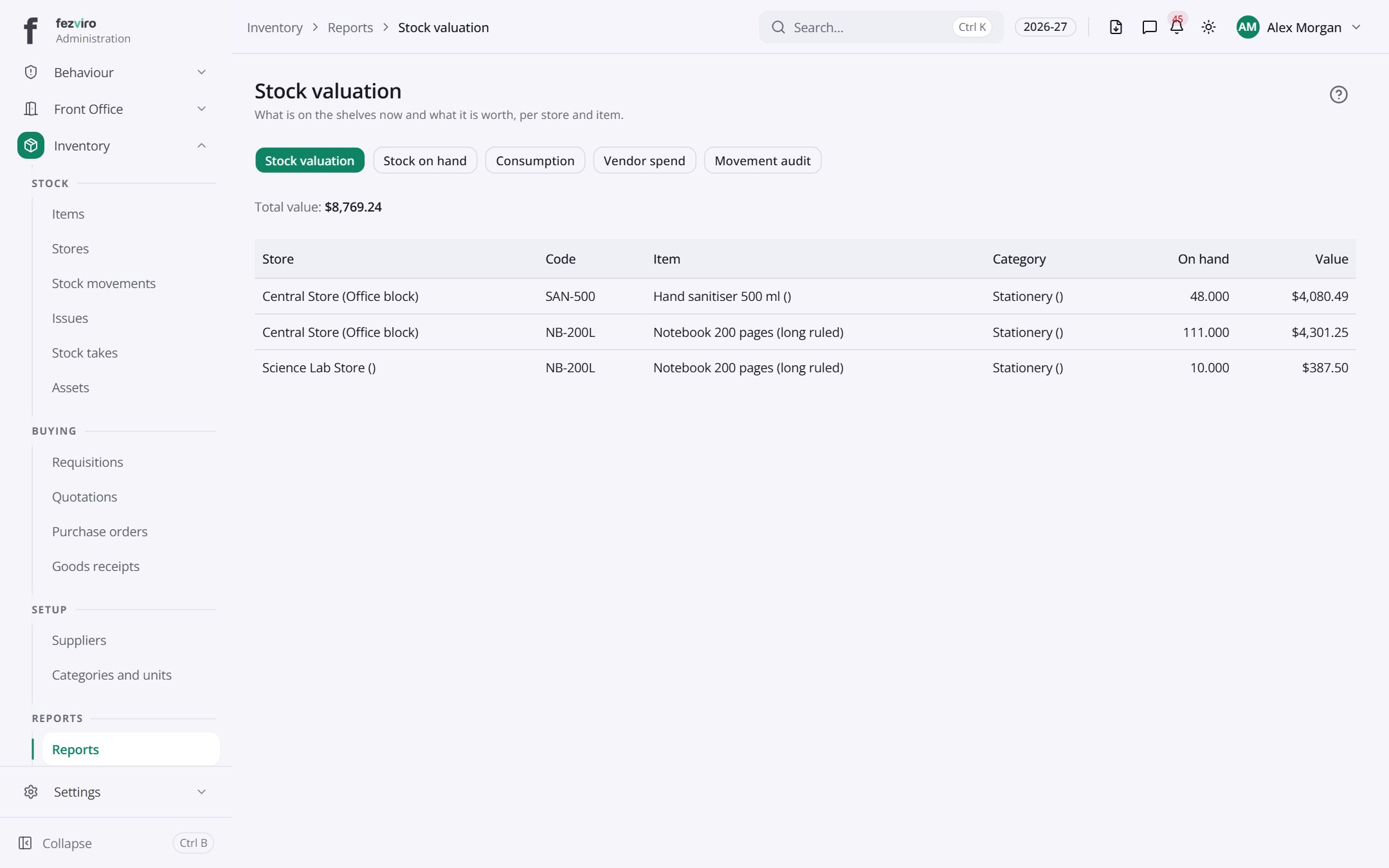
- The list has these columns: Store, Code, Item, Category, On hand, Value. Click a column name to sort by it.
← Back to Inventory & Assets overview