

Admissions dashboard
What it is
The landing page for all admissions work.
Why it matters
Shows where applications and enquiries need action right now.
When to use it
Admissions staff start here to see the day's priorities.
Who uses it
Administrator
How to get here
Section titled “How to get here”- Sign in as Administrator (see Signing in).
- In the left menu, click Admissions.
What you see
Section titled “What you see”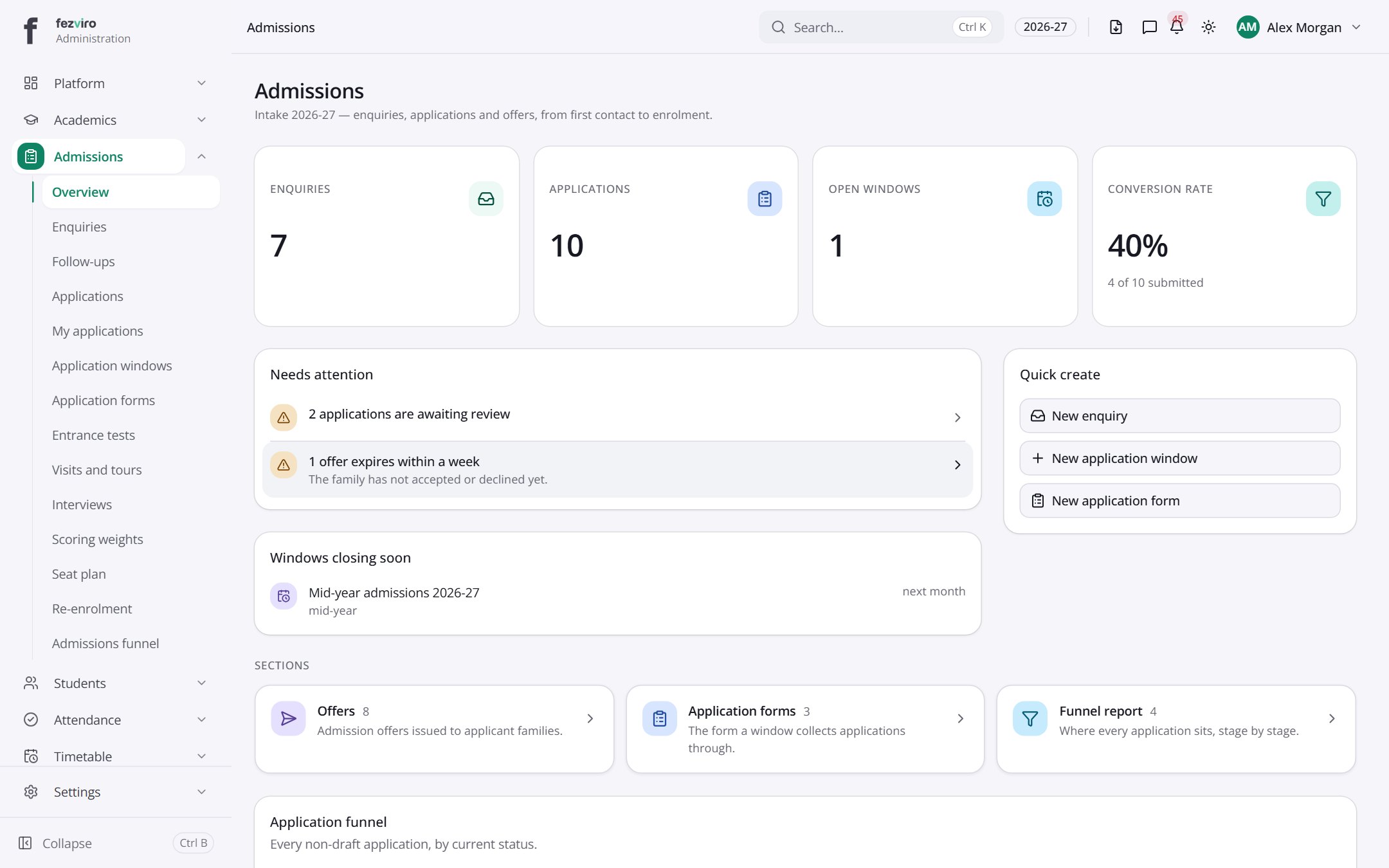
- Sections on the page: Needs attention, Windows closing soon, Quick create, Sections, Application funnel.
← Back to Admissions overview