

Certificates & ID Cards
Design and issue transfer, bonafide, character and other certificates with QR verification, and print ID cards in bulk.
👥 Office staff, principal, parents (request and download)🖥️ 12 screens📝 7 forms

What it does
Section titled “What it does”- Certificate template designer
- Transfer certificate with approval and dues check
- Bonafide, character, migration, leaving certificates
- Fee-paid and tax certificates
- QR code verification online
- Duplicate copies clearly marked
- Certificate issue register
- ID card designer, bulk print
Its screens
Section titled “Its screens”Each screen has its own page: what it is for, how to reach it, a picture, its buttons and its form.
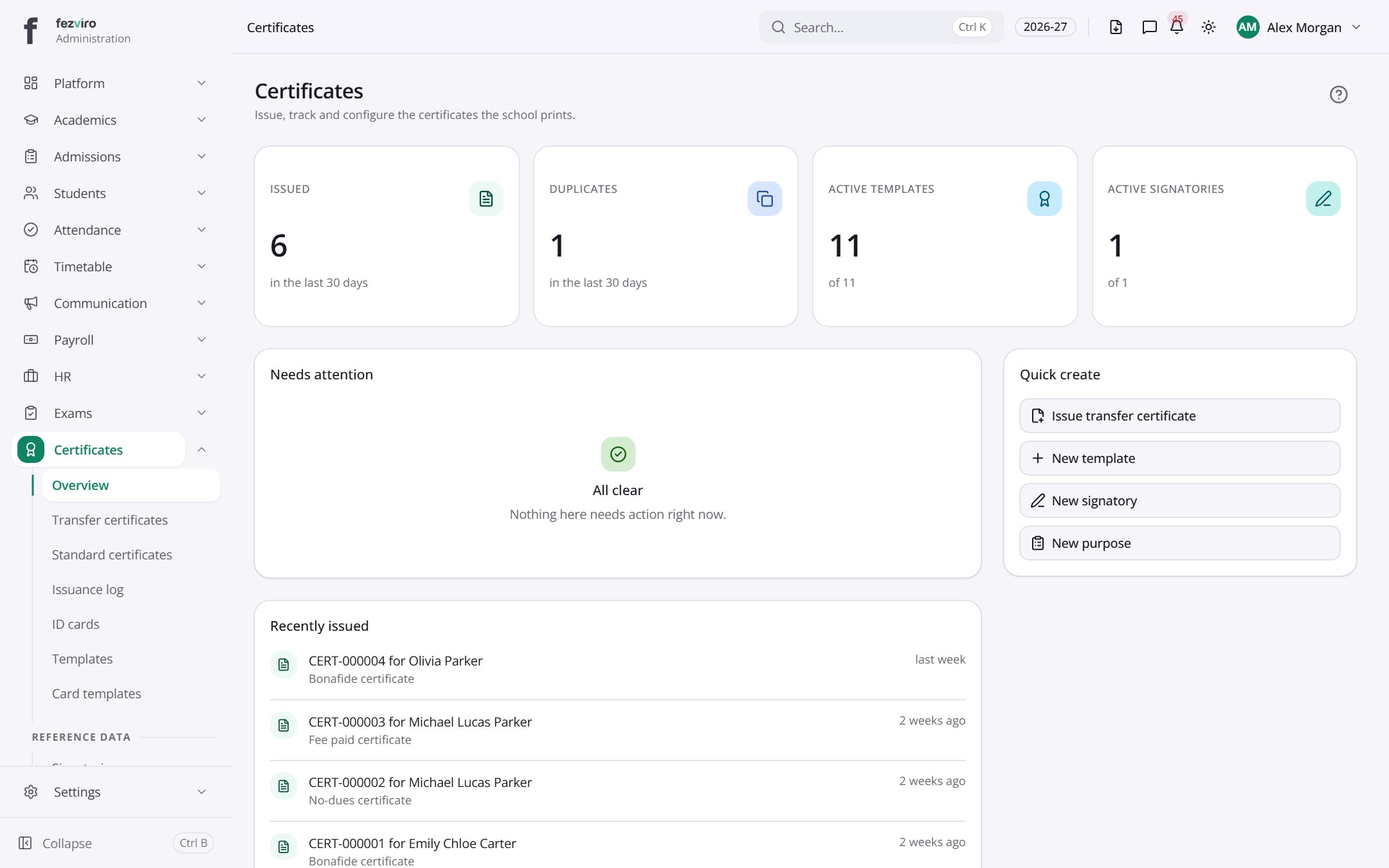 Certificates & ID Cards dashboardA summary of all certificate work in one place.
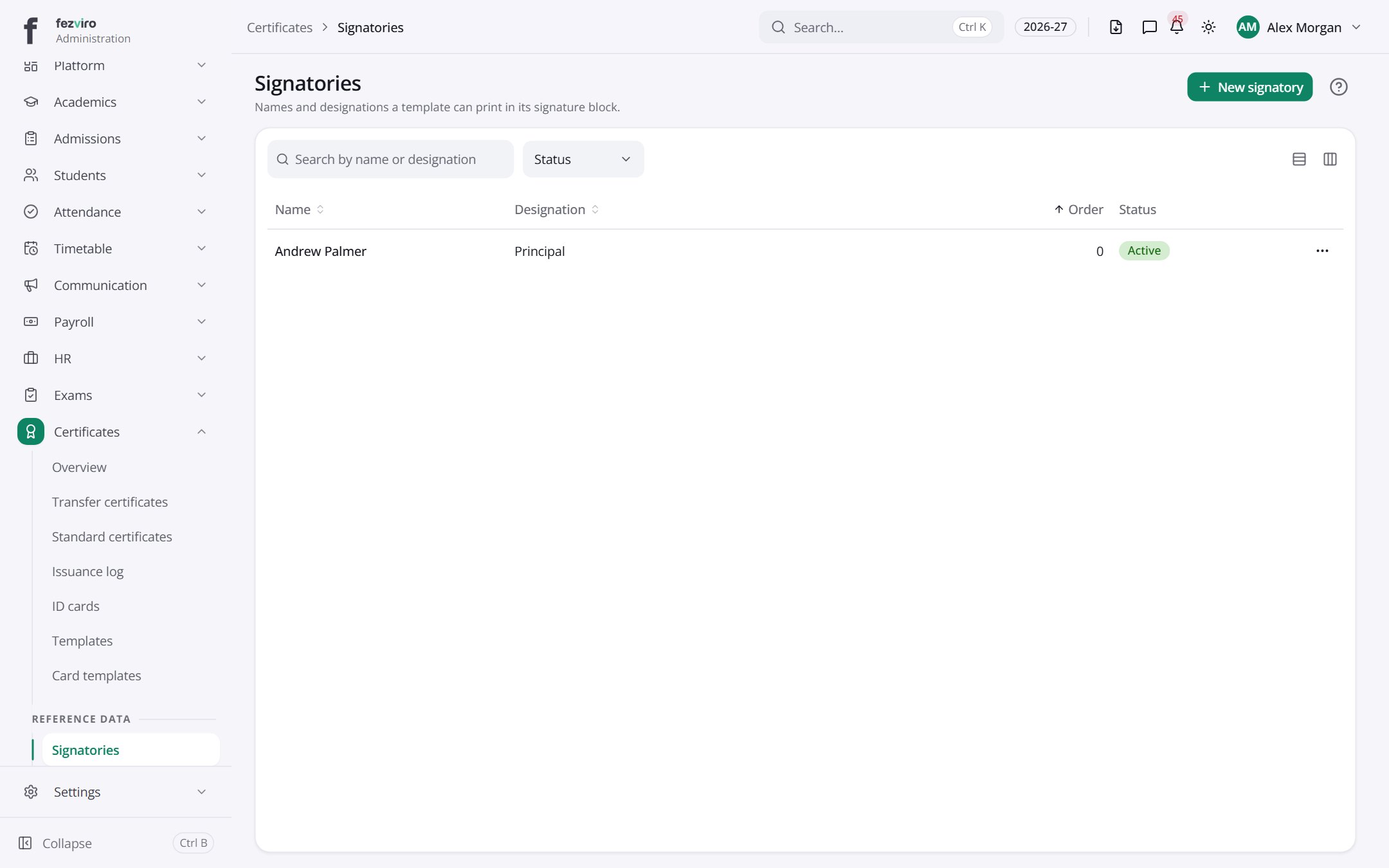 SignatoriesSaved signature blocks for the people who sign certificates.has a form
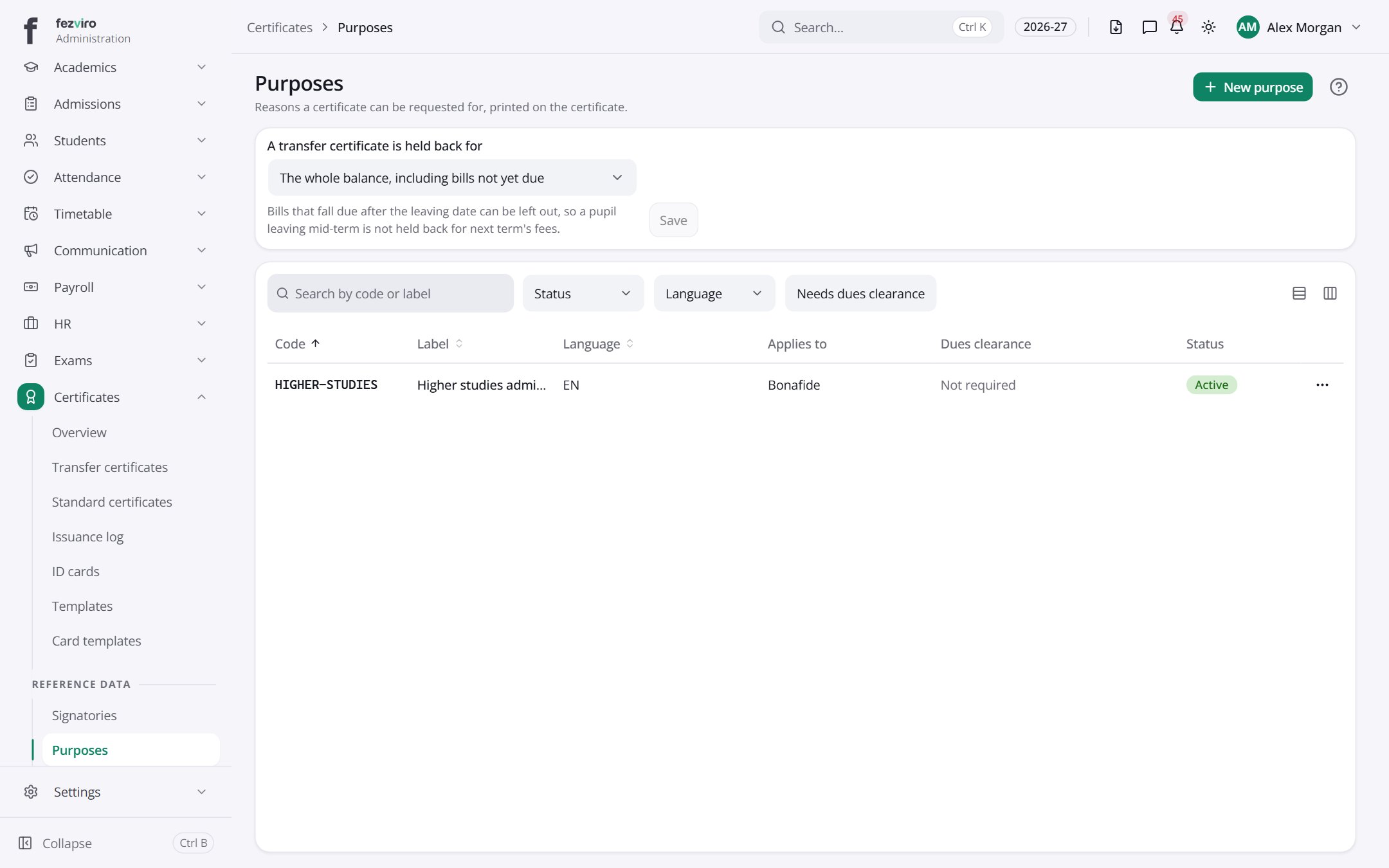 PurposesThe reasons a certificate can be issued, such as bank or visa.has a form
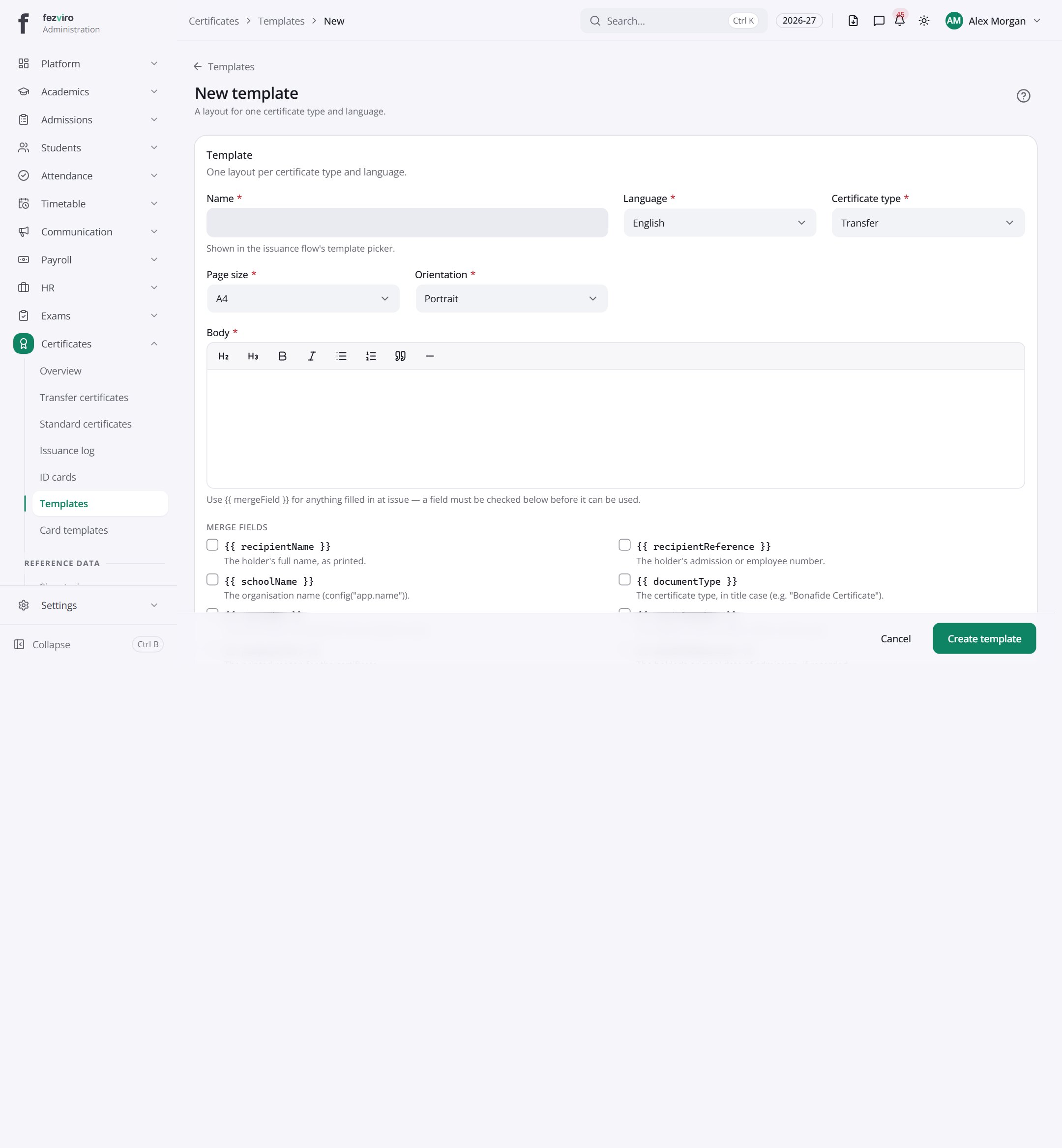 New: New templateA layout for one certificate type and language.has a form
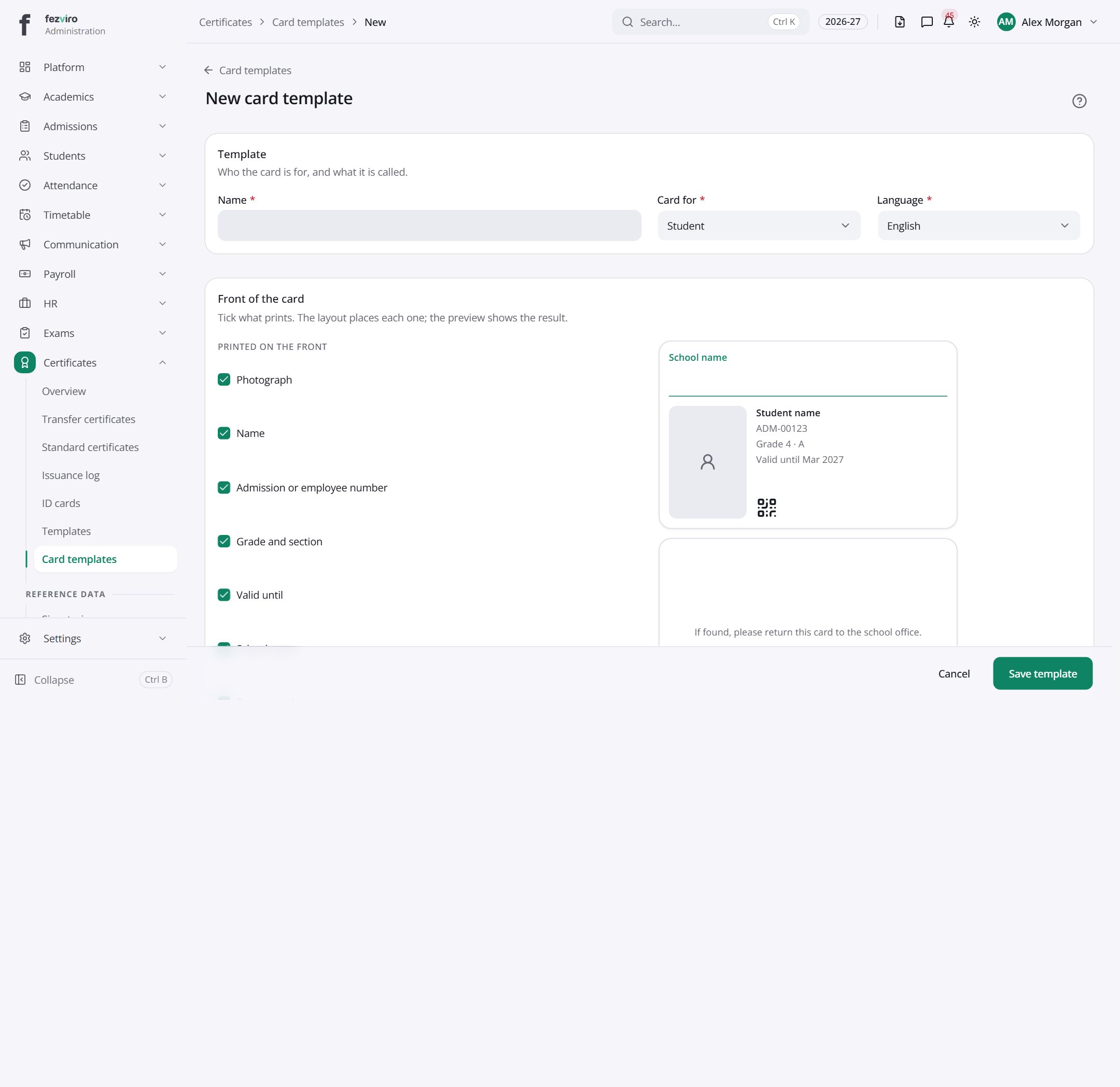 New: New card templatehas a form
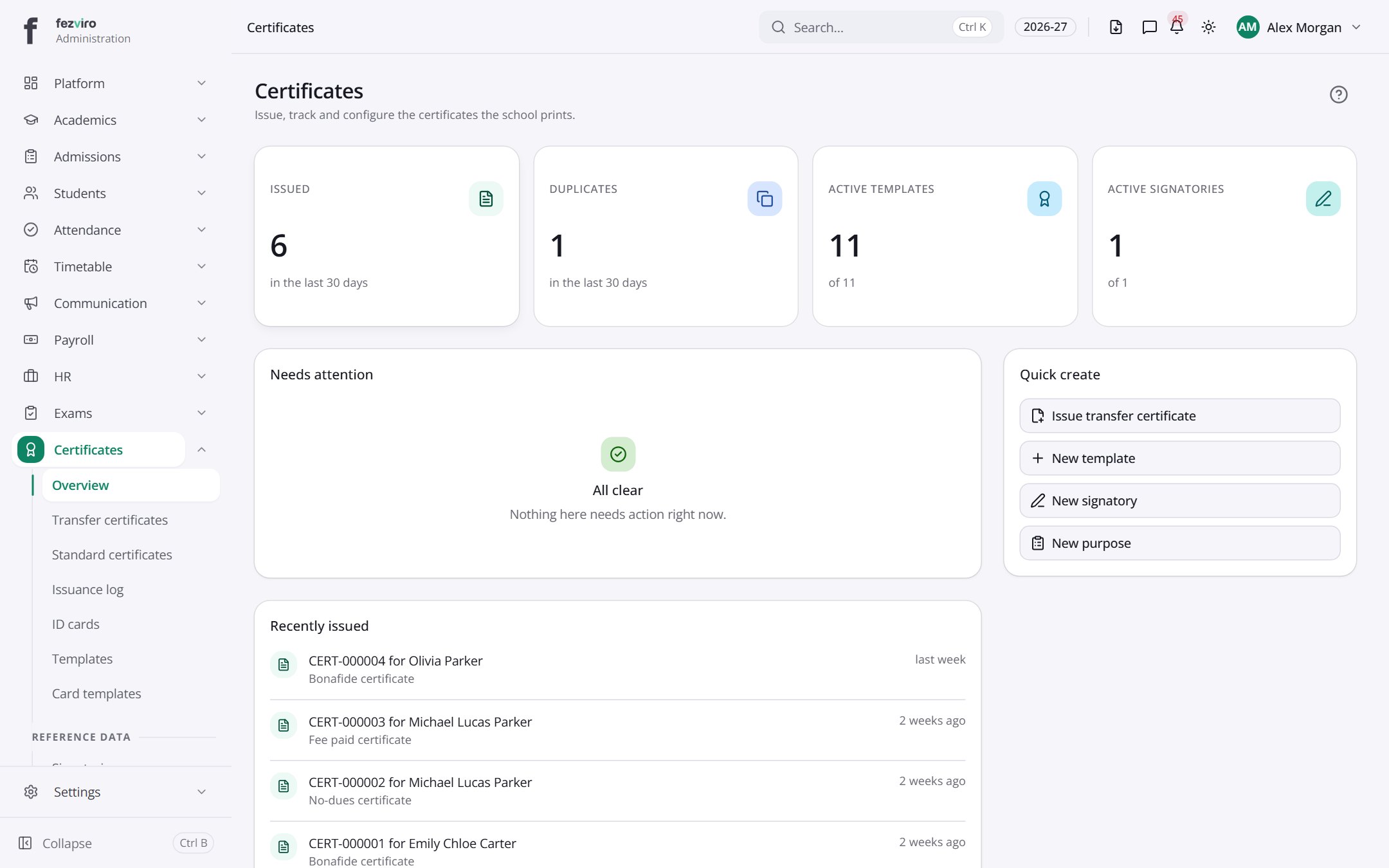 CertificatesThe landing page for certificates and ID cards.
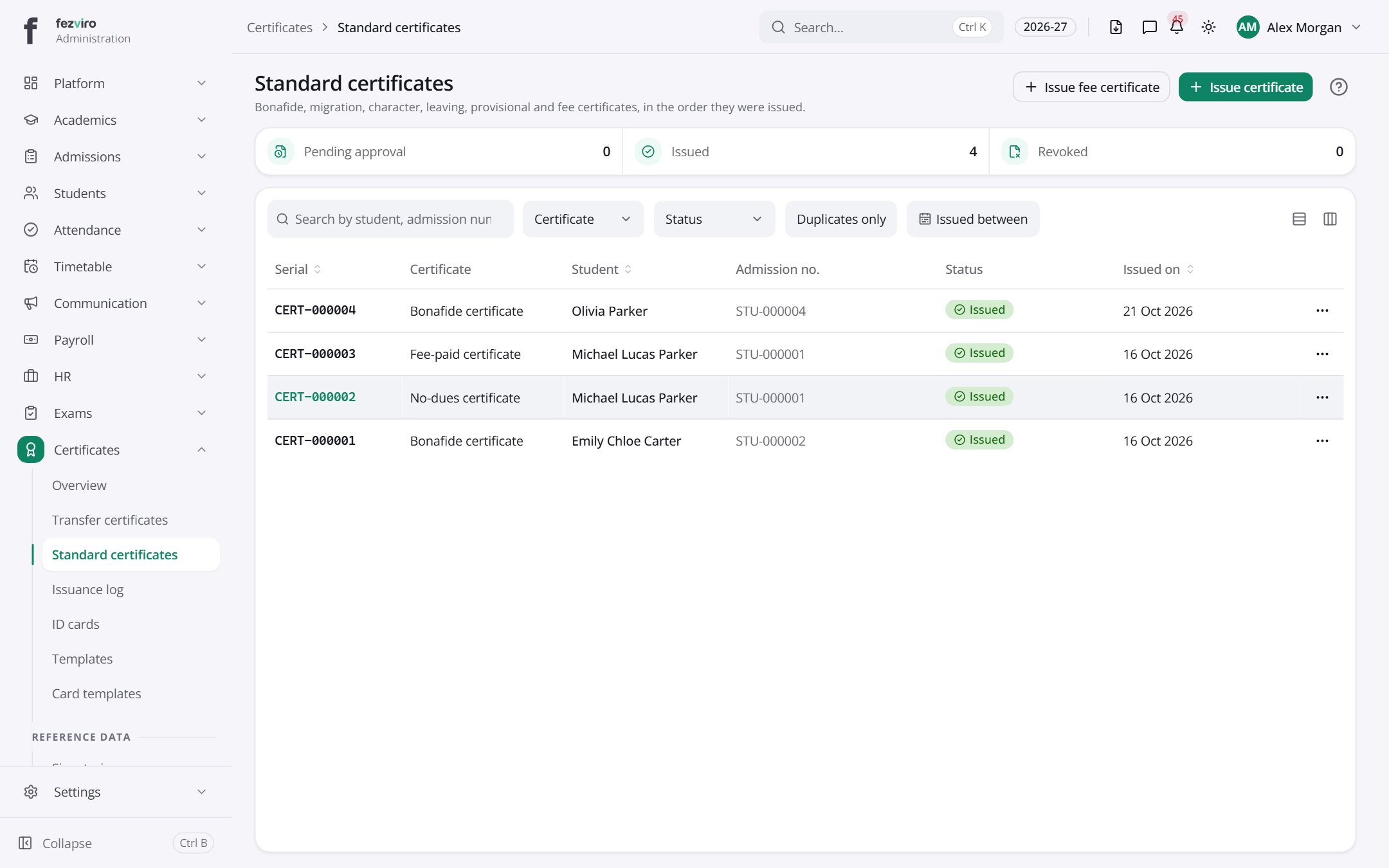 Standard certificatesA register of bonafide, leaving, character and other standard certificates.has a form
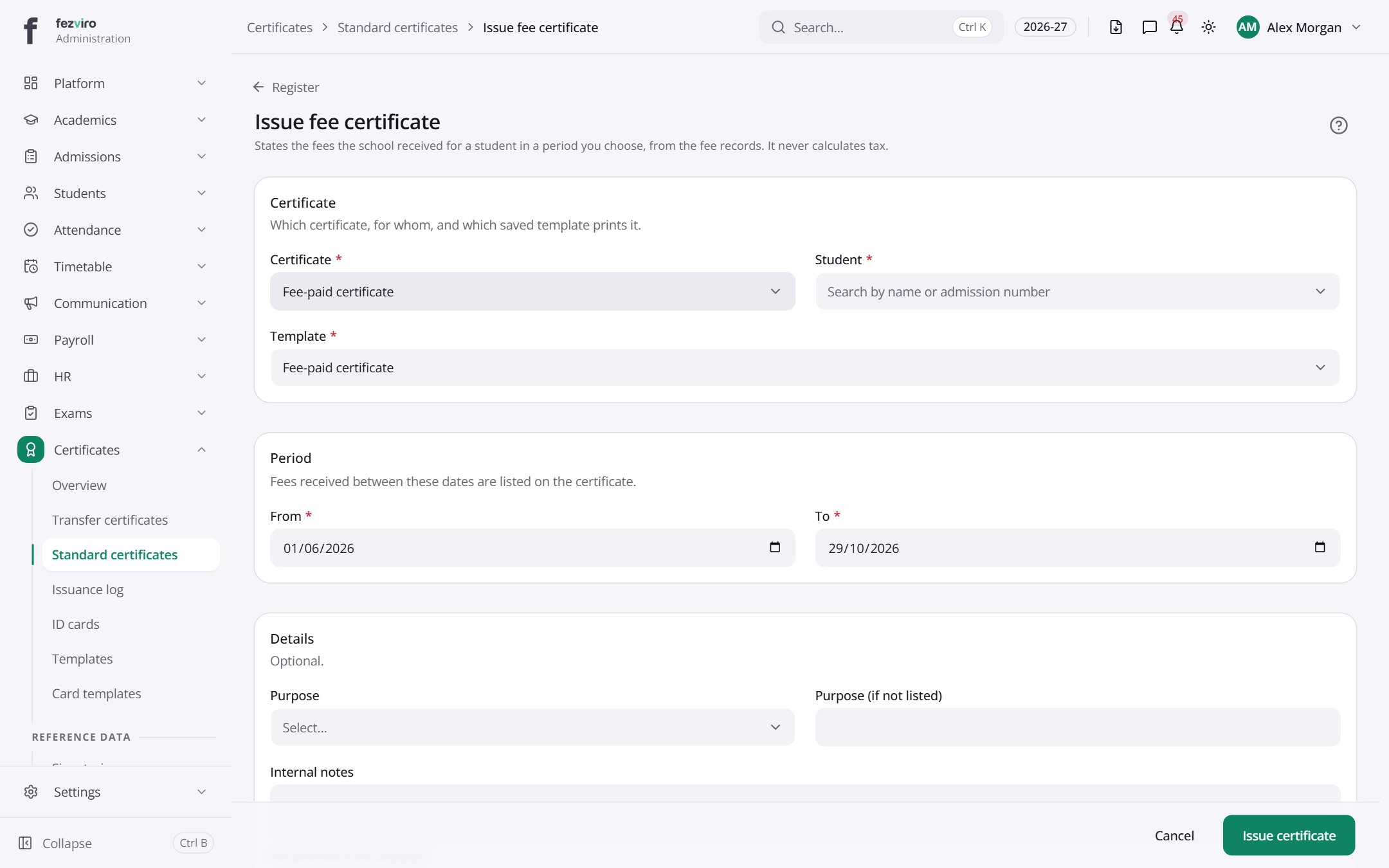 New: Issue fee certificateStates the fees the school received for a student in a period you choose, from the fee records. It never calculates tax.has a form
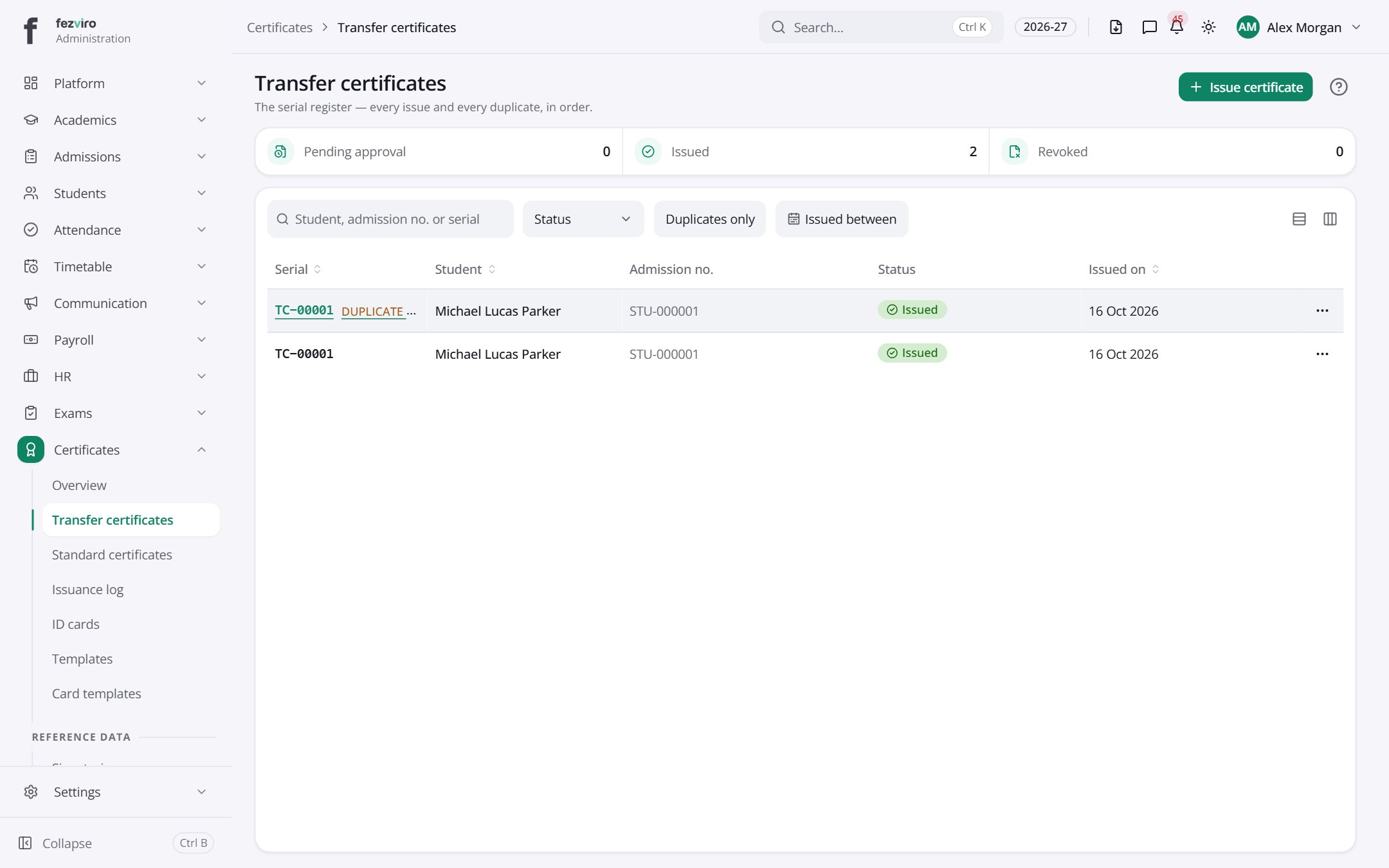 Transfer certificatesA register of transfer certificates for pupils leaving the school.has a form
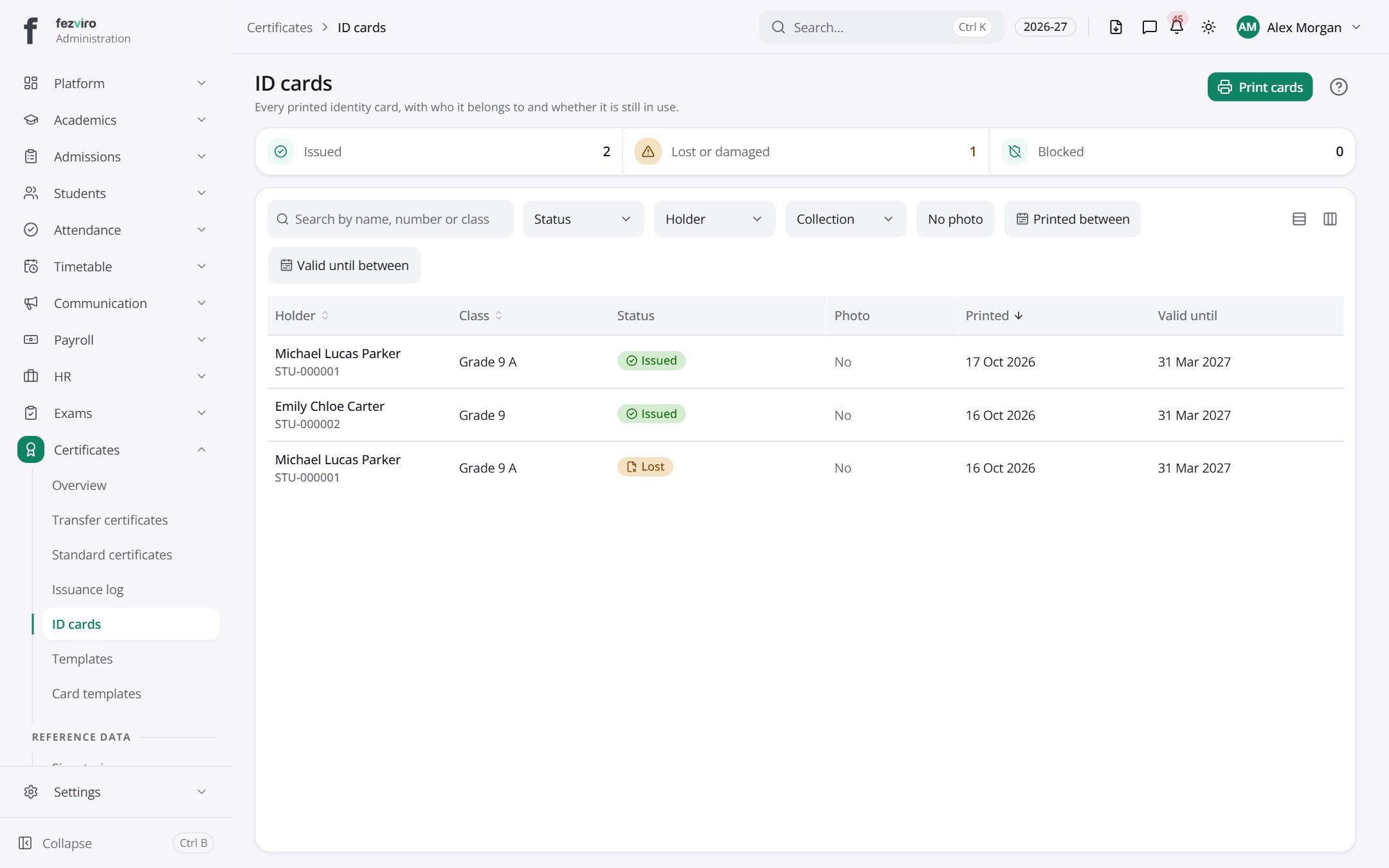 ID cardsA record of every printed ID card the school has made.
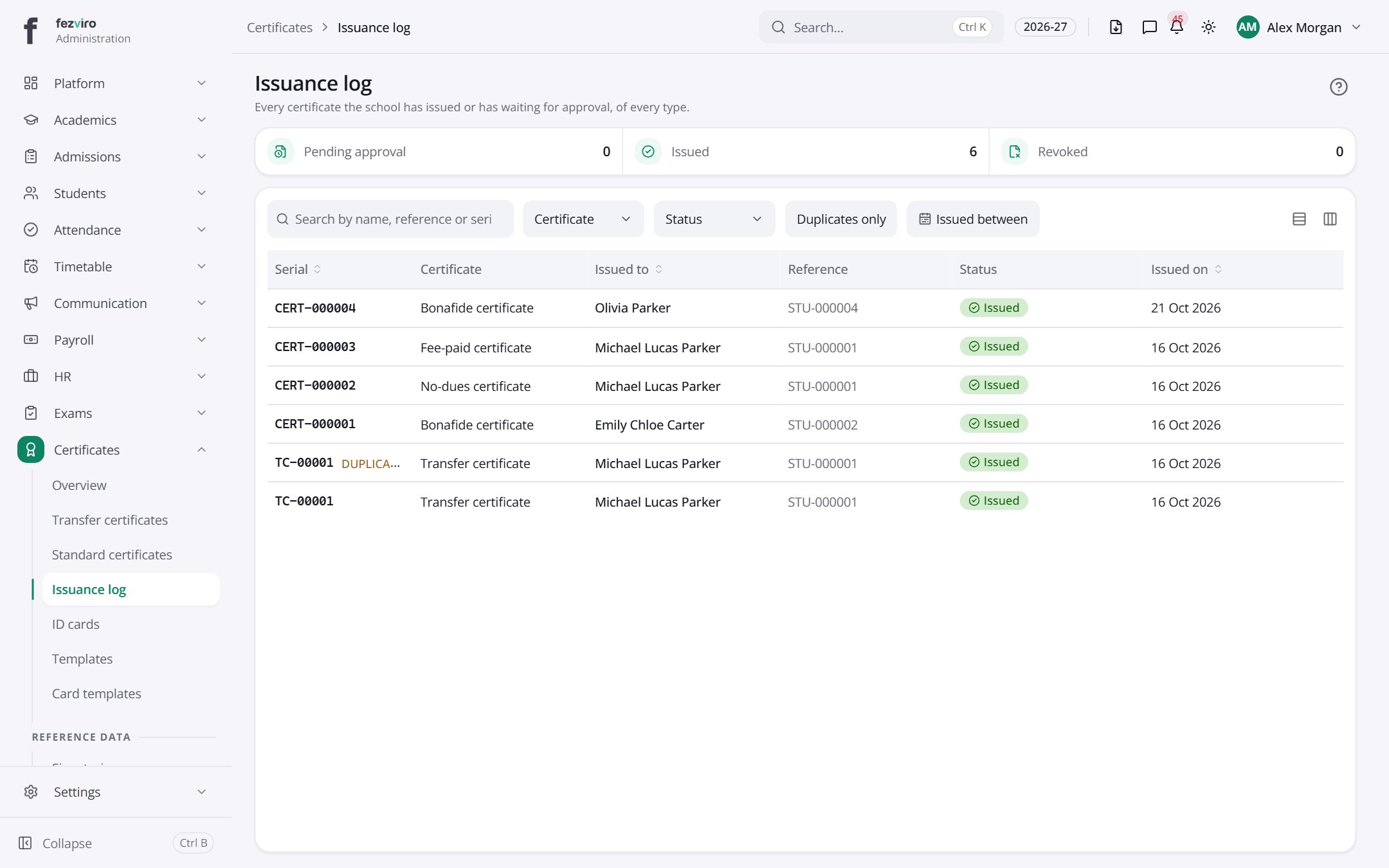 Issuance logA full log of every certificate issued, newest first.
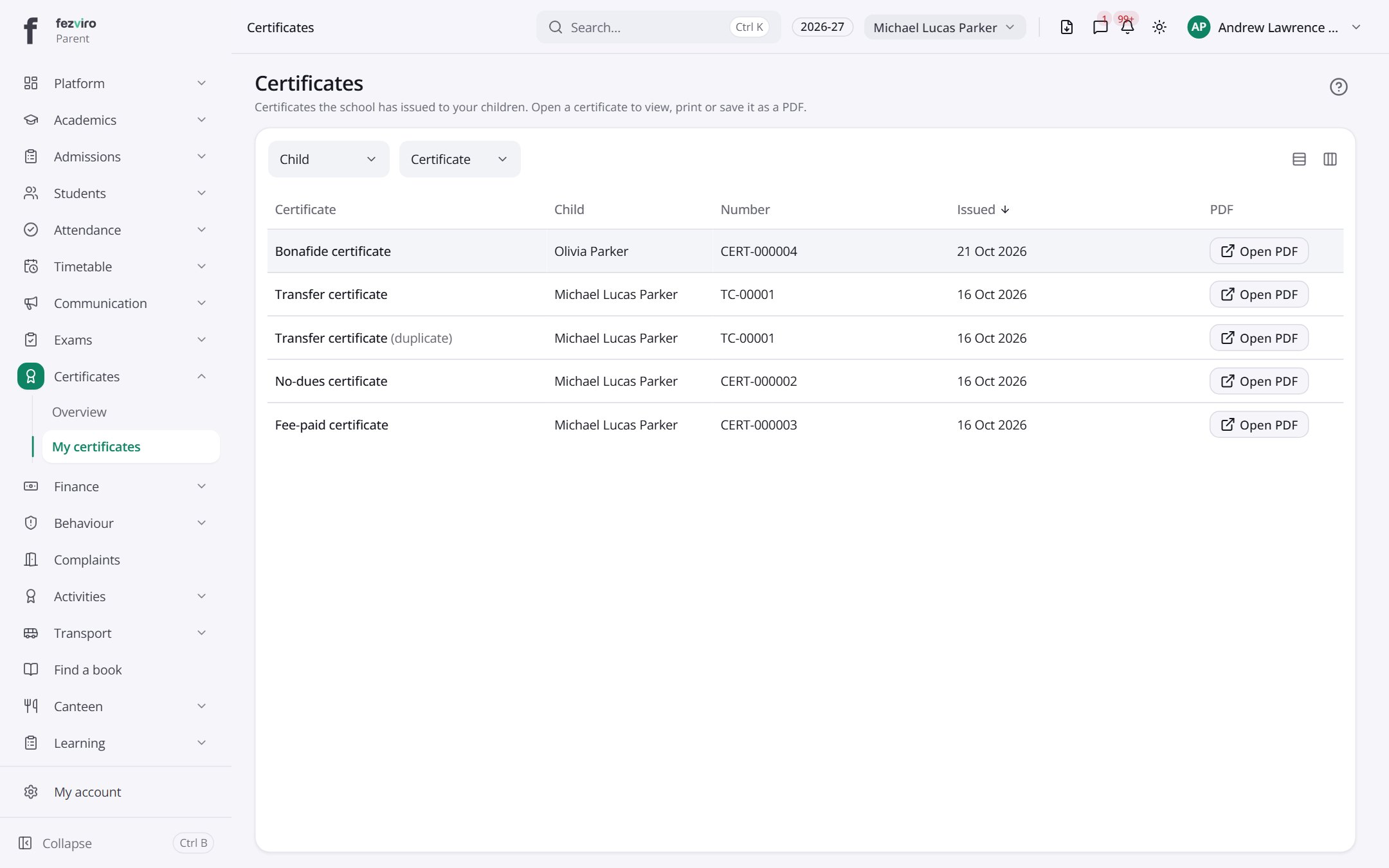 My certificatesYour own certificates, or your children's, ready to download.Parent
Step by step
Section titled “Step by step”Issue a transfer certificate
Section titled “Issue a transfer certificate”- Open Certificates → Transfer certificates and start one for the student.
- The system checks for pending fee and library dues.
- It goes for approval; once approved, the TC prints with a QR code.
- Every issue is logged in the Issuance log; duplicates are clearly marked.
Print ID cards
Section titled “Print ID cards”- Design the card in Card templates.
- Open ID cards, select a class or students, and print in bulk.
Questions
Section titled “Questions”How can a third party verify a certificate?
Scanning the QR code opens a public verification page confirming it is genuine.
Can we design our own layouts?
Yes. Templates include the school logo, signatories and any student field.