

Students & Guardians dashboard
What it is
The landing page for everything about pupils and families.
Why it matters
Shows pupil and family records that need attention.
When to use it
Office staff start here to see what needs action today.
Who uses it
Administrator
How to get here
Section titled “How to get here”- Sign in as Administrator (see Signing in).
- In the left menu, click Students to open it.
- Click Students.
What you see
Section titled “What you see”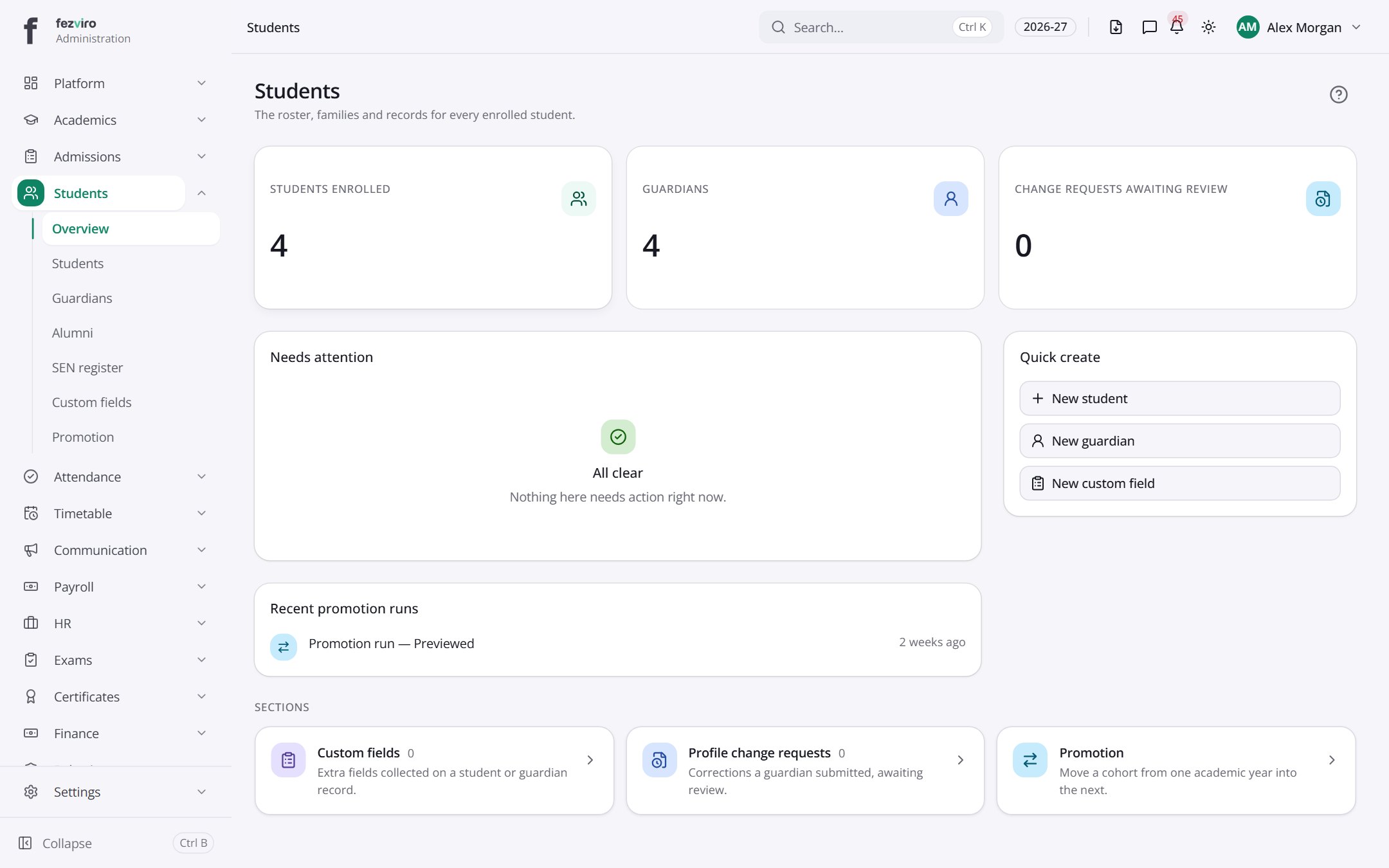
- Sections on the page: Needs attention, Recent promotion runs, Quick create, Sections.
← Back to Students & Guardians overview