

ID cards
What it is
A record of every printed ID card the school has made.
Why it matters
Lets staff reprint, replace or check any pupil's card quickly.
When to use it
Office staff print cards by class and track each card's status.
Who uses it
Administrator
How to get here
Section titled “How to get here”- Sign in as Administrator (see Signing in).
- In the left menu, click Certificates to open it.
- Click ID cards.
What you see
Section titled “What you see”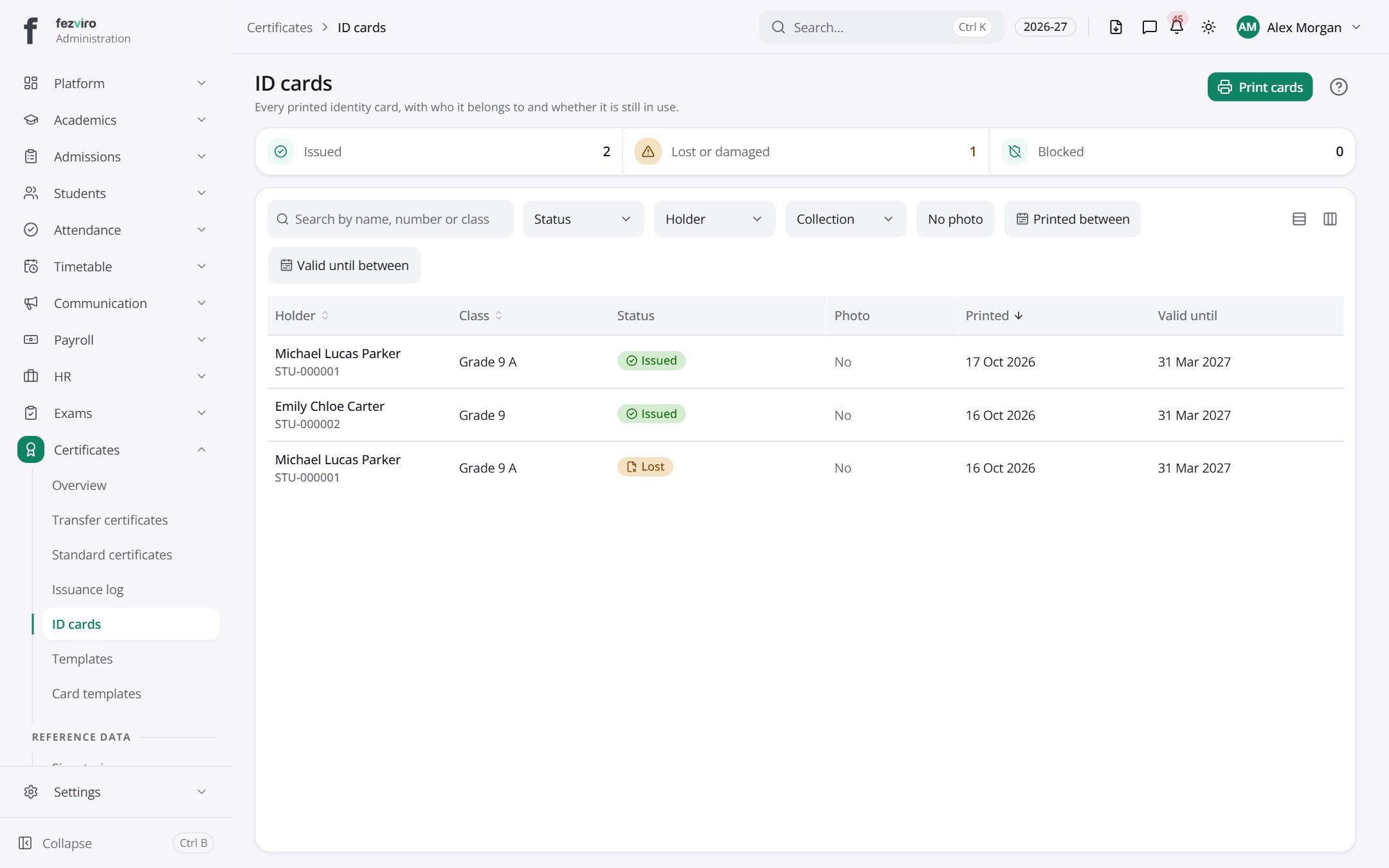
- The list has these columns: Holder, Class, Status, Photo, Printed, Valid until. Click a column name to sort by it.
Buttons on this screen
Section titled “Buttons on this screen”- Print cards — opens a printable copy in a new tab.
← Back to Certificates & ID Cards overview