

Academics
The school's academic structure: years, grades, sections, subjects, rooms, houses and calendar. Everything else (attendance, timetable, exams, fees) is built on top of it.
👥 Academic coordinator, principal, administrator🖥️ 21 screens📝 17 forms

What it does
Section titled “What it does”- Grades, sections, streams, houses, batches
- Buildings and rooms
- Subjects, subject groups, combinations
- Elective allocation with seat quotas
- Merit-based subject allocation
- Teaching assignments with skill checks
- Holiday calendar and school calendar
- Copy structure to next year
Its screens
Section titled “Its screens”Each screen has its own page: what it is for, how to reach it, a picture, its buttons and its form.
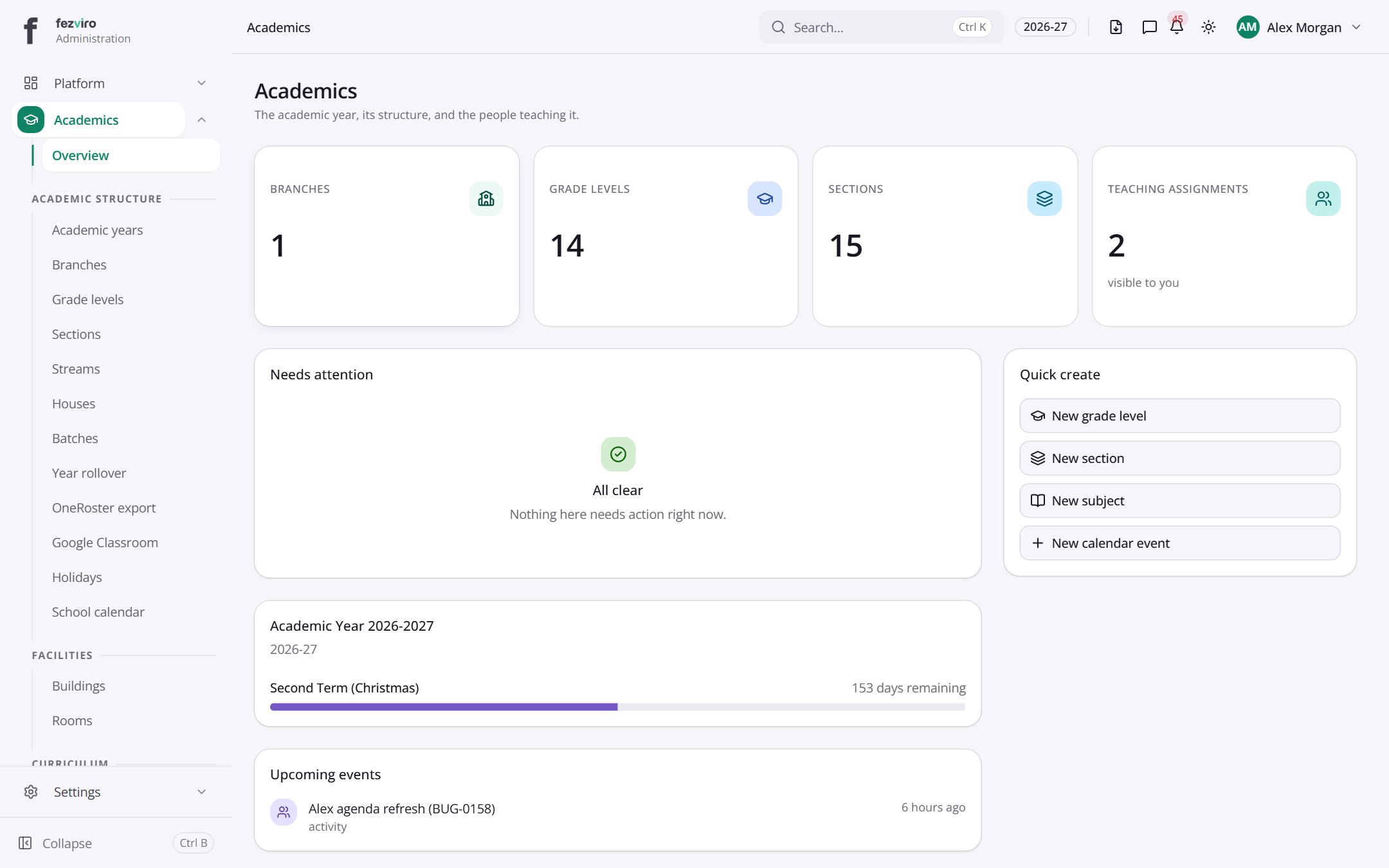 Academics dashboardThe landing page for everything under academics.
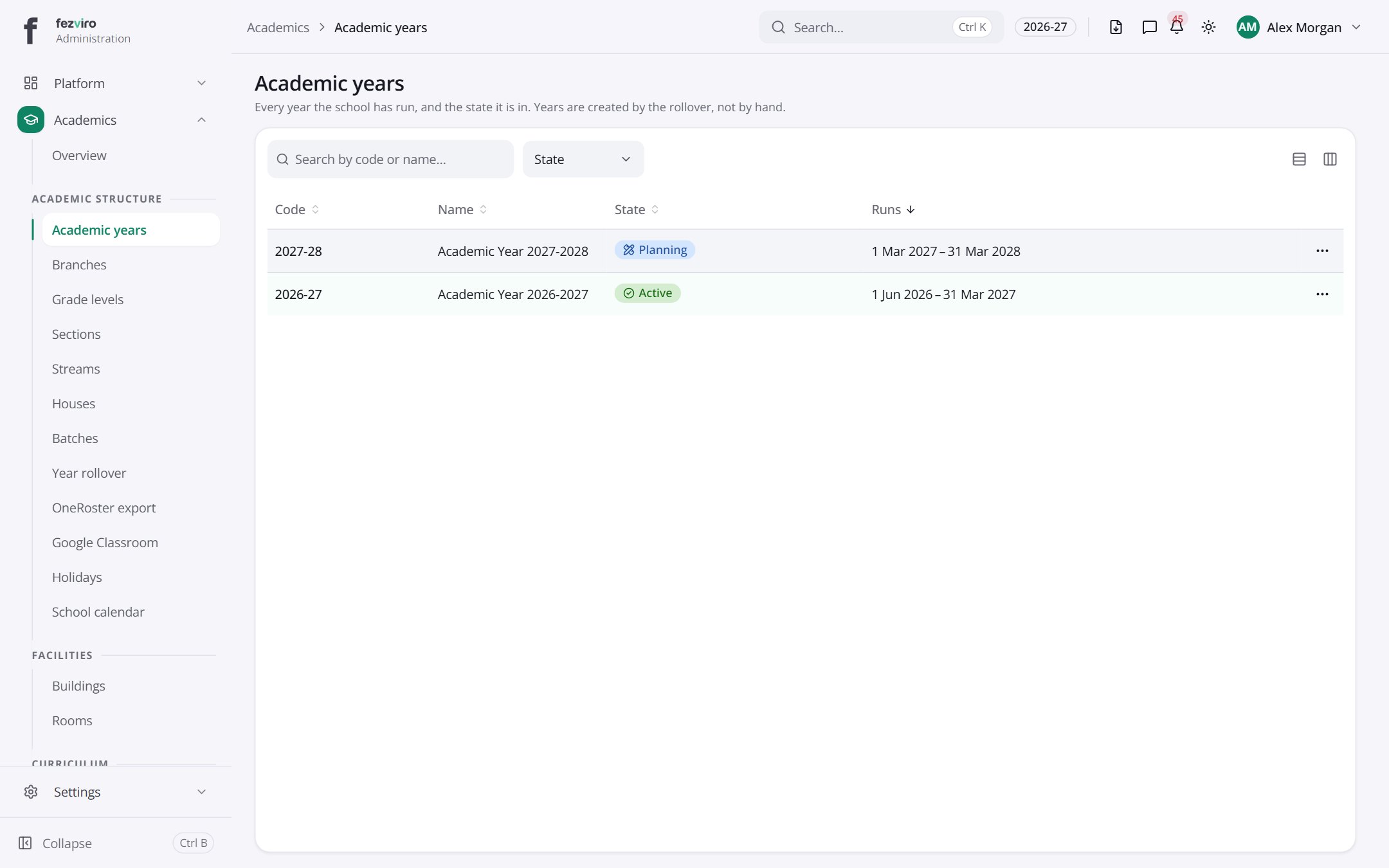 Academic yearsThe school's academic years, and which one is currently open.has a form
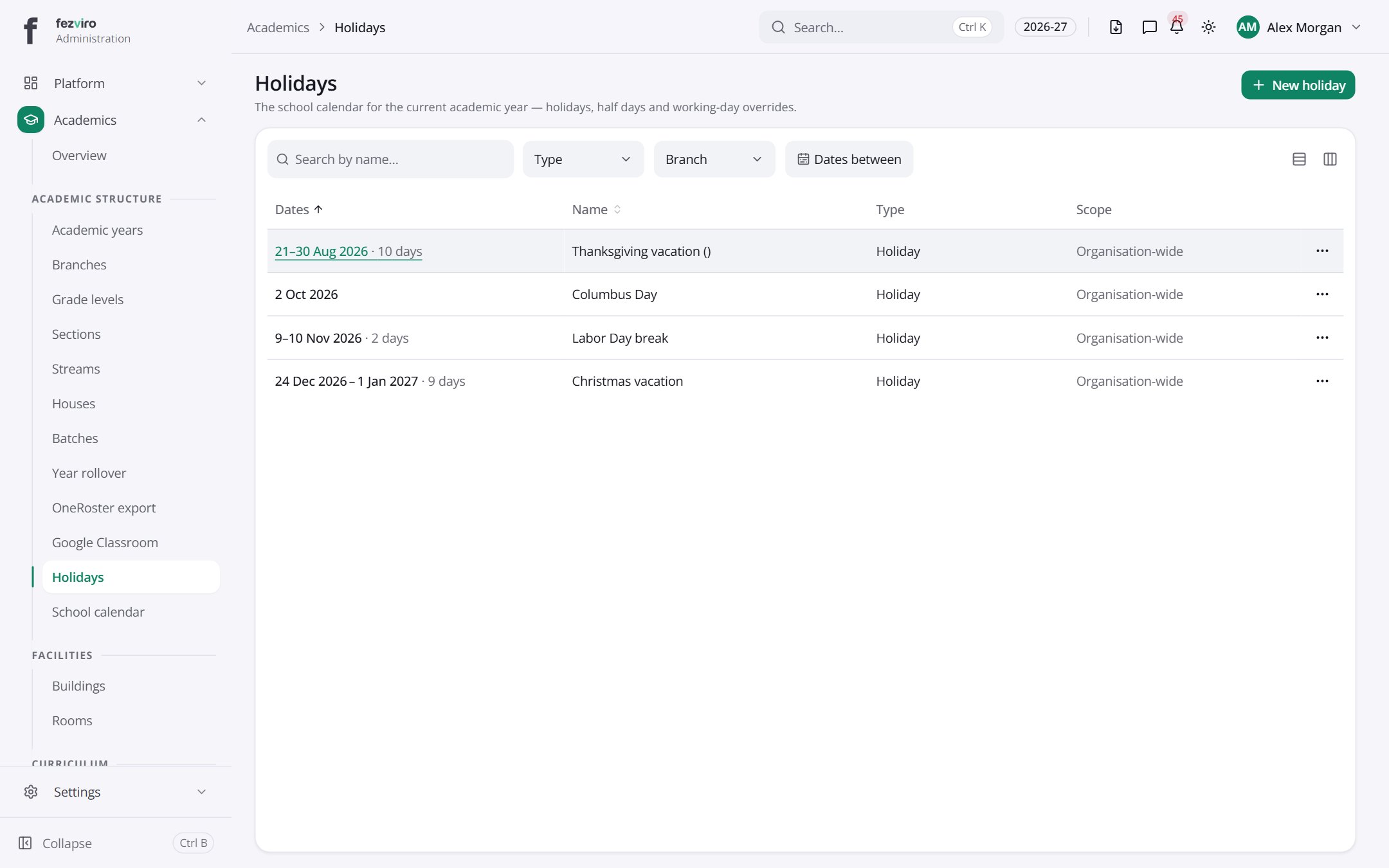 HolidaysHolidays, half days and working days changed from normal this year.has a form
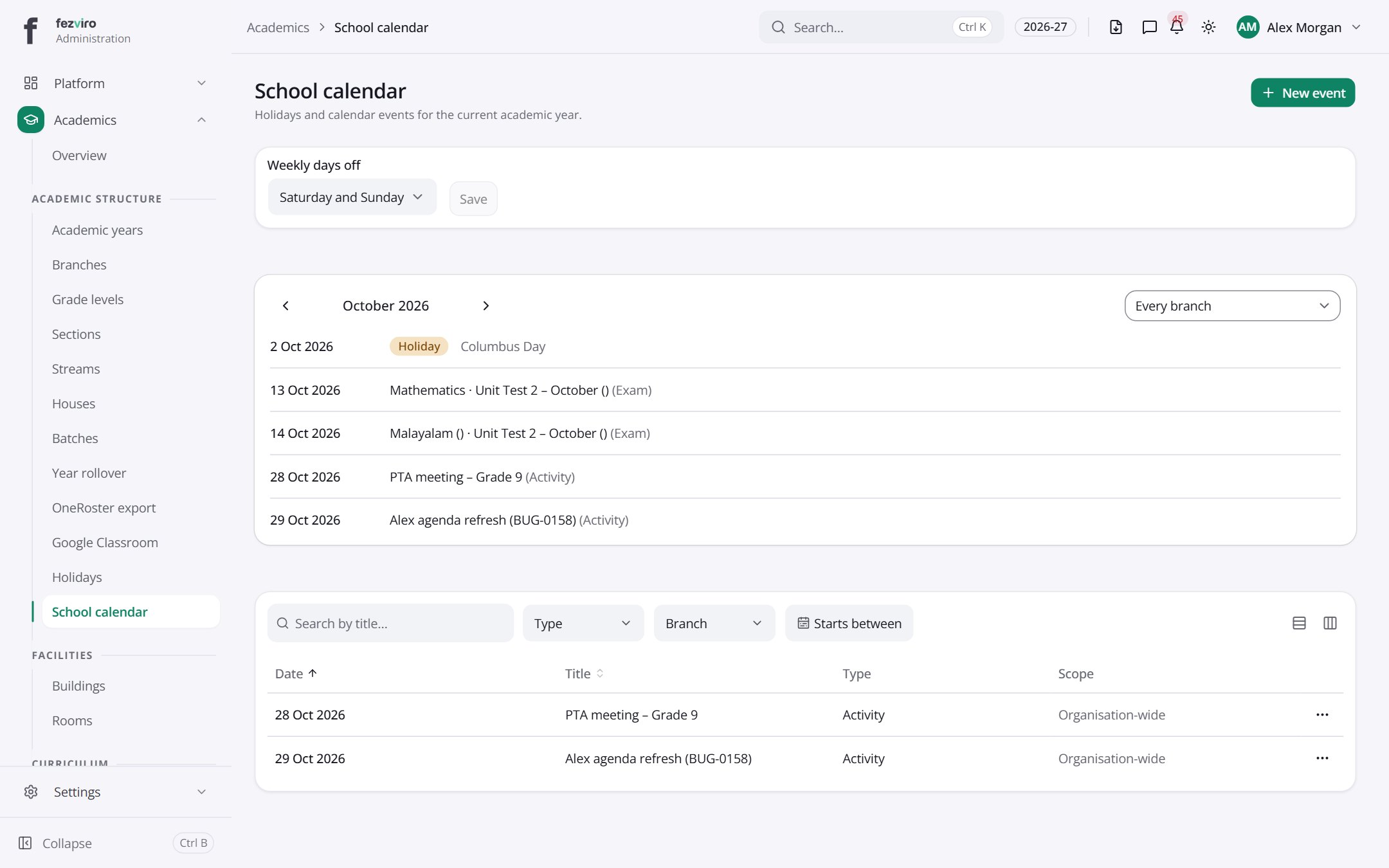 School calendarThe school calendar showing holidays and events in one view.has a form
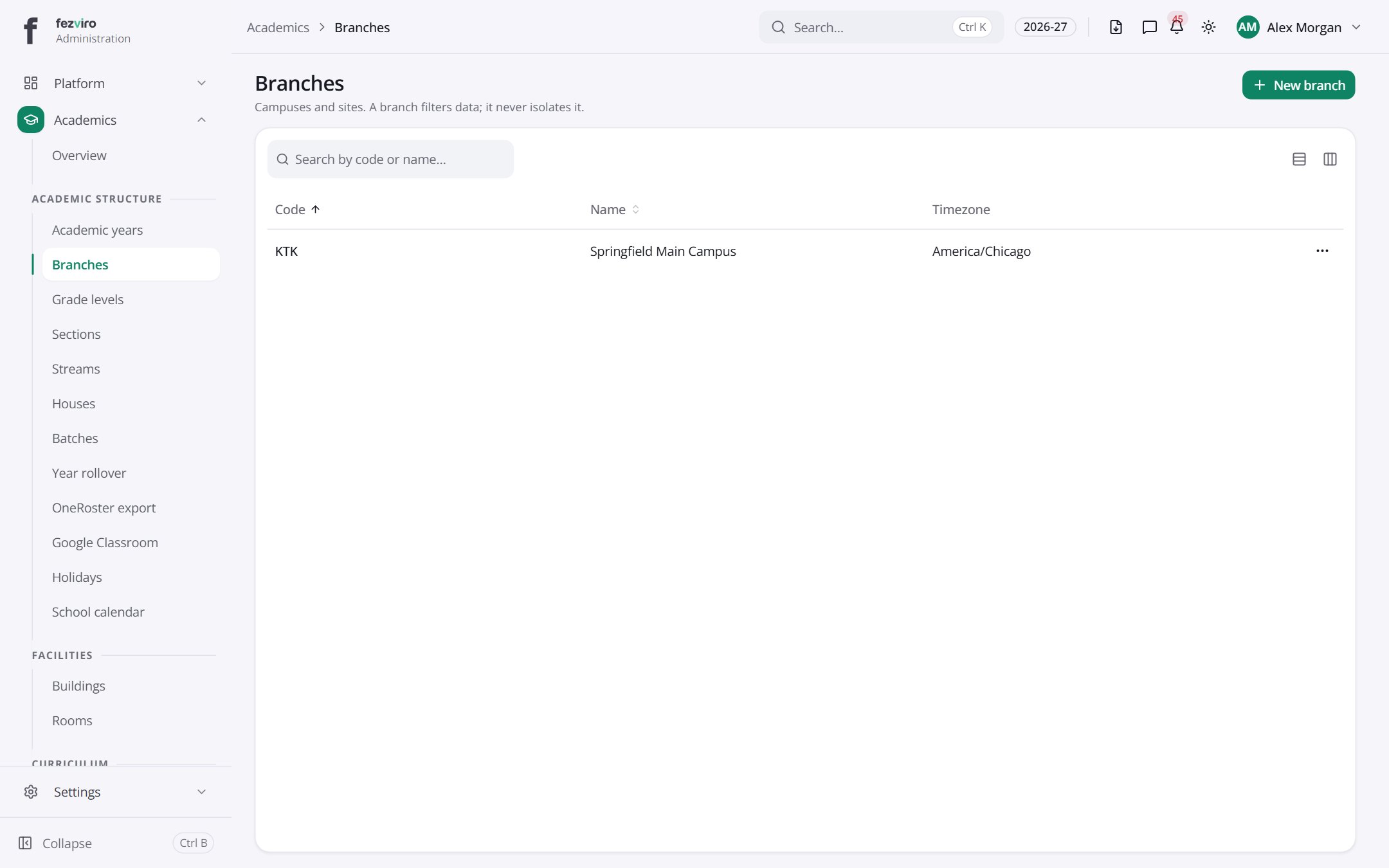 BranchesThe school's campuses or sites, each with its own details.has a form
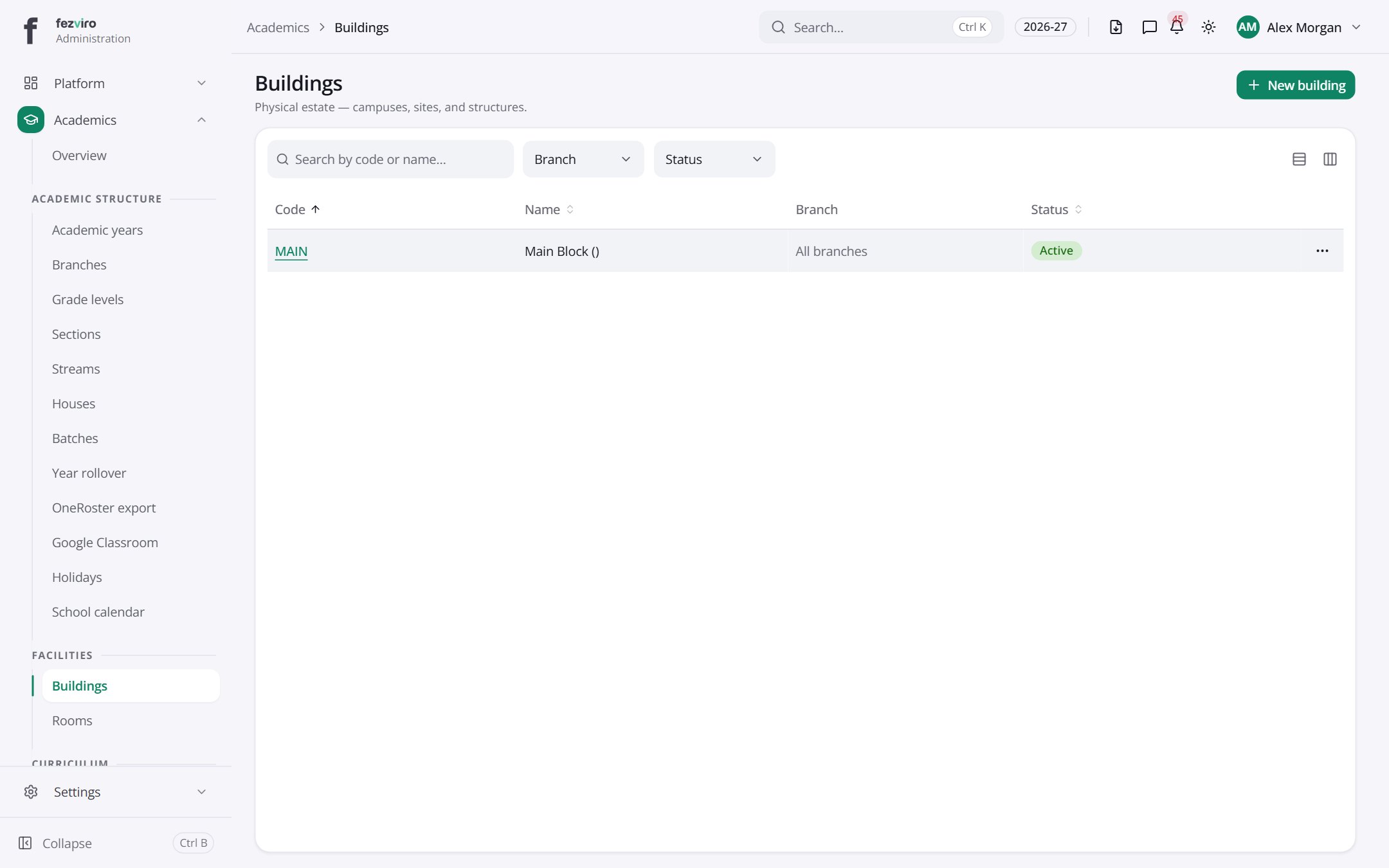 BuildingsA list of the school's buildings, with their codes and campuses.has a form
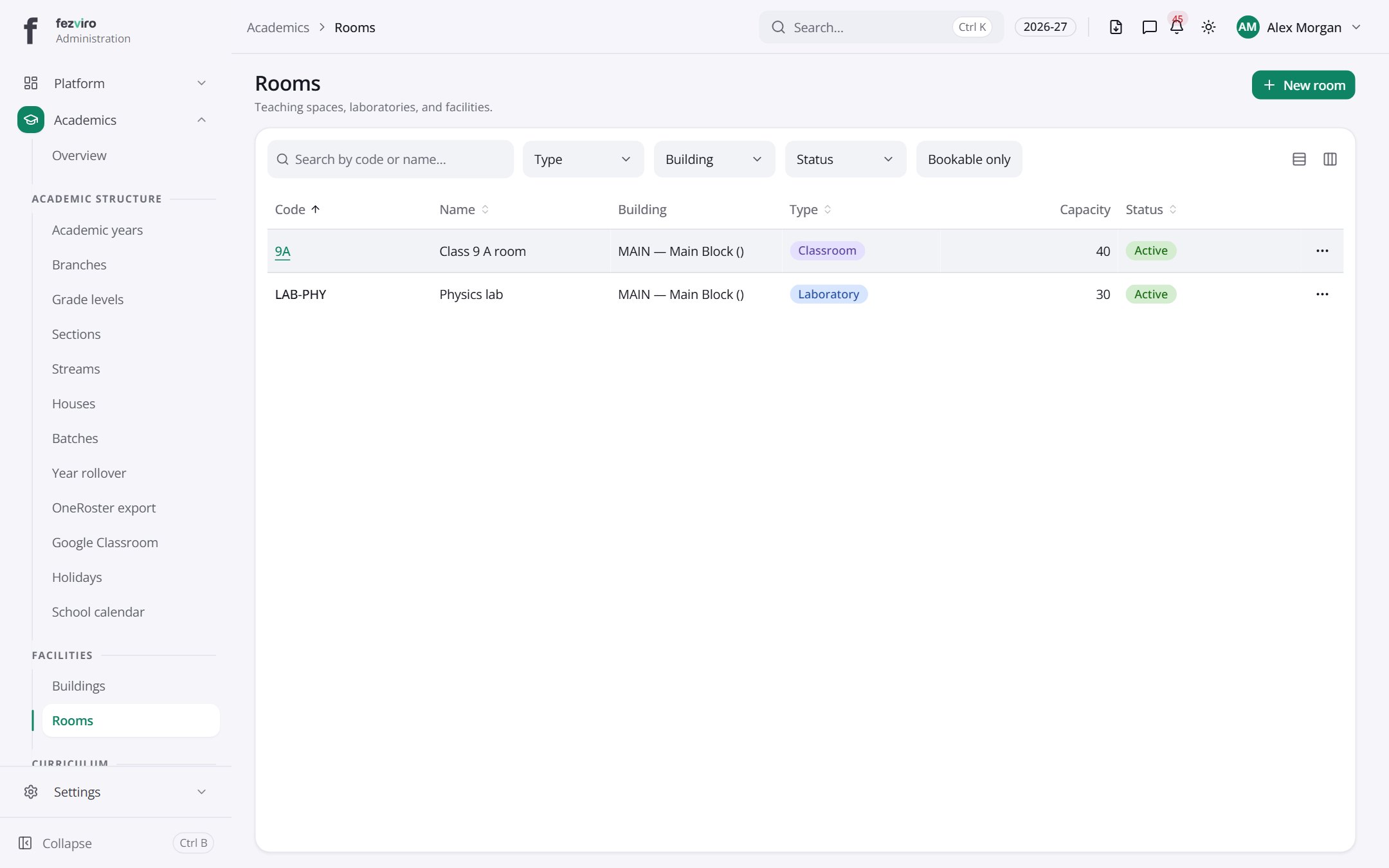 RoomsThe school's teaching rooms, with their building, type and status.has a form
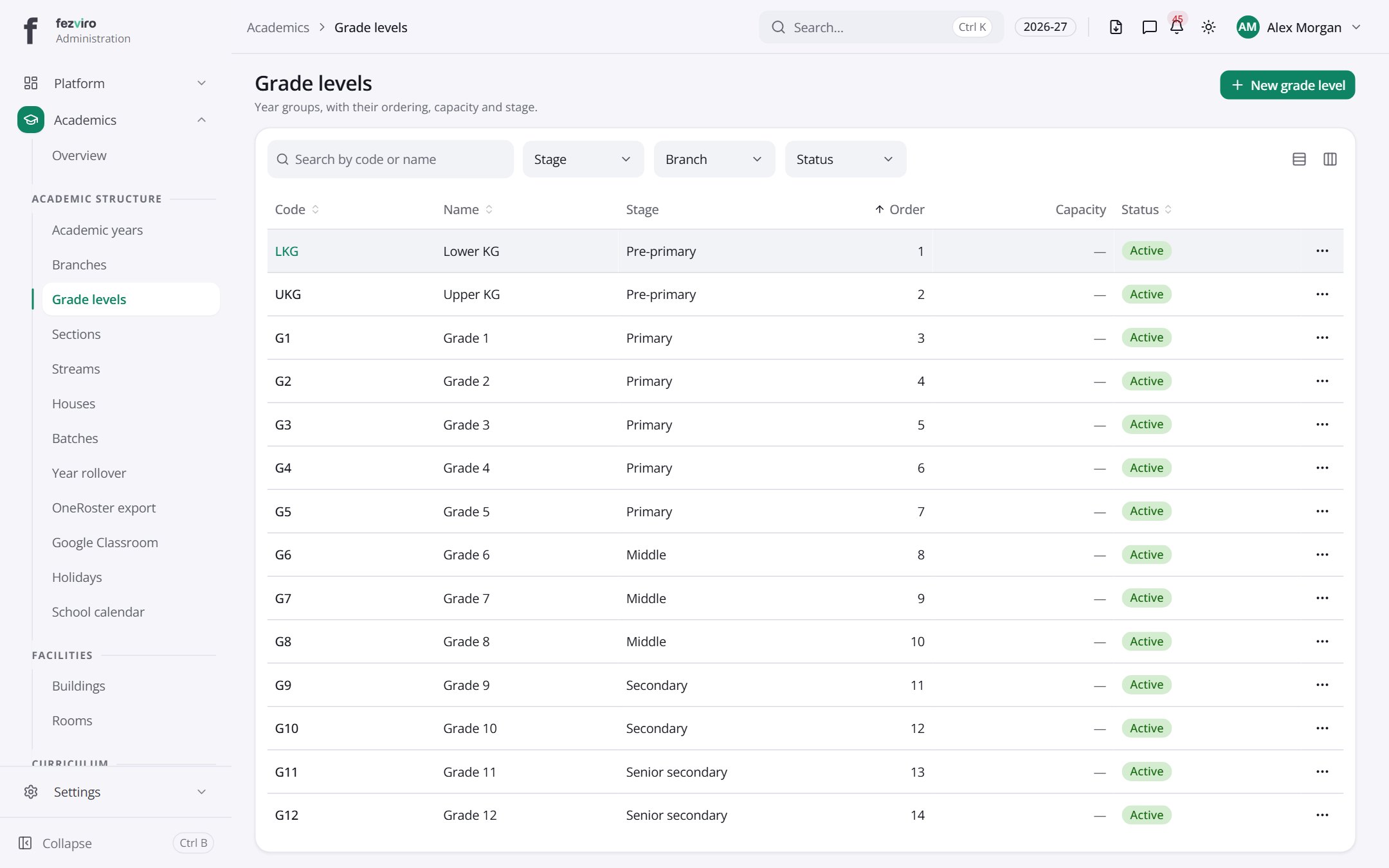 Grade levelsThe school's year groups, with capacity, class teacher and order.has a form
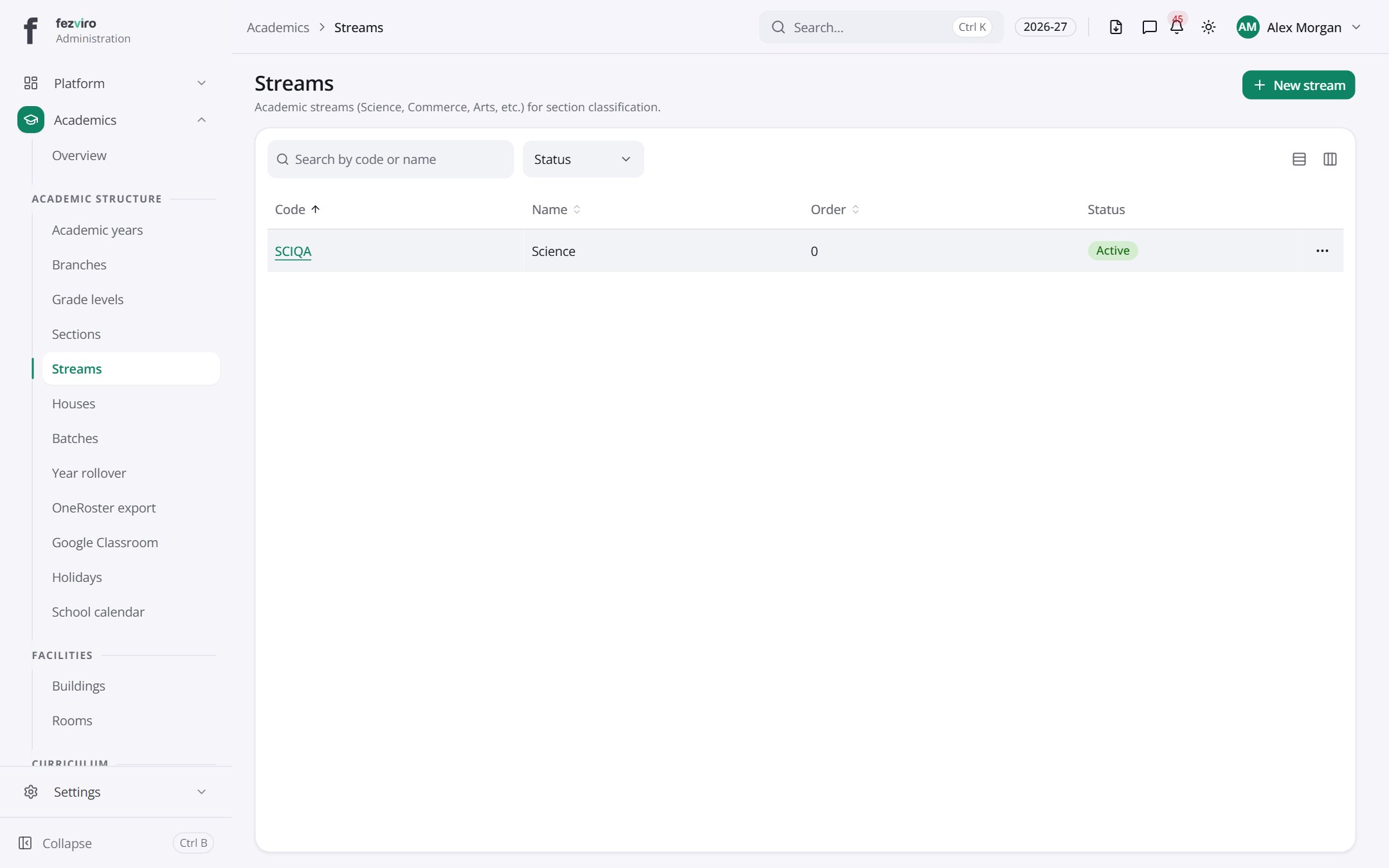 StreamsAcademic streams such as Science, Commerce and Arts for senior classes.has a form
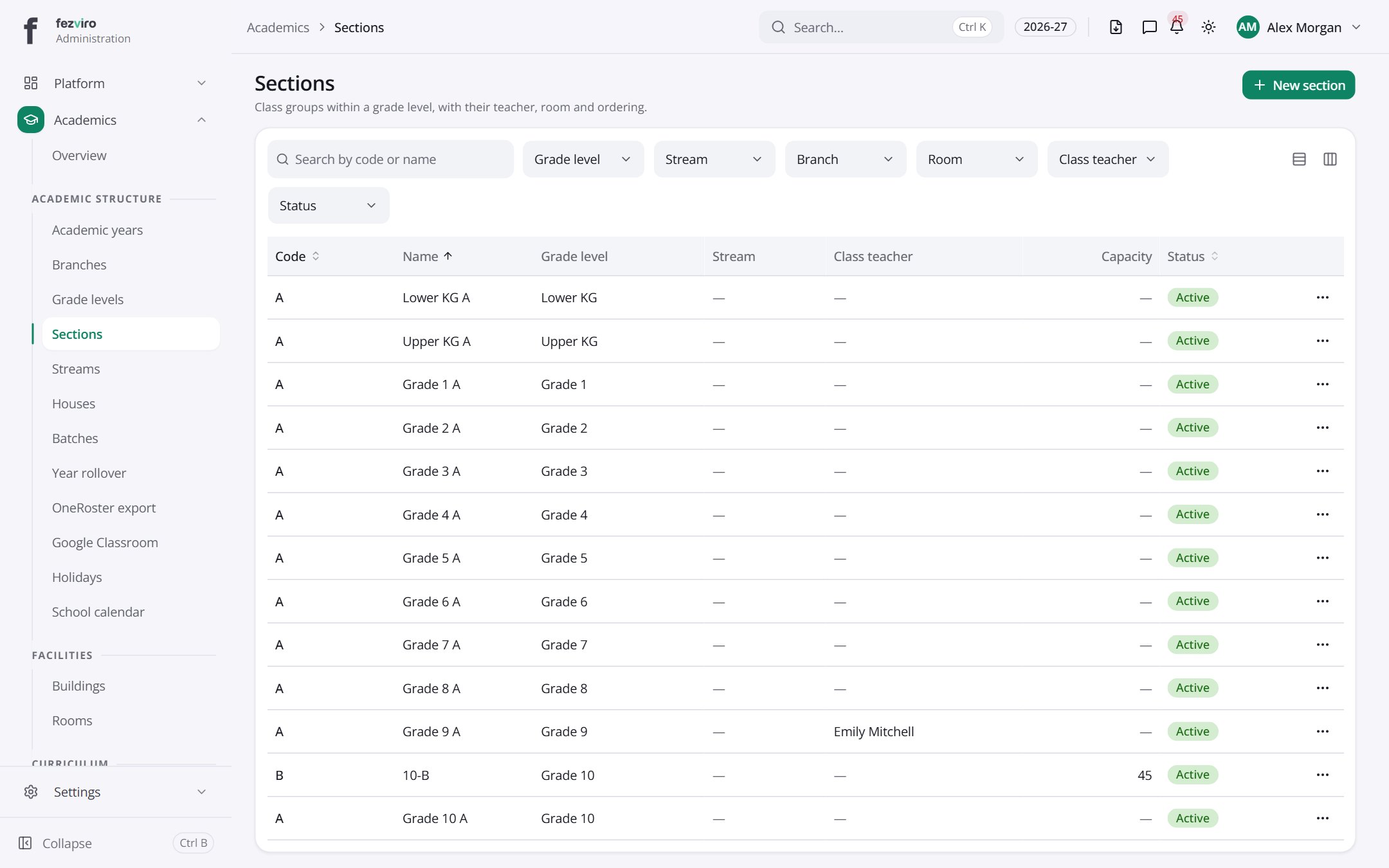 SectionsClasses within each year group, with capacity, teacher and order.has a form
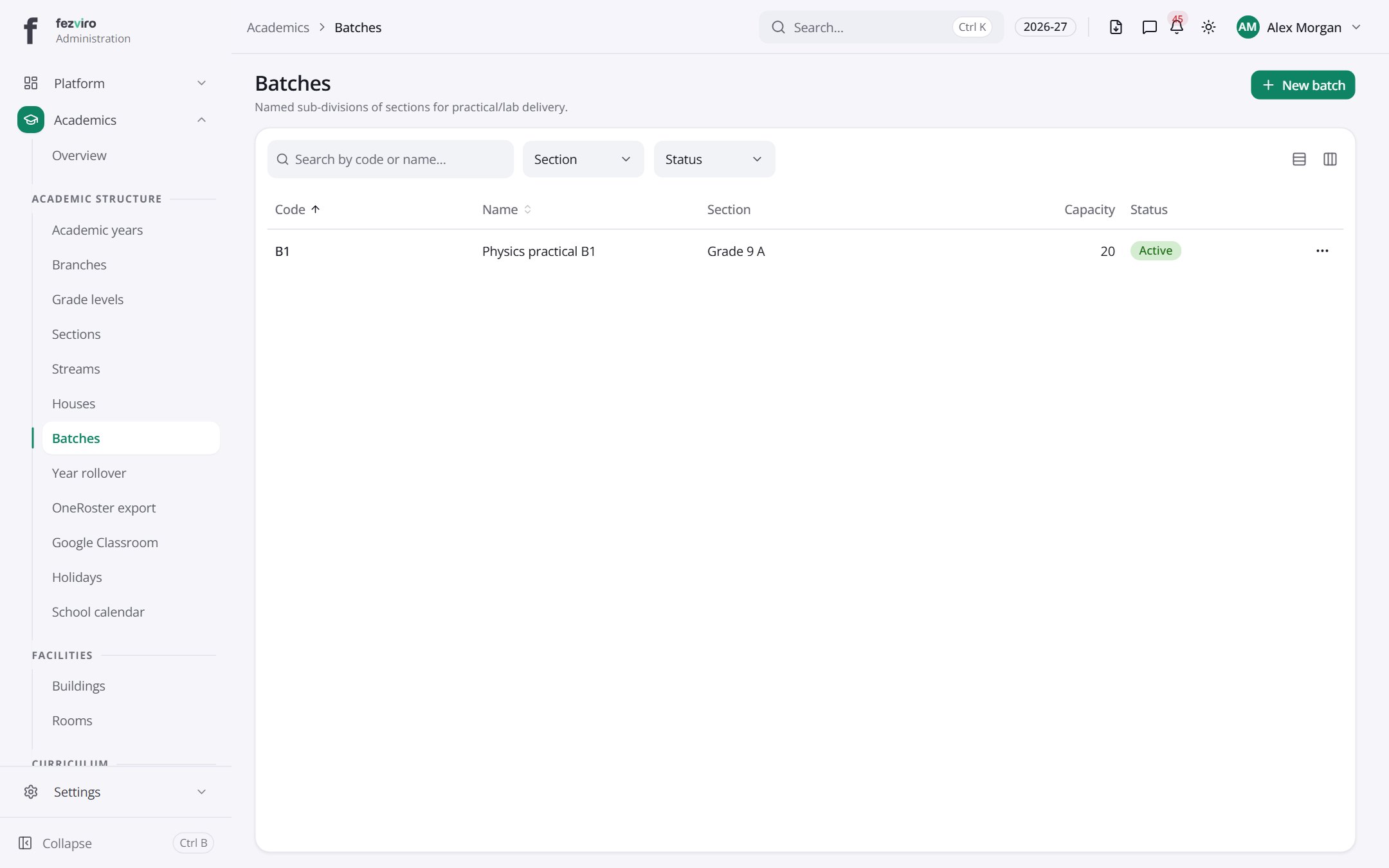 BatchesSmall named groups inside a class, used for practical and lab lessons.has a form
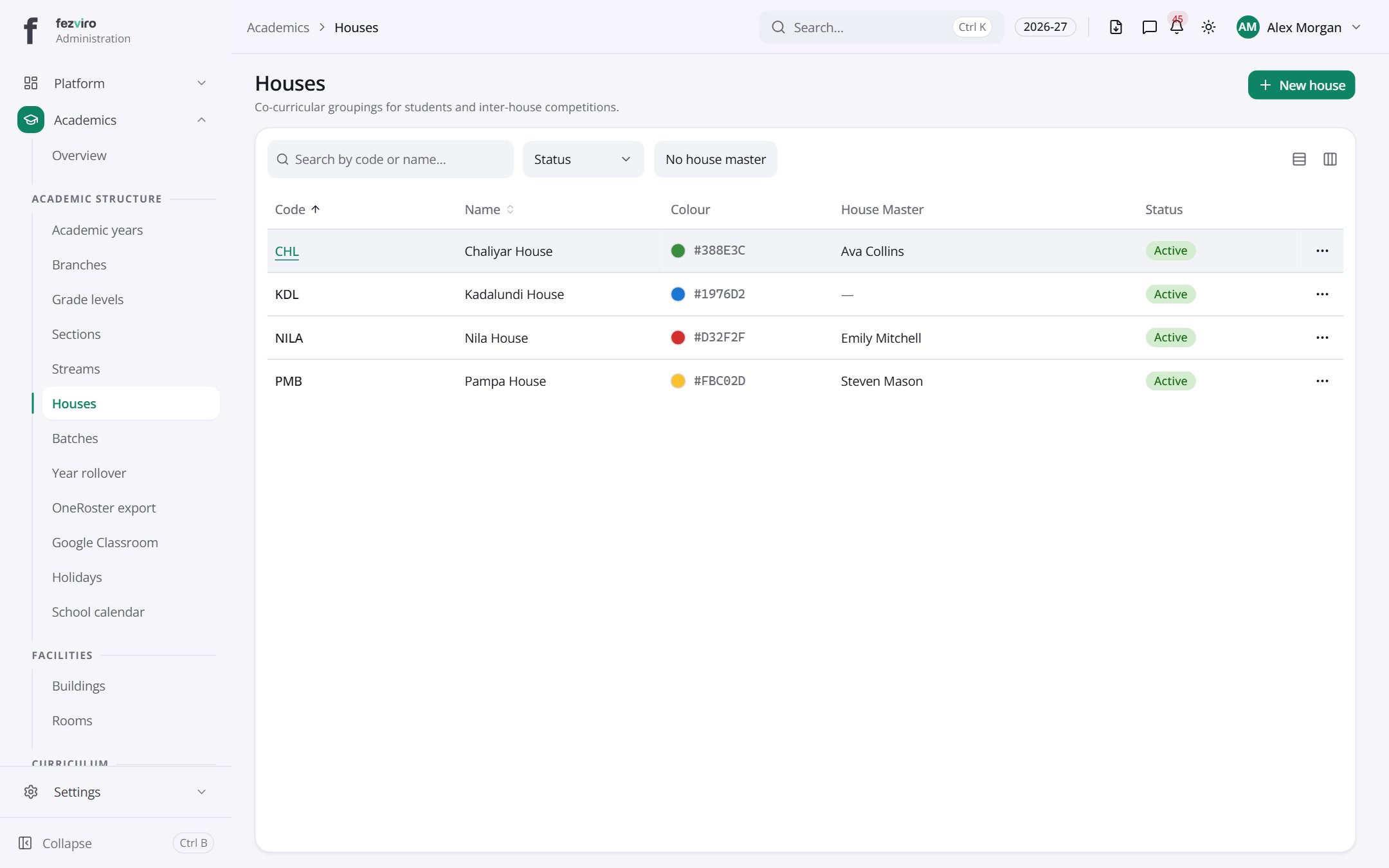 HousesThe school's house groups used for teams and inter-house contests.has a form
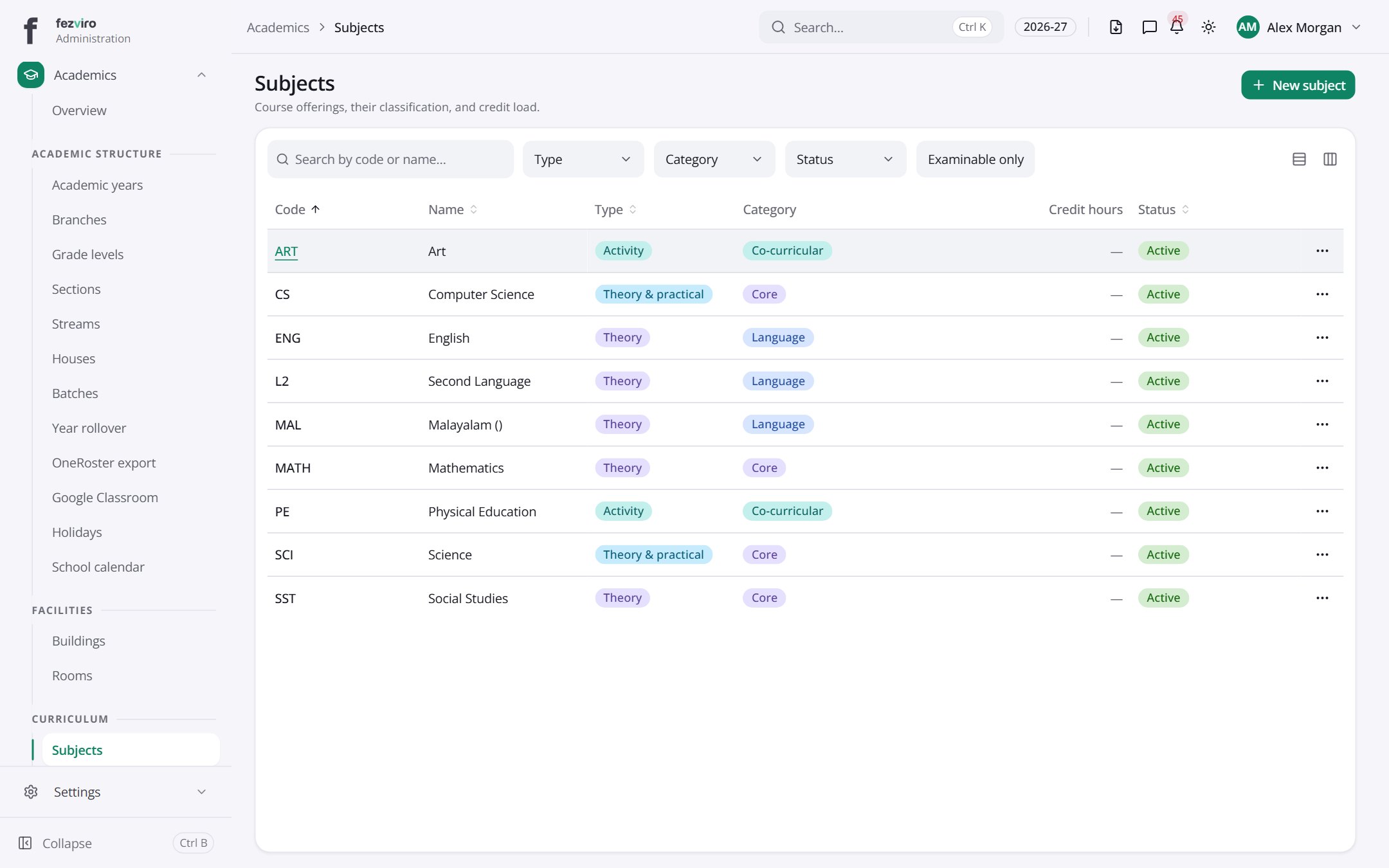 SubjectsThe subjects the school teaches, with codes and credit hours.has a form
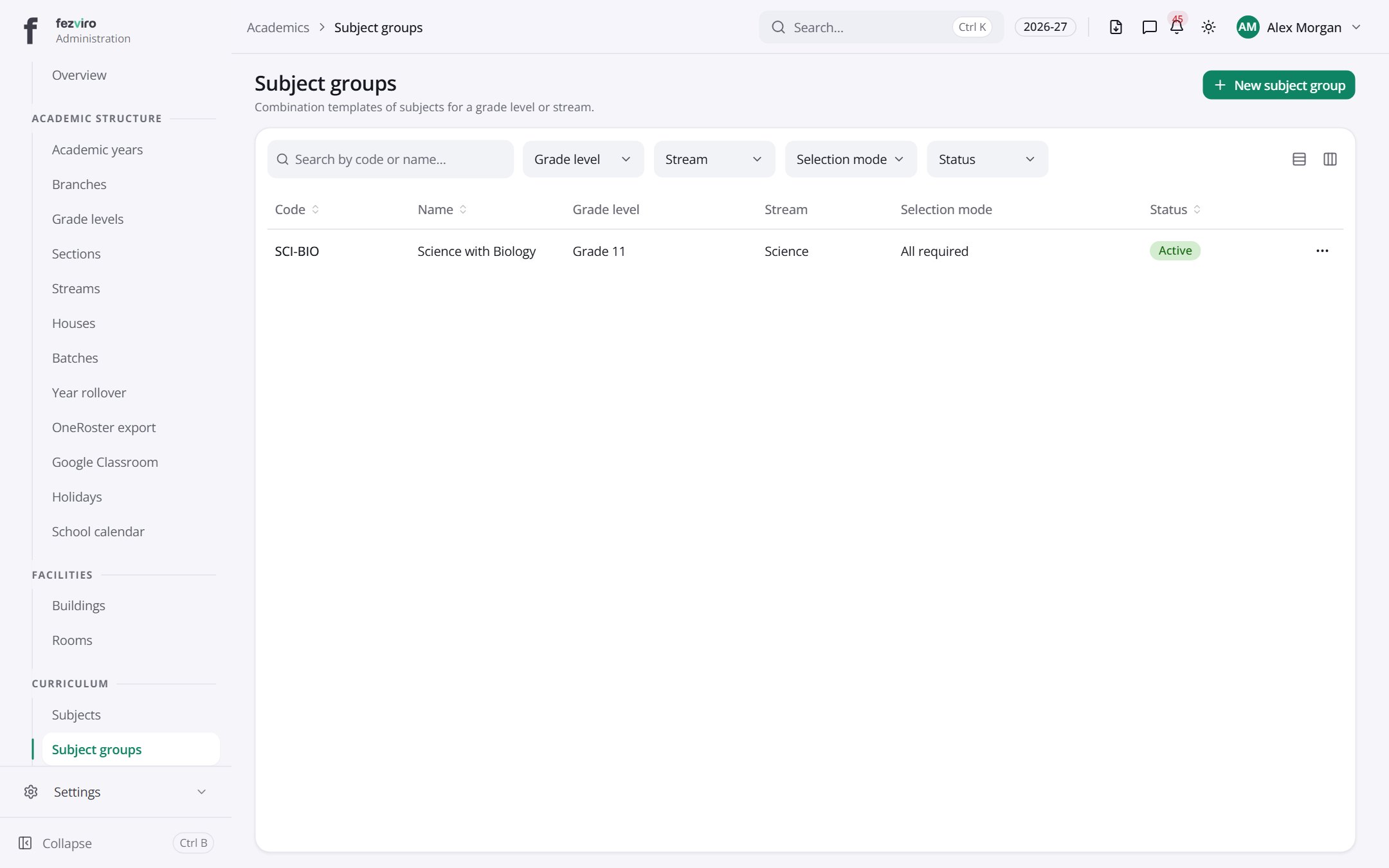 Subject groupsReady-made bundles of subjects for a year group or stream.has a form
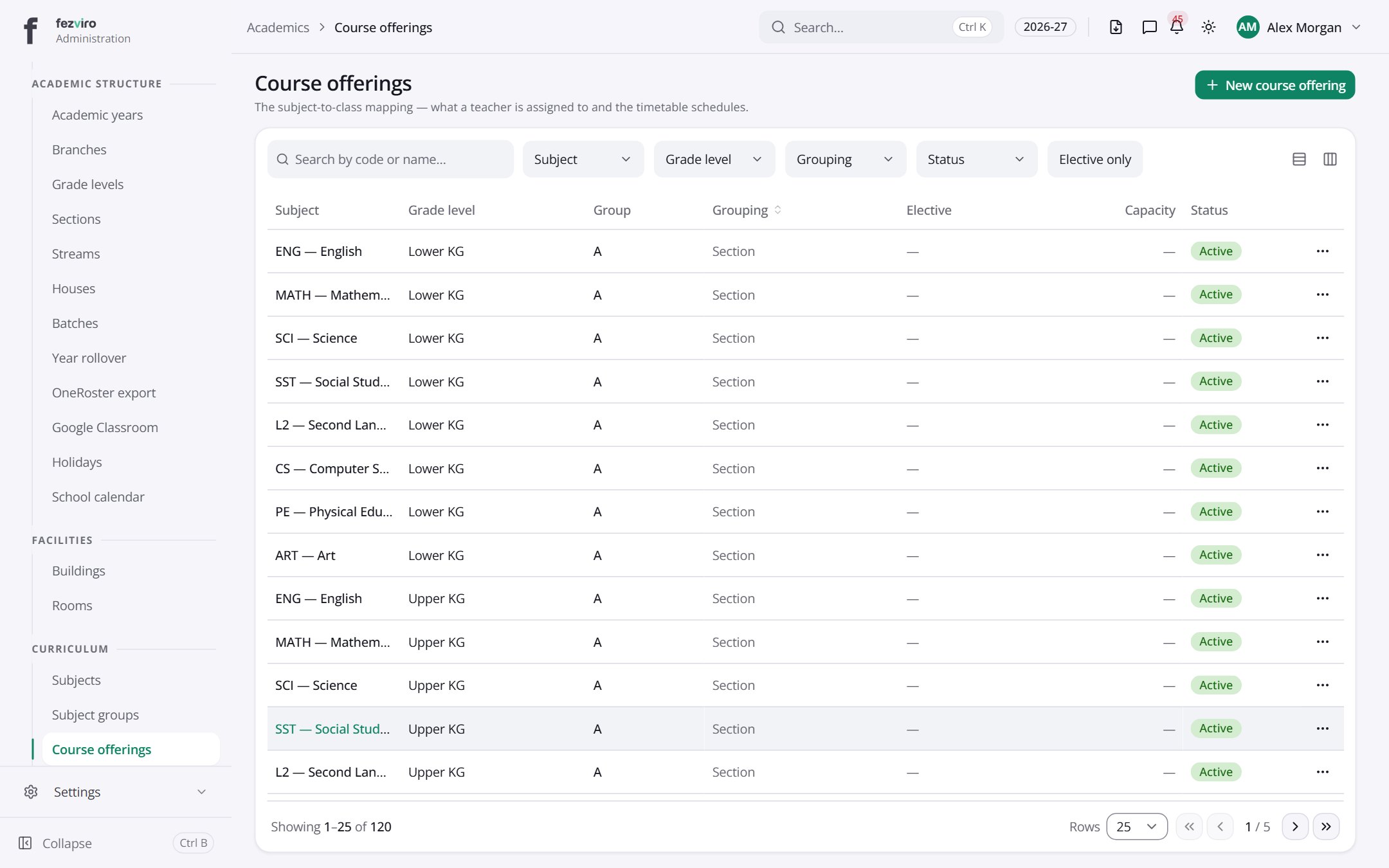 Course offeringsThe list of which subject is taught to which class.has a form
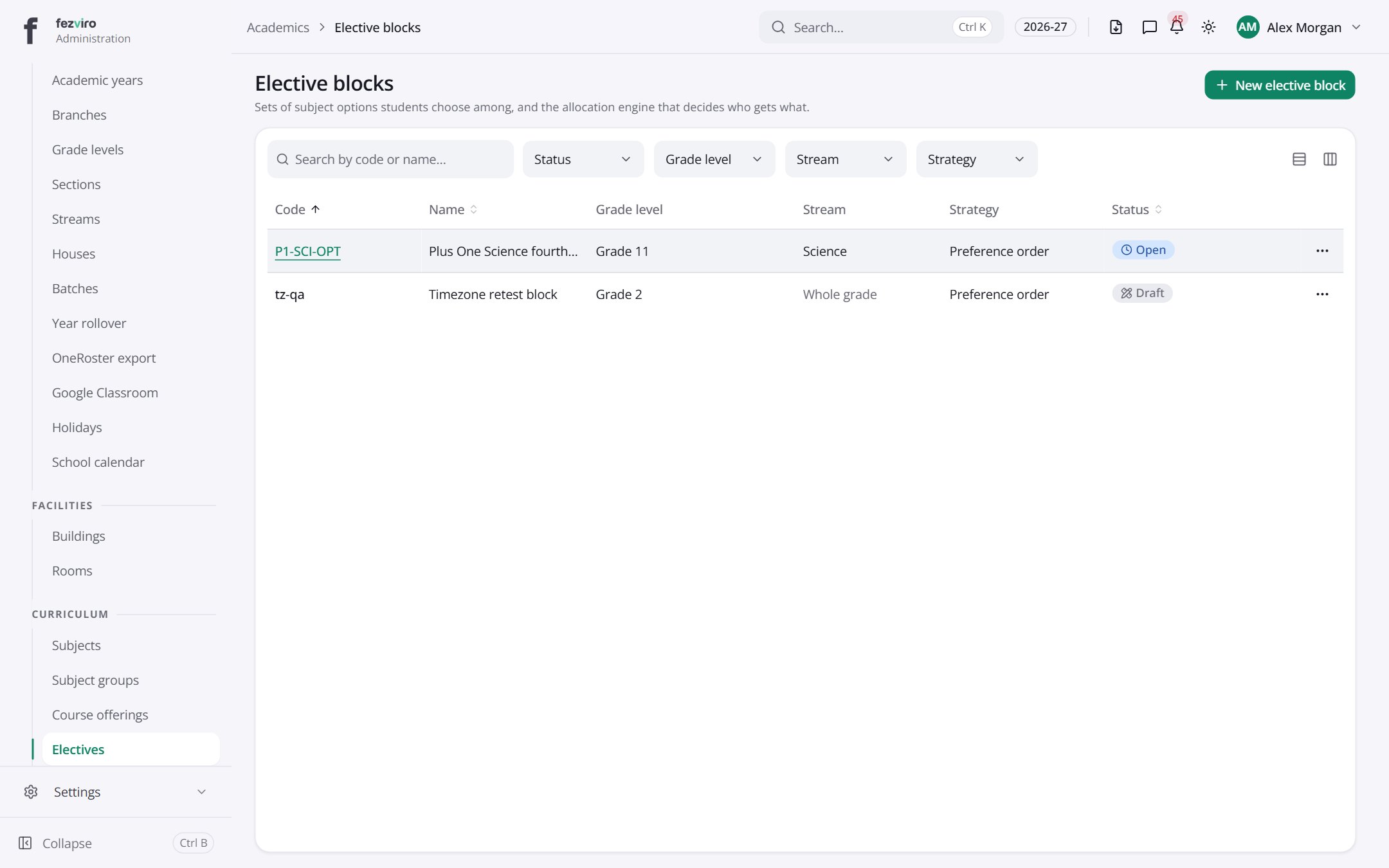 Elective blocksBlocks of optional subjects that pupils choose between.has a form
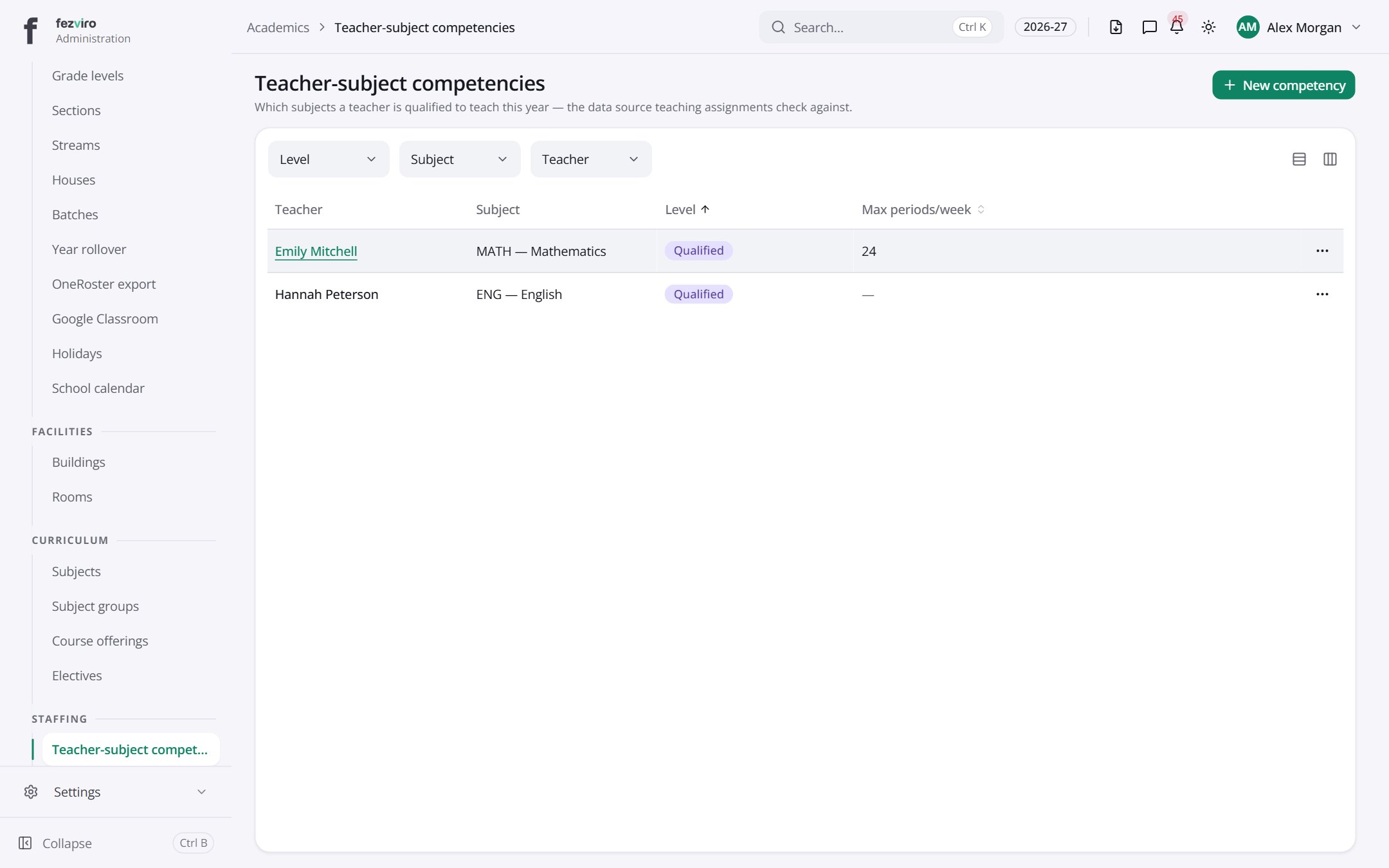 Teacher-subject competenciesWhich subjects each teacher is qualified to teach.has a form
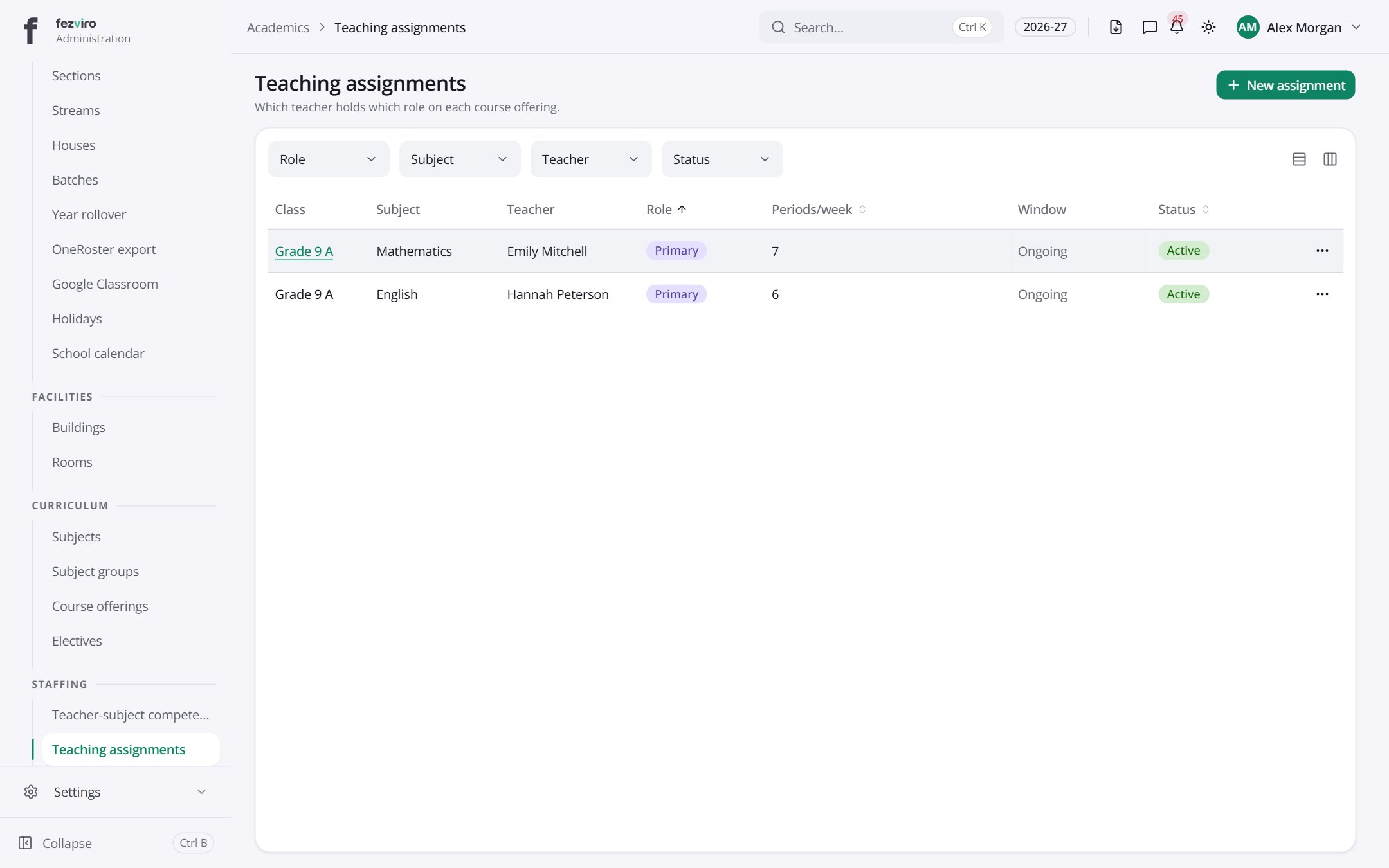 Teaching assignmentsWhich teacher is responsible for each class and subject.has a form
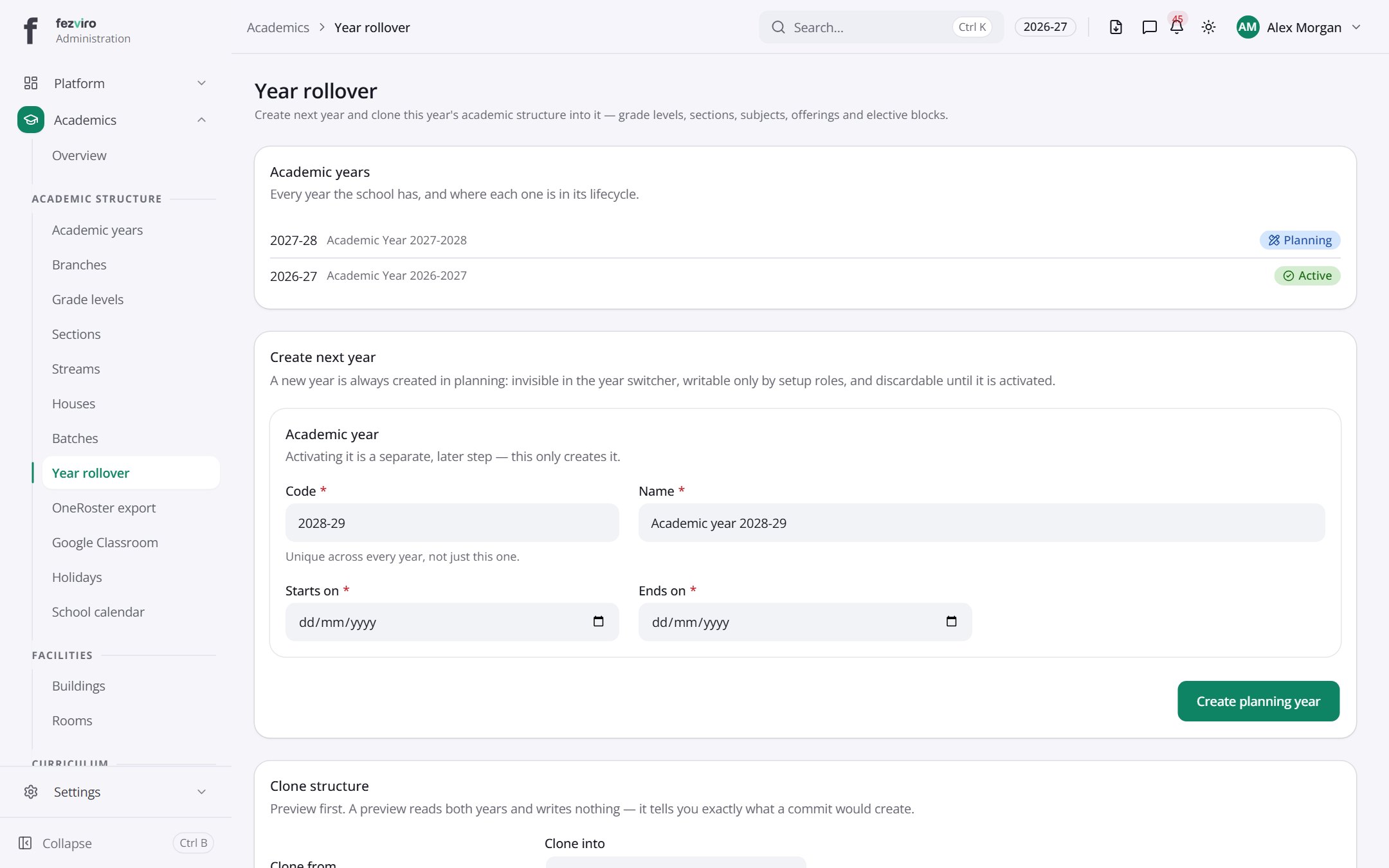 Year rolloverA guided page with four panels for moving the school into a new year.
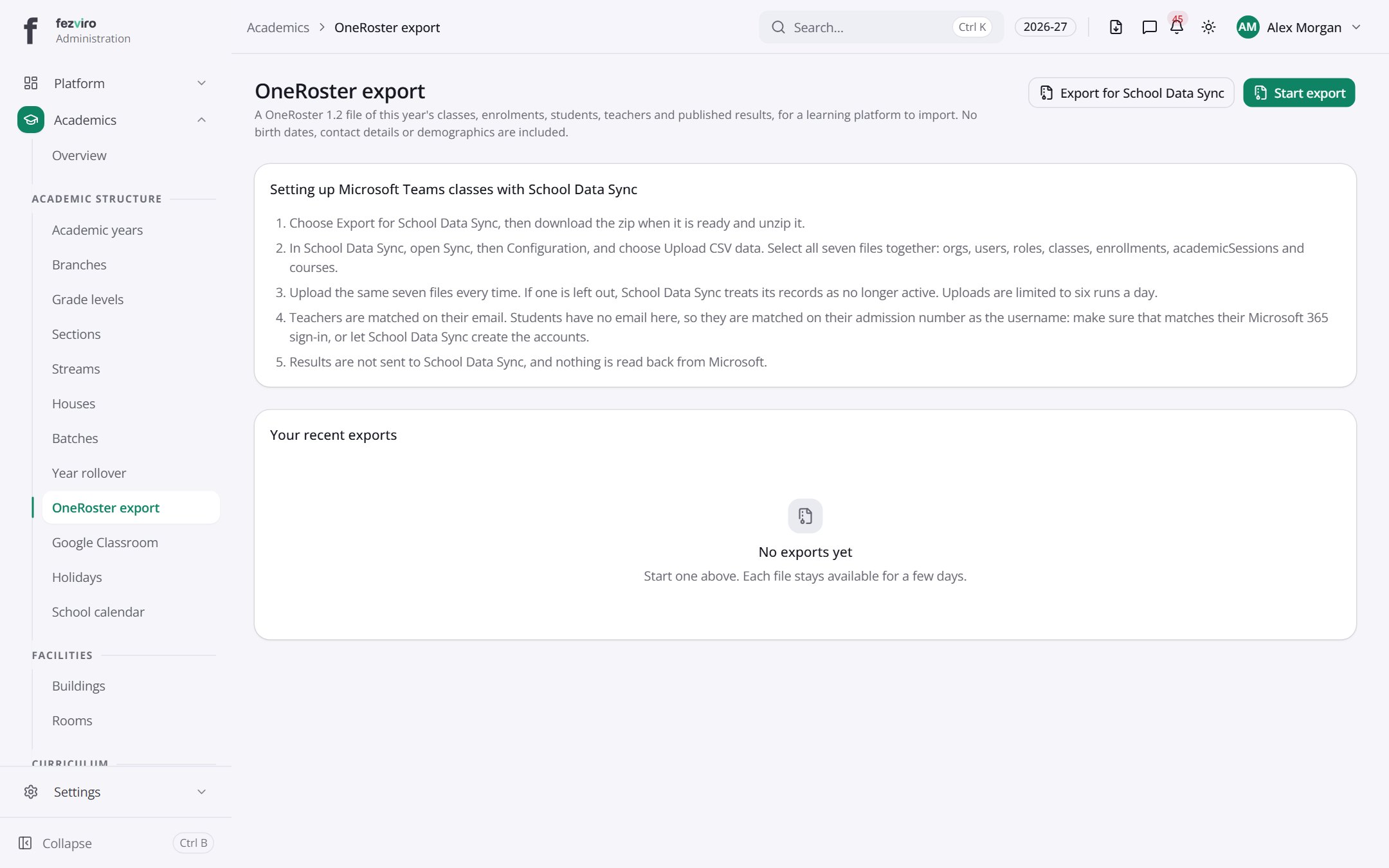 OneRoster exportExport of this year's classes, pupils, staff and published results.
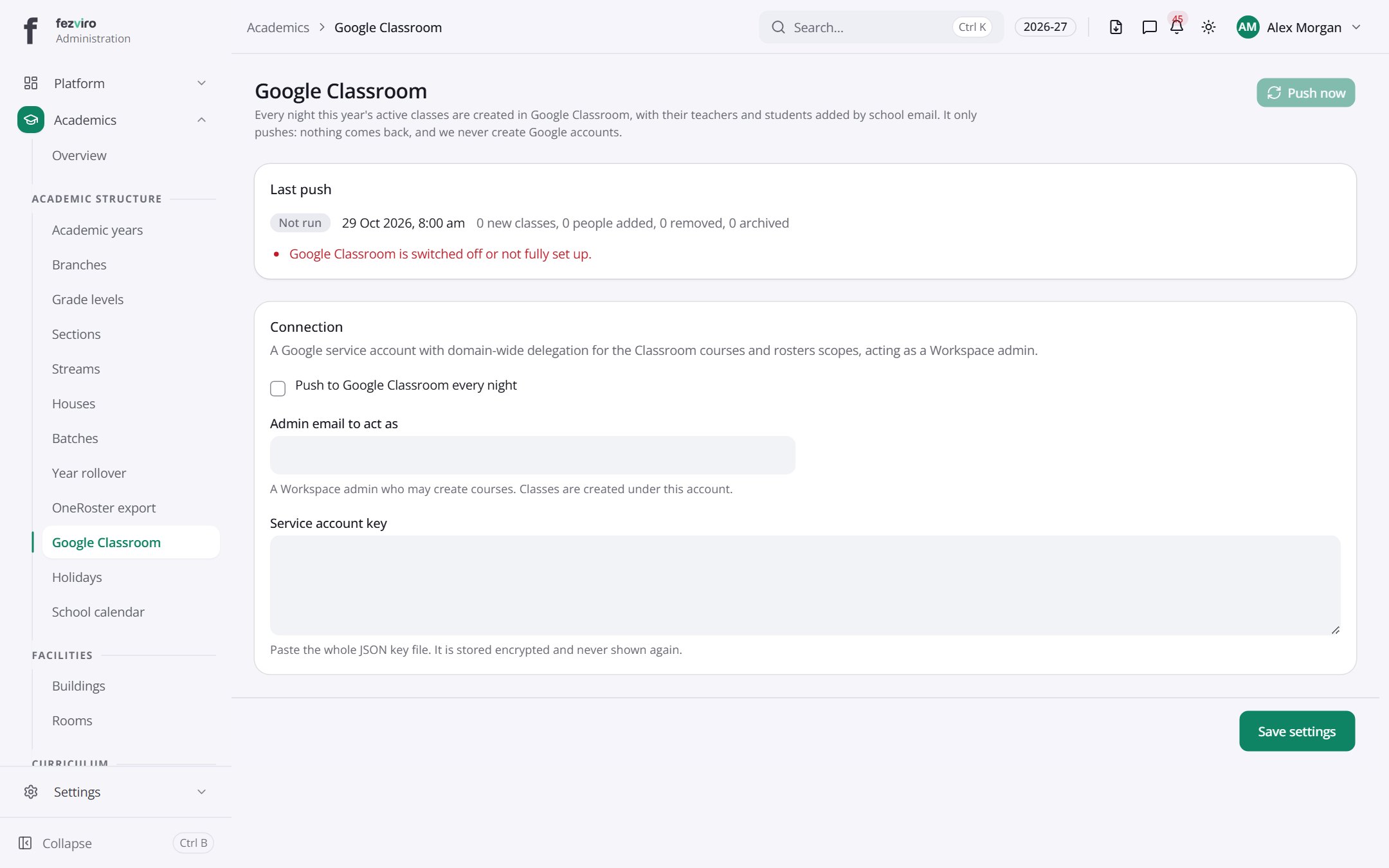 Google ClassroomSettings for sending class rosters to Google Classroom.
Step by step
Section titled “Step by step”Set up a new academic year
Section titled “Set up a new academic year”- Open Academics → Years and create the year with its start and end dates.
- Add terms if your school uses them.
- Use Academics → Rollover to copy grades, sections, subjects and teaching assignments from the previous year, then adjust.
- Switch the active year from the year picker in the top bar.
Create grades and sections
Section titled “Create grades and sections”- Open Academics → Grade levels and add each grade (e.g. Grade 1 to Grade 12).
- Open Sections and add divisions under each grade (A, B, C) with a class teacher and capacity.
- Optionally add streams (Science, Commerce) and houses.
Assign teachers to subjects
Section titled “Assign teachers to subjects”- Open Academics → Subjects and create subjects and subject groups.
- Record which subjects each teacher is qualified for under Teacher subject competencies.
- Open Teaching assignments to give each section-subject a teacher. The system warns when a teacher is not qualified.
Publish the holiday calendar
Section titled “Publish the holiday calendar”- Open Academics → Holidays and add each holiday or closure.
- Add events under Calendar events.
- Holidays automatically affect attendance days and fee due dates.
Questions
Section titled “Questions”Can we copy last year’s structure?
Yes. Rollover copies the structure into the new year so you only edit what changed.
Do records from past years disappear?
No. Every record is tied to its academic year. Switch the year in the top bar to view past years.
How do electives work?
Define elective subjects with seat quotas; students are allocated by preference or merit, and the system respects seat limits.