

Sign-in domains
What it is
The email domains that may sign in with Google or Microsoft.
Why it matters
Lets staff sign in with their school account and keeps others out.
When to use it
IT administrators add or remove domains allowed to use single sign-in.
Who uses it
Administrator
How to get here
Section titled “How to get here”- Sign in as Administrator (see Signing in).
- In the left menu, click Platform to open it.
- Click Settings.
What you see
Section titled “What you see”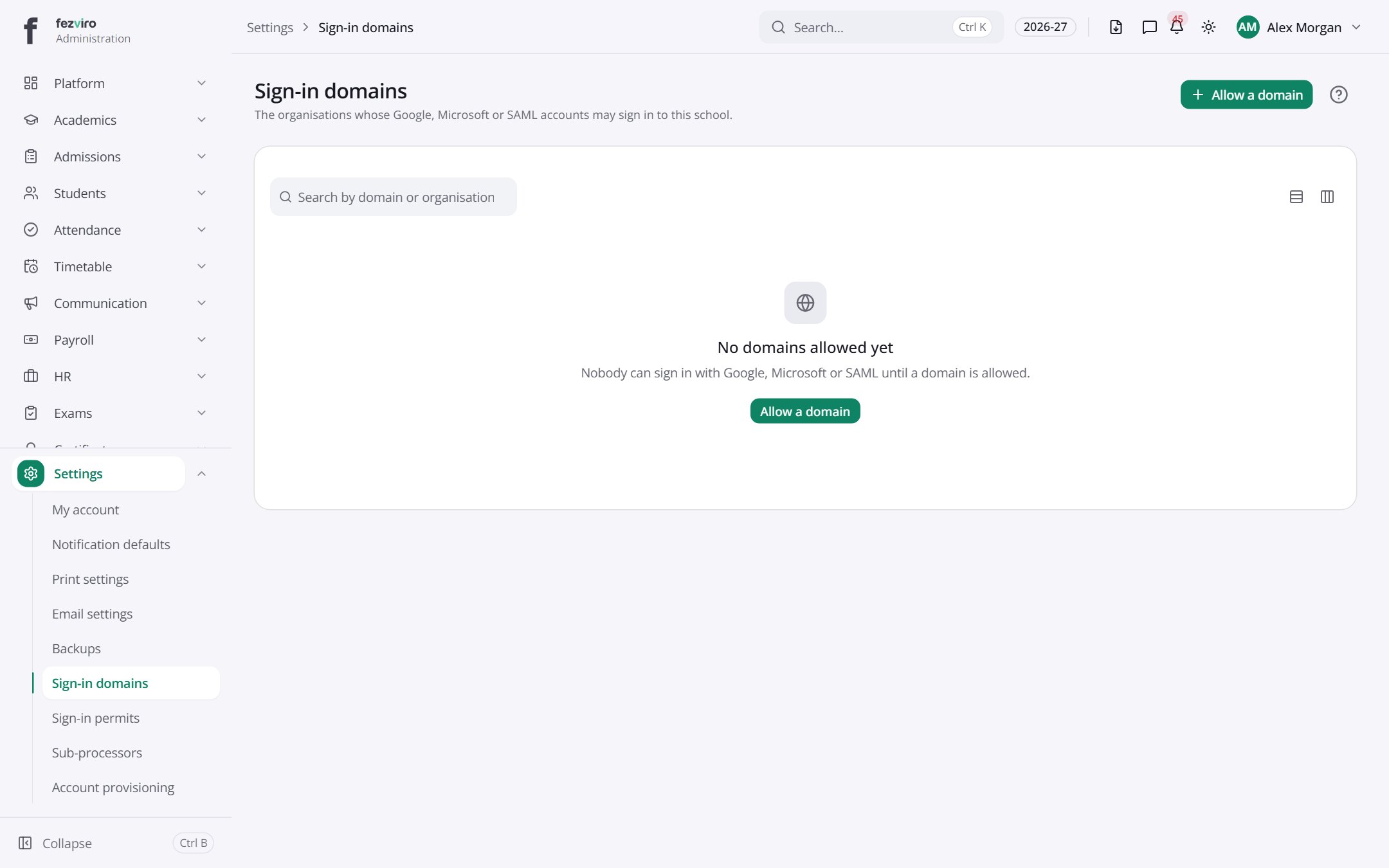
Buttons on this screen
Section titled “Buttons on this screen”- Allow a domain — does what it says on the button.
← Back to Platform & Security overview