

Google Classroom
What it is
Settings for sending class rosters to Google Classroom.
Why it matters
Lets teachers find their pupils in Google Classroom without retyping names.
When to use it
The IT or office lead sets it up and runs the roster update.
Who uses it
Administrator
How to get here
Section titled “How to get here”- Sign in as Administrator (see Signing in).
- In the left menu, click Academics to open it.
- Click Google Classroom.
What you see
Section titled “What you see”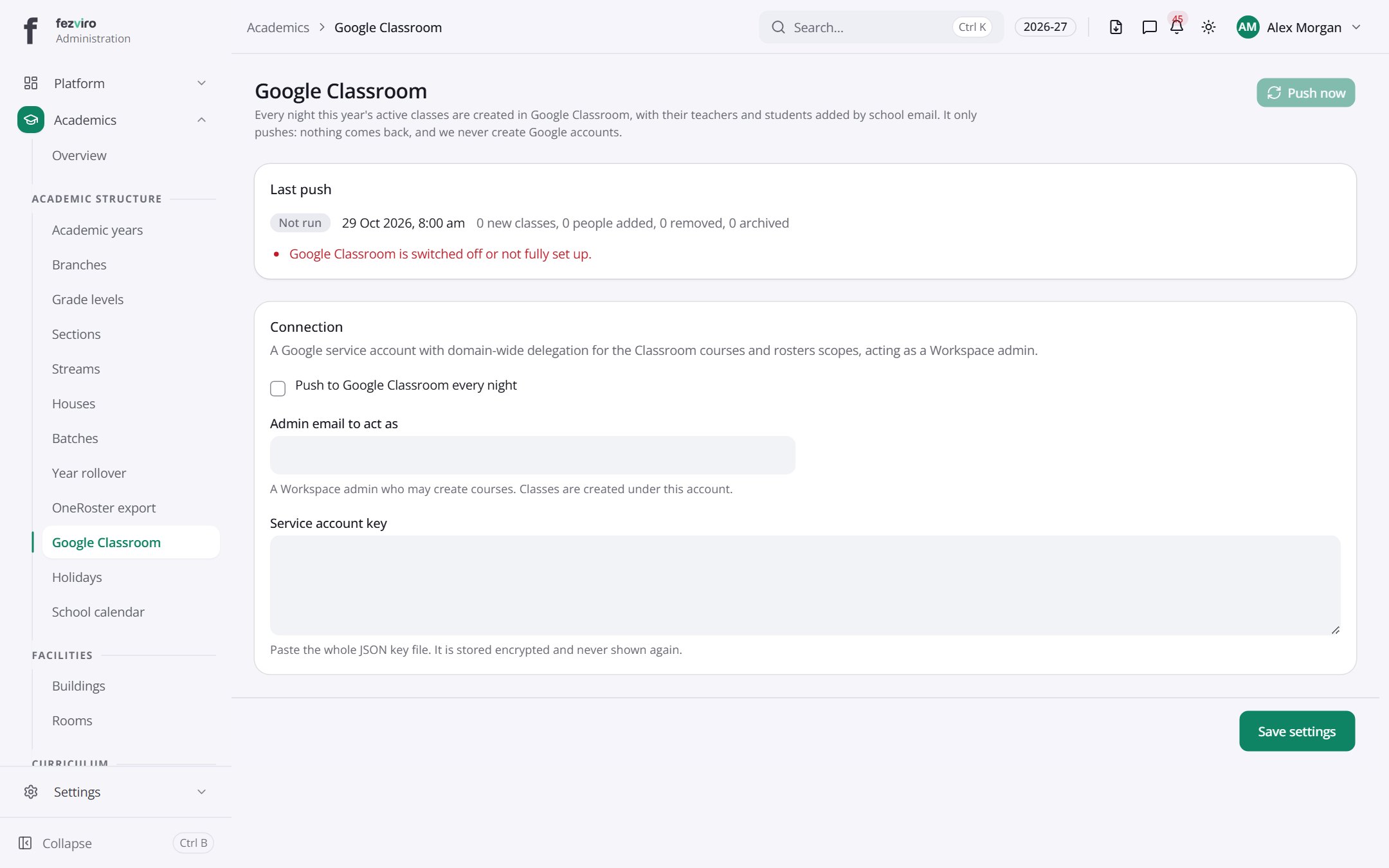
- Sections on the page: Last push, Connection.
Buttons on this screen
Section titled “Buttons on this screen”- Push now — does what it says on the button.
← Back to Academics overview