

Notifications
What it is
Your inbox of school messages and alerts.
Why it matters
Keeps every notice in one place, so nothing gets lost.
When to use it
Everyone reads their alerts here and marks them as read.
Who uses it
Administrator
How to get here
Section titled “How to get here”- Sign in as Administrator (see Signing in).
- In the left menu, click Platform to open it.
- Click Notifications.
What you see
Section titled “What you see”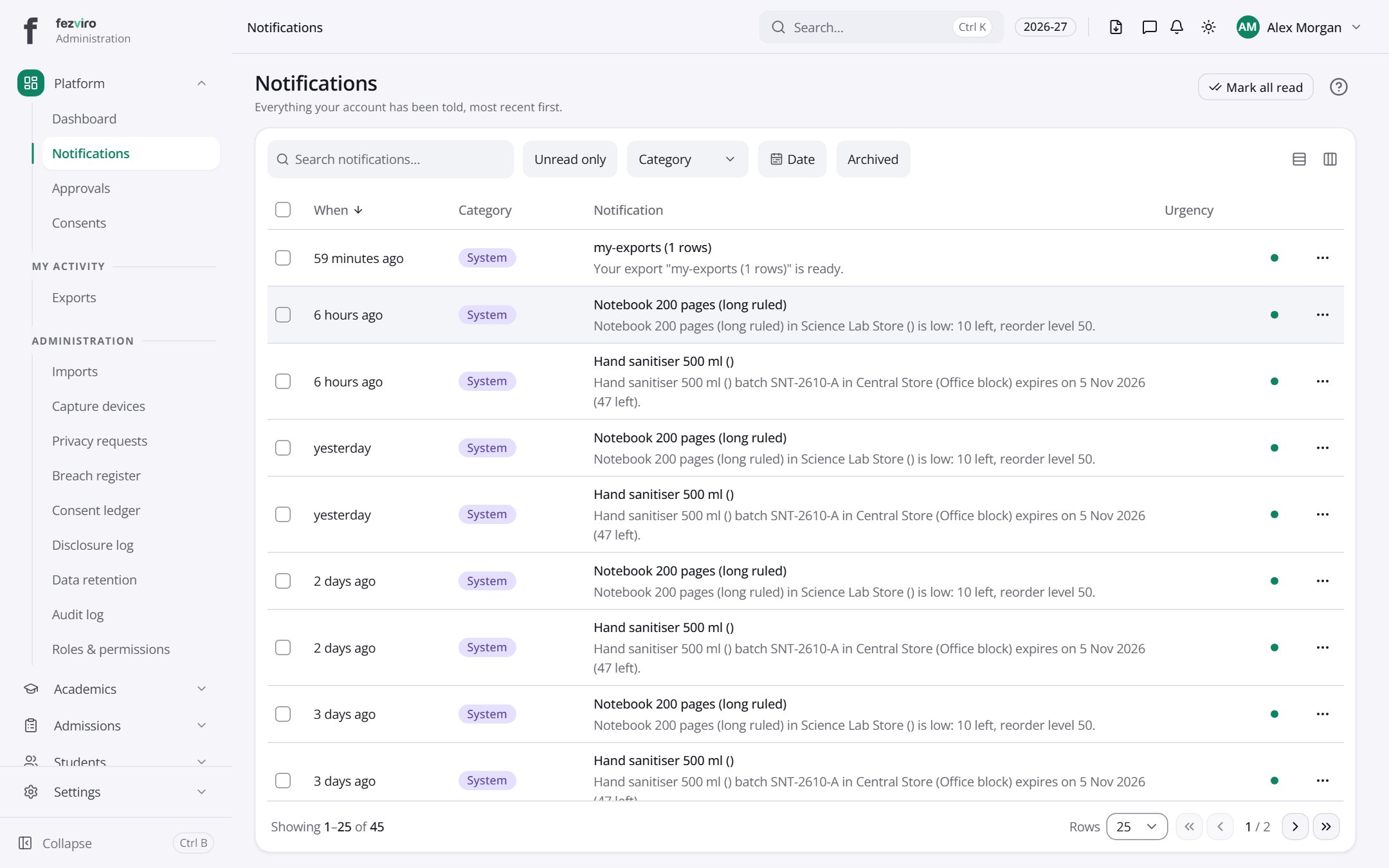
- The list has these columns: When, Category, Notification, Urgency, Actions. Click a column name to sort by it.
Buttons on this screen
Section titled “Buttons on this screen”- Mark all read — does what it says on the button.
← Back to Platform & Security overview