

Fundraising
Donors, funds, campaigns, gifts and pledges, with online giving pages and 501(c)(3) receipts.
👥 Development office, accountant, principal, donors (public giving page)🖥️ 11 screens

What it does
Section titled “What it does”- Donor and household records
- Duplicate donor merge
- Funds, campaigns, appeals
- Gifts split across funds
- Pledges in instalments
- 501(c)(3) tax receipts
Its screens
Section titled “Its screens”Each screen has its own page: what it is for, how to reach it, a picture, its buttons and its form.
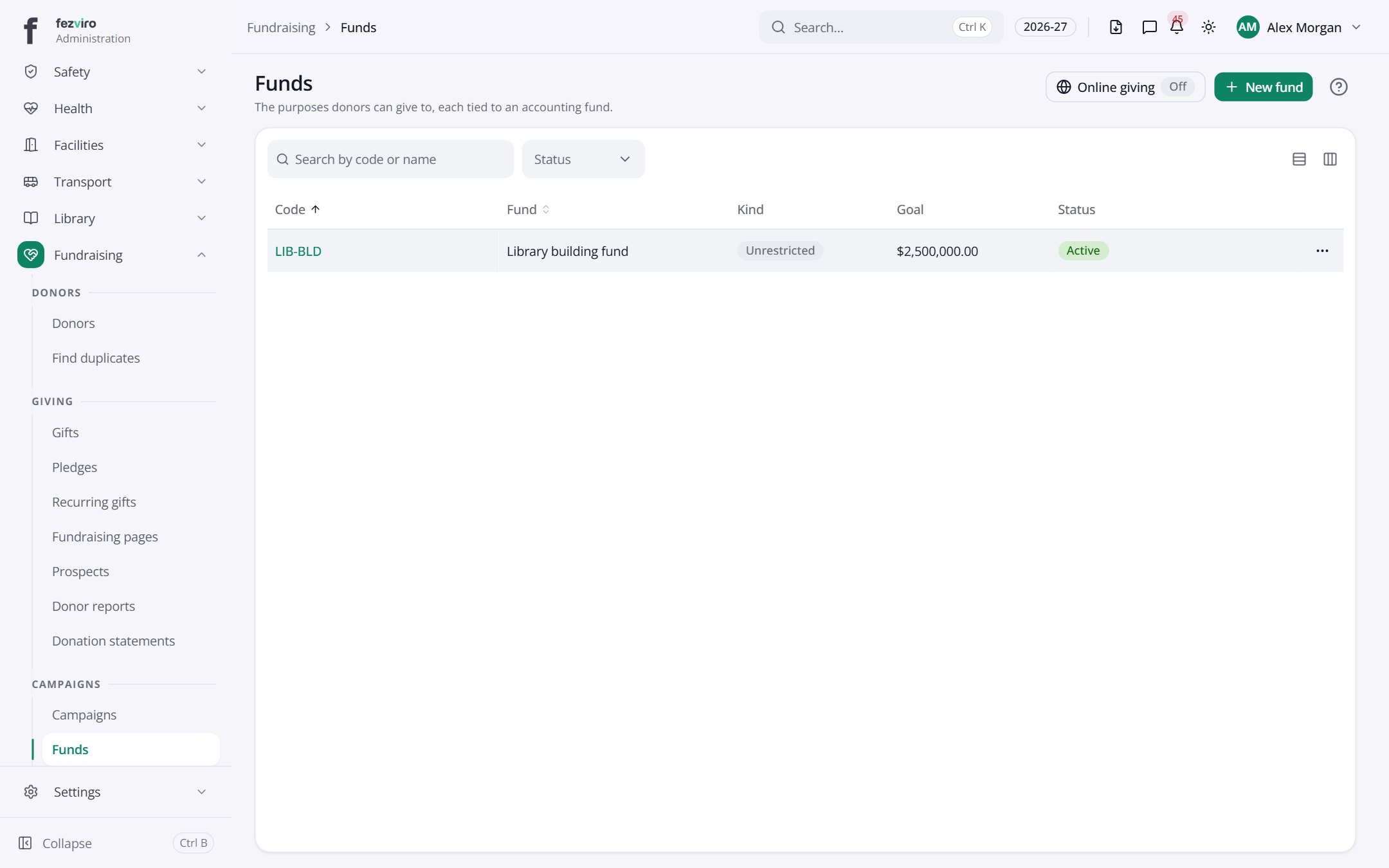 FundsThe purposes donors can give to, each with its own money pot.
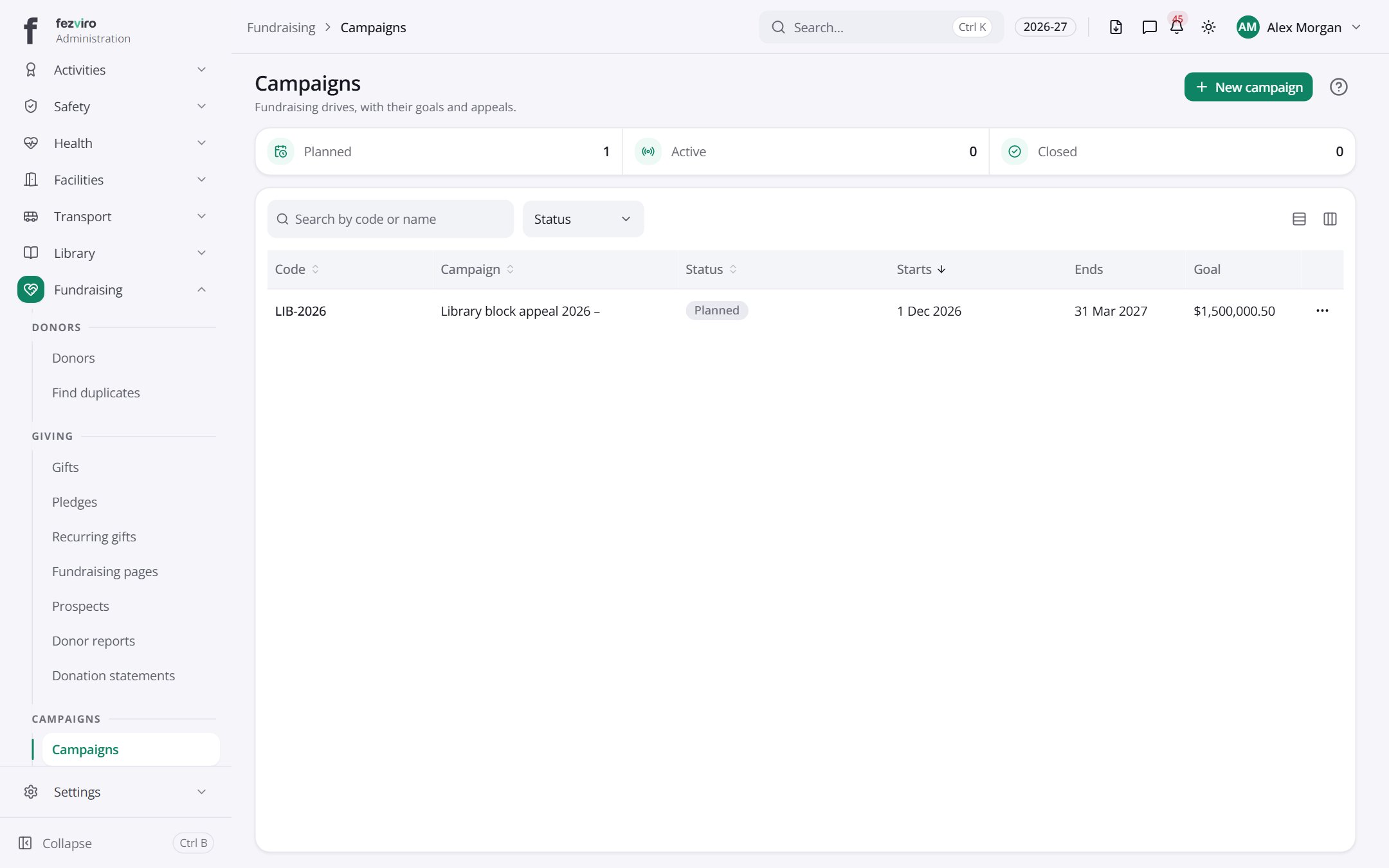 CampaignsFundraising drives, each with its own goal and appeals.
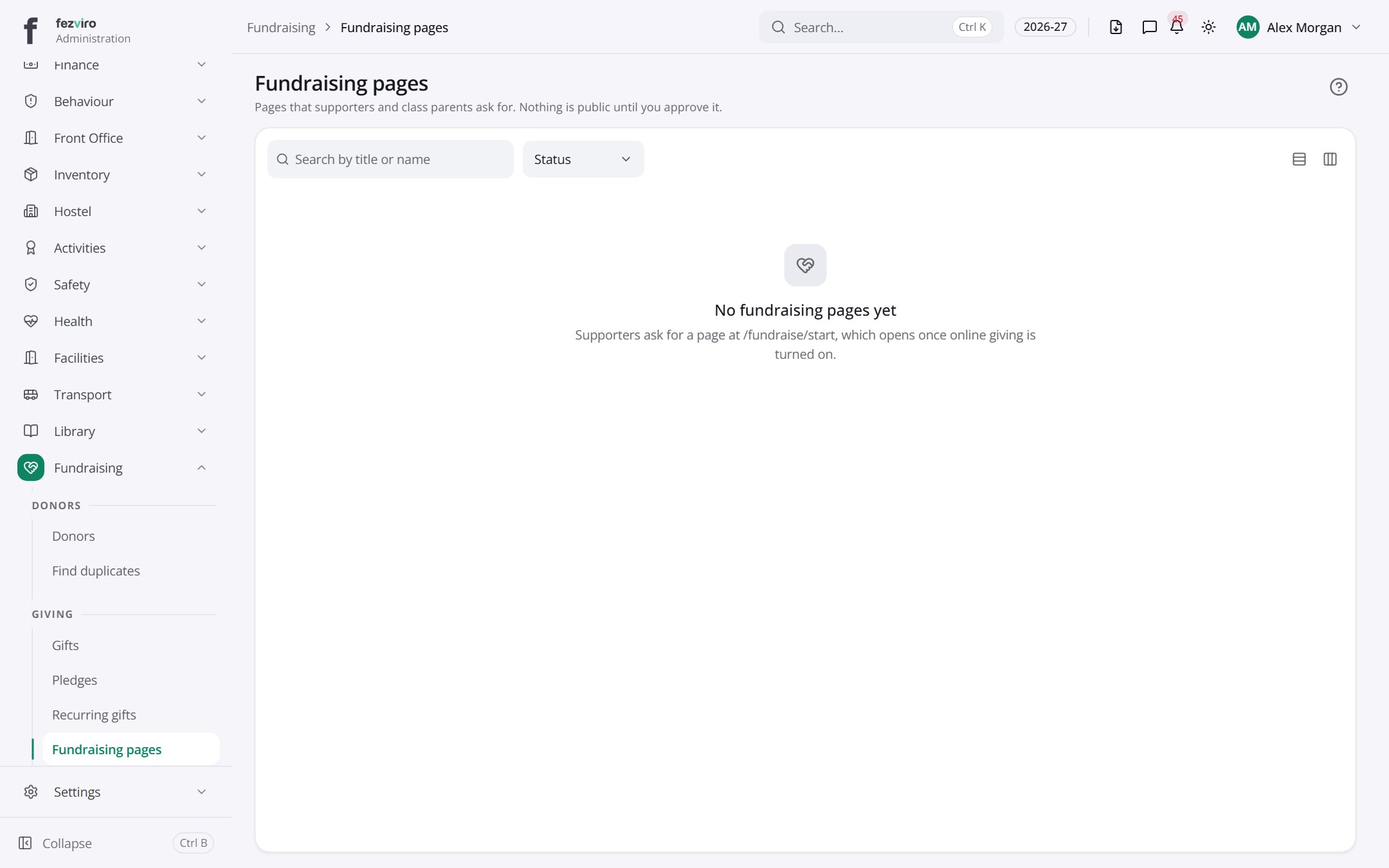 Fundraising pagesPages that supporters or class parents have asked to create.
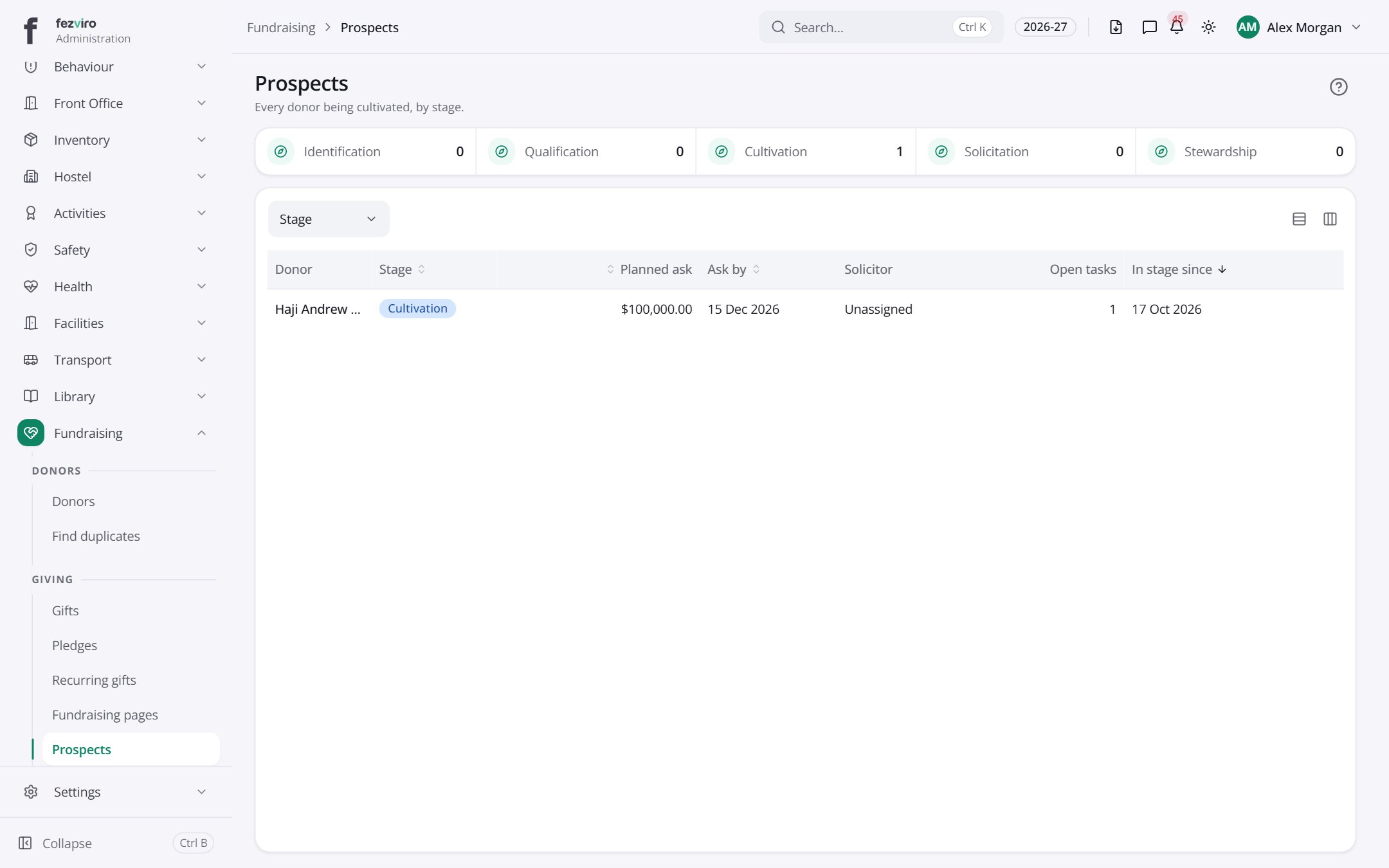 ProspectsPotential donors the school is getting to know, with notes on each.
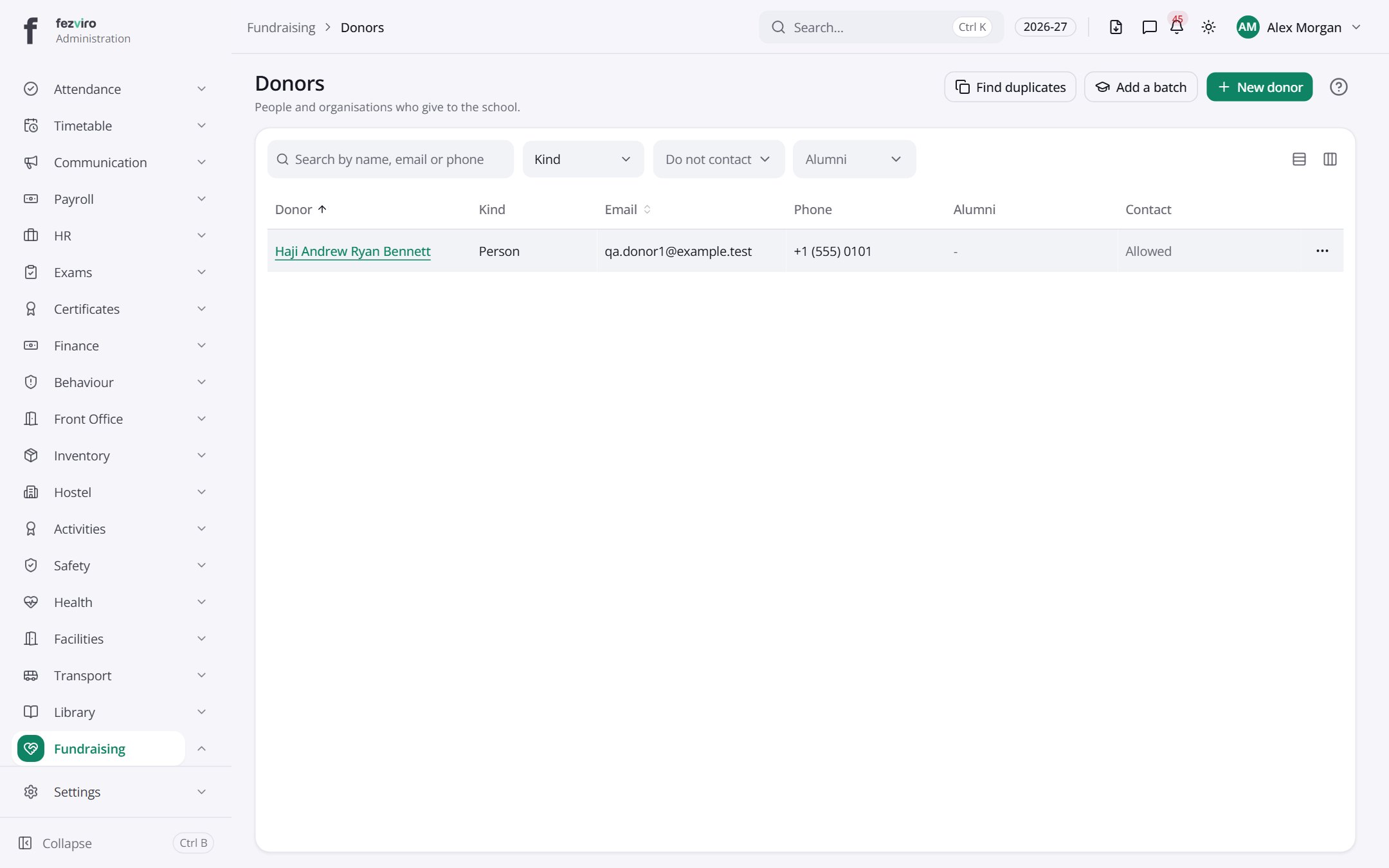 DonorsRecords of every donor and household that has given or may give.
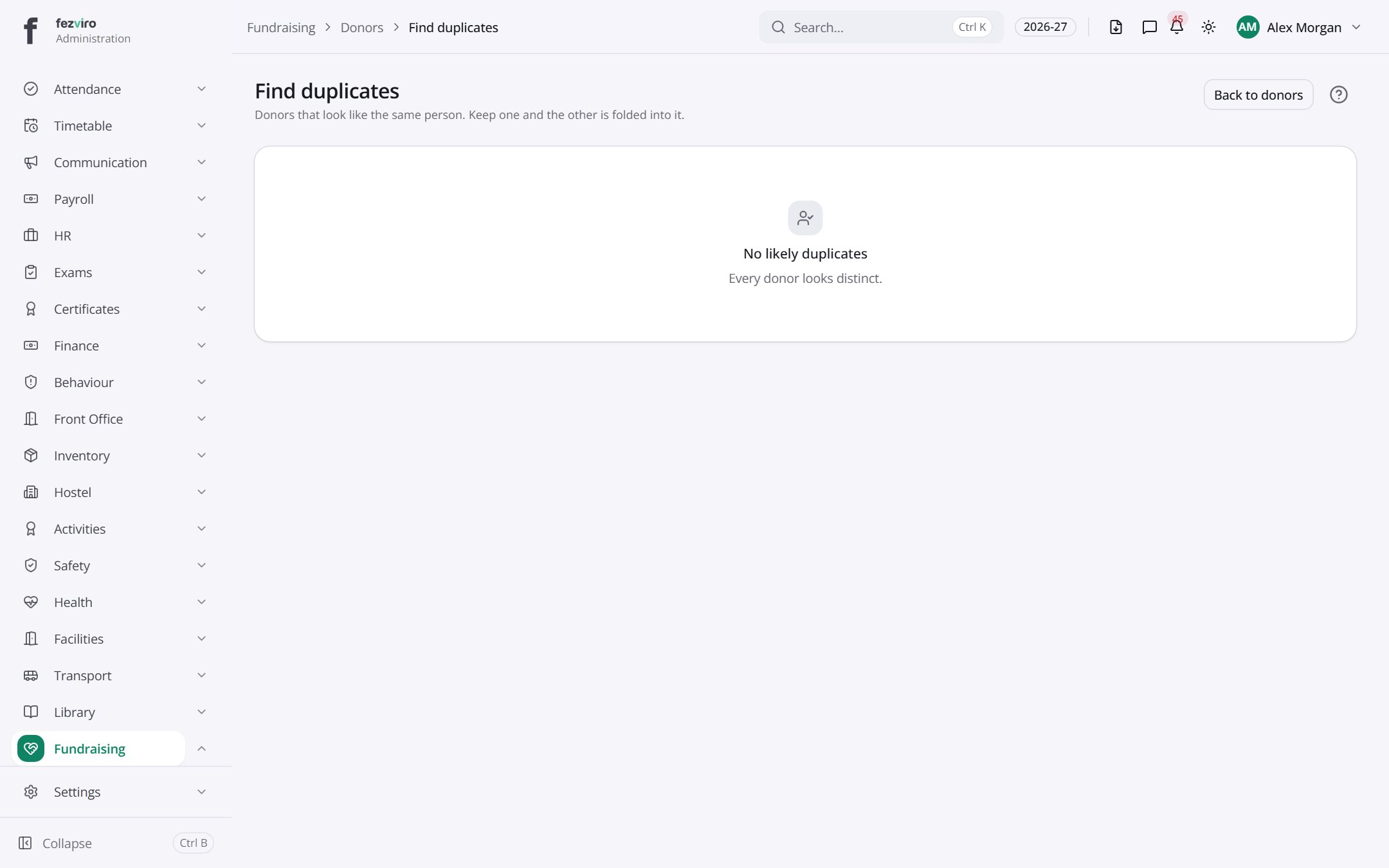 Find duplicatesCombines two donor records that describe the same person or household.
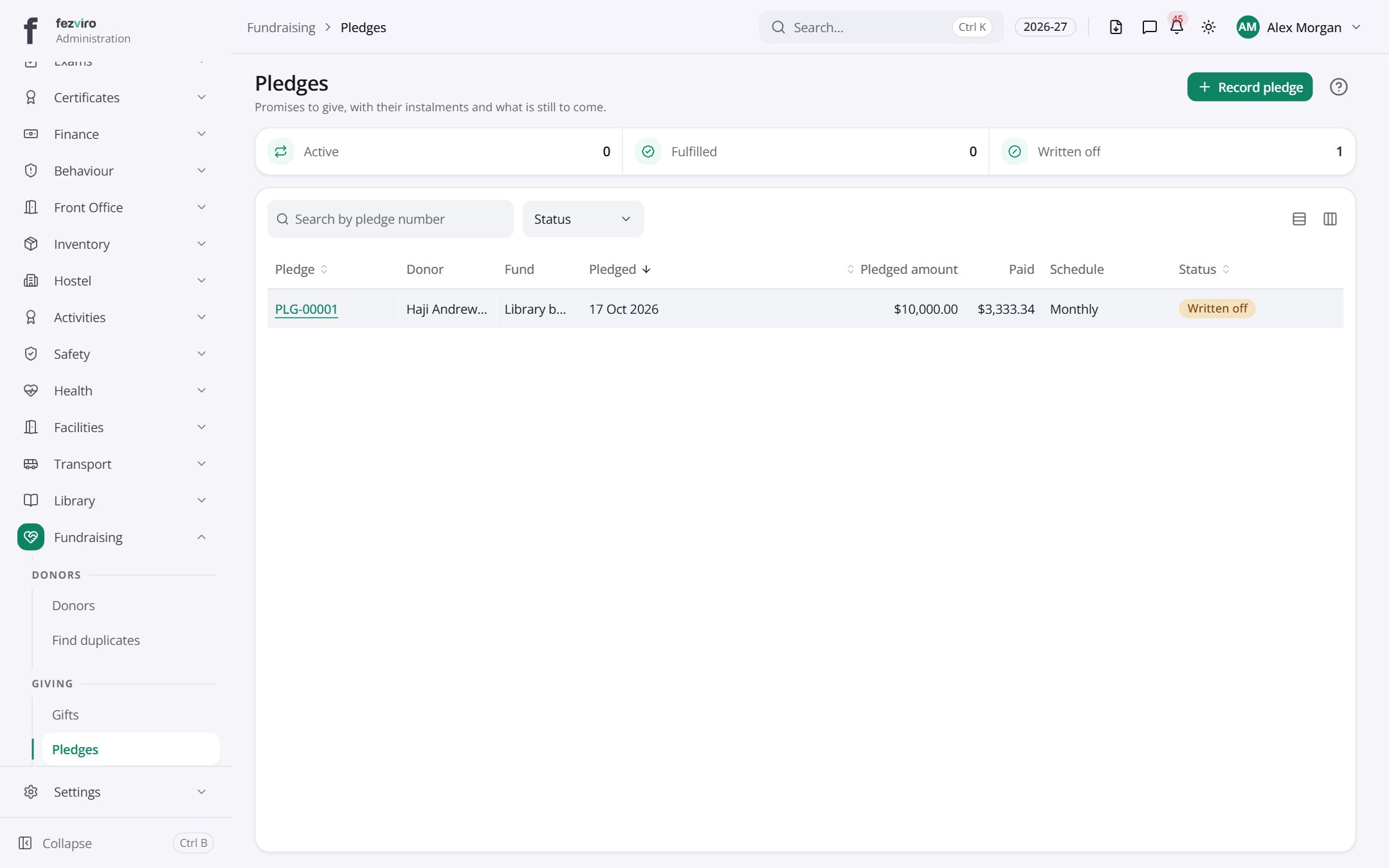 PledgesPromises to give, paid in instalments over time.
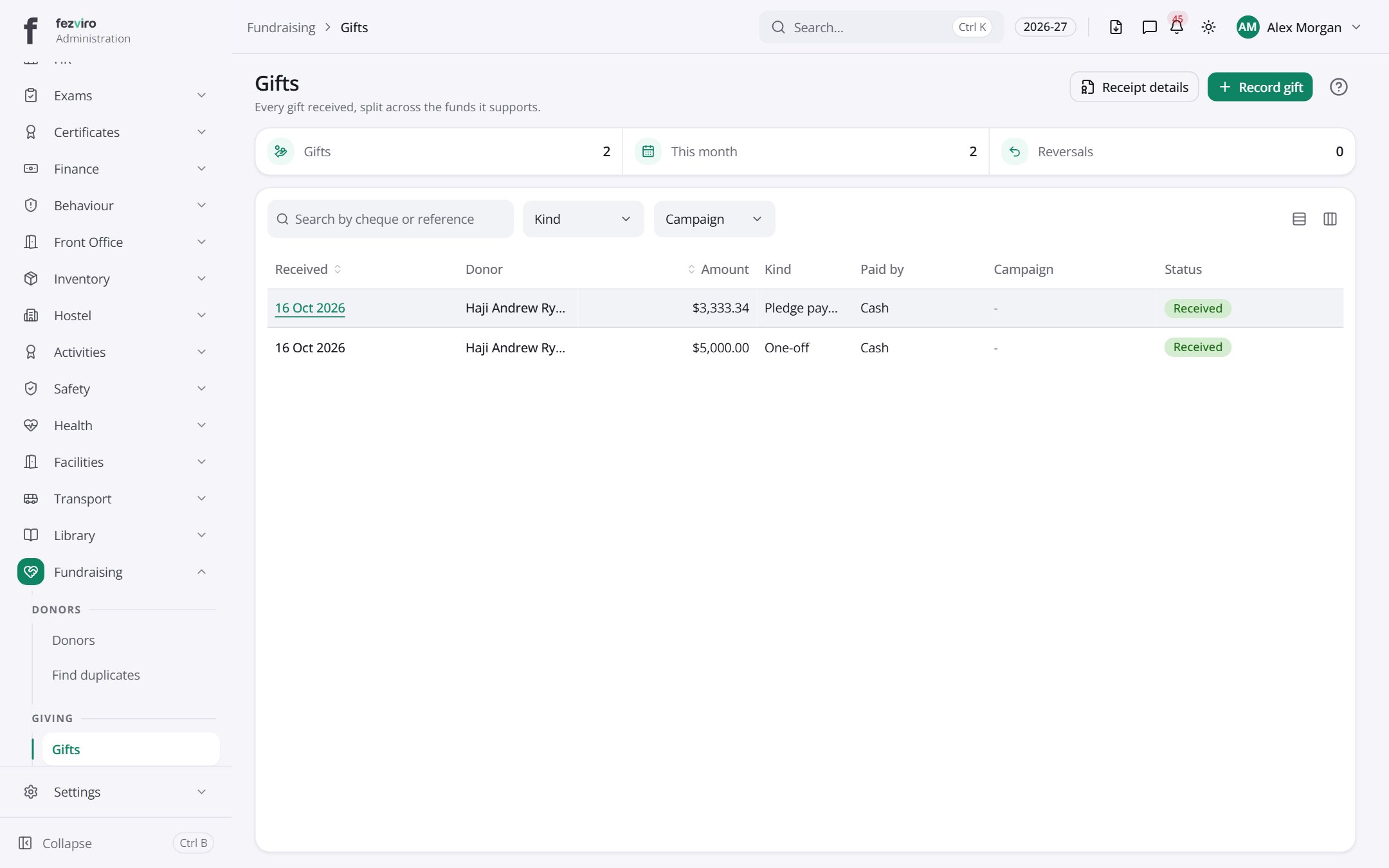 GiftsEvery gift received, split across the purposes it supports.
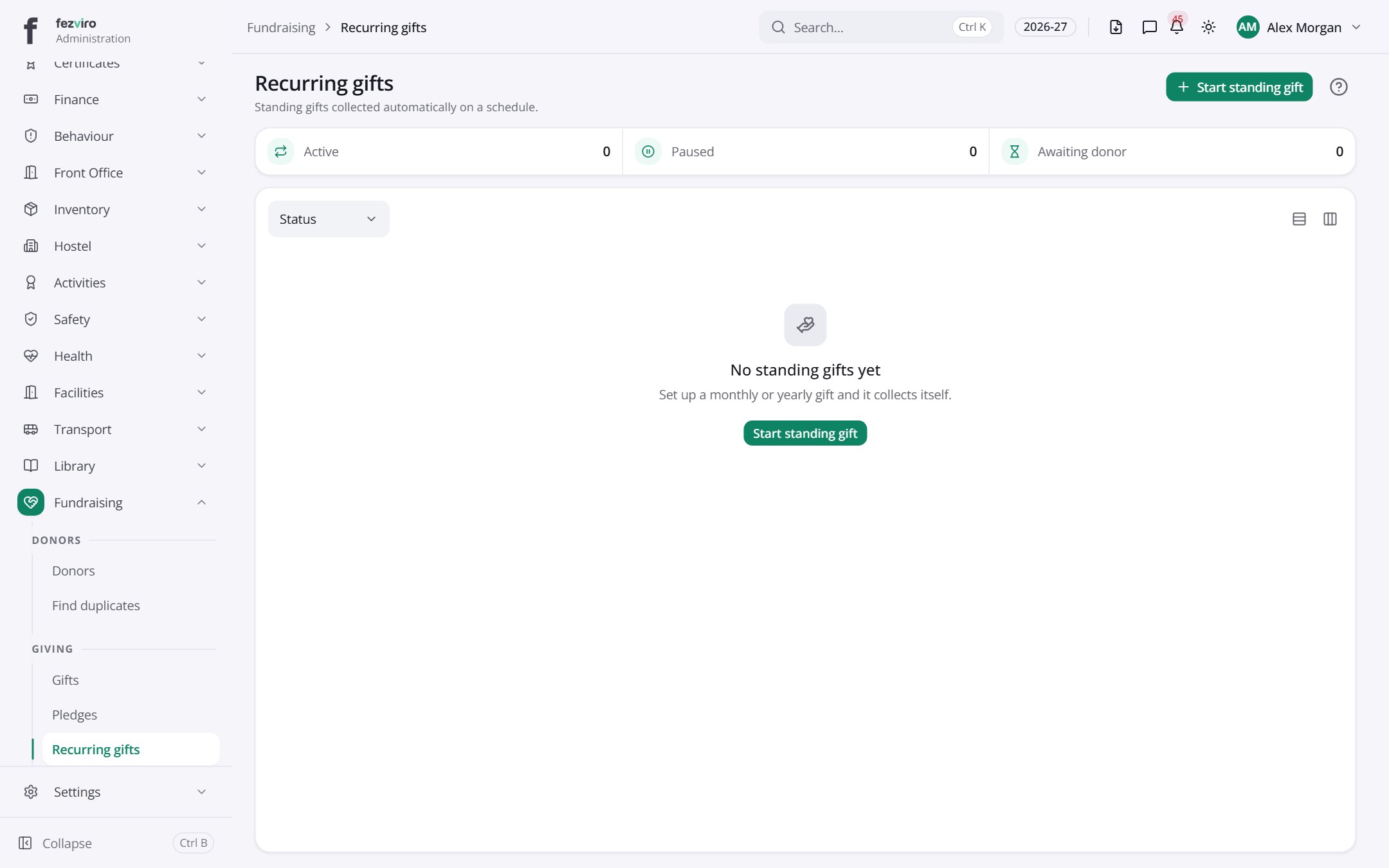 Recurring giftsStanding gifts collected automatically on a set schedule.
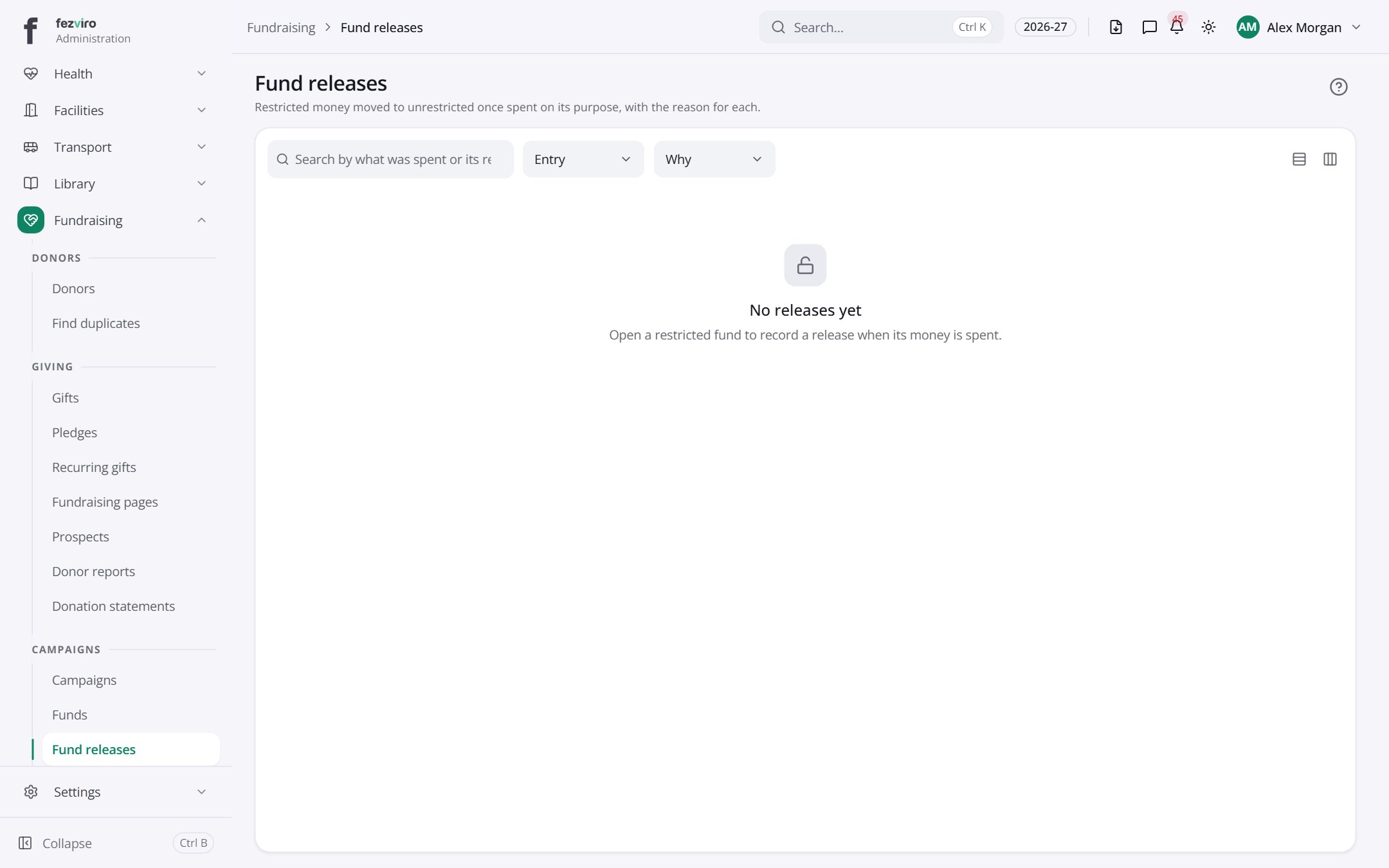 Fund releasesMoves restricted money into general use once spent on its purpose.
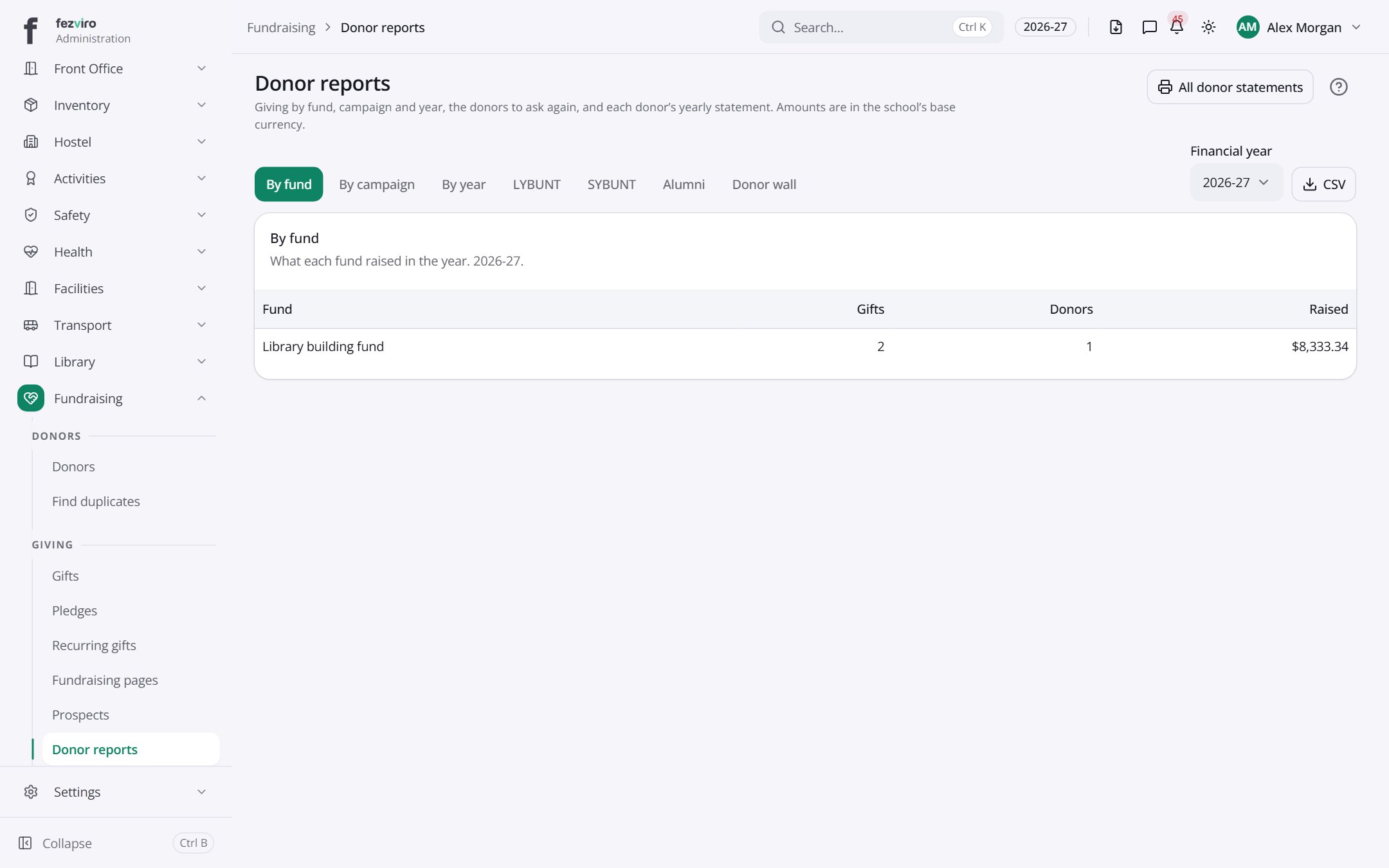 Donor reportsGiving figures by fund, campaign and year, plus donor statements.
Step by step
Section titled “Step by step”Run a campaign
Section titled “Run a campaign”- Create a Fund and a Campaign.
- Publish a giving Page; donors give online.
- Record offline Gifts and Pledges; 501(c)(3) receipts are issued.
Questions
Section titled “Questions”Can we merge duplicate donors?
Yes, from Donors → Merge.