

Period-end rates
What it is
Exchange rates taken on the last day of each period.
Why it matters
Values foreign-currency balances correctly when the books close.
When to use it
Finance staff enter these rates before running the currency revaluation.
Who uses it
Administrator
How to get here
Section titled “How to get here”- Sign in as Administrator (see Signing in).
- In the left menu, click Accounting to open it.
- Click Period-end rates.
What you see
Section titled “What you see”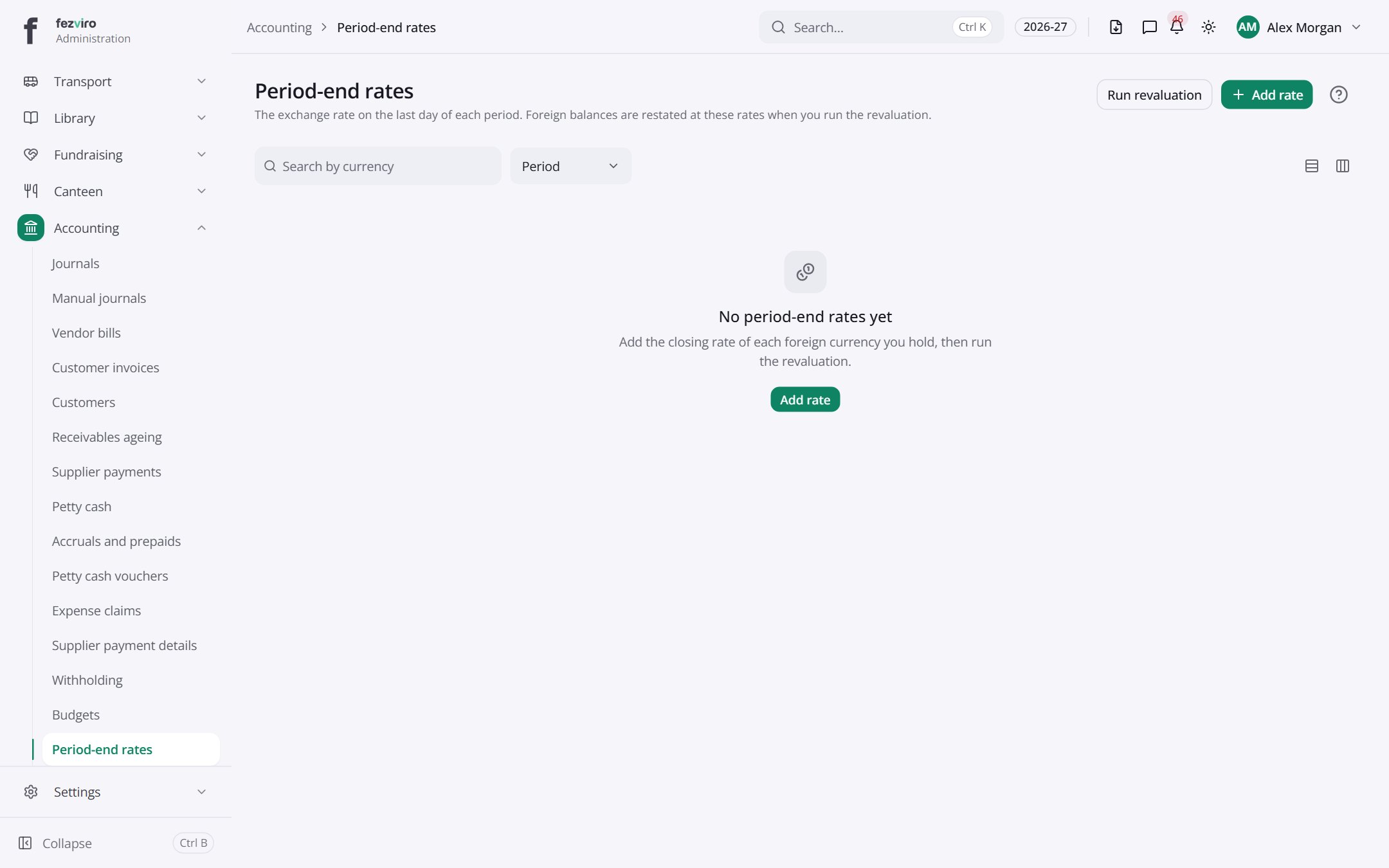
Buttons on this screen
Section titled “Buttons on this screen”- Run revaluation — does what it says on the button.
- Add rate — opens a form to add a new one. See Filling in the form below.
← Back to Accounting overview