

Disclosure log
What it is
A record of each time a pupil's information went outside the school.
Why it matters
Shows who received what and why, as data protection rules require.
When to use it
Privacy staff review disclosures and check families' sharing choices.
Who uses it
Administrator
How to get here
Section titled “How to get here”- Sign in as Administrator (see Signing in).
- In the left menu, click Platform to open it.
- Click Disclosure log.
What you see
Section titled “What you see”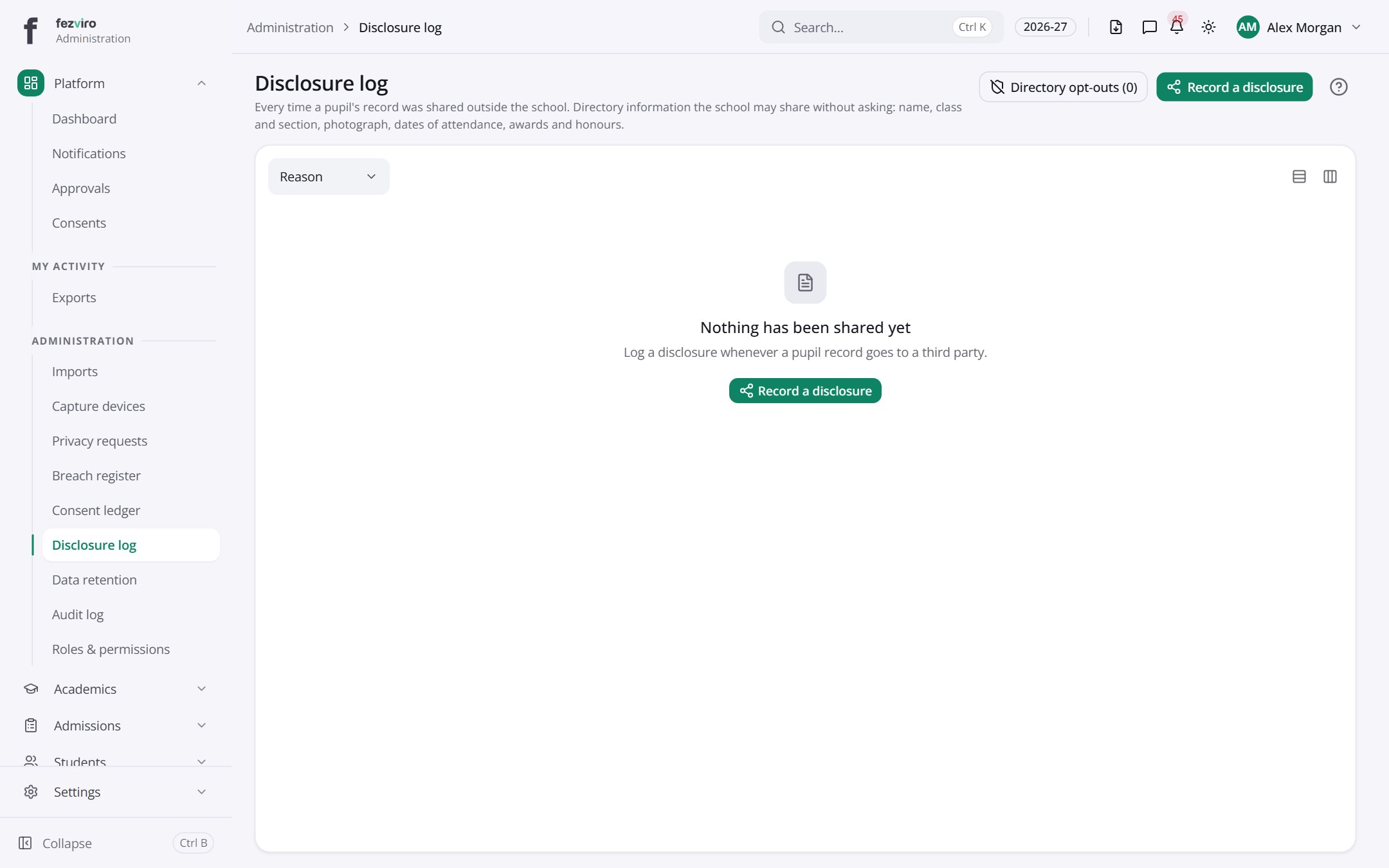
Buttons on this screen
Section titled “Buttons on this screen”- Directory opt-outs (0) — does what it says on the button.
- Record a disclosure — opens a form to add a new one. See Filling in the form below.
← Back to Platform & Security overview