

Seating plans
What it is
A menu to choose an exam, then open its seating plans.
Why it matters
Gets to the right seating plan without hunting through lists.
When to use it
Staff pick an exam to generate or print seating charts for each room.
Who uses it
Administrator
How to get here
Section titled “How to get here”- Sign in as Administrator (see Signing in).
- In the left menu, click Exams to open it.
- Click Seating plans.
What you see
Section titled “What you see”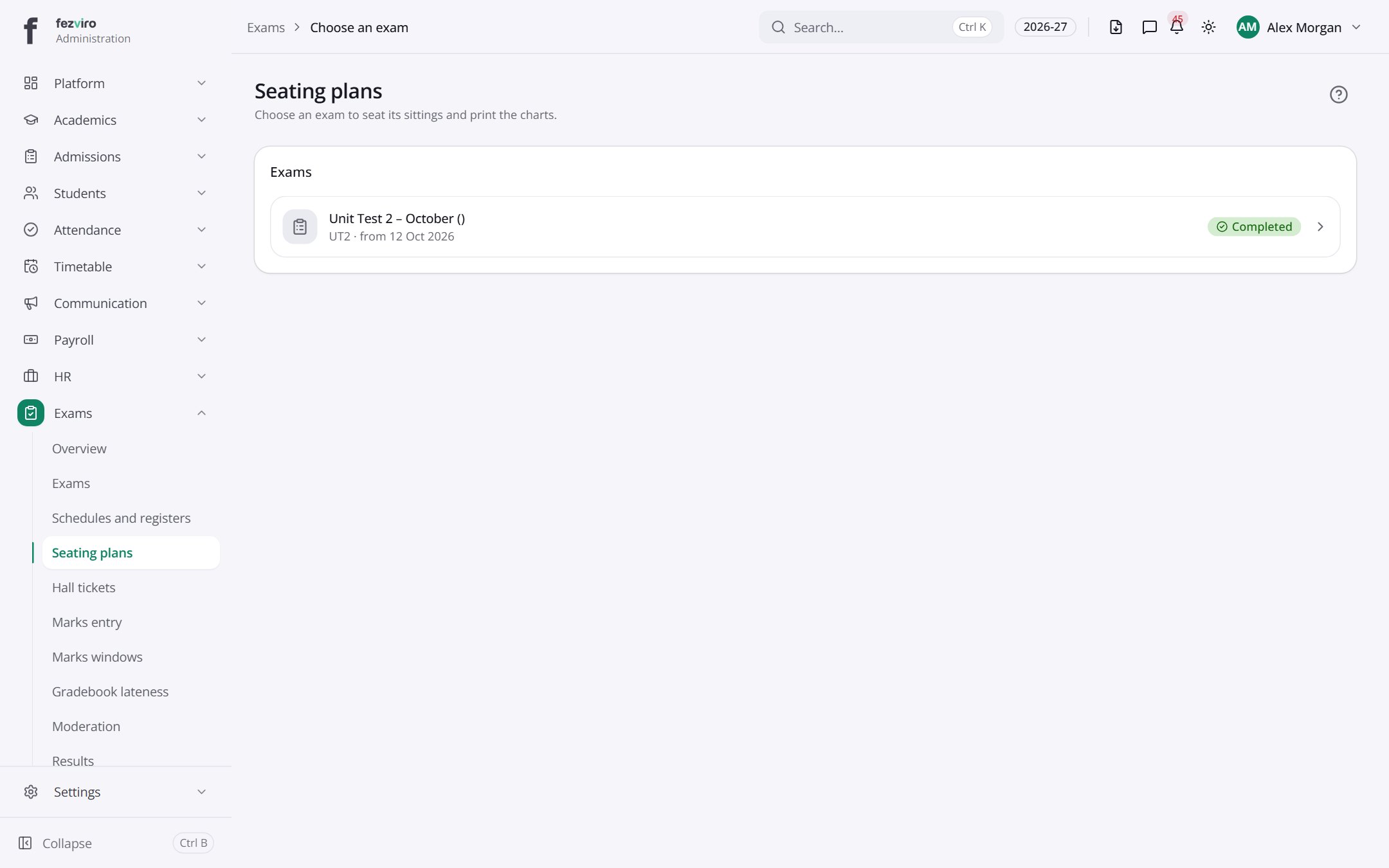
- Sections on the page: Exams.
← Back to Exams & Grading overview