

Fees & Finance
All fee collection: fee structures, invoices, discounts, scholarships, counter and online payments, reminders, defaulters and statements.

What it does
Section titled “What it does”- Fee heads and fee structures
- Fee frequencies: monthly to annual
- Optional fees and per-student pricing
- Payment plans and instalments
- Grace days and holiday-aware due dates
- Discounts with approval limits
- Sibling, staff-child and quota concessions
- Scholarships with sponsor billing
- Late fees, automatic
- Fines and waivers
- Multi-currency with exchange rates
- Invoices, single or bulk with preview
- Family invoices
- Credit and debit notes
- Student account statements
- Counter payments: cash, cheque, card, transfer
- Cheque clearance and bounce handling
- Cashier drawer sessions
- Advance credit and refunds
- Online payments through all popular gateways: Razorpay, PayU, PhonePe, Stripe, PayPal and more
- Pay-online links in invoices and reminders
- Bank and gateway reconciliation
- Automatic fee reminders
- Defaulters with ageing
- Collections dashboard with drill-down
- Year-end balance carry-forward
- Invoice and receipt PDFs with school logo
Its screens
Section titled “Its screens”Each screen has its own page: what it is for, how to reach it, a picture, its buttons and its form.
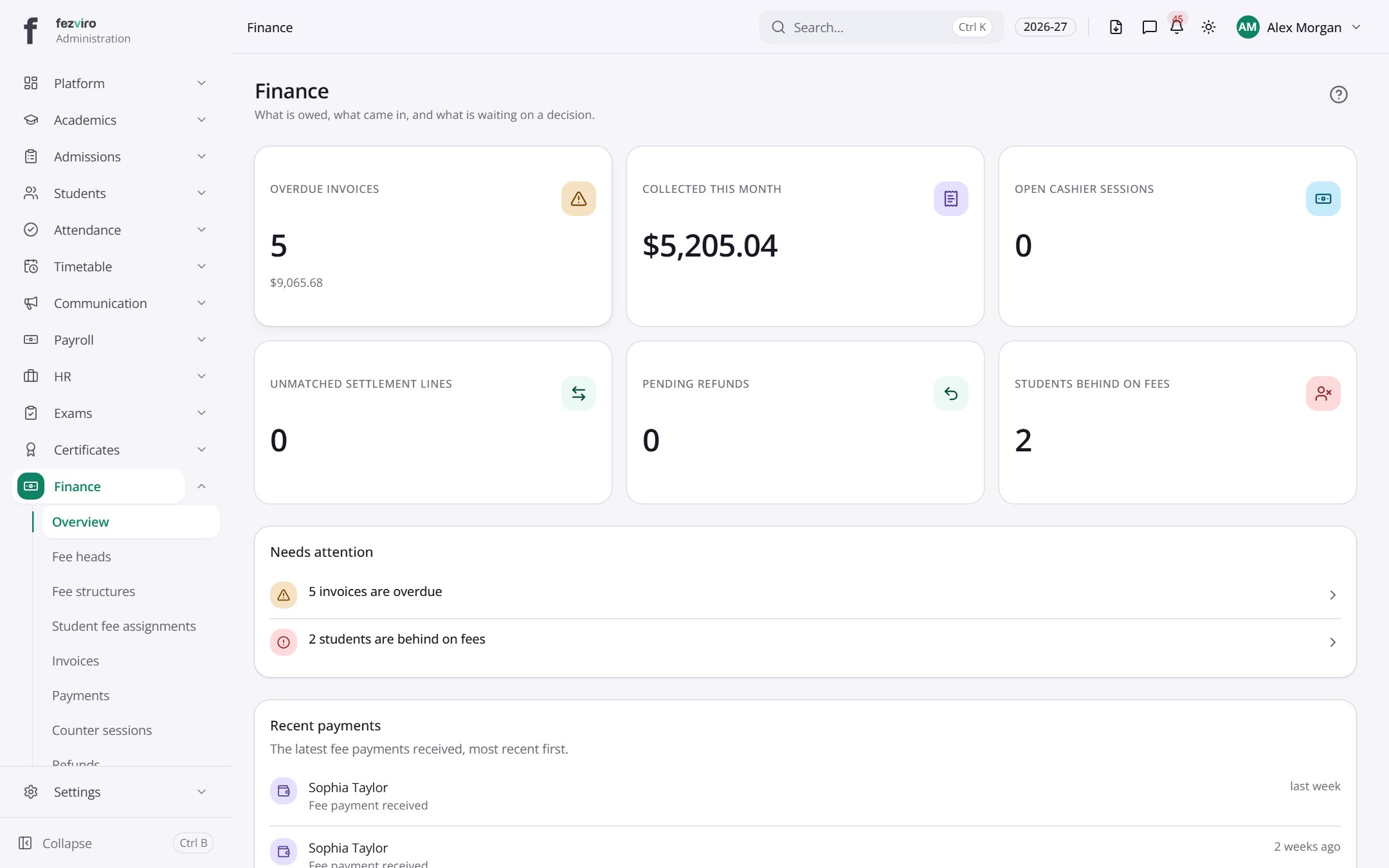 Fees & Finance dashboardA summary of the school's fees: what is owed and what came in.
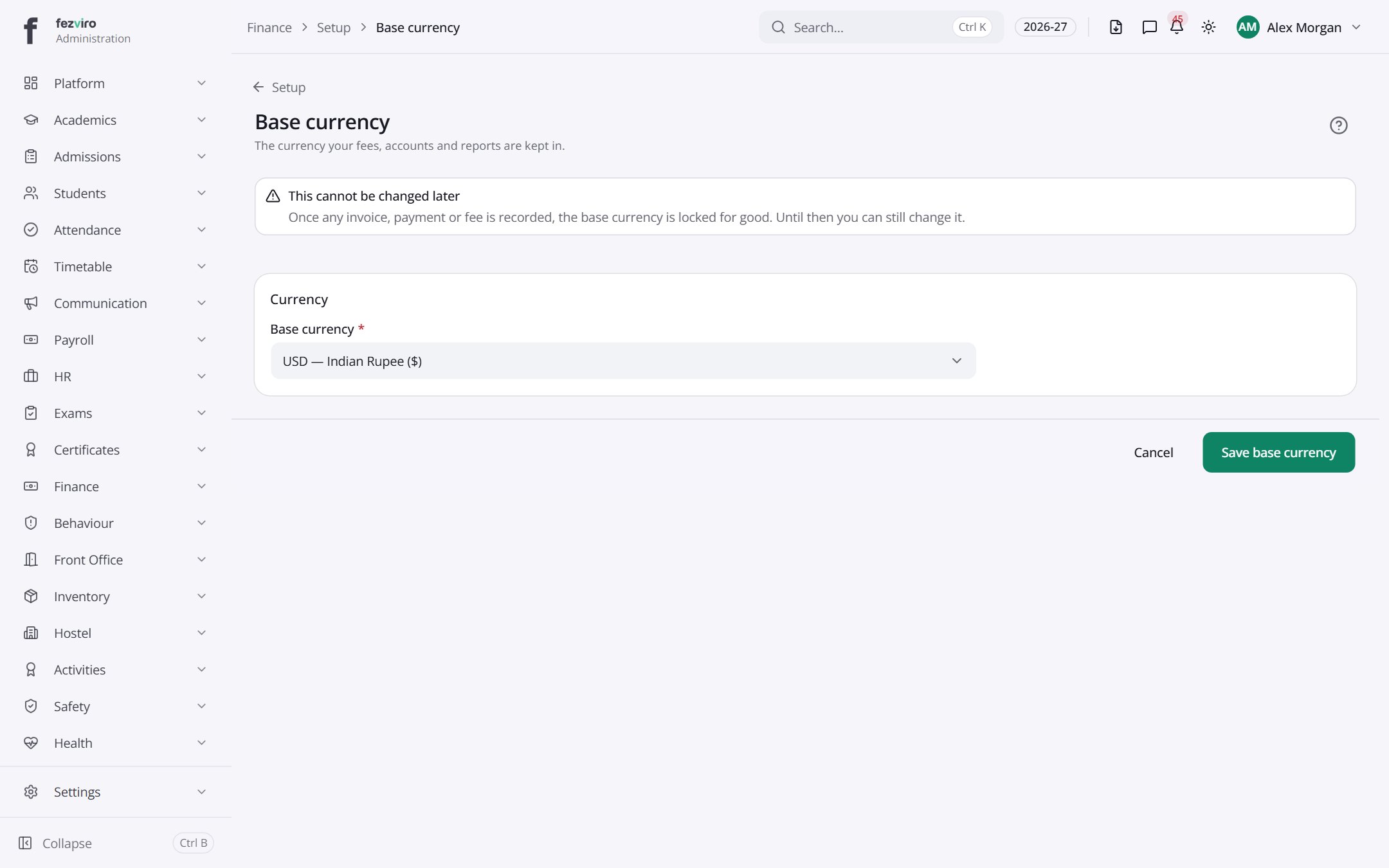 Base currencyThe one currency the school's fees, books and reports use.
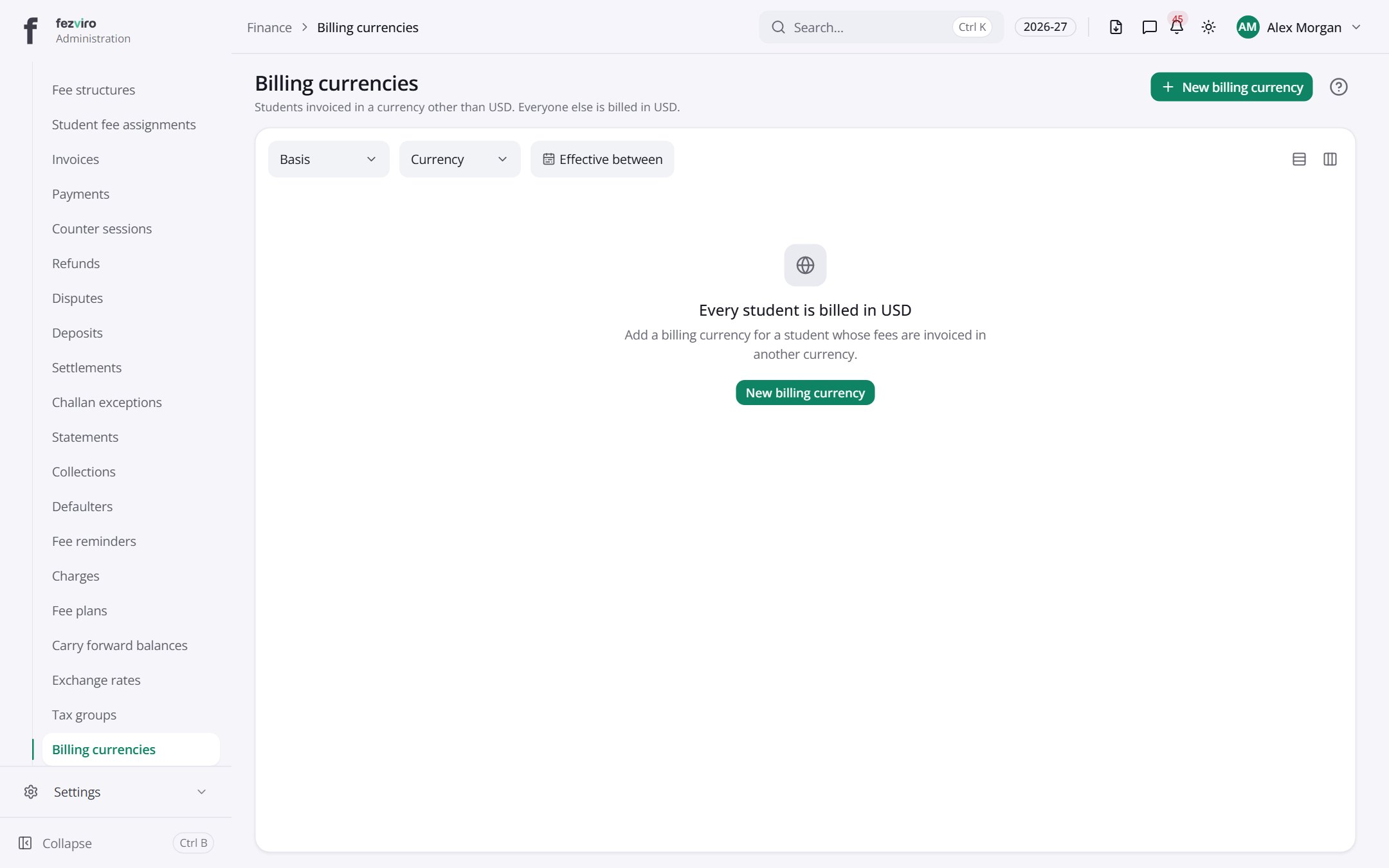 Billing currenciesThe currencies each school fee can be billed in.has a form
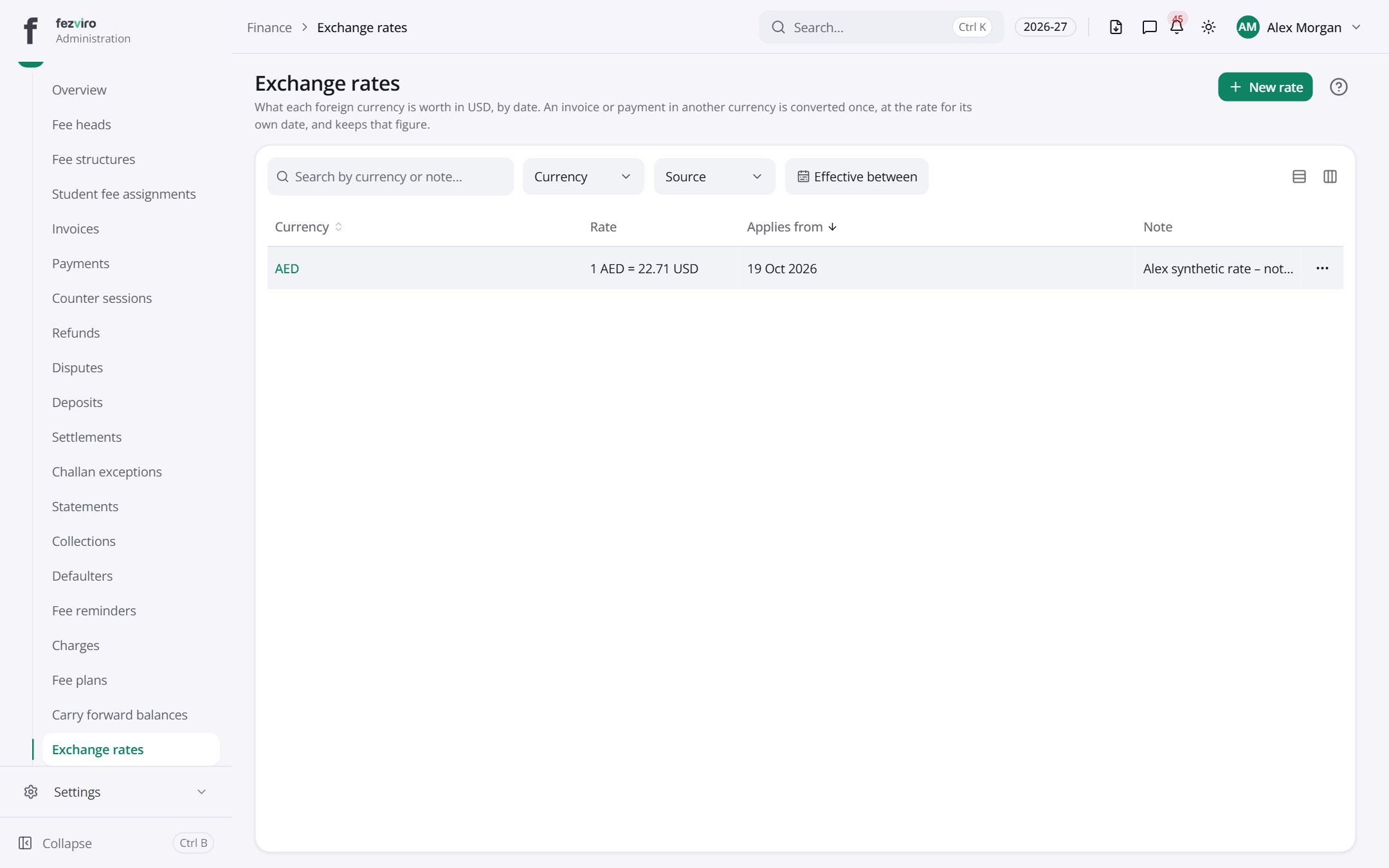 Exchange ratesExchange rates used to convert fees into other currencies.has a form
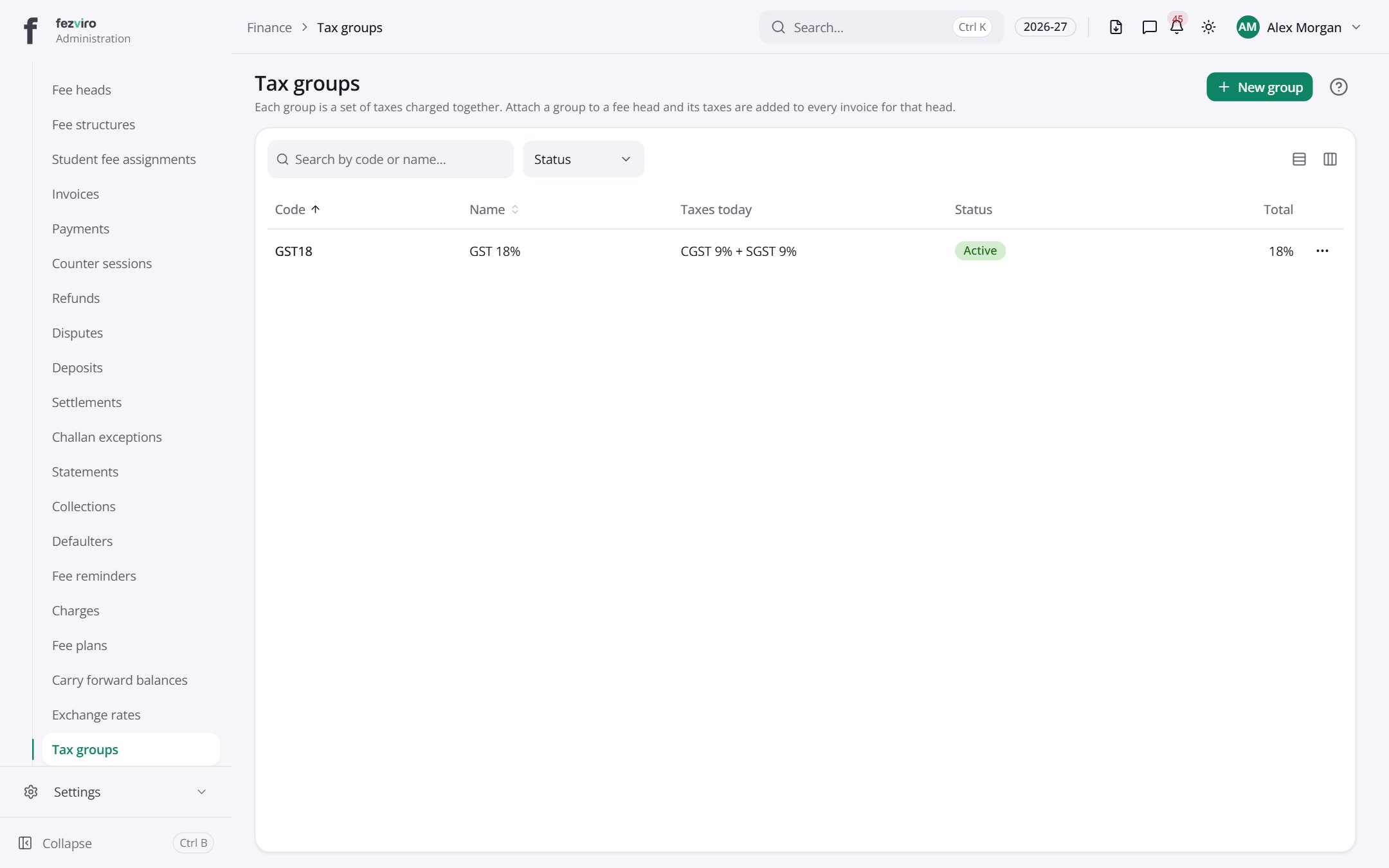 Tax groupsSets of taxes that are charged together on a fee.
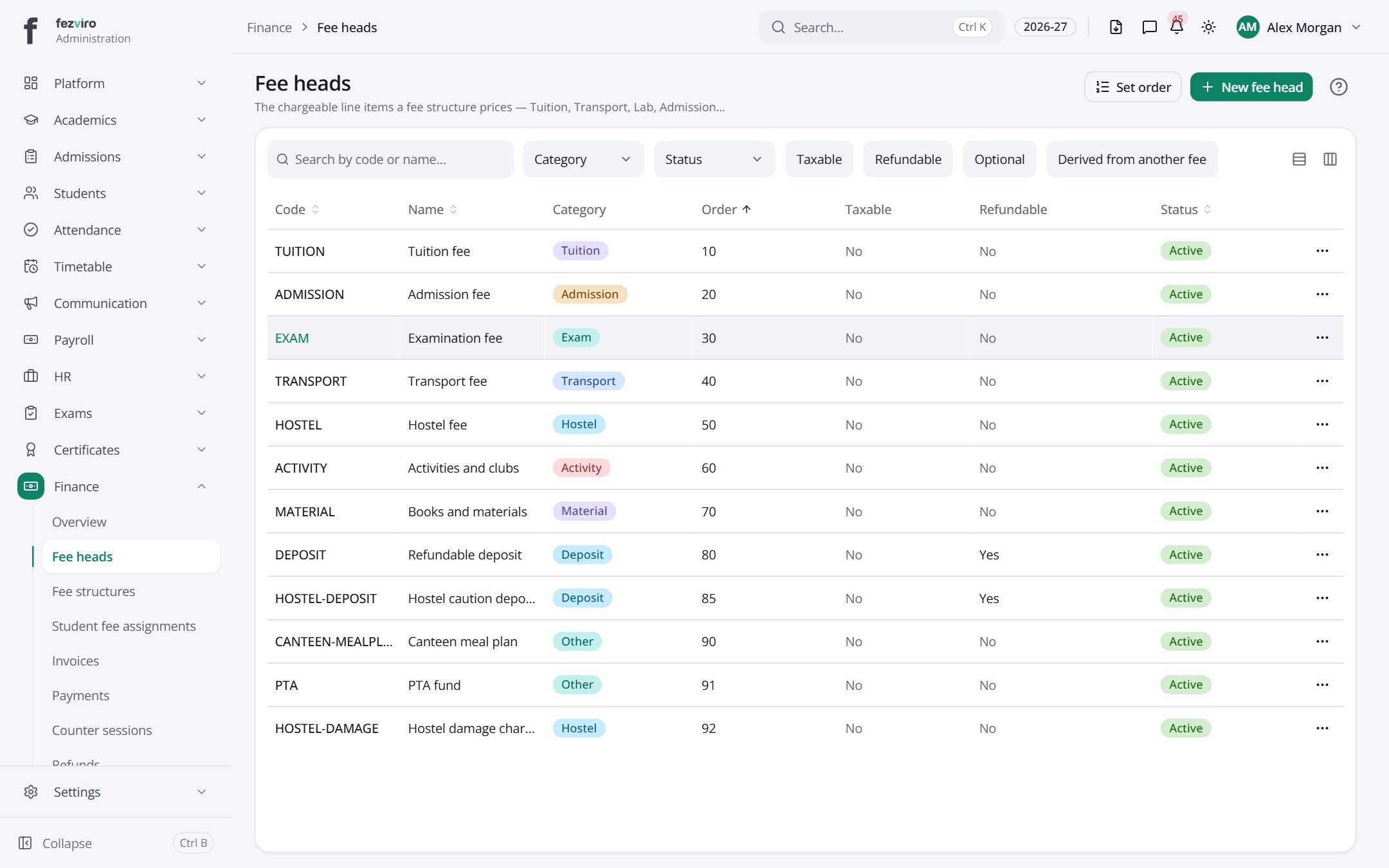 Fee headsThe separate items fees are made of, such as tuition or transport.has a form
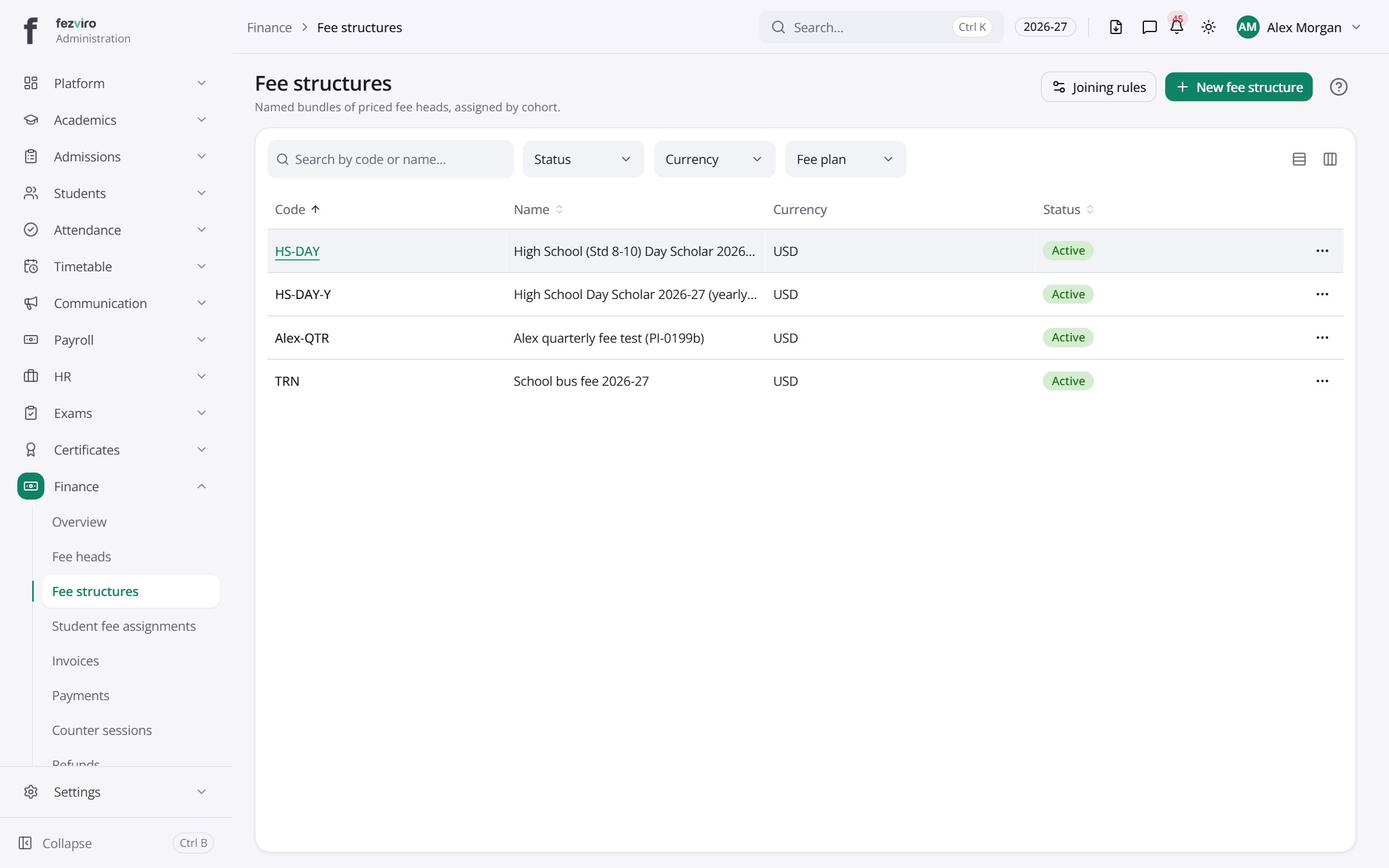 Fee structuresNamed bundles of priced fee items, given to each class or group.has a form
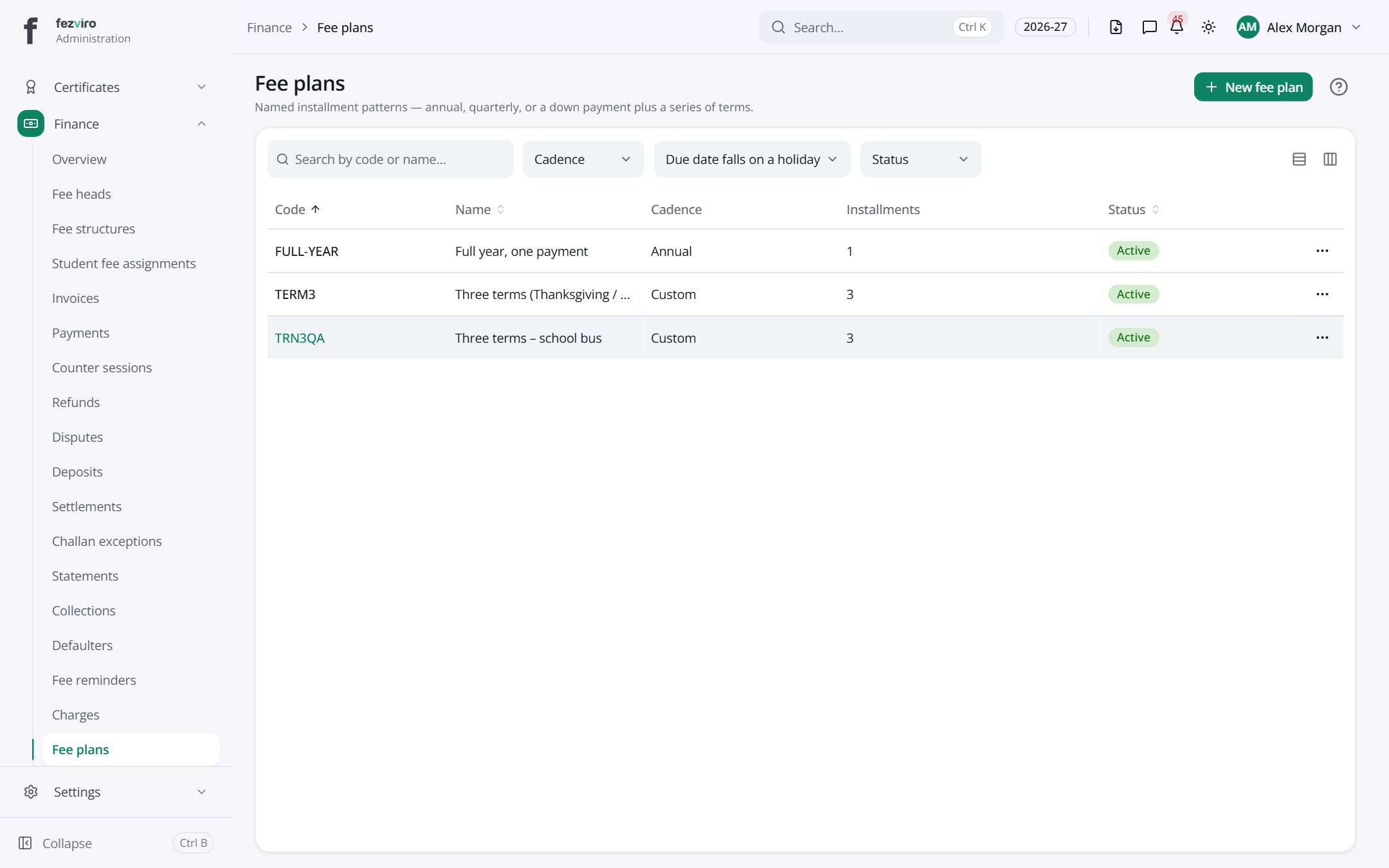 Fee plansNamed patterns for splitting a year's fees into instalments.has a form
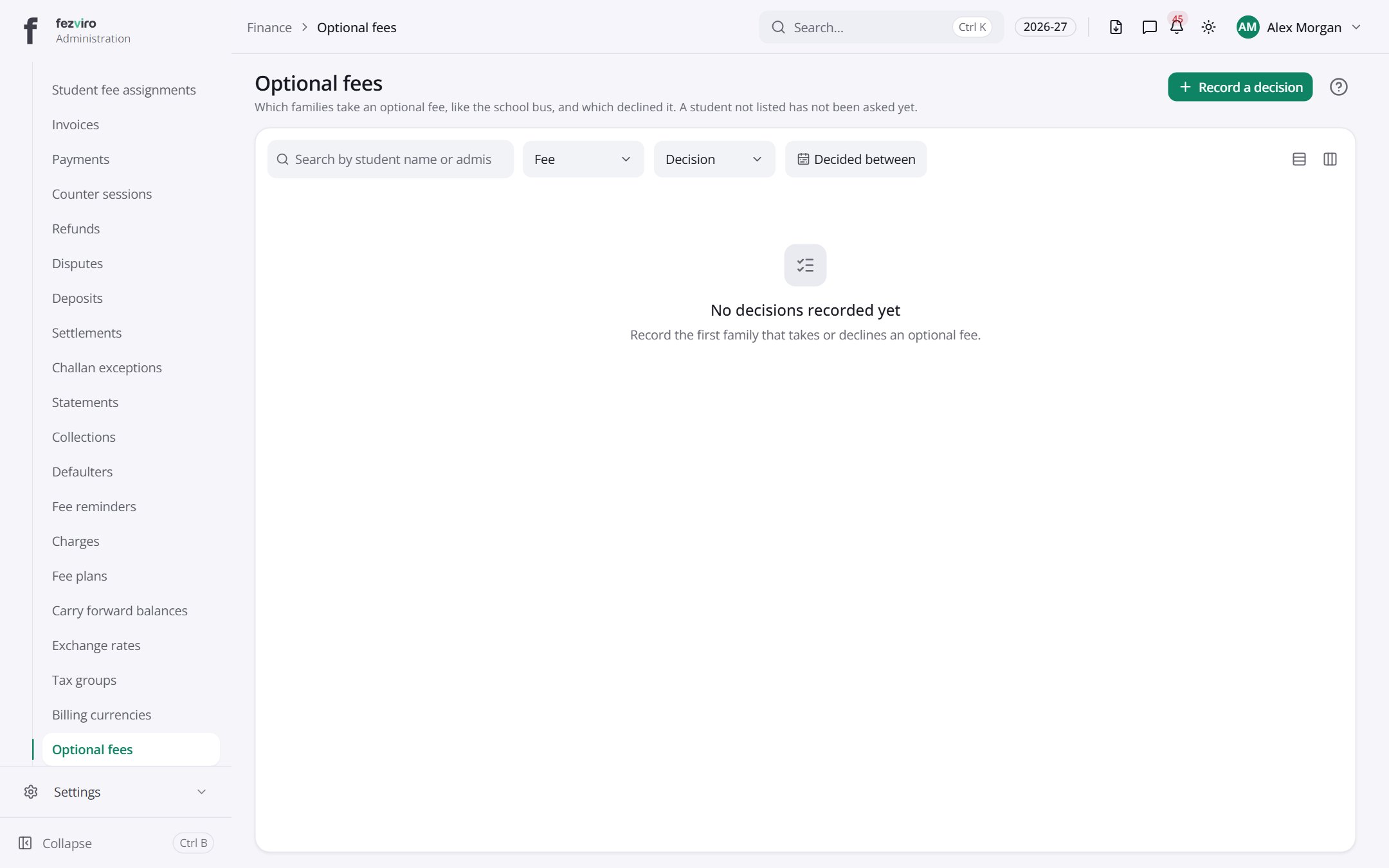 Optional feesWhich families take an optional fee, such as school transport, and which declined.has a form
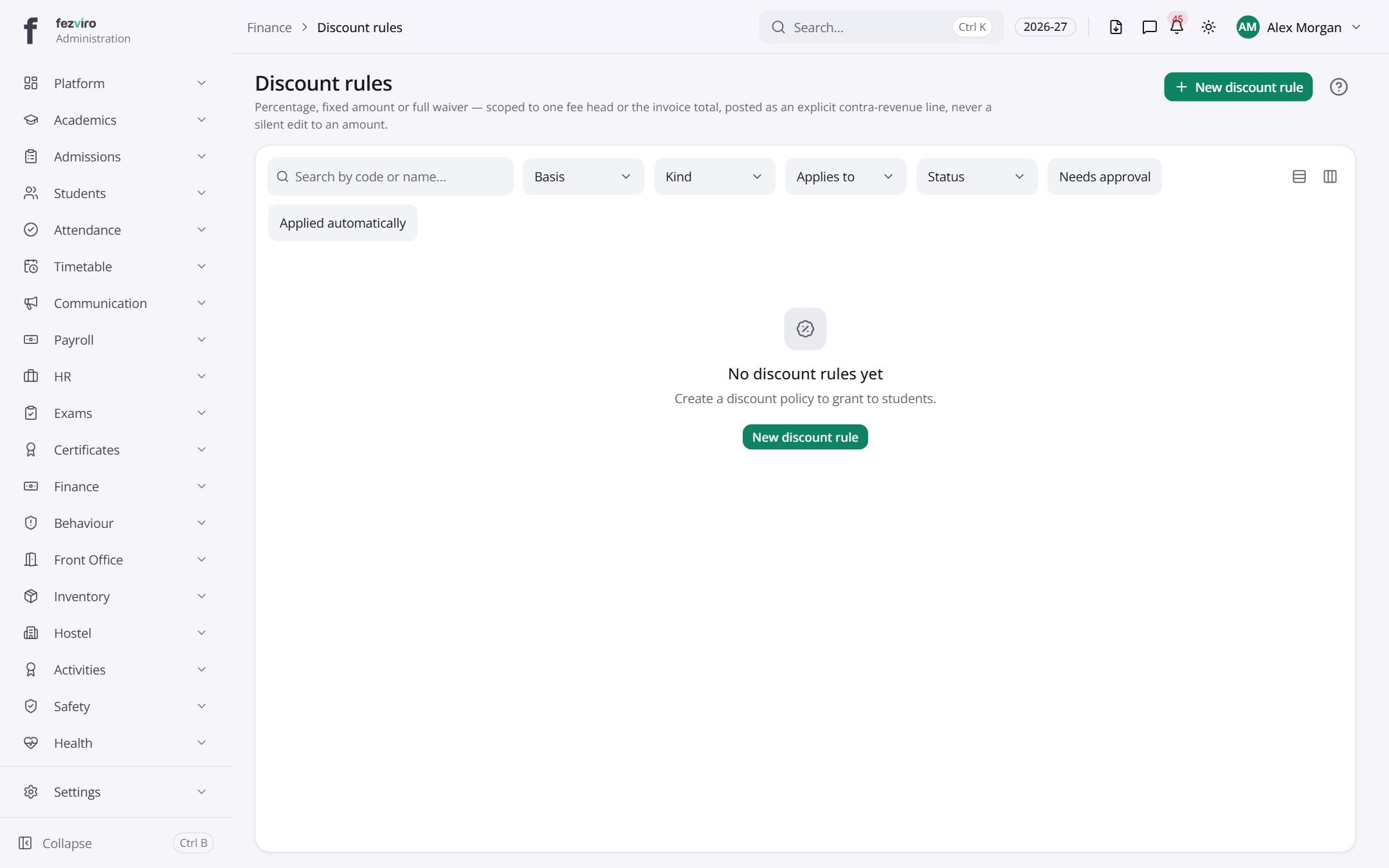 Discount rulesRules that reduce fees for families who qualify.has a form
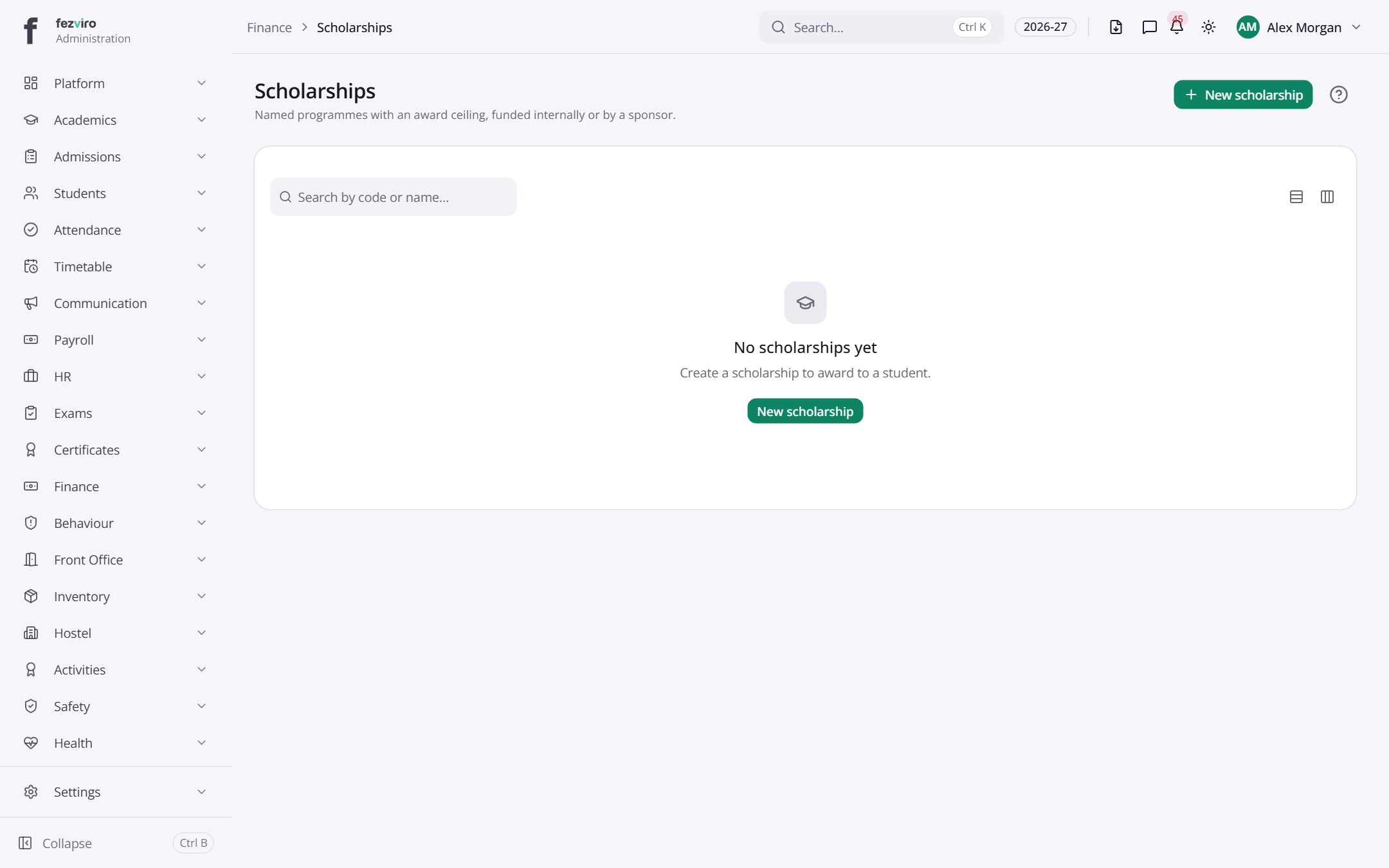 ScholarshipsNamed programmes that cover part of students' fees.has a form
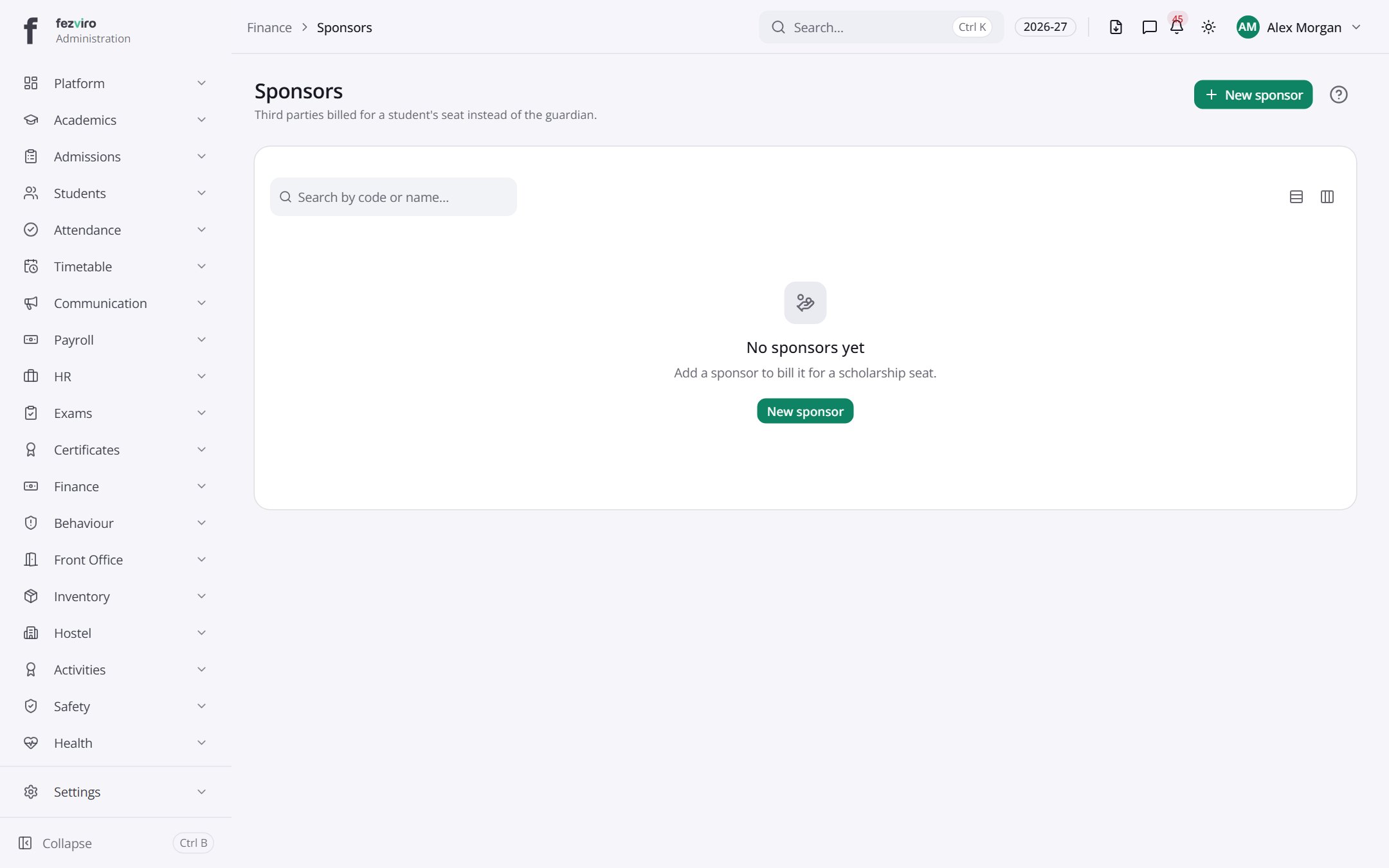 SponsorsOutside sponsors who pay for a student's place instead of the family.has a form
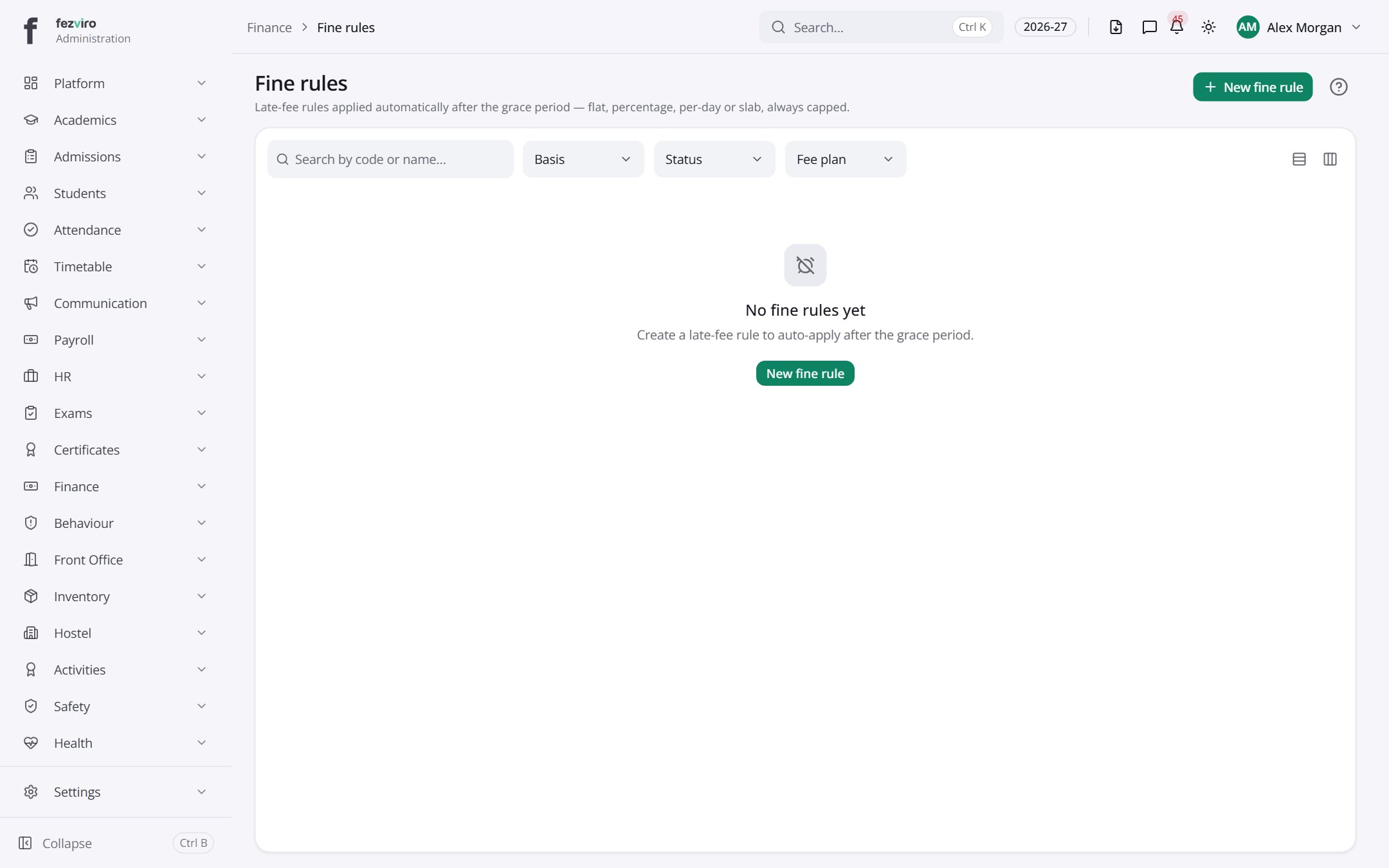 Fine rulesAutomatic late-fee rules that apply after a grace period.has a form
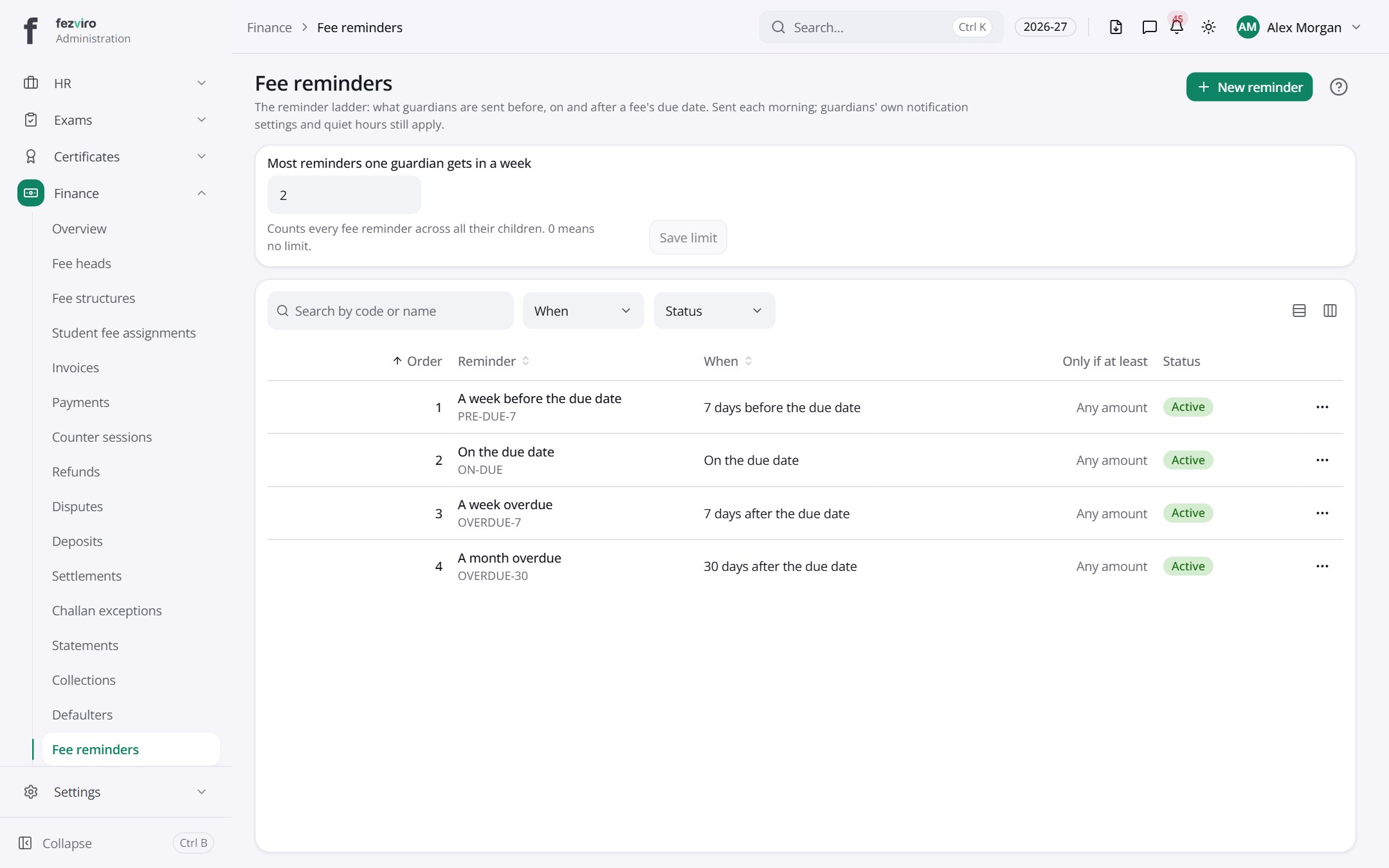 Fee remindersThe schedule of automatic fee reminders sent to families.
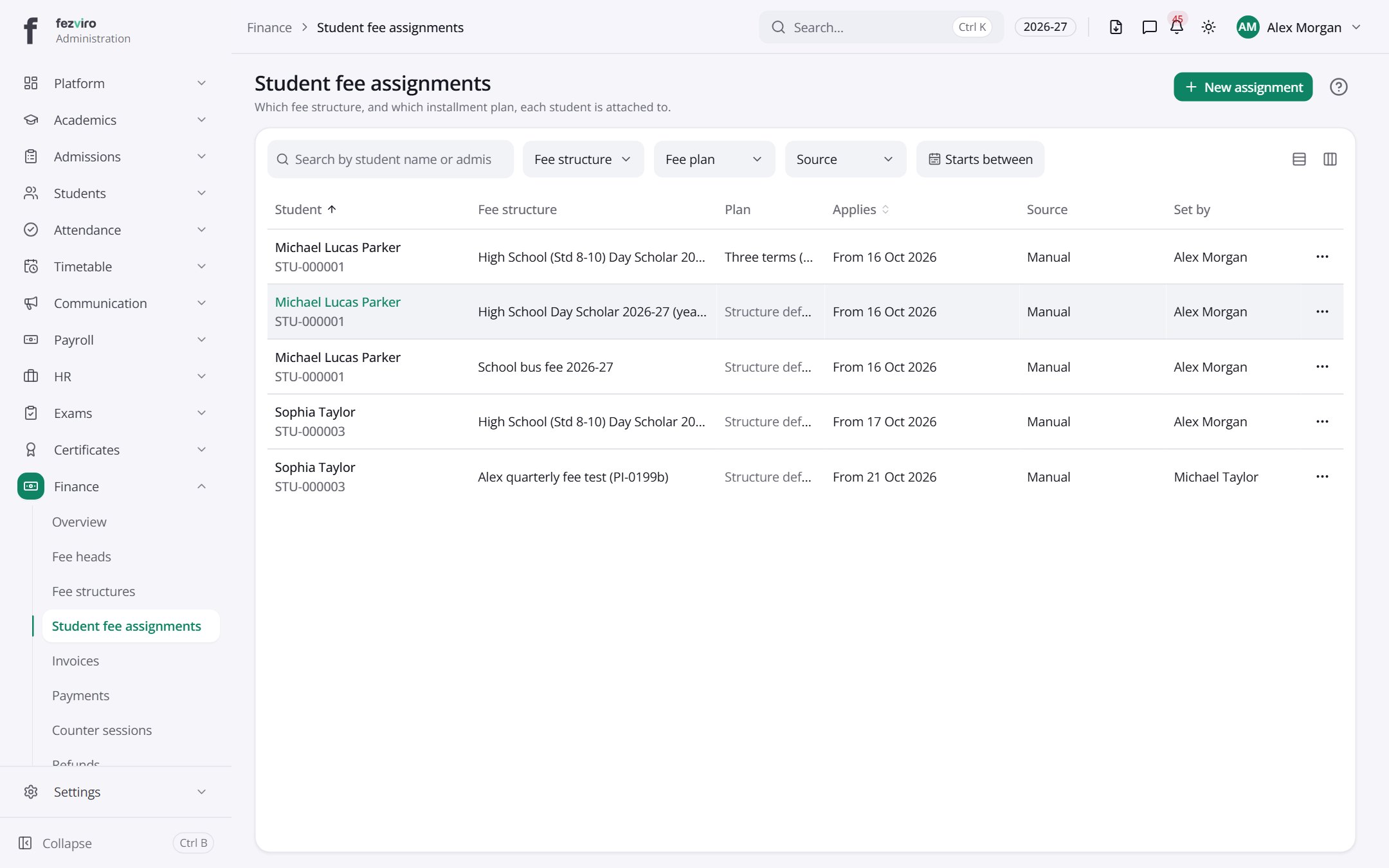 Student fee assignmentsWhich fee plan and payment schedule each student is on.has a form
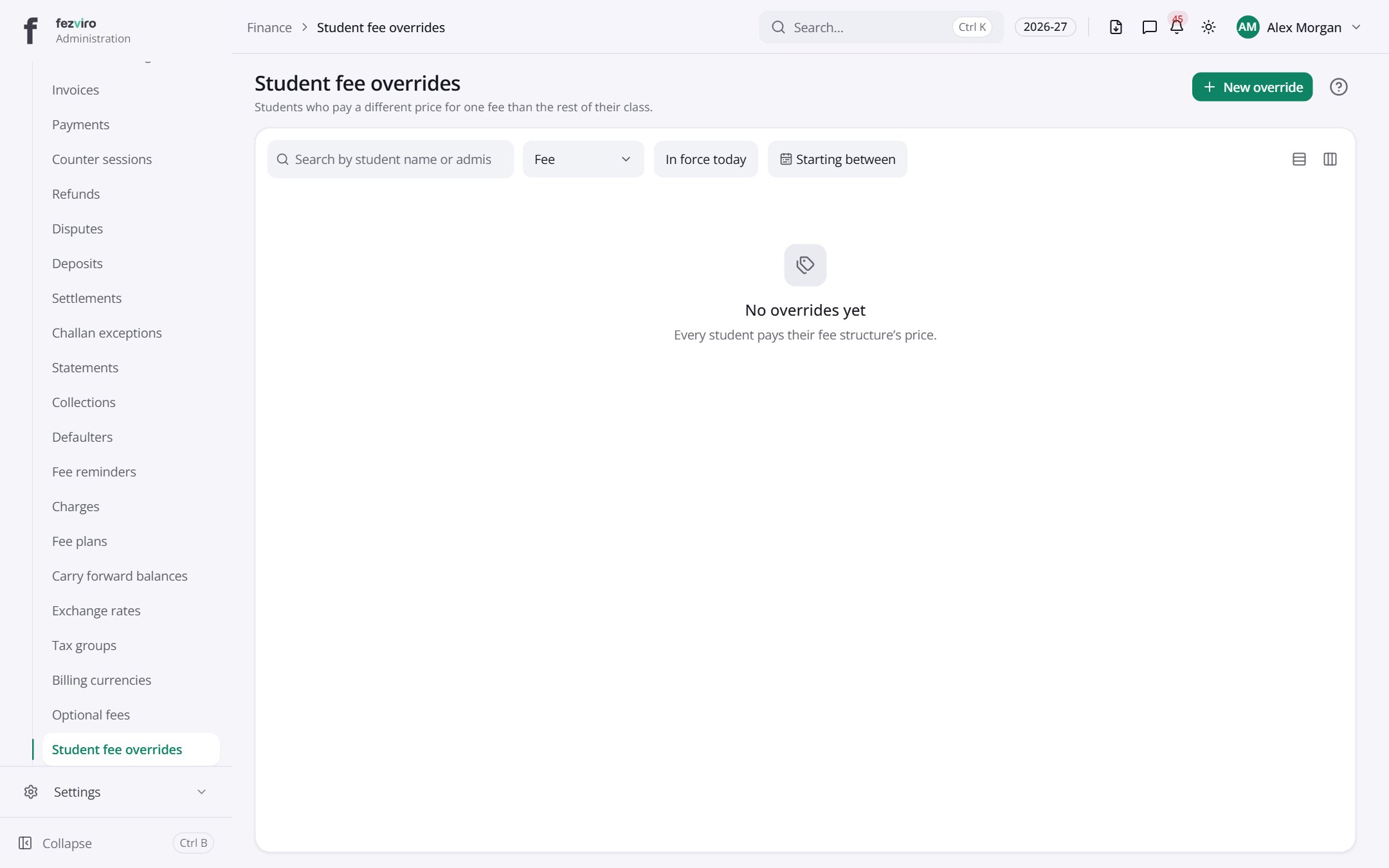 Student fee overridesStudents who pay a different price for one fee from their class.has a form
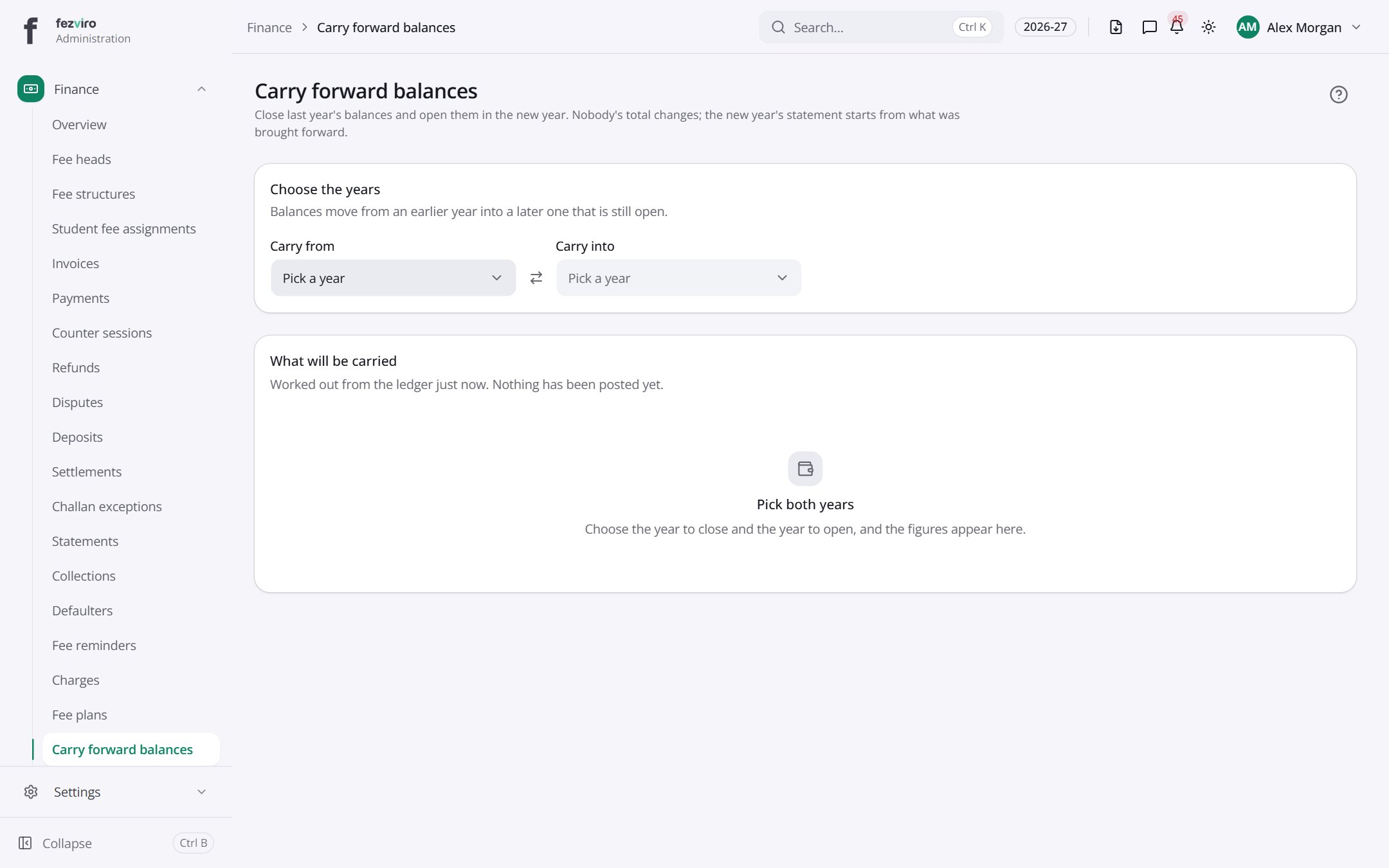 Carry forward balancesMoves each student's balance from last year into the new year.
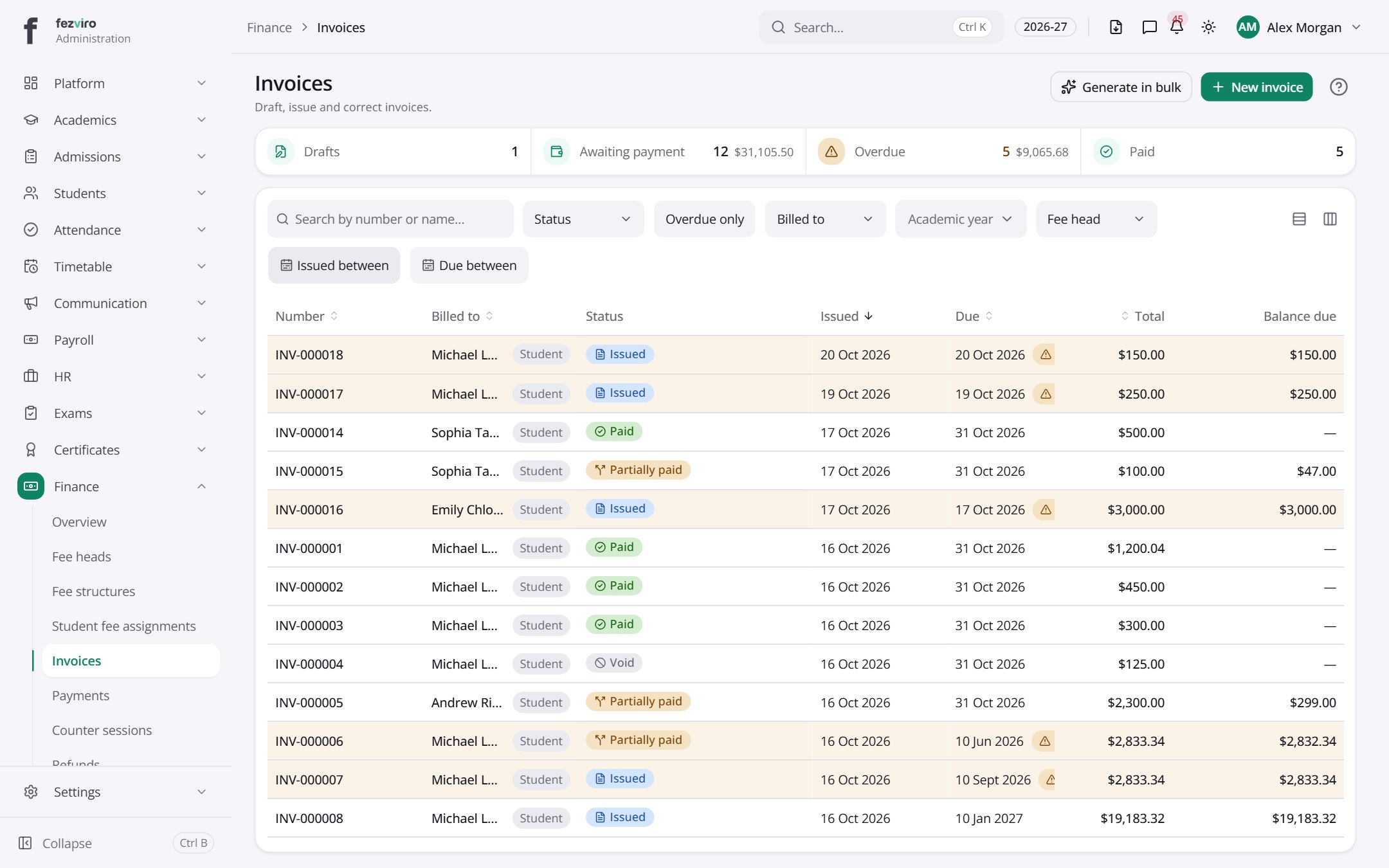 InvoicesItemised bills sent to families for fees and other charges.has a form
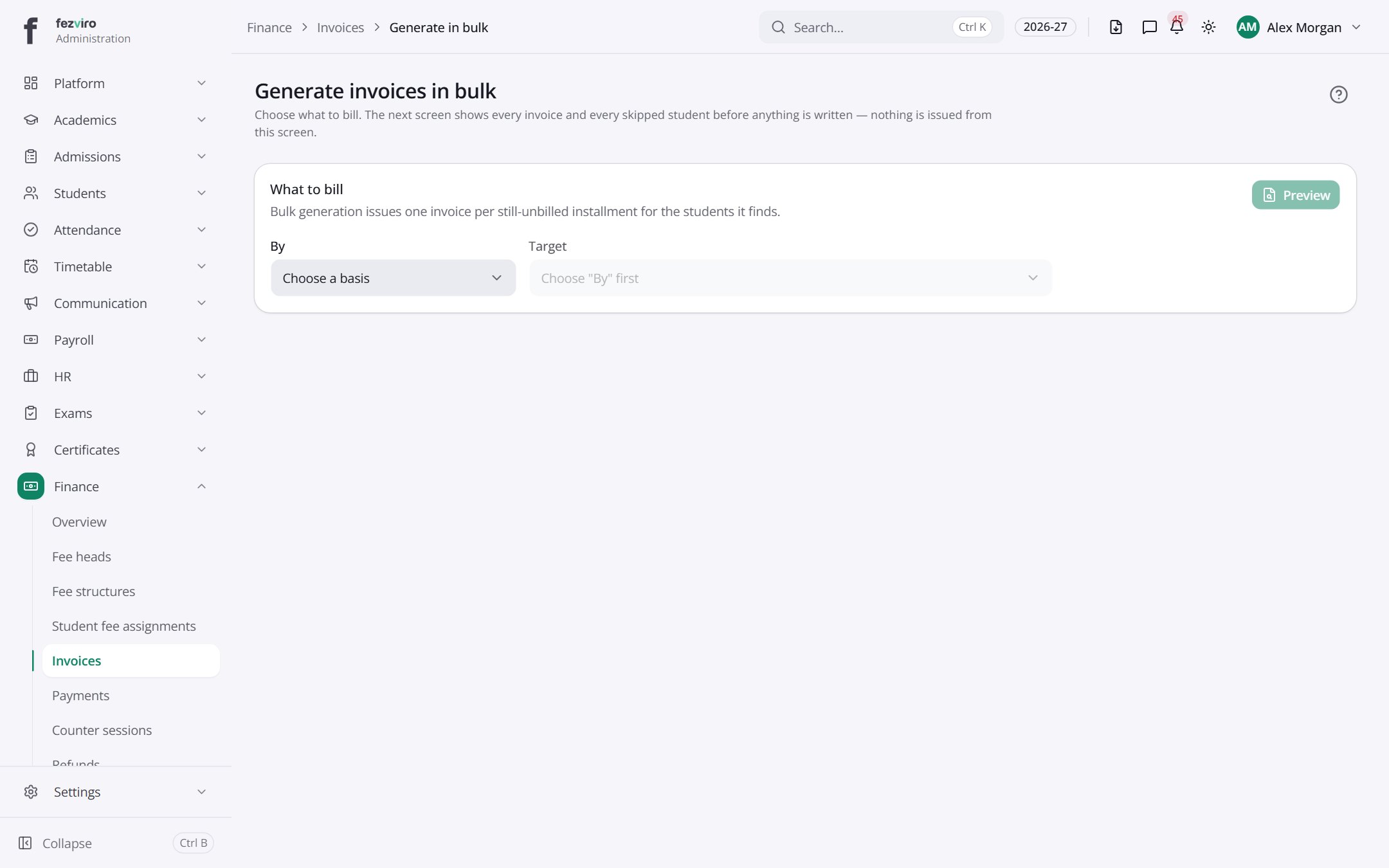 New: Generate invoices in bulkChoose what to bill. The next screen shows every invoice and every skipped student before anything is written — nothing is issued from this screen.has a form
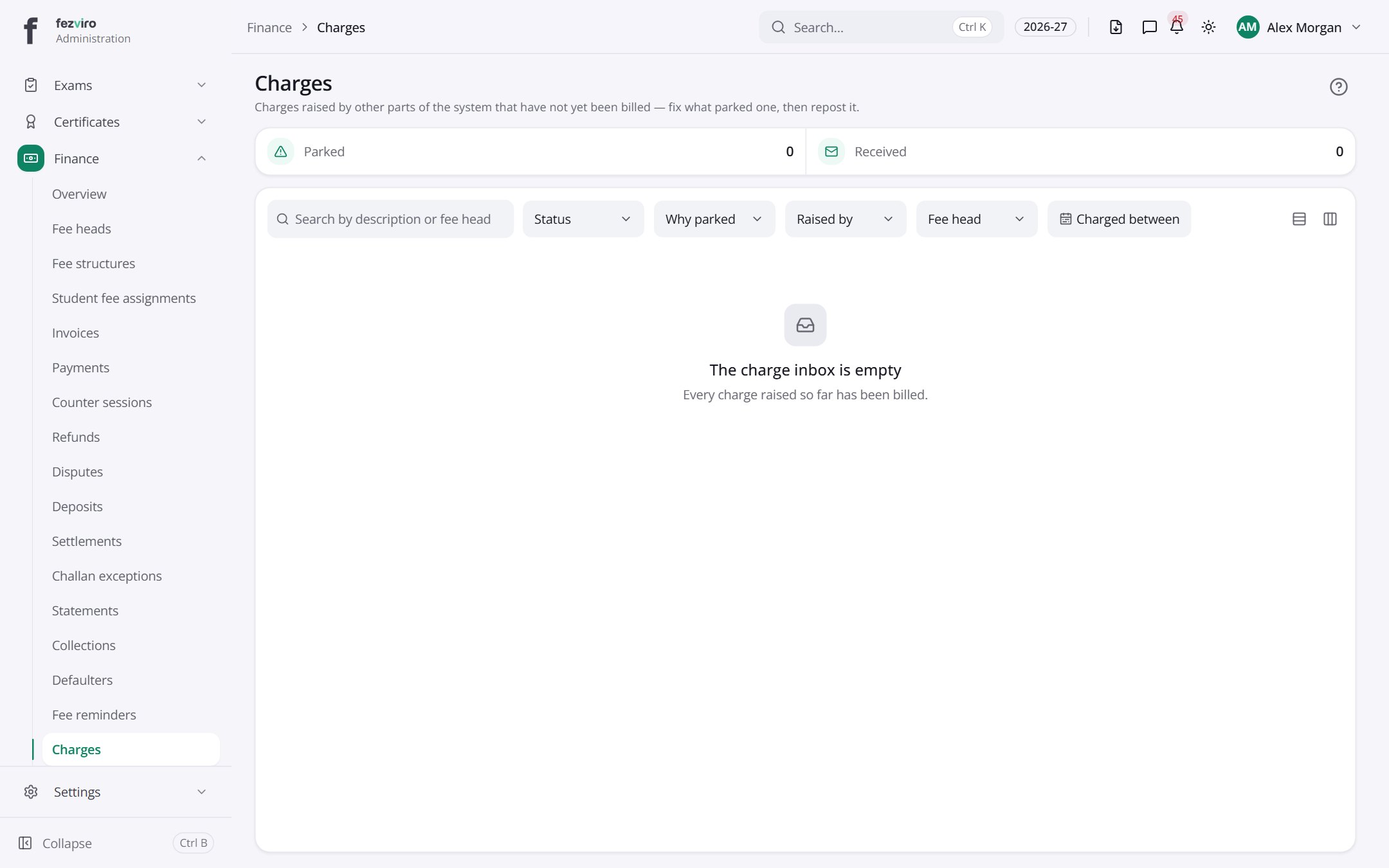 ChargesCharges from other areas, such as library fines, not yet billed.
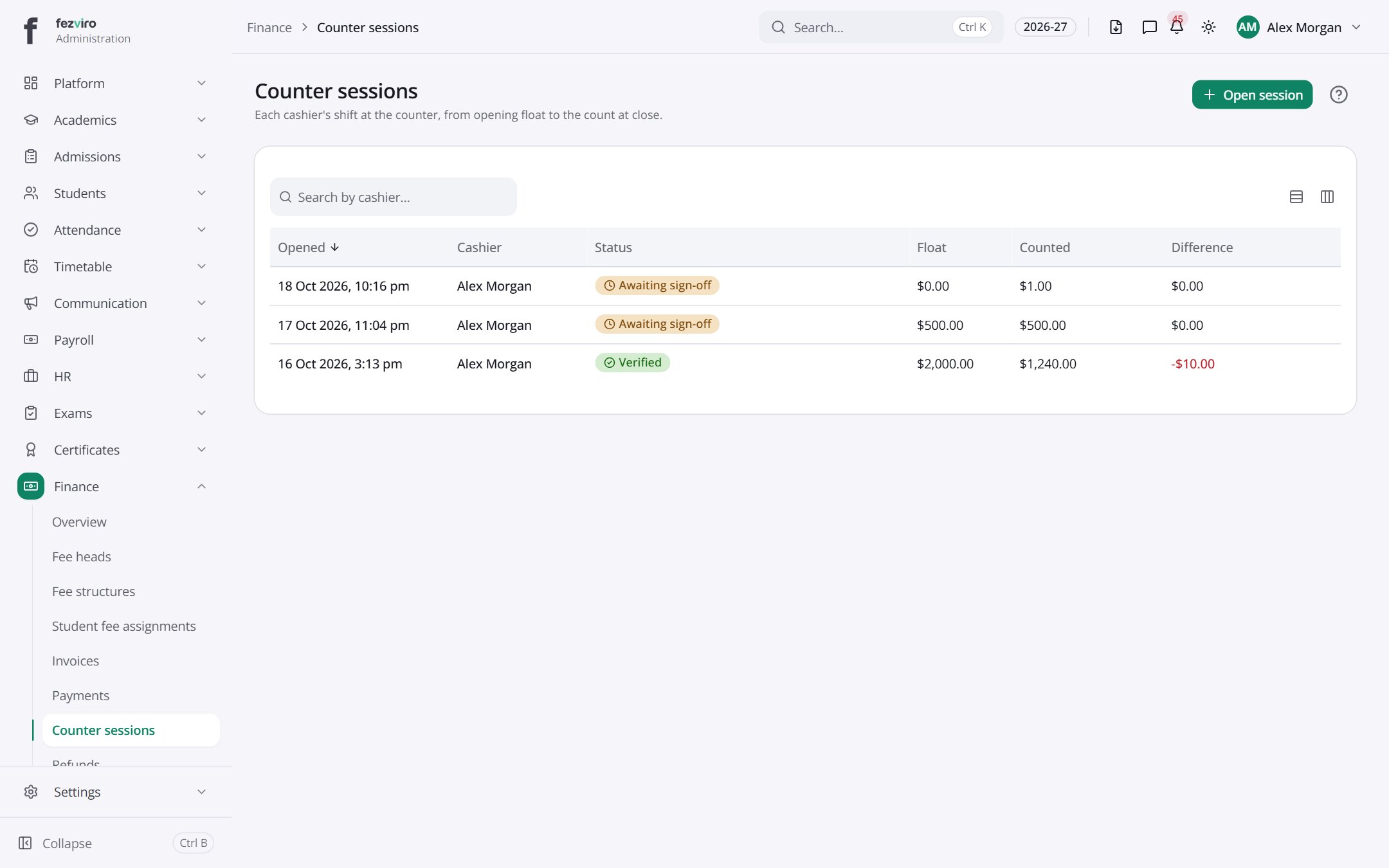 Counter sessionsEach cashier's counter shift, from opening float to closing count.
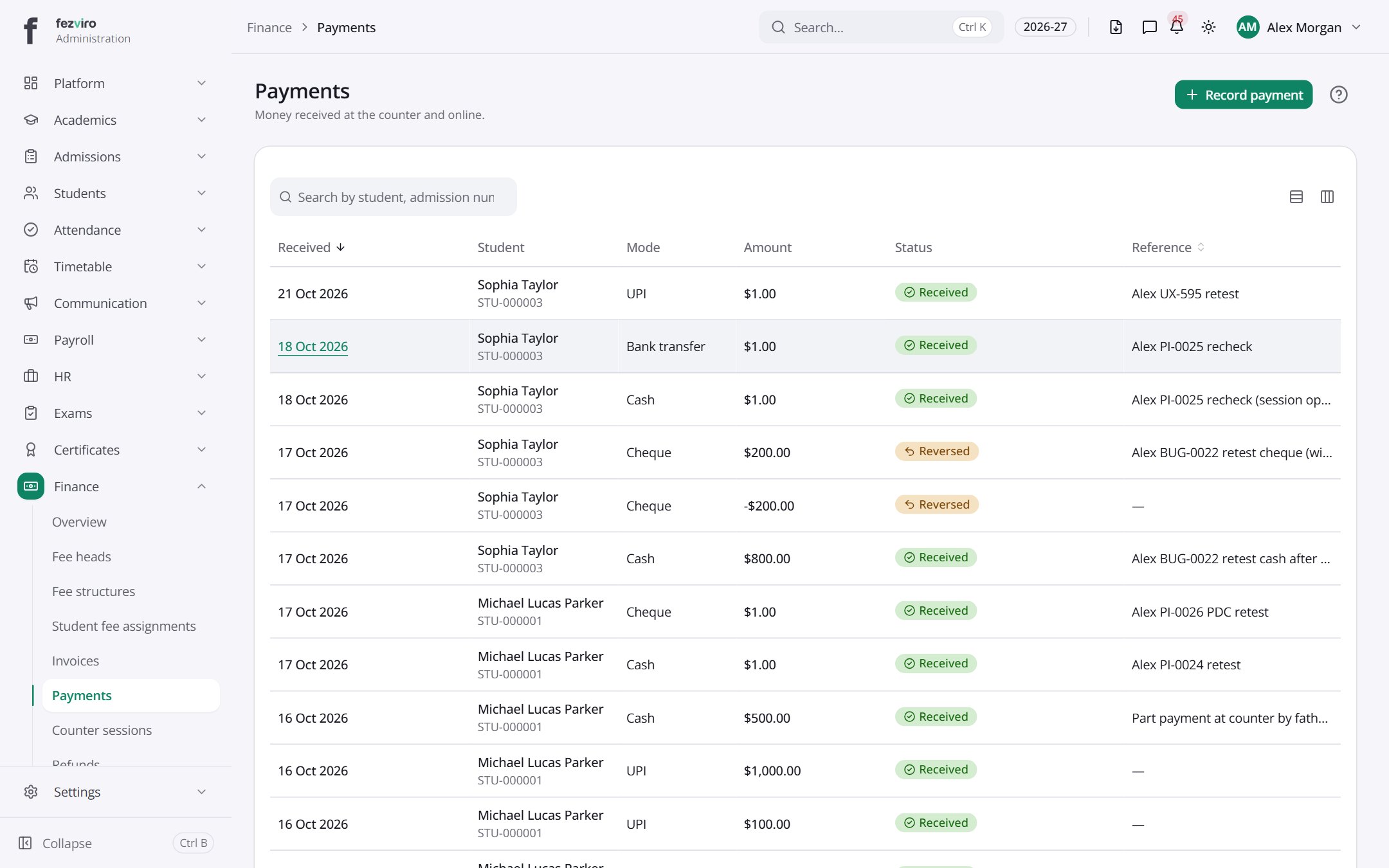 PaymentsEvery payment received, by cash, cheque, card, transfer or online.has a form
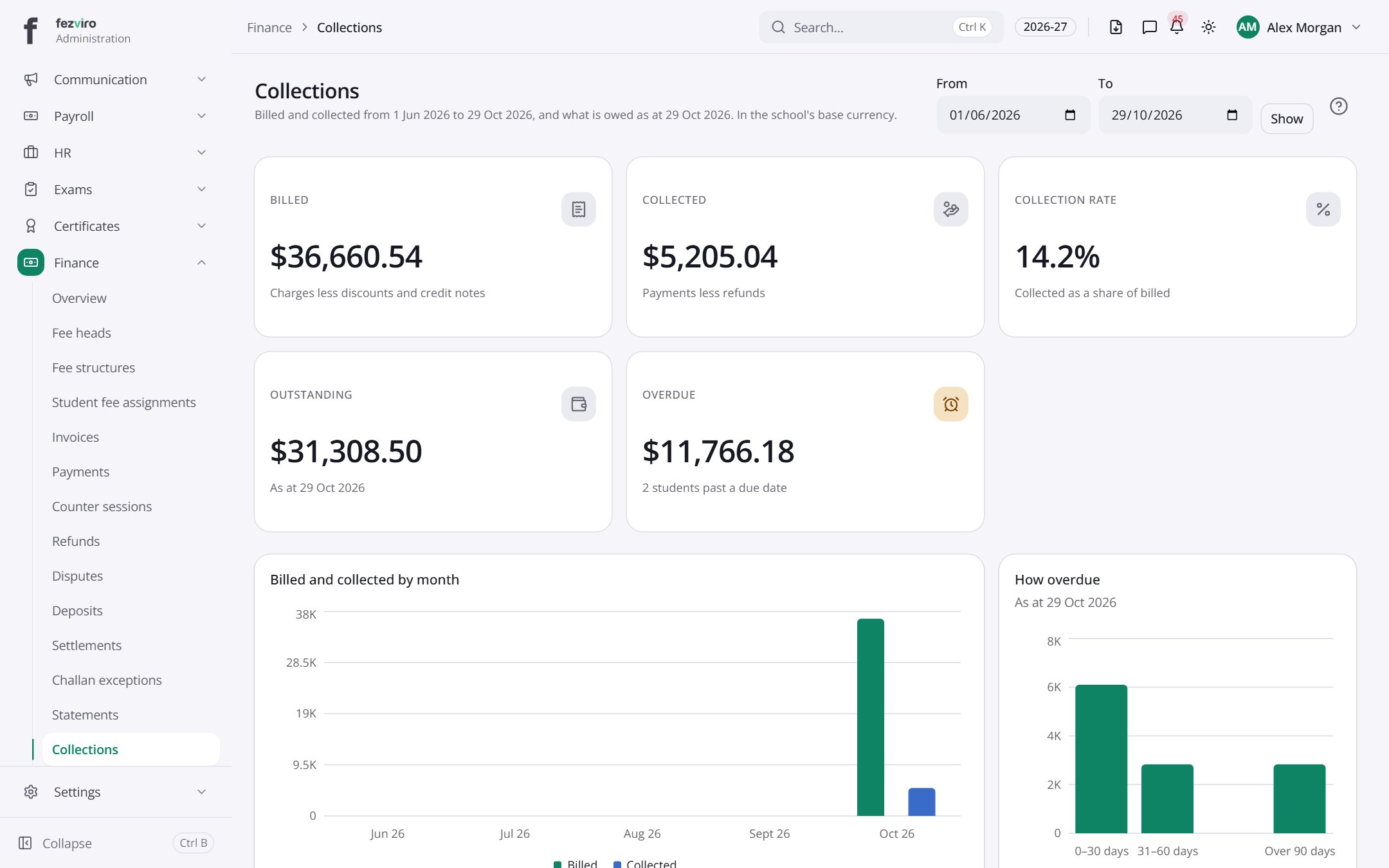 CollectionsHow much fee money has come in, and what is still due.
 Pay-in slip exceptionsBank deposit slips the system could not match to a bill.
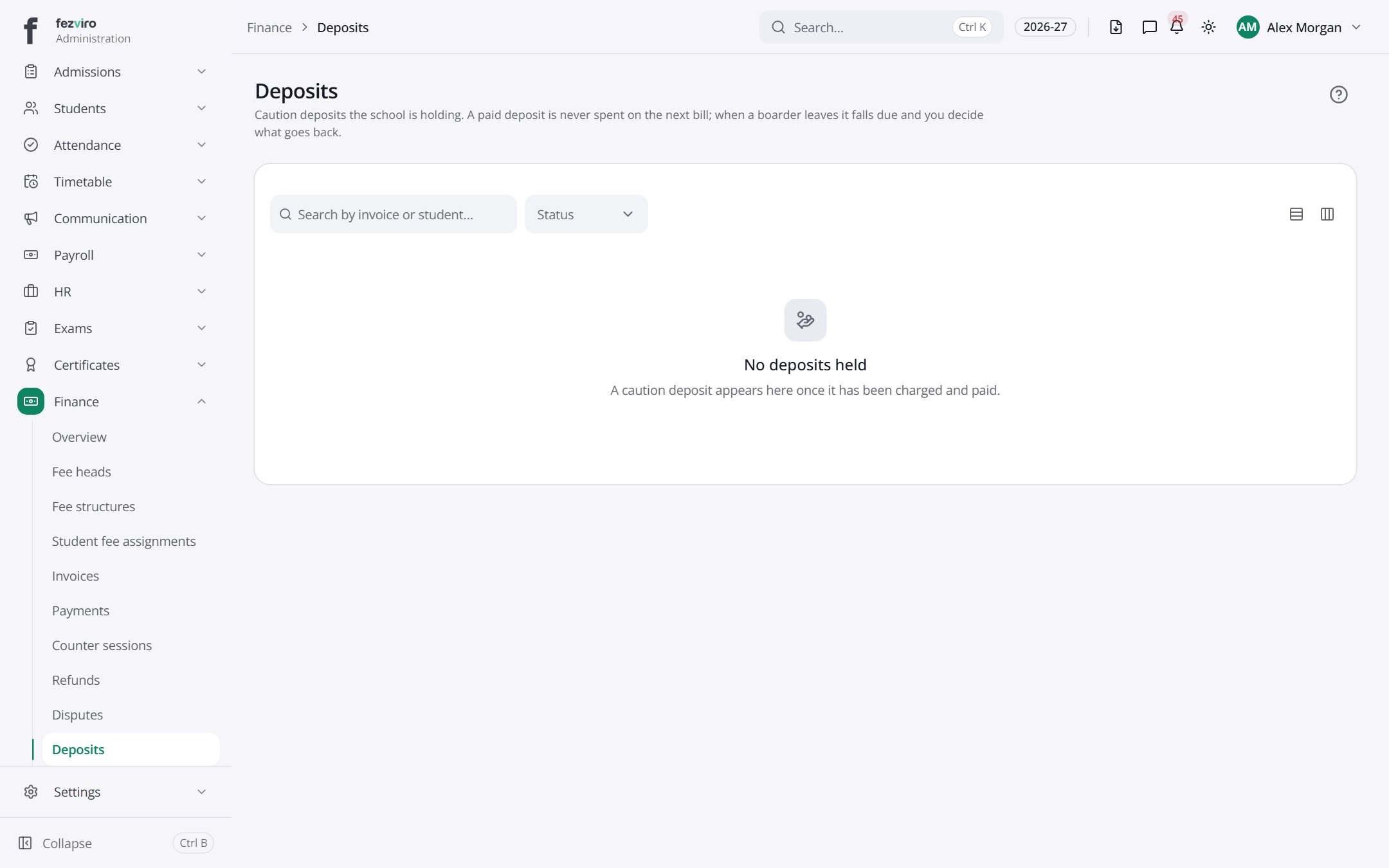 DepositsCaution deposits the school holds, such as for boarders.
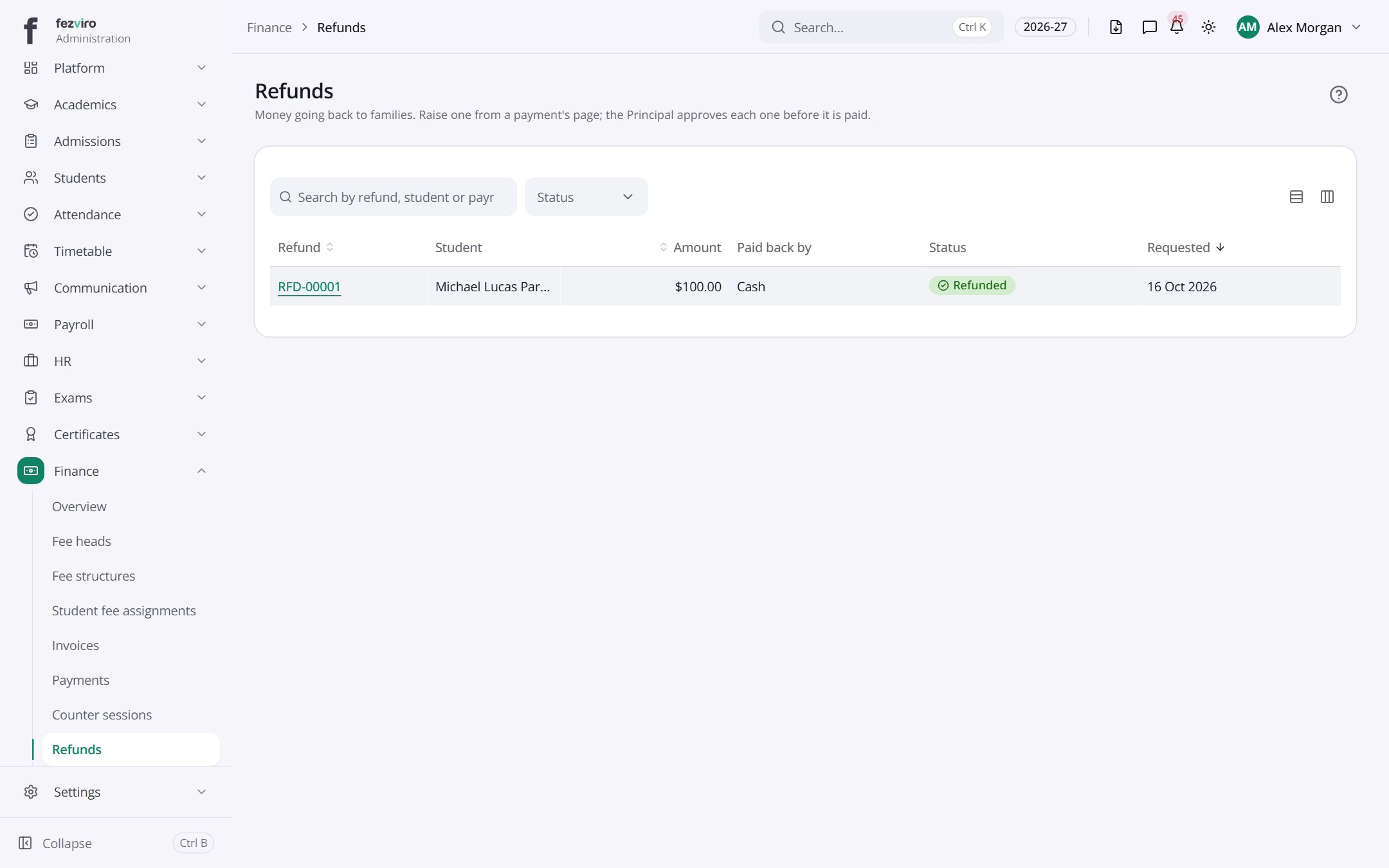 RefundsMoney going back to families, awaiting or after approval.
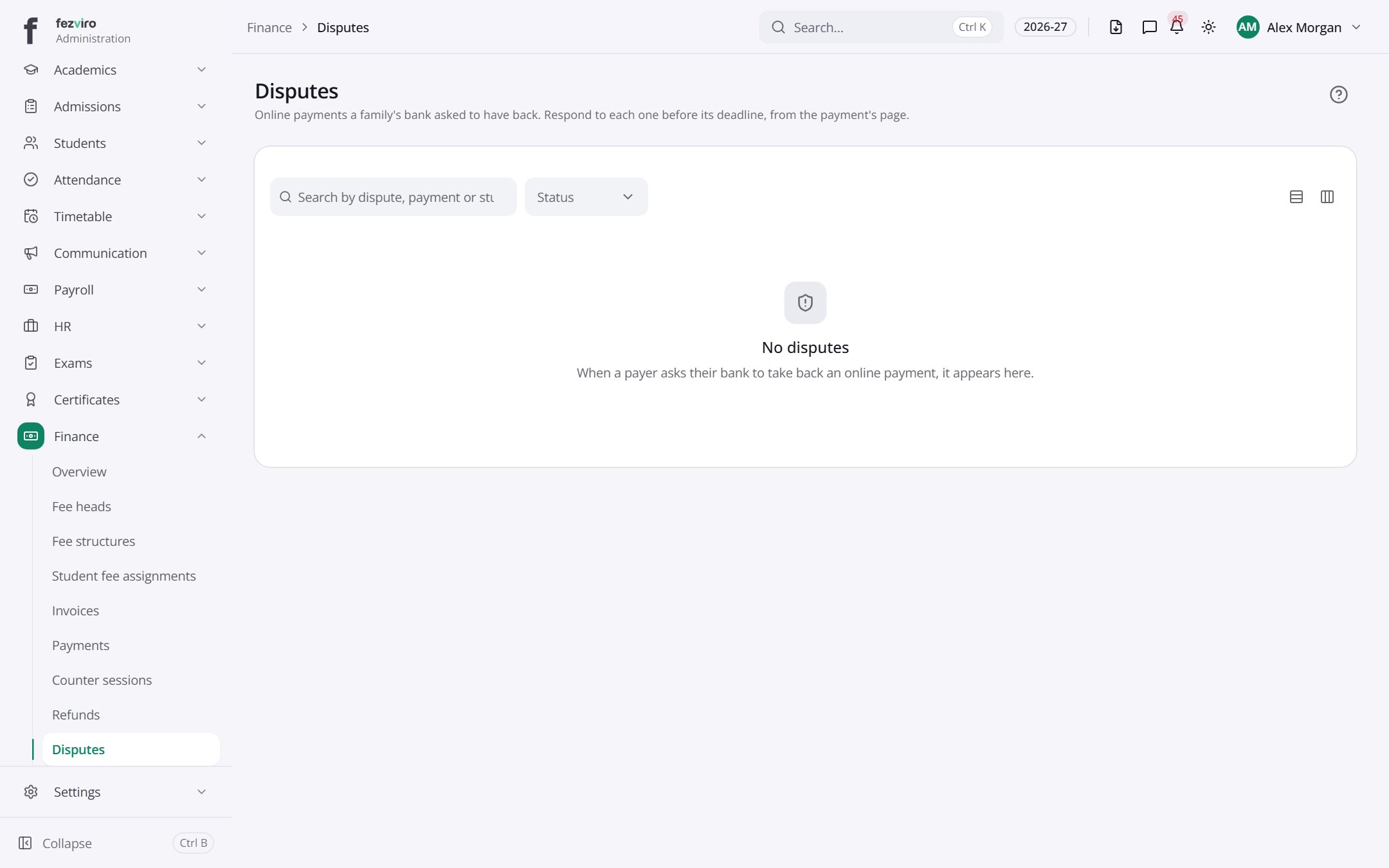 DisputesOnline payments a family's bank has asked to have reversed.
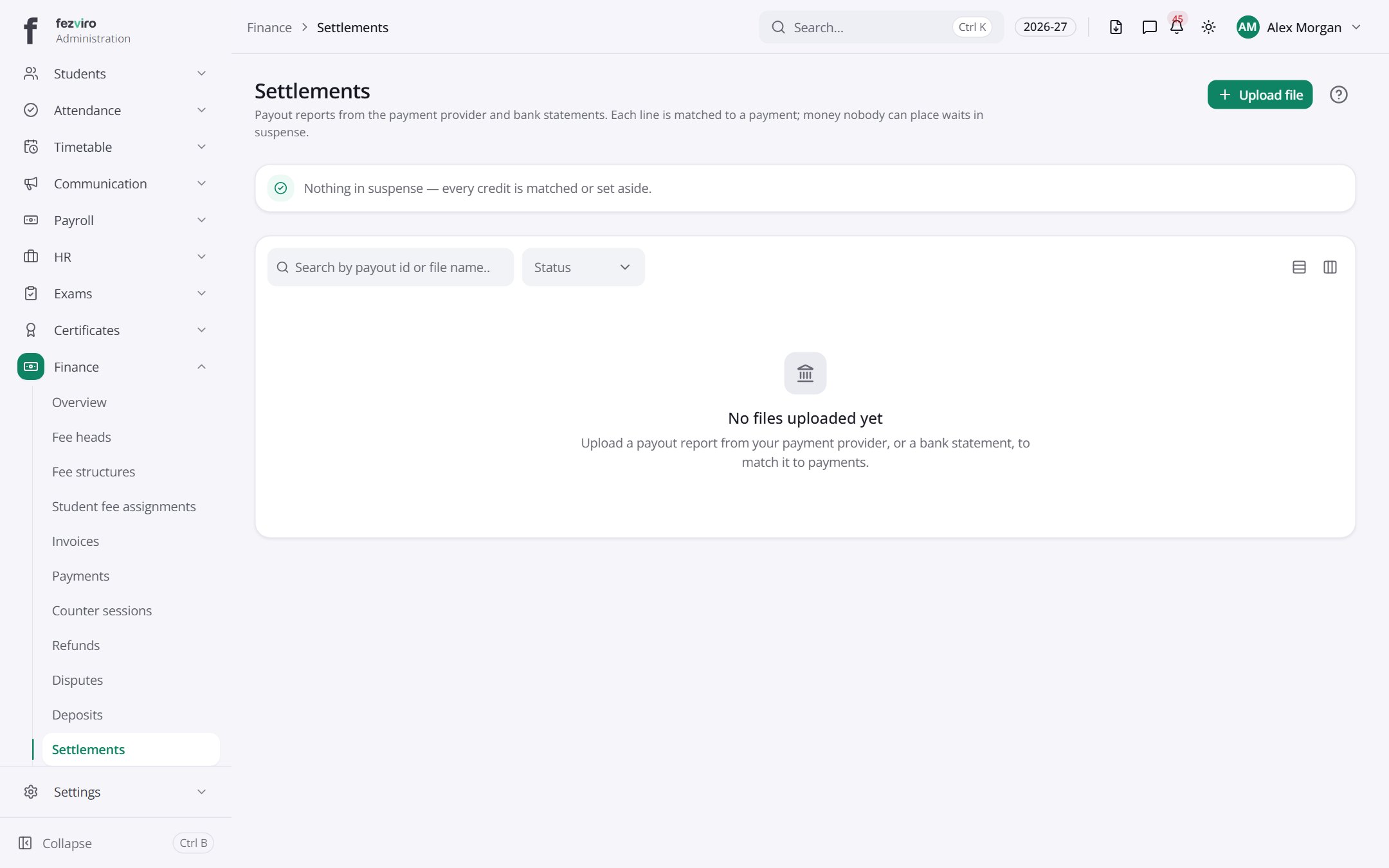 SettlementsPayout reports from payment providers and bank statements.has a form
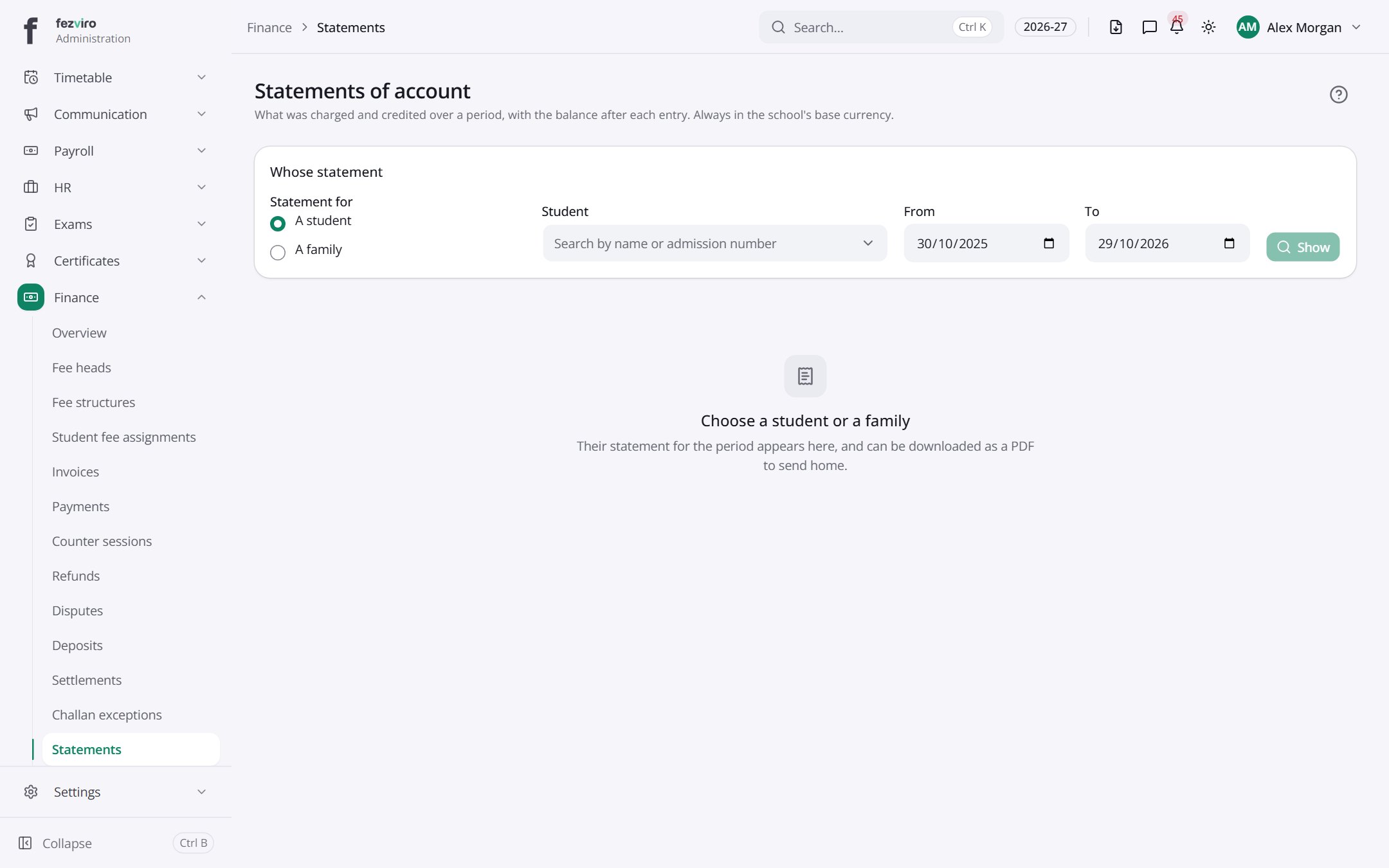 Statements of accountA student's running account of charges, credits and balance.
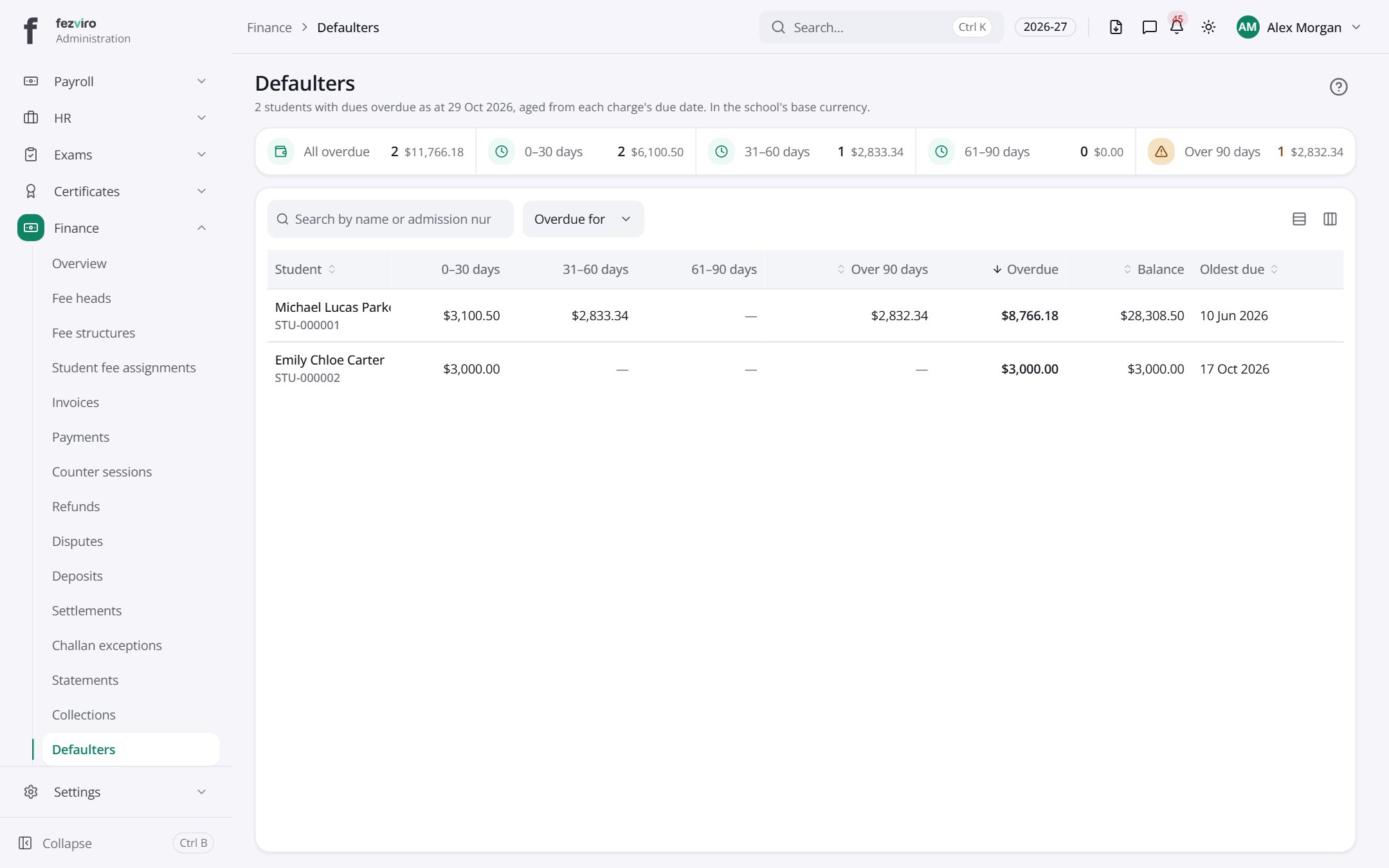 DefaultersFamilies with fees overdue, sorted by how late they are.
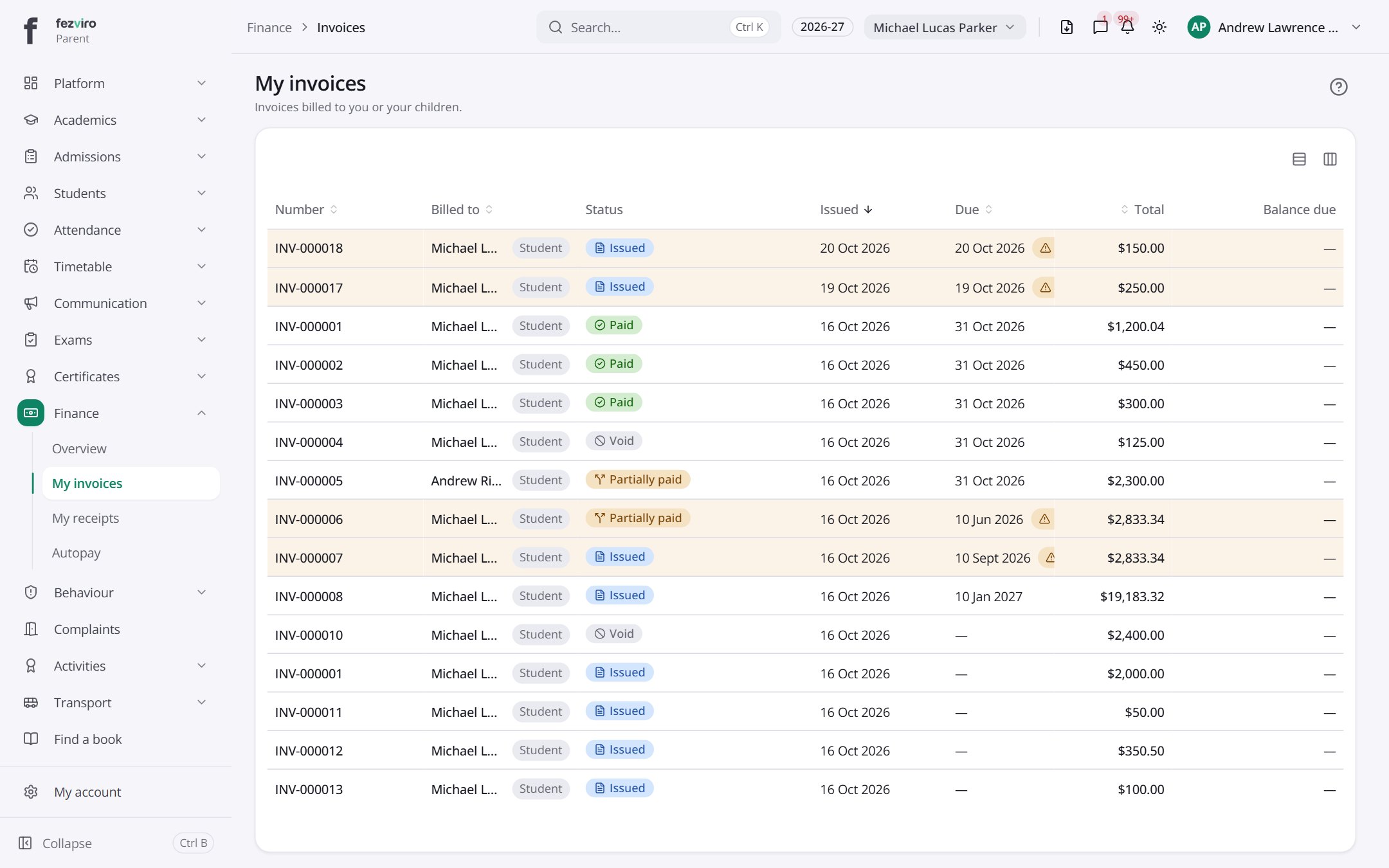 My invoicesYour family's bills for school fees and other charges.Parent
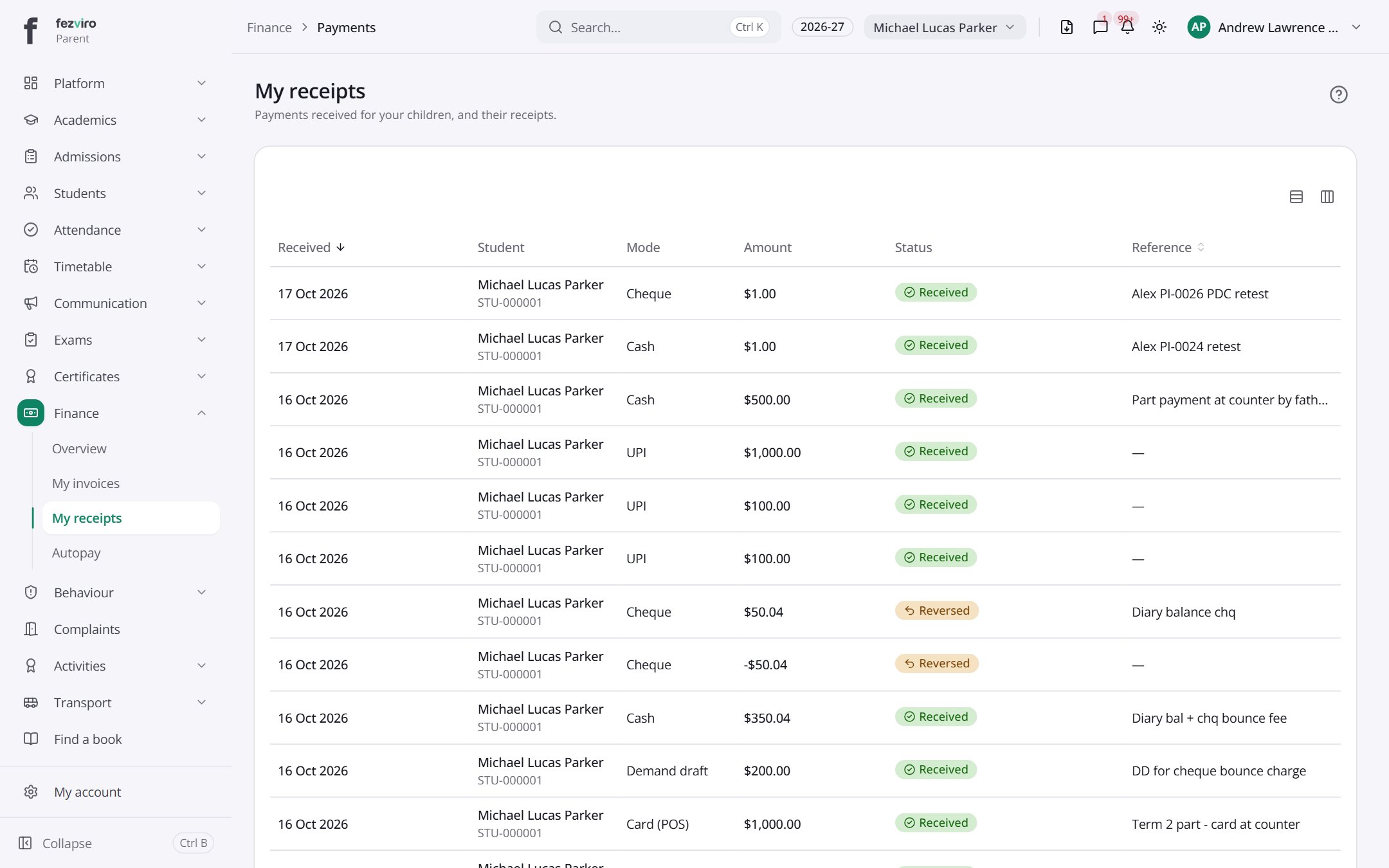 My receiptsReceipts for every payment your family has made.Parent
Step by step
Section titled “Step by step”Set up fees for the year
Section titled “Set up fees for the year”- Create Fee heads (Tuition, Transport, Lab…).
- Build Fee structures per grade with amounts and frequency (monthly to annual).
- Define instalment Fee plans, grace days, Fine rules and Discount rules.
- Assign structures to students; optional fees are opted in per student.
Raise invoices
Section titled “Raise invoices”- Open Invoices and generate for a student, a family, or in bulk.
- Preview before issuing. Issued invoices are frozen; corrections are made with credit or debit notes.
- Parents see invoices in their portal with a pay-online link.
Collect a payment at the counter
Section titled “Collect a payment at the counter”- Open a Cashier session.
- In Payments, find the student, pick open invoices, and record cash, cheque, card or transfer.
- Print or email the receipt PDF. Close the session at day end to reconcile the drawer.
Chase dues
Section titled “Chase dues”- Set automatic Reminder rules.
- Open Defaulters to see overdue balances with ageing.
- The Collections dashboard drills down by grade, head and period.
Questions
Section titled “Questions”Which online payment gateways are supported?
Razorpay, PayU, PhonePe, Stripe, PayPal and more. Payments reconcile automatically.
Can we bill in more than one currency?
Yes, with exchange rates. Reports are always in the school’s base currency.
How do sibling discounts work?
Discount rules apply sibling, staff-child and quota concessions automatically; larger discounts need approval.
Can an issued invoice be edited?
No, by design. Use a credit note to correct it, so the audit trail is preserved.
What happens to unpaid balances at year end?
Carry-forward moves balances into the new year.