

Gradebook lateness
What it is
A report of mark sheets handed in after their deadline.
Why it matters
Shows which teachers are running late so the school can follow up.
When to use it
The principal reviews late submissions, worst first, and follows up with staff.
Who uses it
Administrator
How to get here
Section titled “How to get here”- Sign in as Administrator (see Signing in).
- In the left menu, click Exams to open it.
- Click Gradebook lateness.
What you see
Section titled “What you see”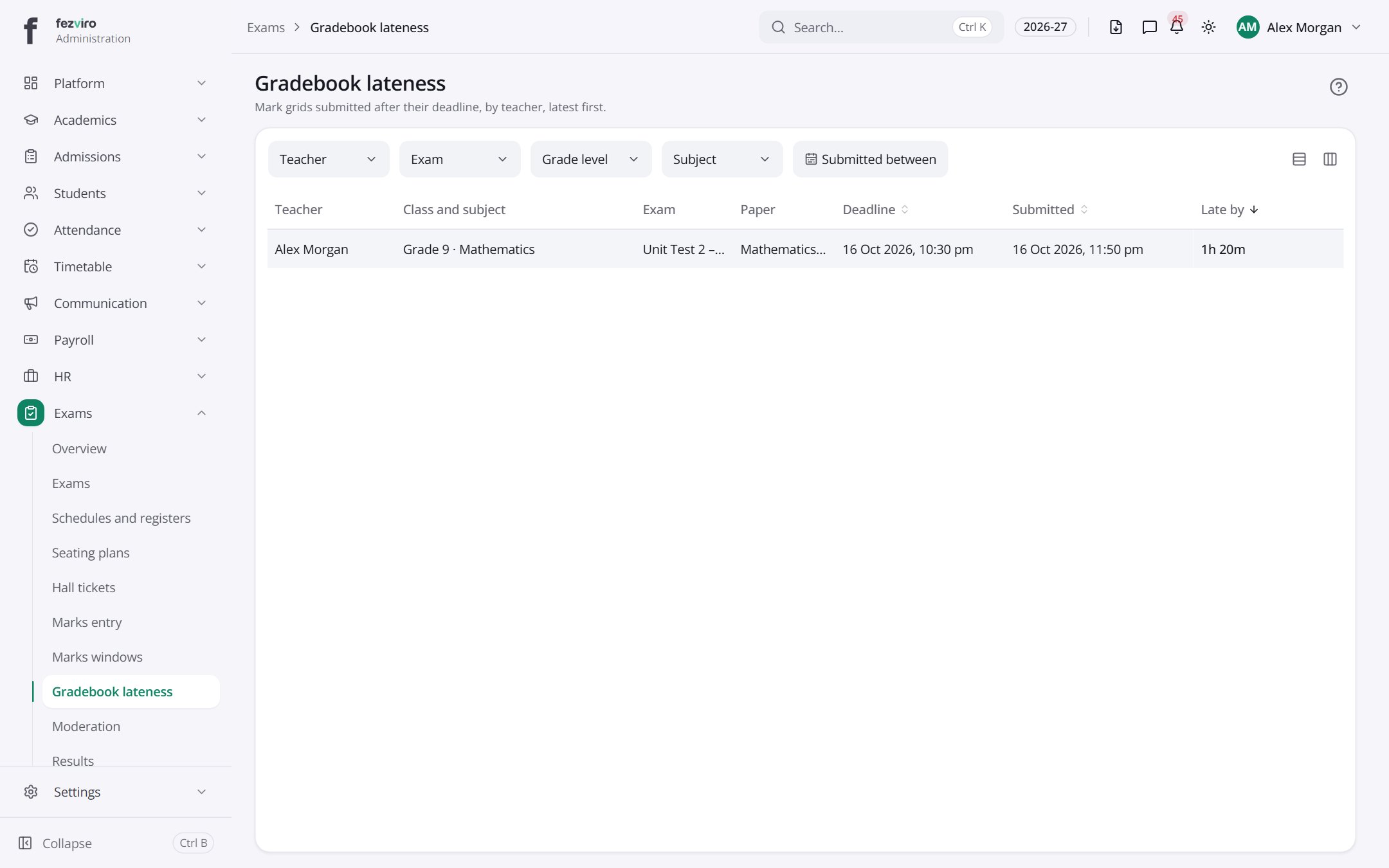
- The list has these columns: Teacher, Class and subject, Exam, Paper, Deadline, Submitted, Late by. Click a column name to sort by it.
← Back to Exams & Grading overview