

Missing copies
What it is
Books that did not show up in the last audit.
Why it matters
Makes lost stock visible so it can be traced or replaced.
When to use it
Librarians chase missing books and decide whether to write them off.
Who uses it
Administrator
How to get here
Section titled “How to get here”- Sign in as Administrator (see Signing in).
- In the left menu, click Library to open it.
- Click Stock audits.
What you see
Section titled “What you see”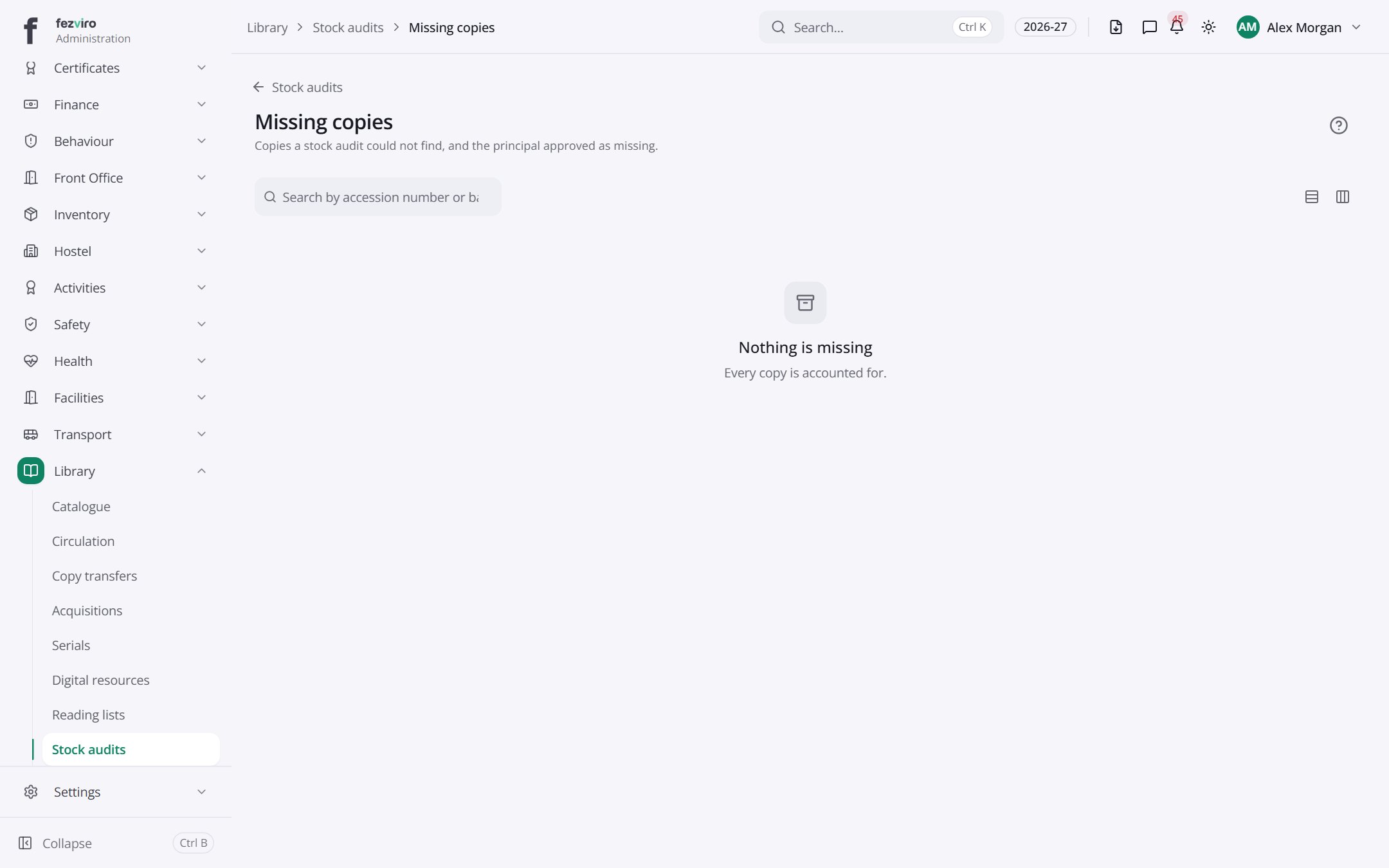
Buttons on this screen
Section titled “Buttons on this screen”- Stock audits — does what it says on the button.
← Back to Library overview