

Teacher workload
What it is
How many lessons and hours each teacher is timetabled for.
Why it matters
Spots overloaded or underused teachers before term starts.
When to use it
Timetable staff review workload and adjust the timetable if needed.
Who uses it
Administrator
How to get here
Section titled “How to get here”- Sign in as Administrator (see Signing in).
- In the left menu, click Timetable to open it.
- Click Workload.
What you see
Section titled “What you see”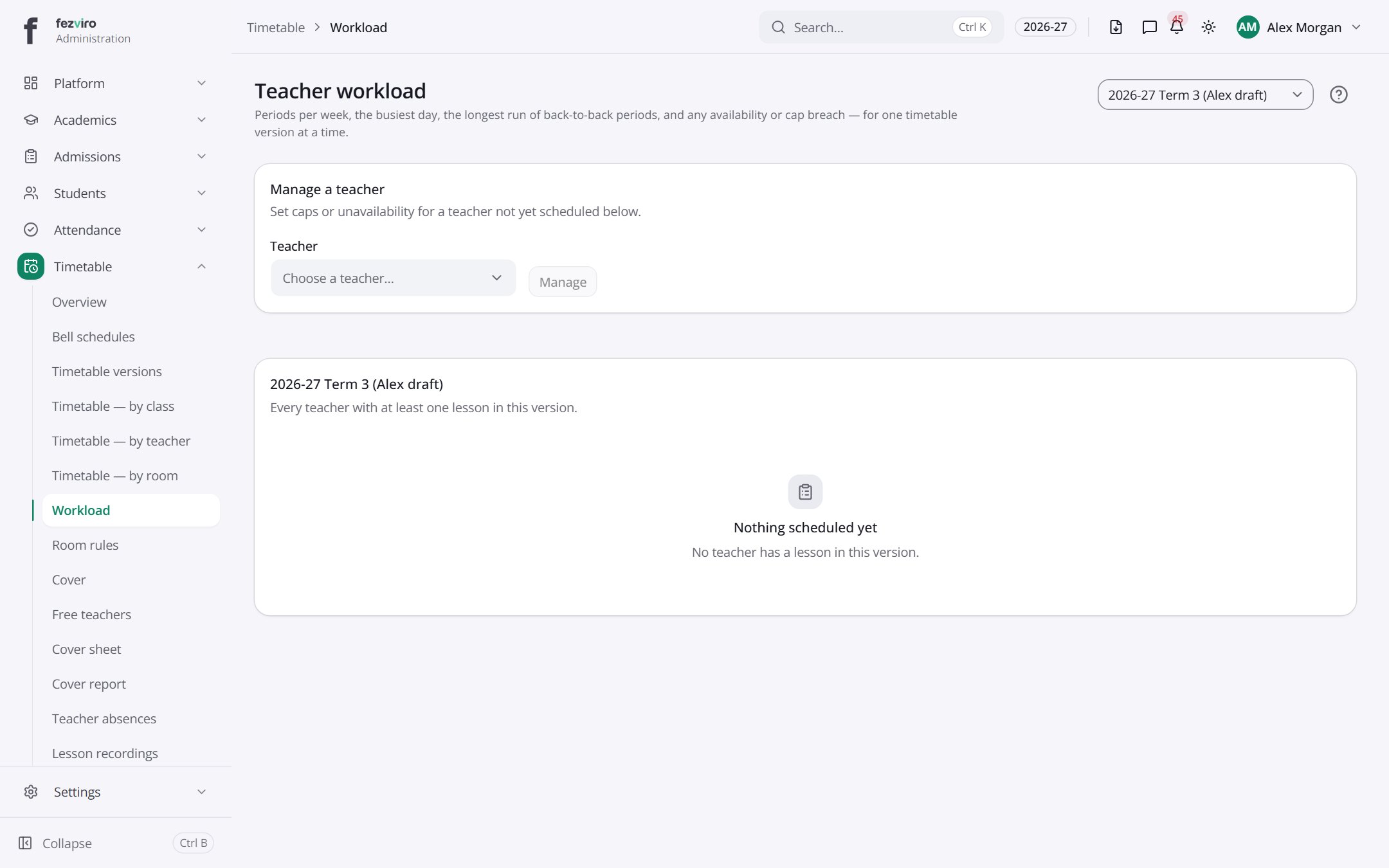
- Sections on the page: Manage a teacher, 2026-27 Term 3 (Alex draft).
Buttons on this screen
Section titled “Buttons on this screen”- 2026-27 Term 3 (Alex draft) — does what it says on the button.
← Back to Timetable overview