

Accounting
A full double-entry general ledger that fees, payroll, inventory and fundraising post into automatically, plus payables, petty cash, budgets and statements.
👥 Accountant, finance manager, principal, auditor🖥️ 31 screens📝 10 forms

What it does
Section titled “What it does”- Chart of accounts, funds, cost centres
- Ready-made school trust account list
- General ledger with journals and approval drafts
- Accounting periods with close
- Bank accounts and reconciliation
- Vendor bills and supplier payments
- Customer invoices and receivables ageing
- Budgets, projects and cost centres
- Petty cash floats and vouchers
- Expense claims
- Fixed asset depreciation
- Withholding deductions and Form 26Q
- Inter-branch accounts and transfers
- Financial statements: trial balance, P&L, balance sheet
- Export to Tally
Its screens
Section titled “Its screens”Each screen has its own page: what it is for, how to reach it, a picture, its buttons and its form.
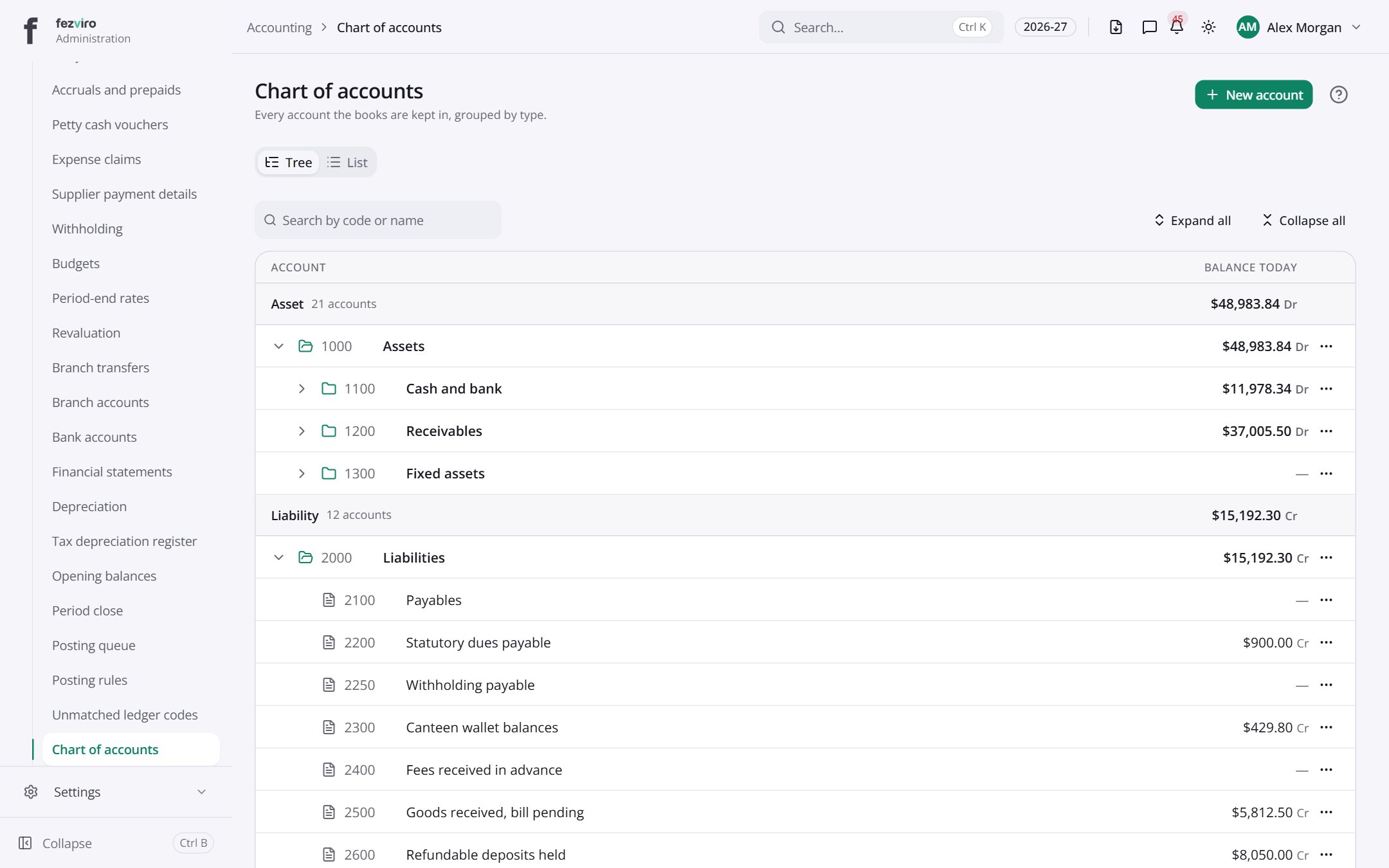 Chart of accountsThe full list of accounts the school's books are kept in.
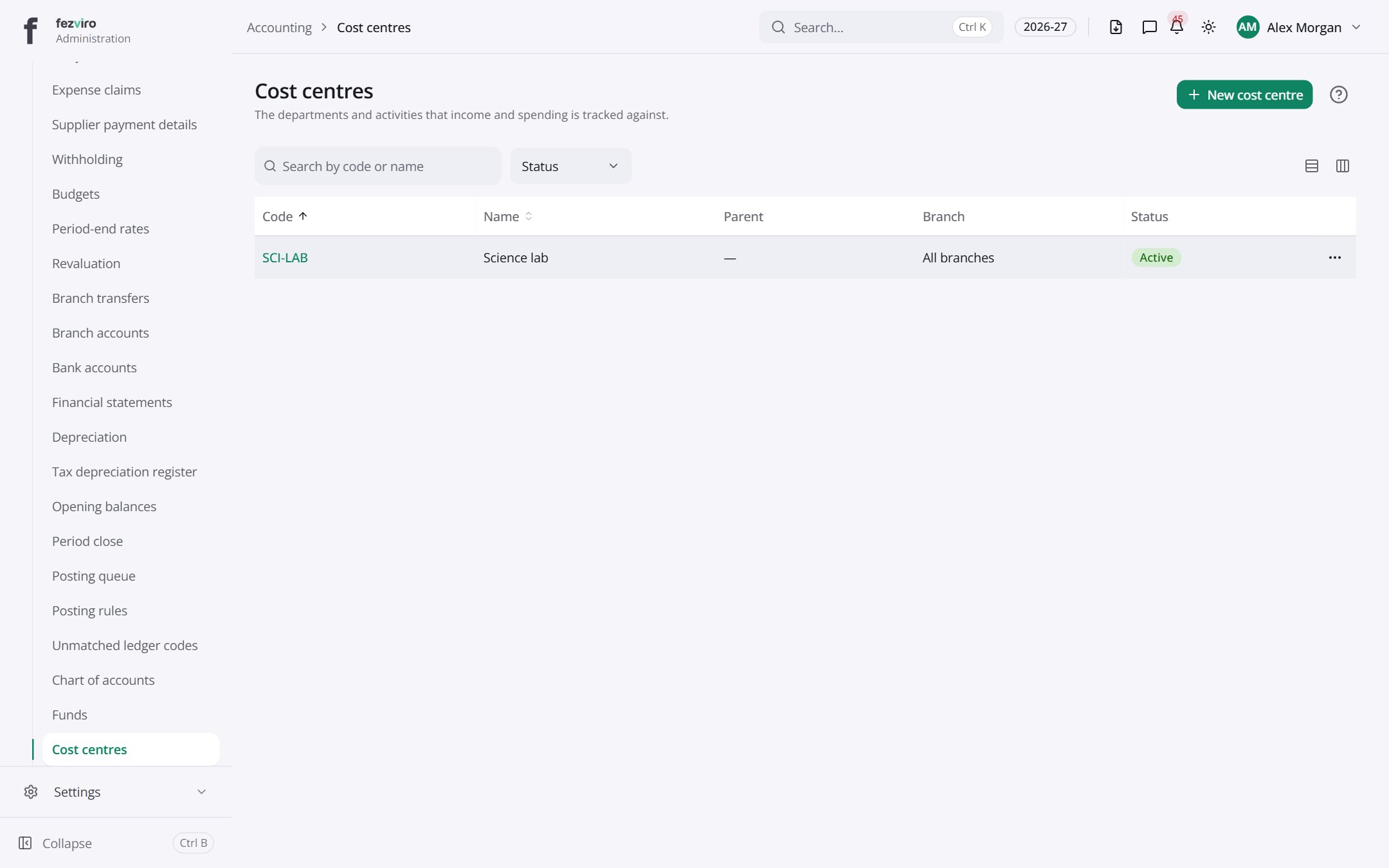 Cost centresDepartments and activities that income and spending are grouped under.
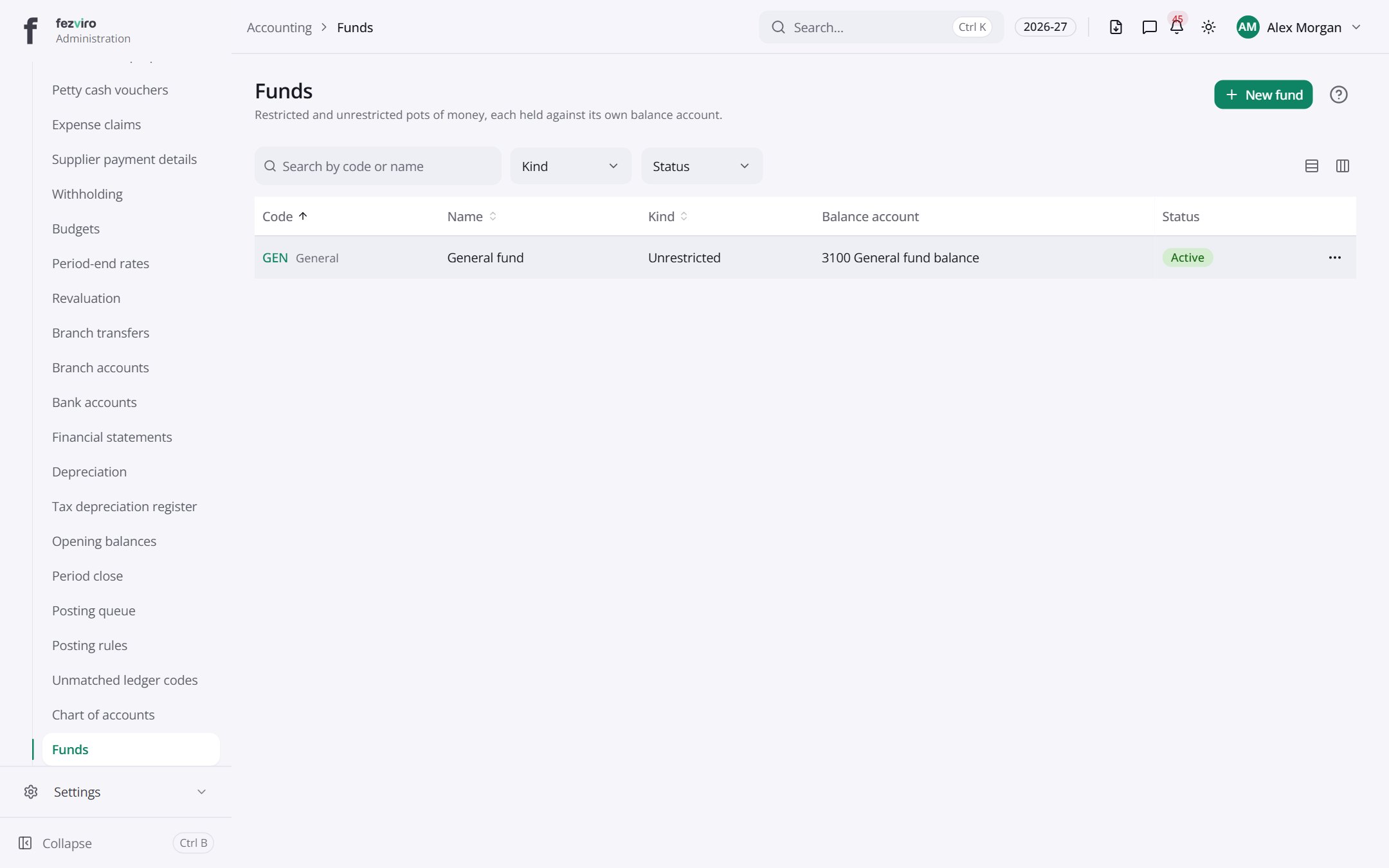 FundsSeparate pots of money, some restricted to a specific purpose.
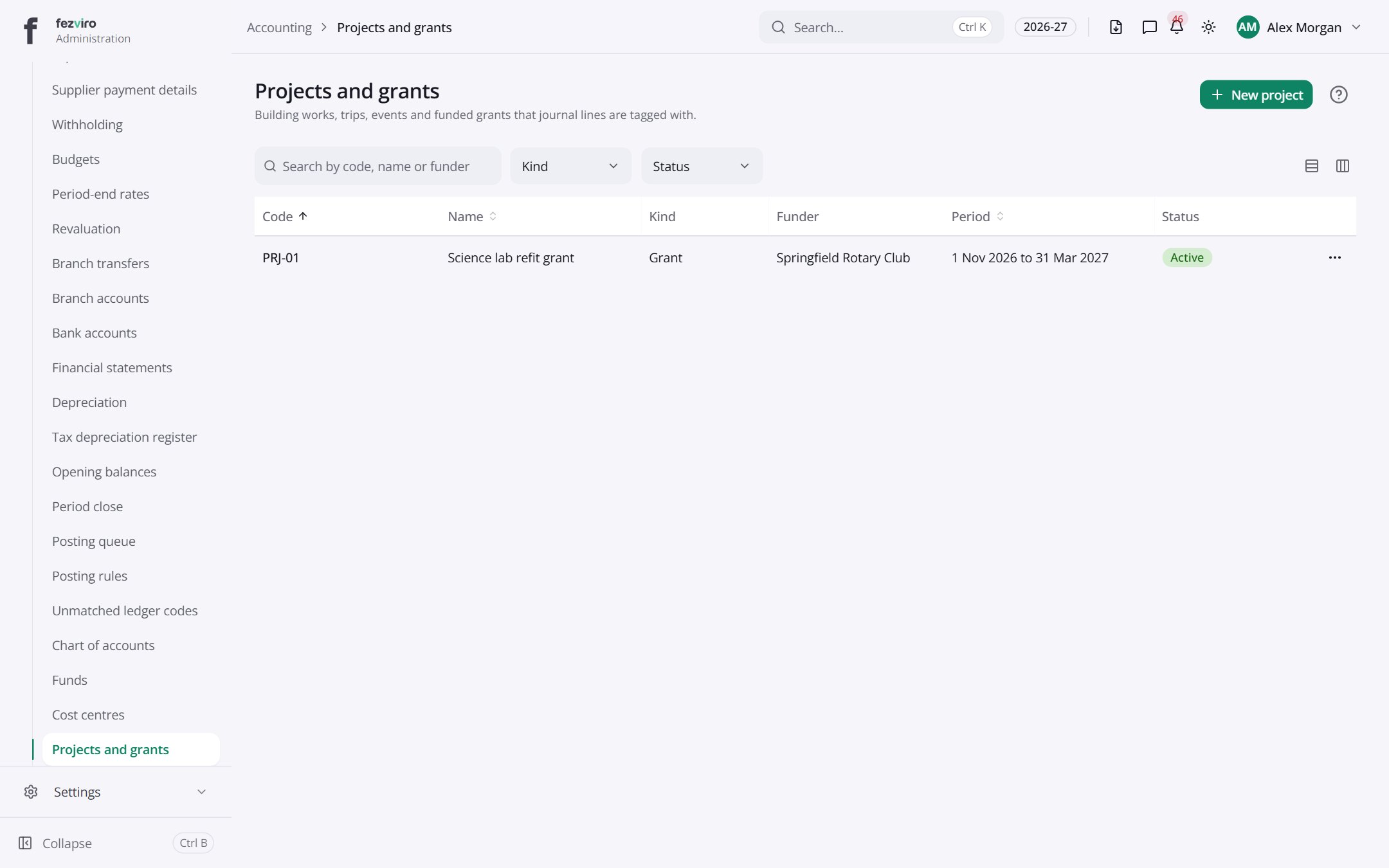 Projects and grantsBuilding works, trips, events and grants tagged in the books.
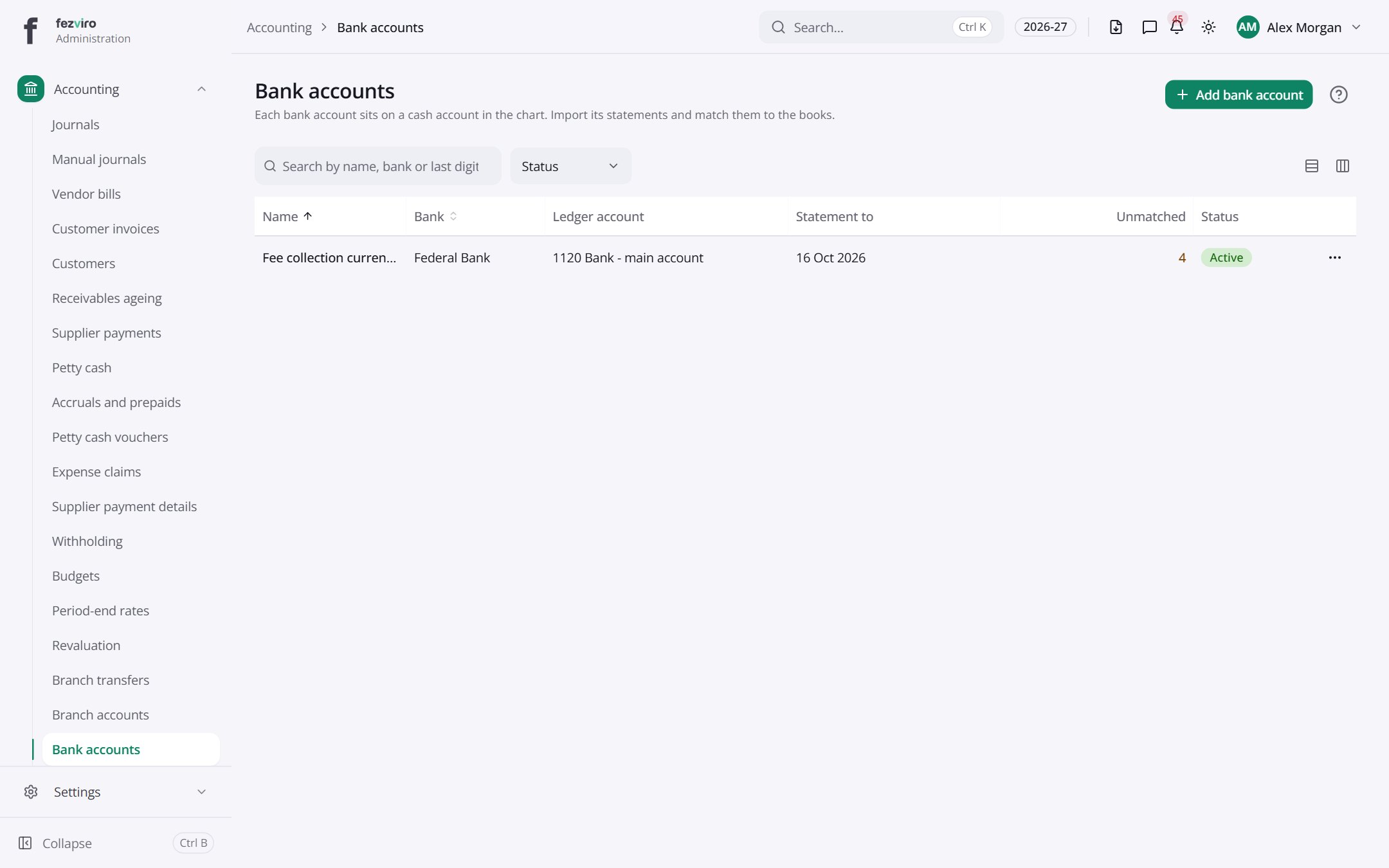 Bank accountsEach school bank account, with its statements and matching.
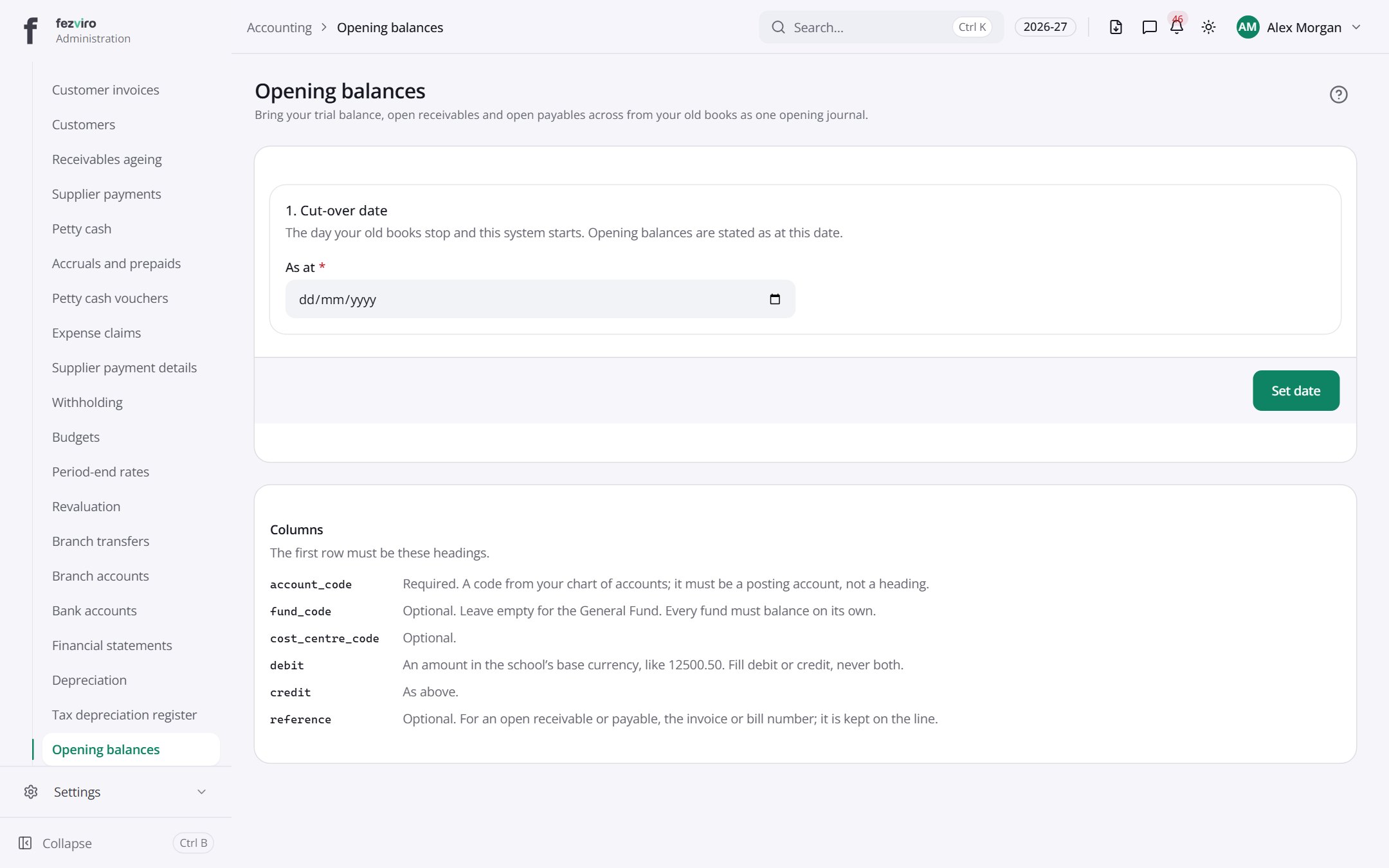 Opening balancesLoads the starting balances from the school's old books.
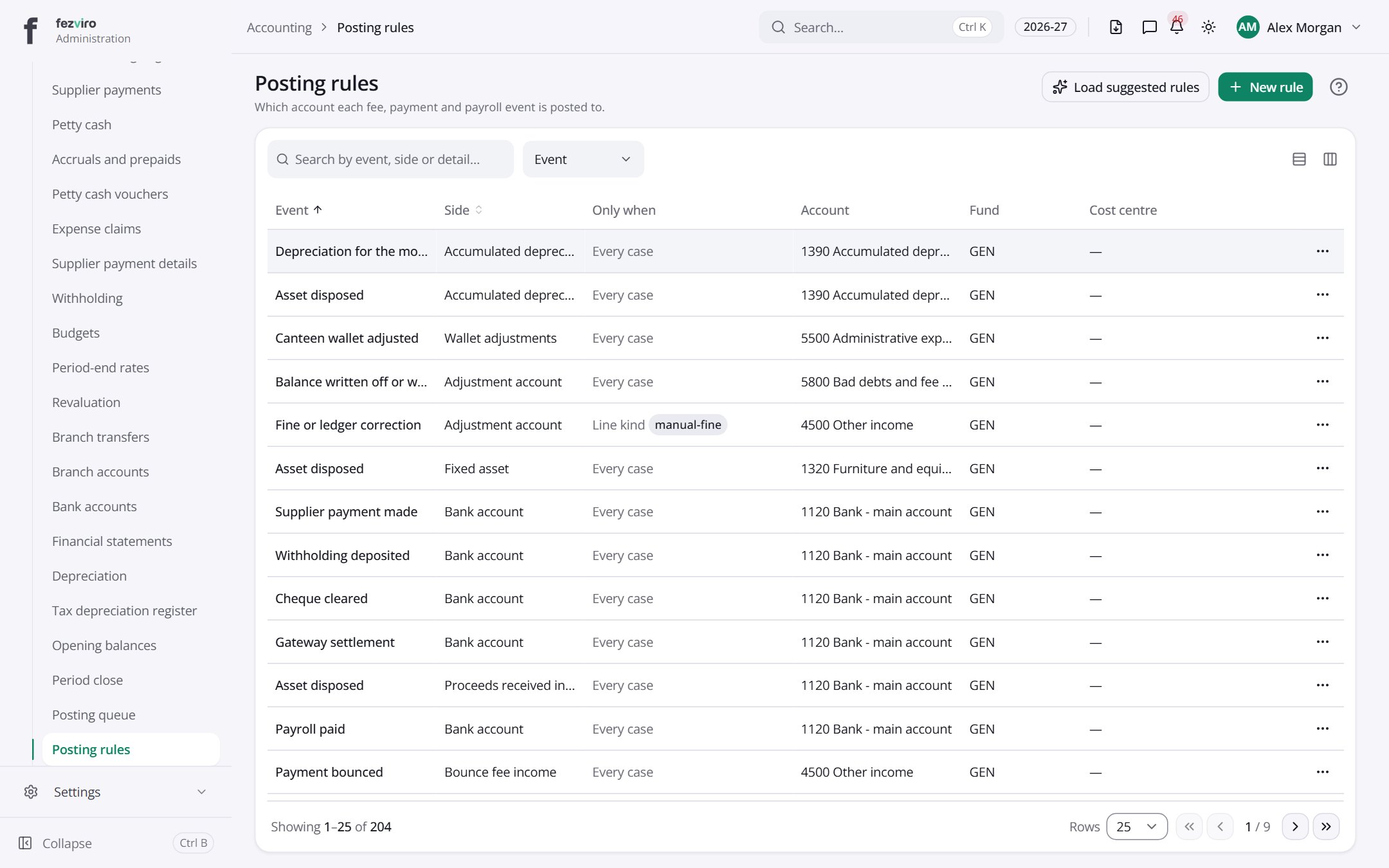 Posting rulesSets which account each fee, payment and payroll event goes to.
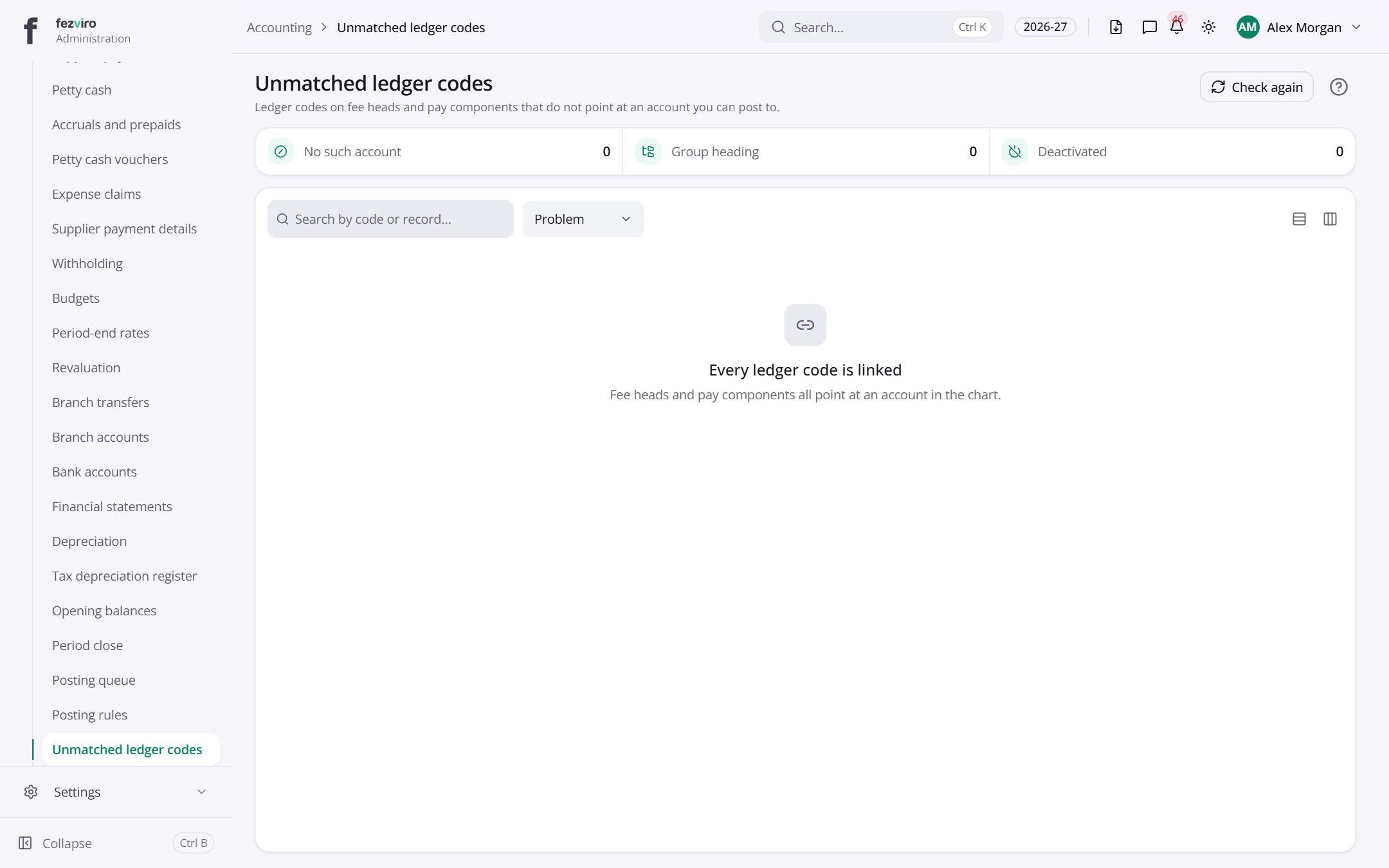 Unmatched ledger codesFee and pay items whose account codes do not point at a usable account.
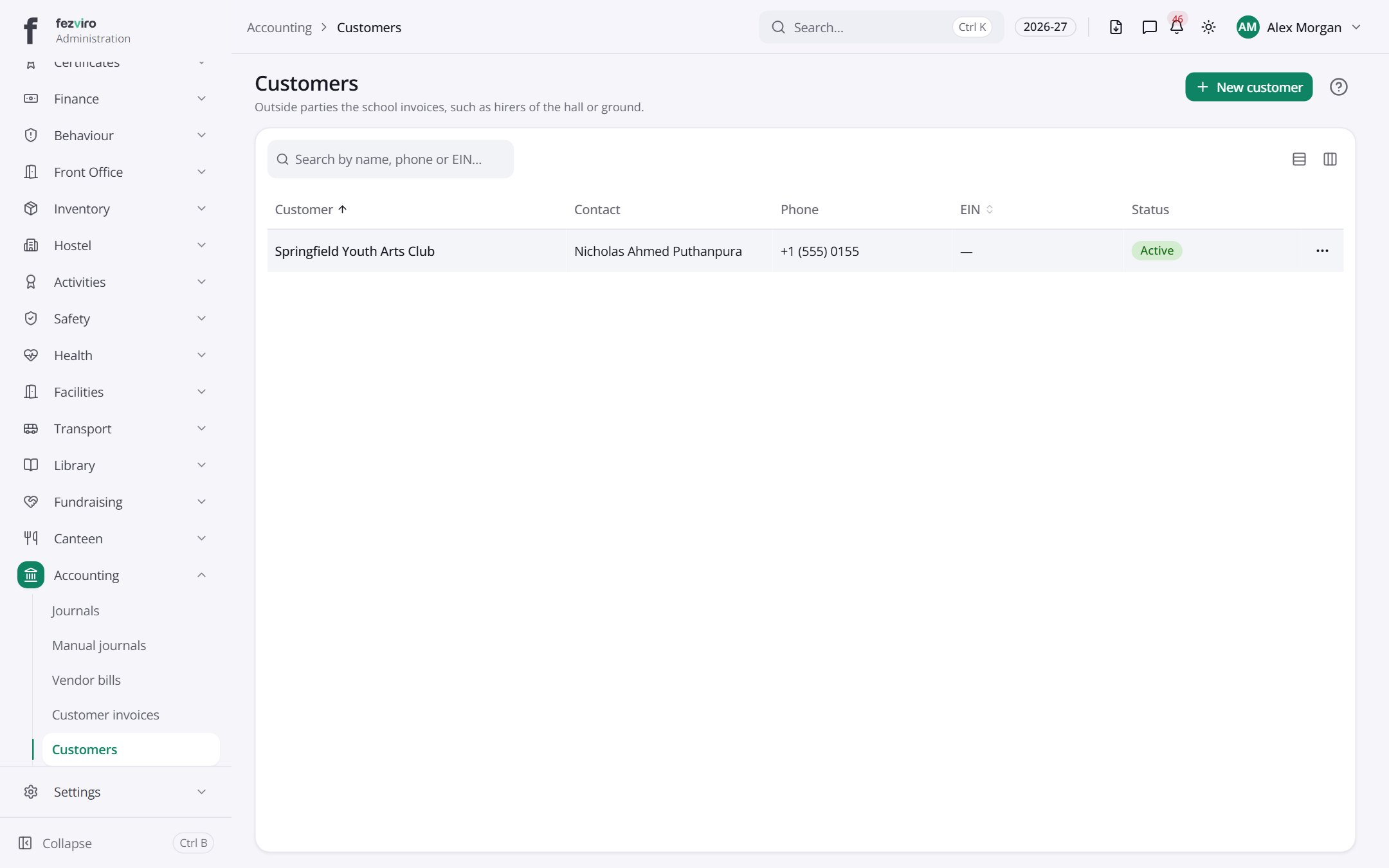 CustomersOutside people or groups the school sends bills to.has a form
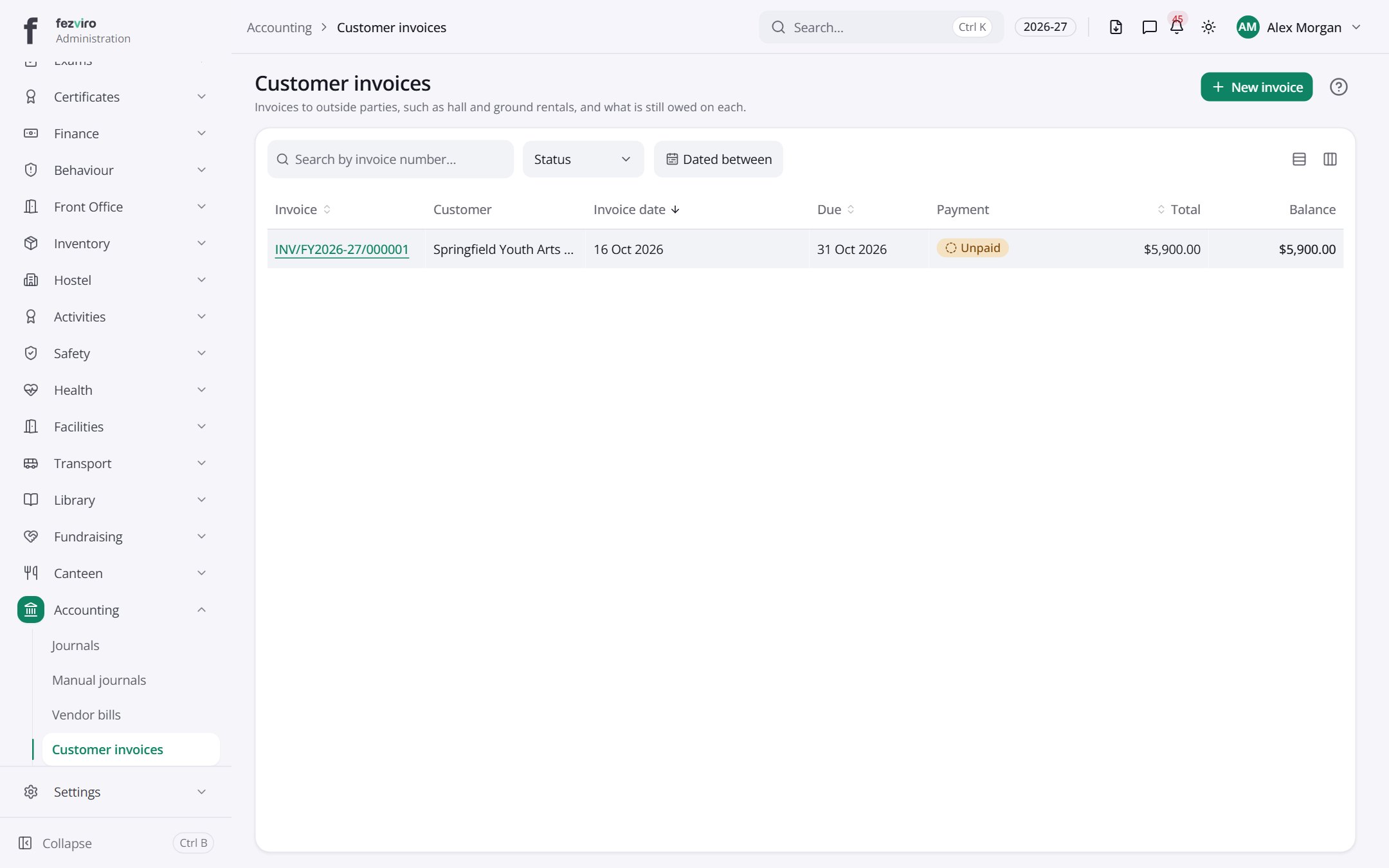 Customer invoicesBills raised to outside people or groups, such as hall hire.has a form
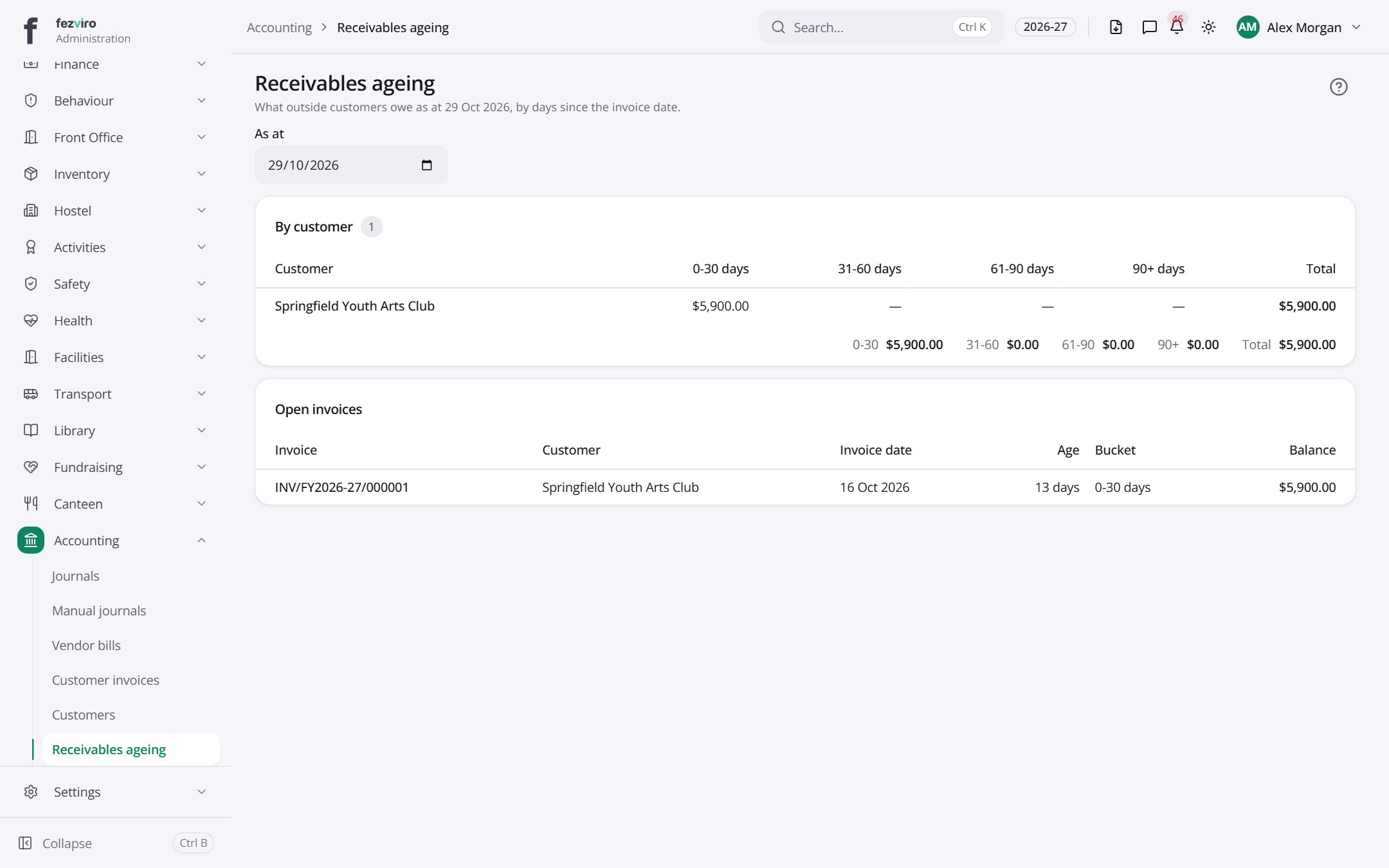 Receivables ageingHow long each outside customer's bills have been unpaid.
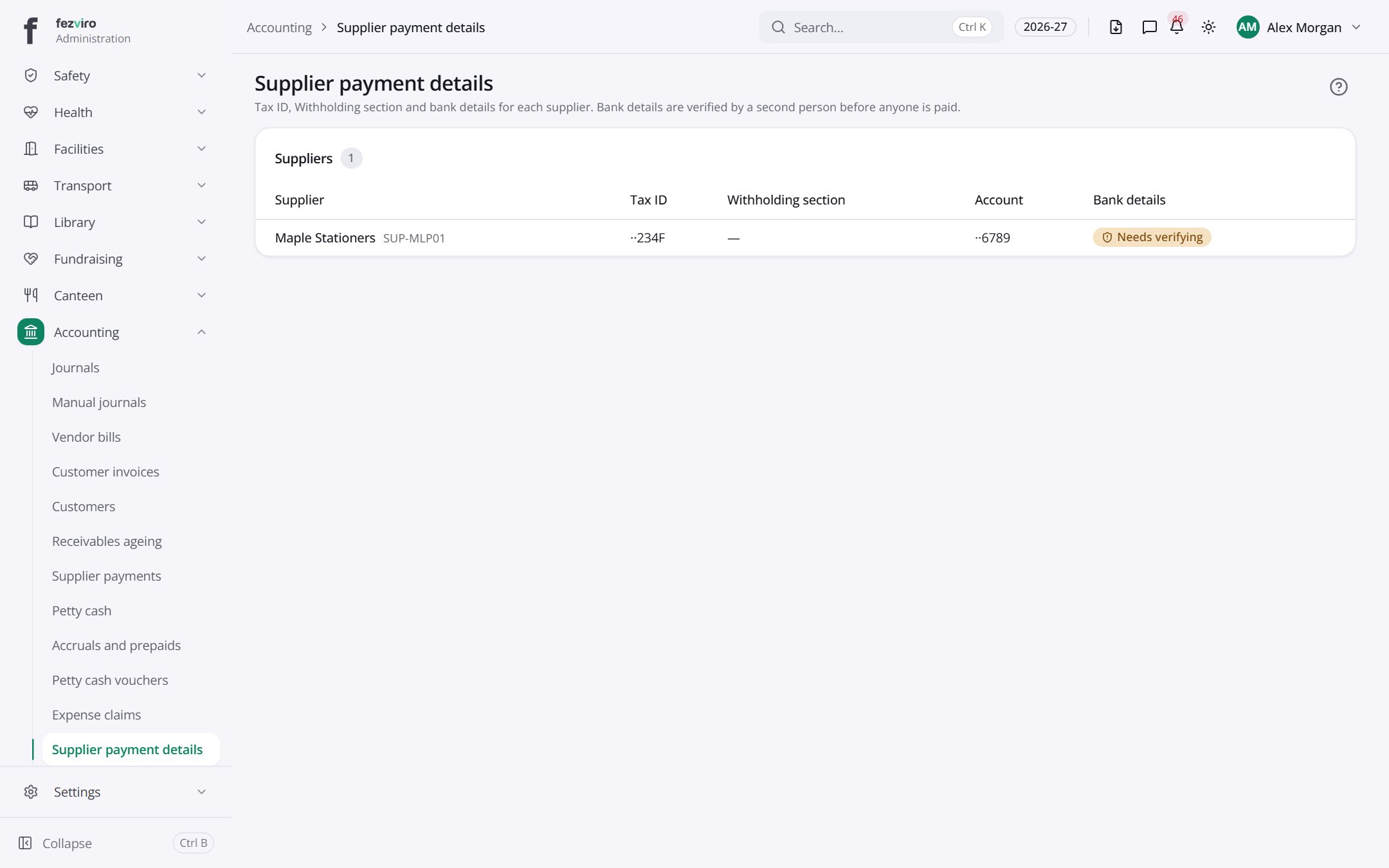 Supplier payment detailsTax and bank details for each supplier the school pays.
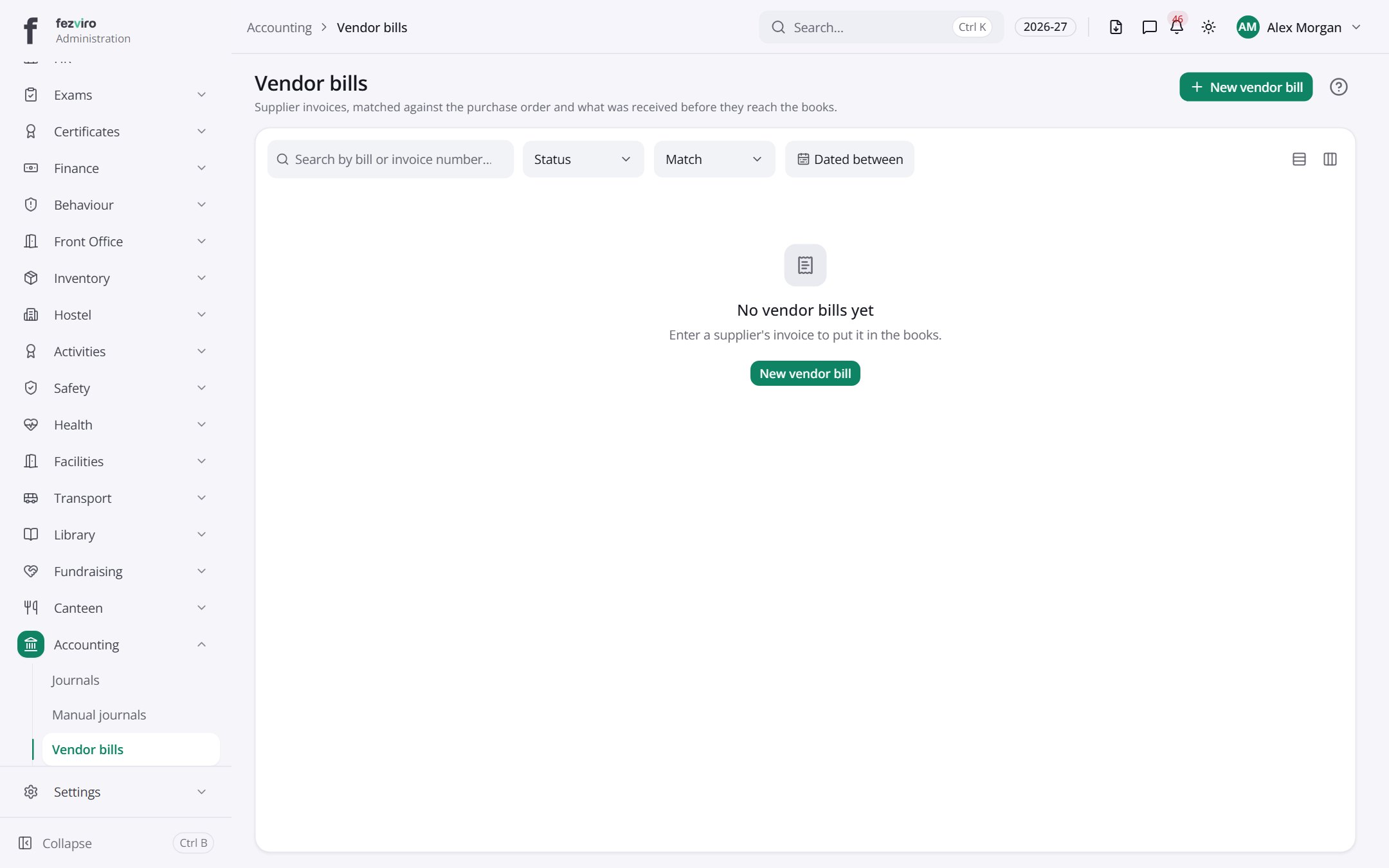 Vendor billsSupplier invoices, checked against orders and deliveries before payment.has a form
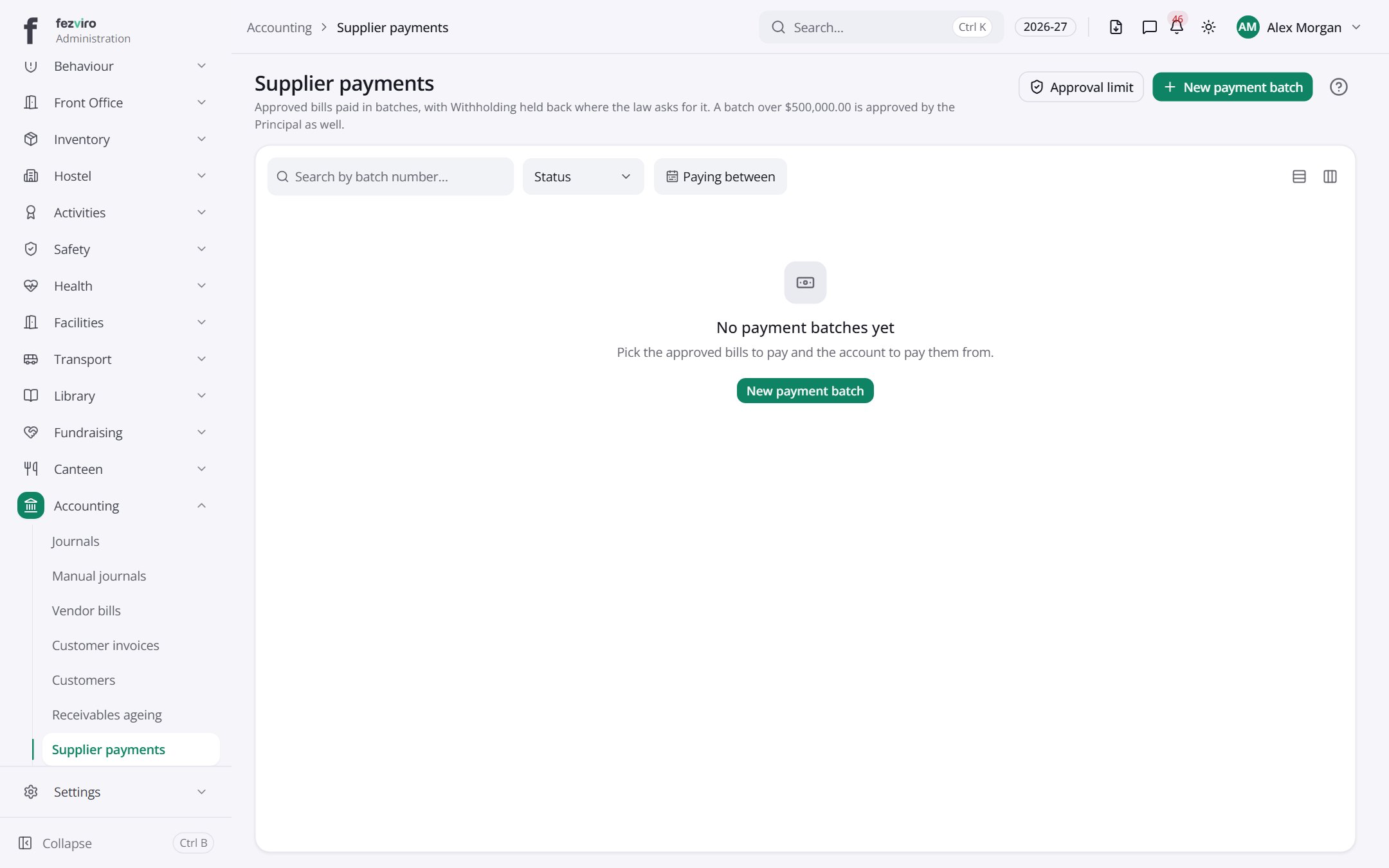 Supplier paymentsBatches of payments sent to suppliers in one go.has a form
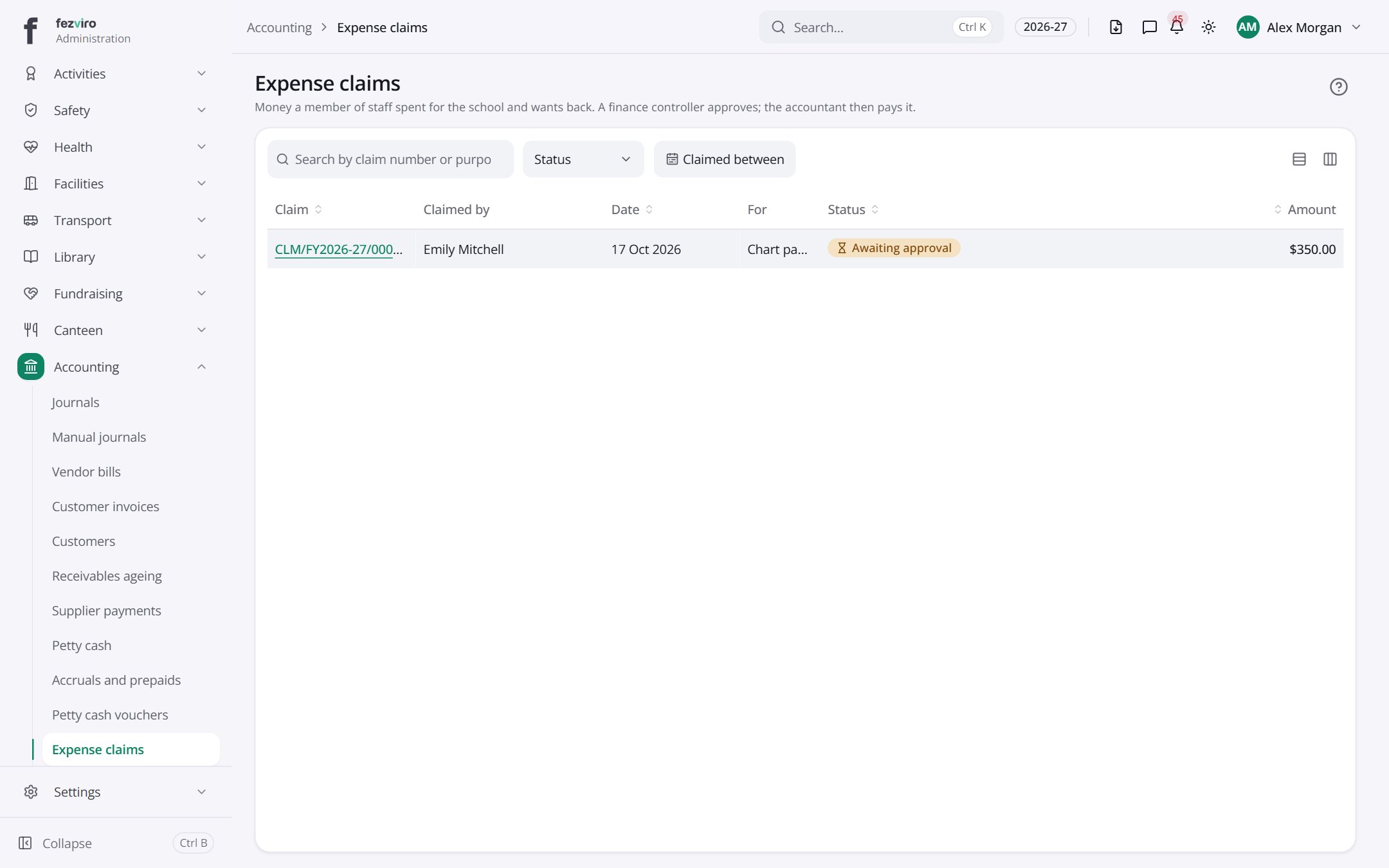 Expense claimsMoney staff spent for the school that they want paid back.has a form
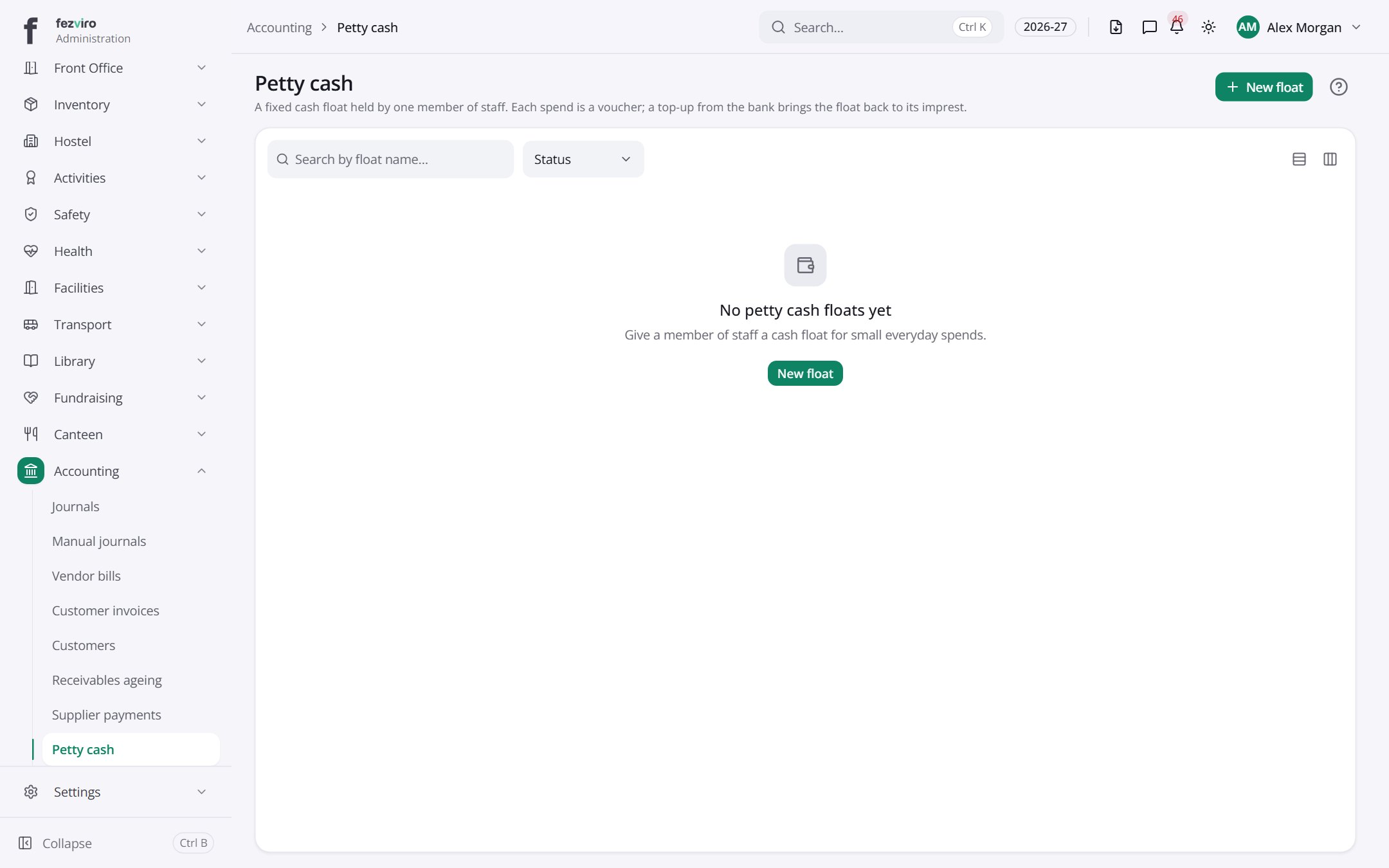 Petty cashA fixed cash float held by one person for small spends.has a form
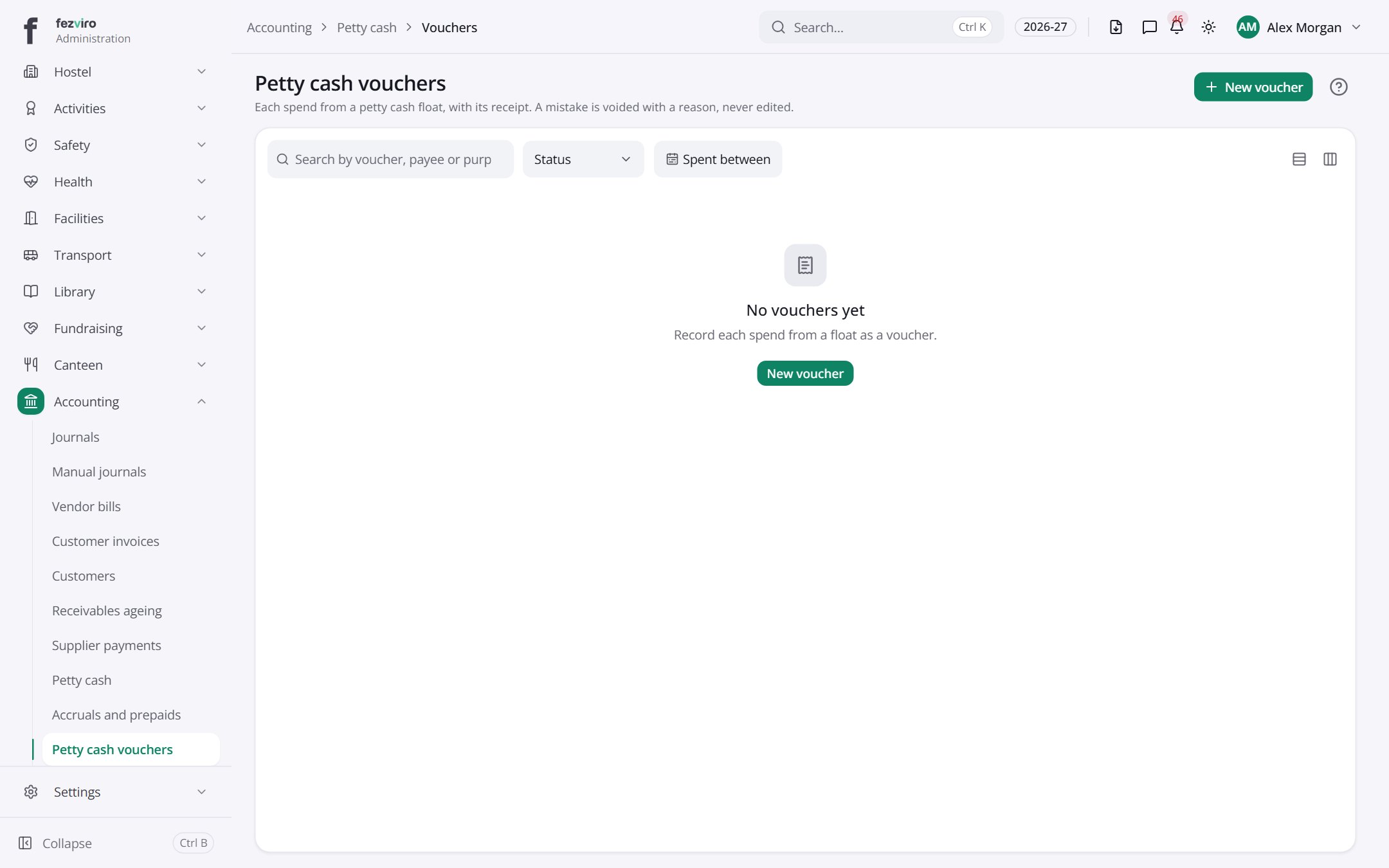 Petty cash vouchersA written record for each small spend made from a petty cash float.has a form
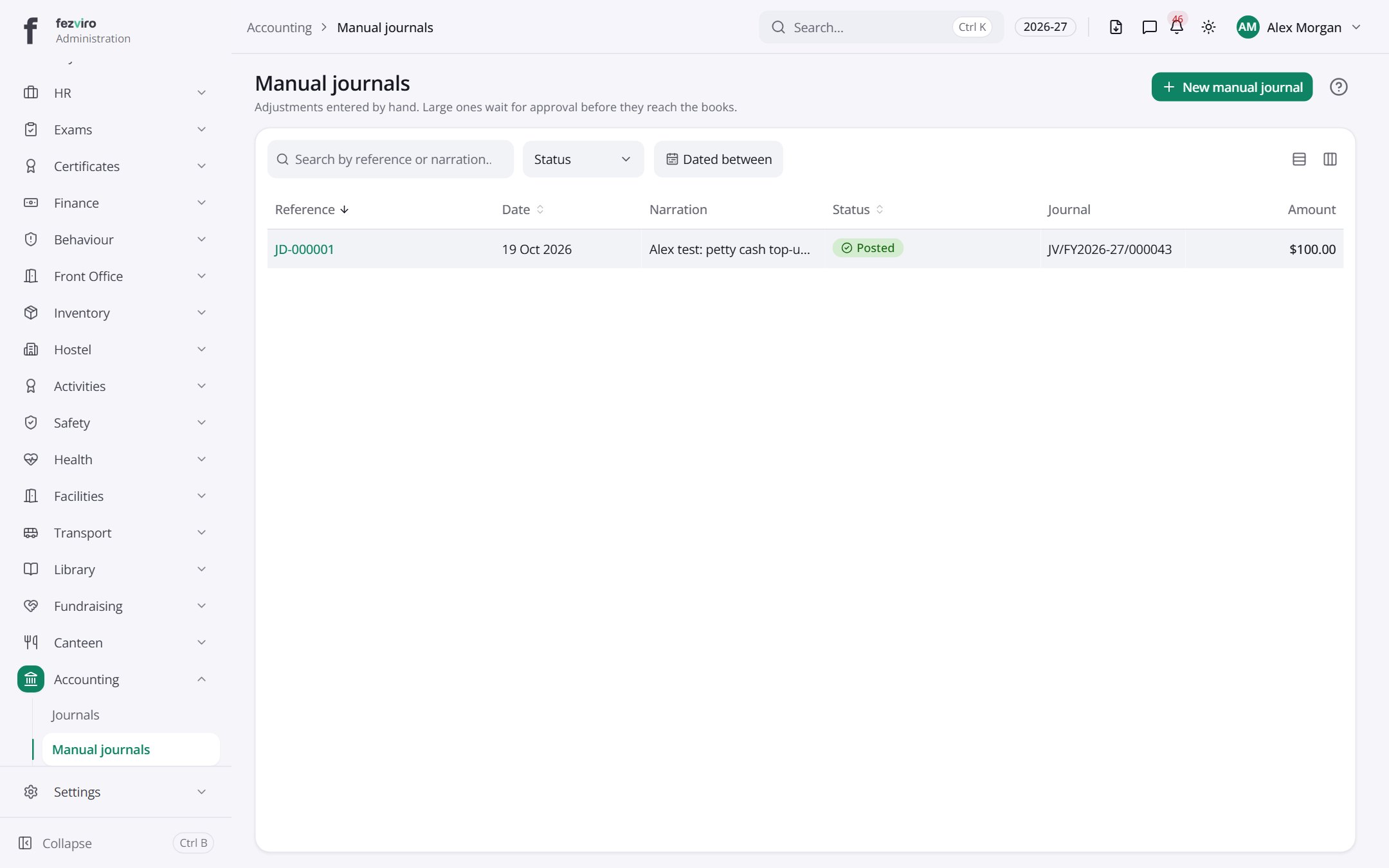 Manual journalsHand-entered adjustments waiting to be checked and entered.has a form
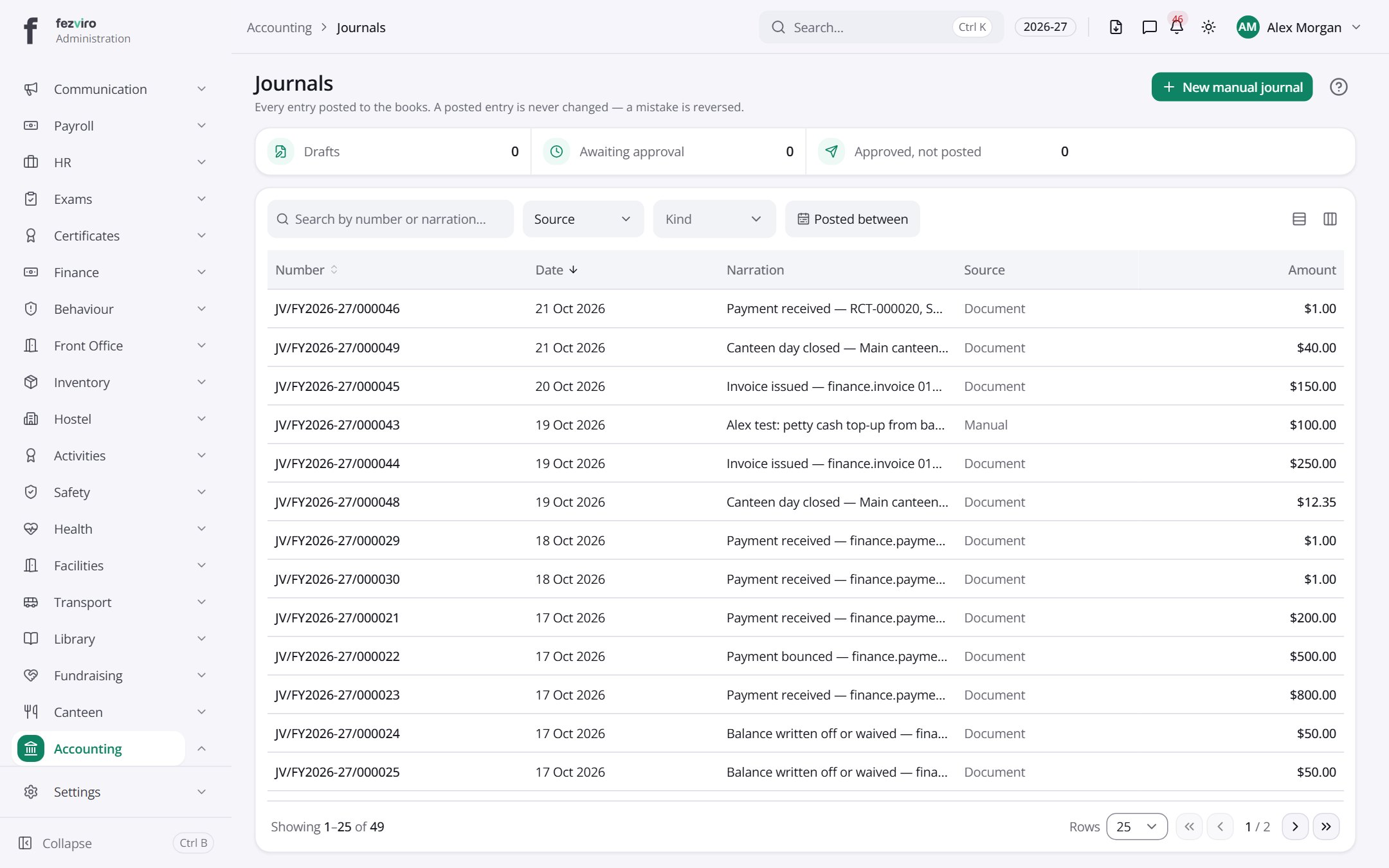 JournalsA full record of every entry made in the school's books.
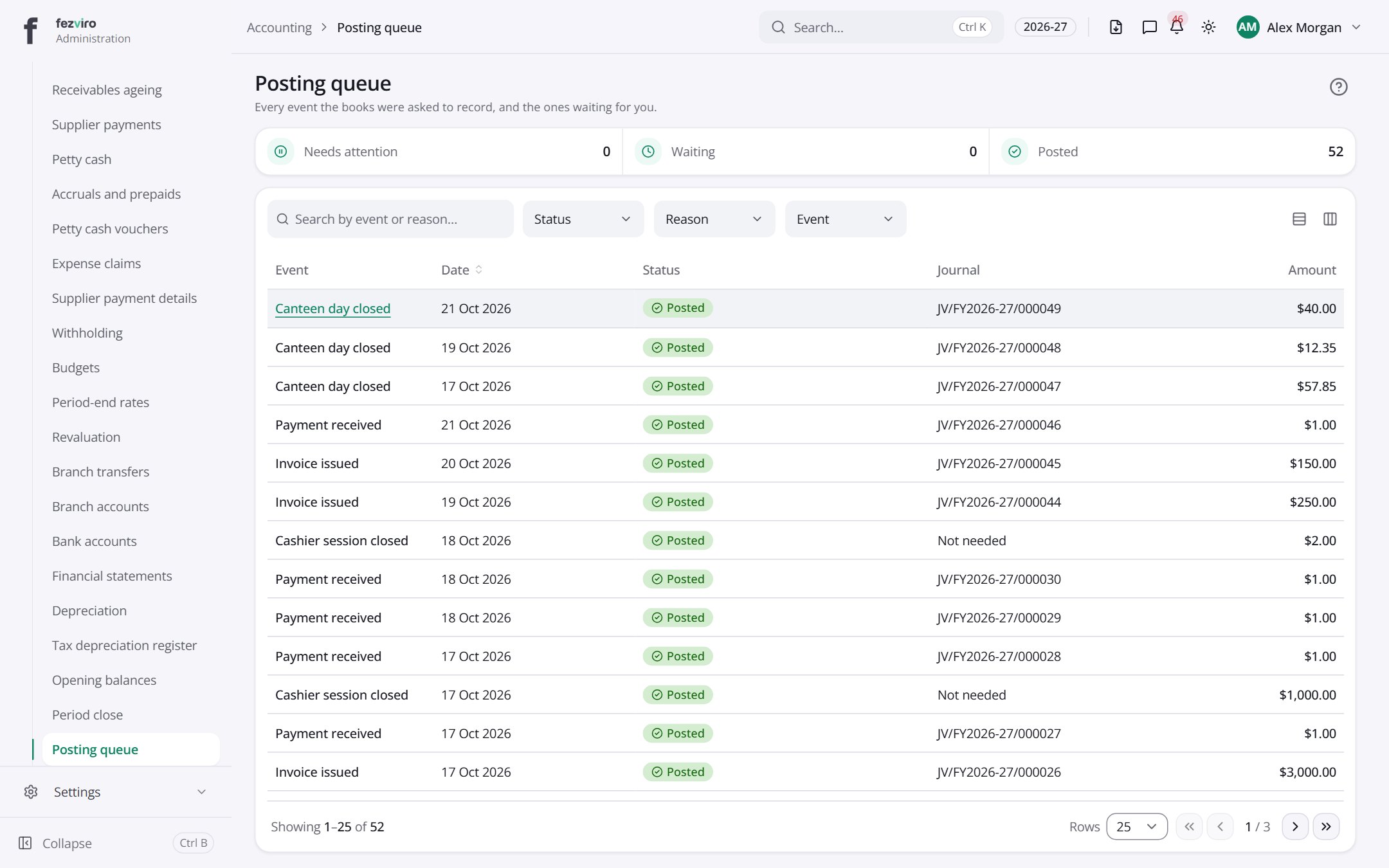 Posting queueEvery event the books were asked to record, and any waiting for action.
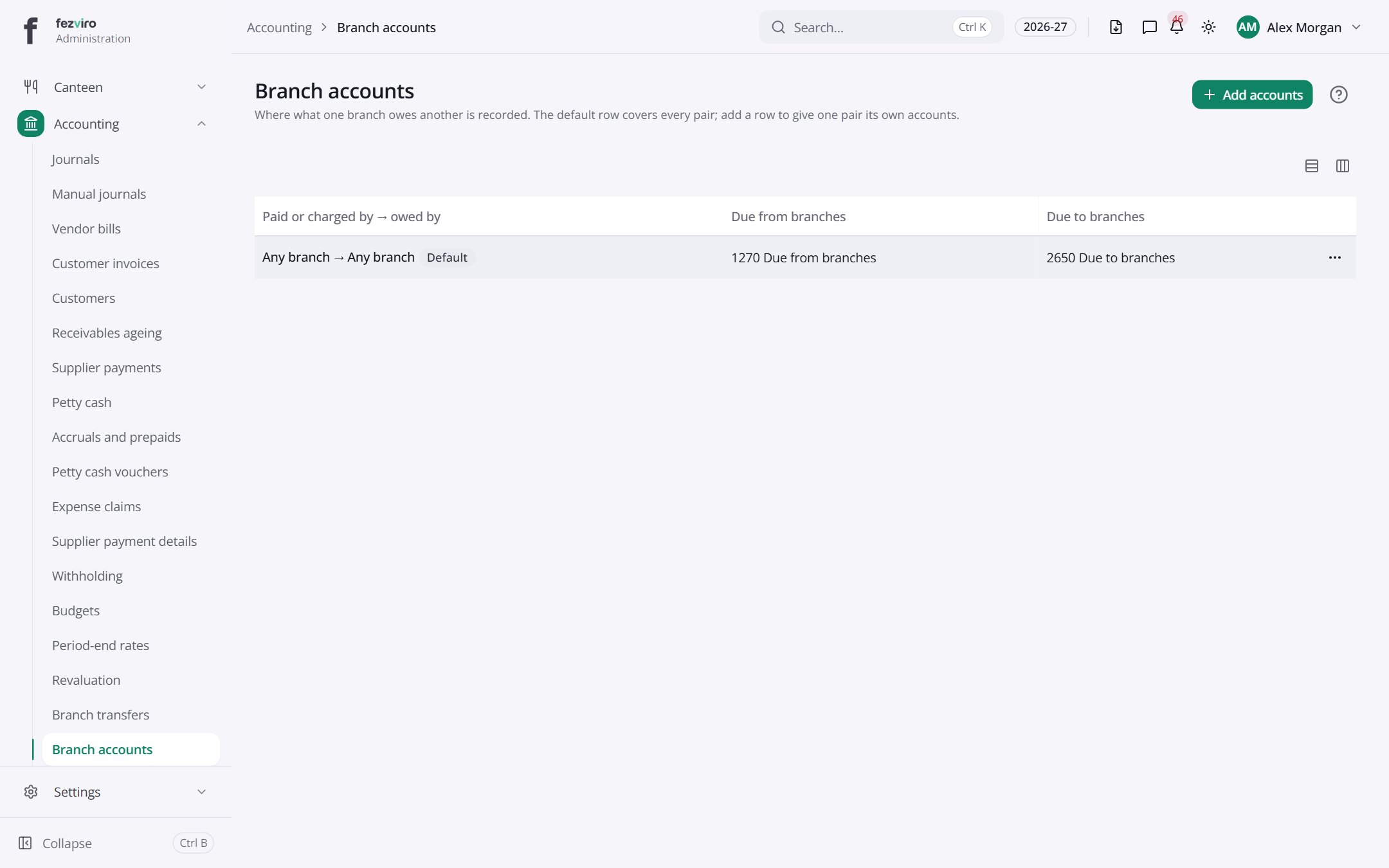 Branch accountsWhere money one branch owes another is recorded.
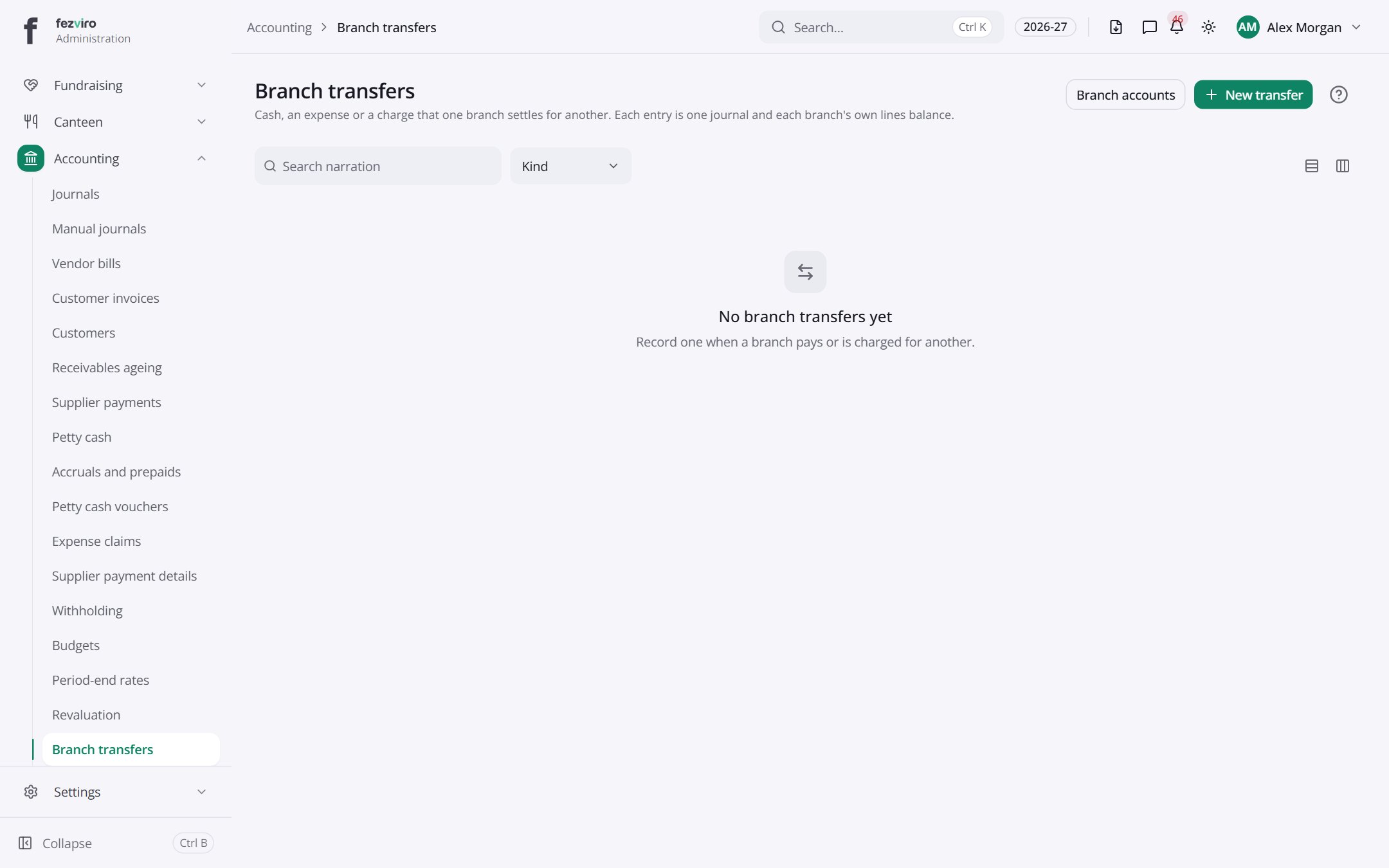 Branch transfersMoves of money or costs from one branch to another.
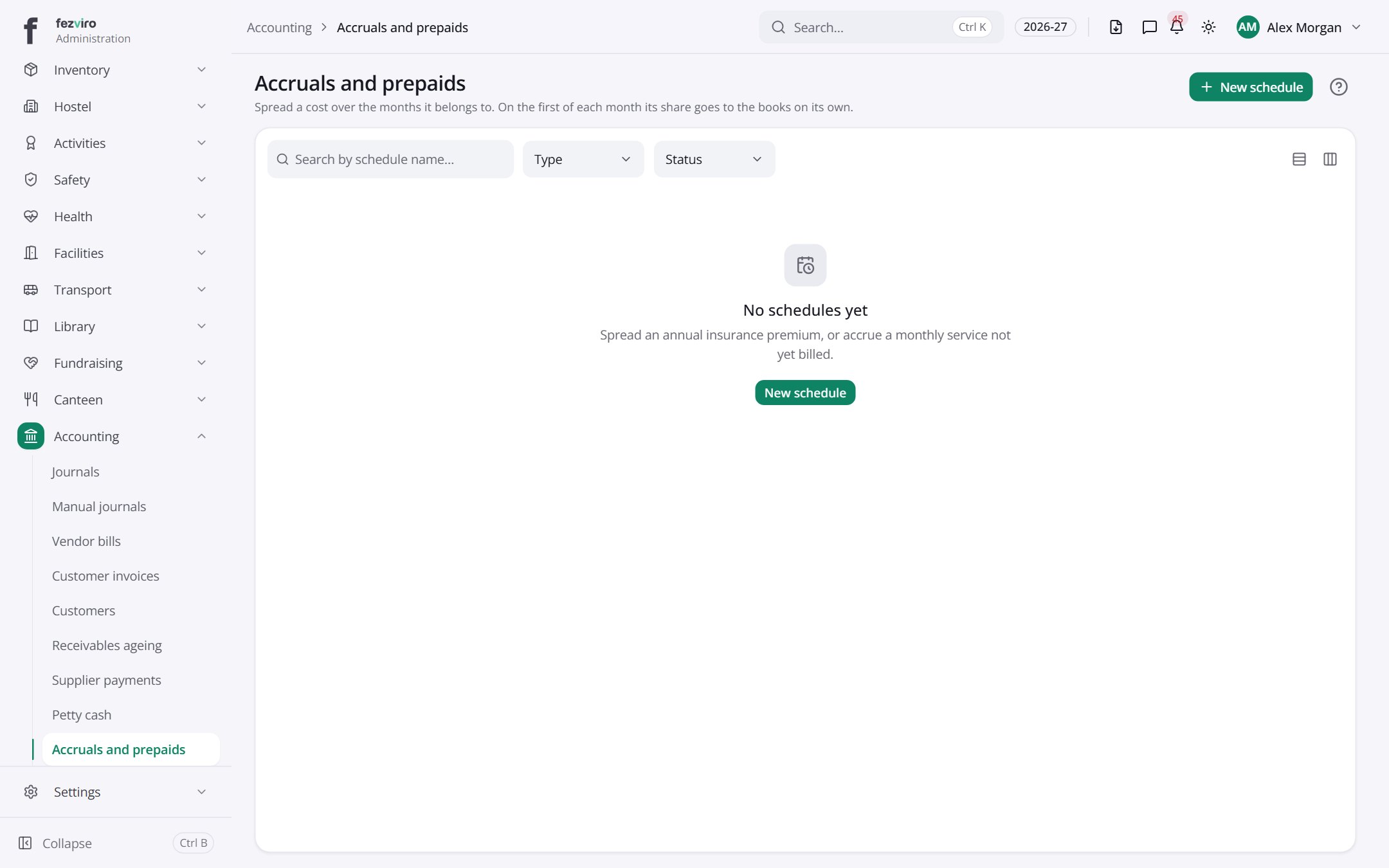 Accruals and prepaidsSpreads a yearly cost across the months it belongs to.has a form
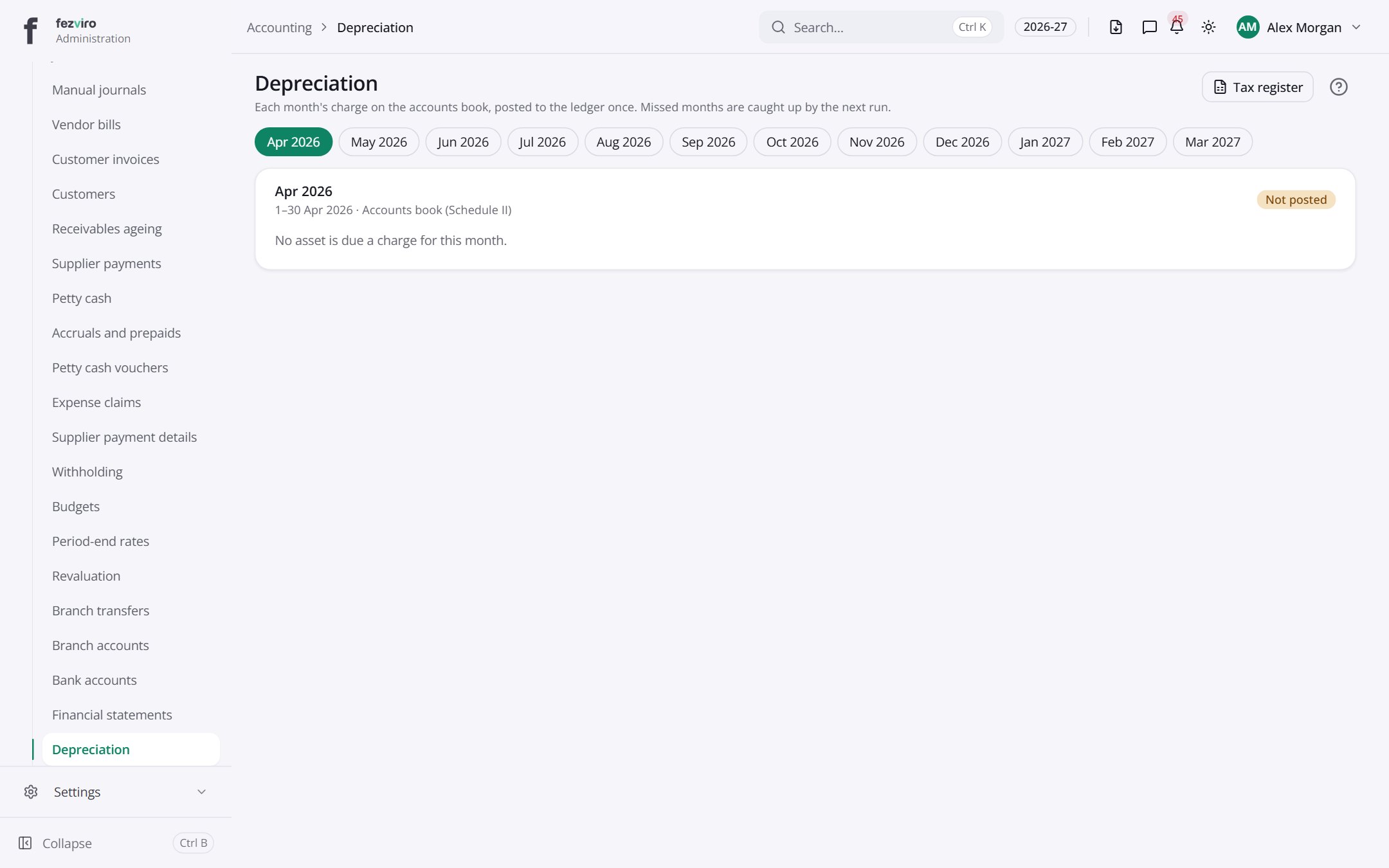 DepreciationEach month's wear-and-tear charge on school equipment and buildings.
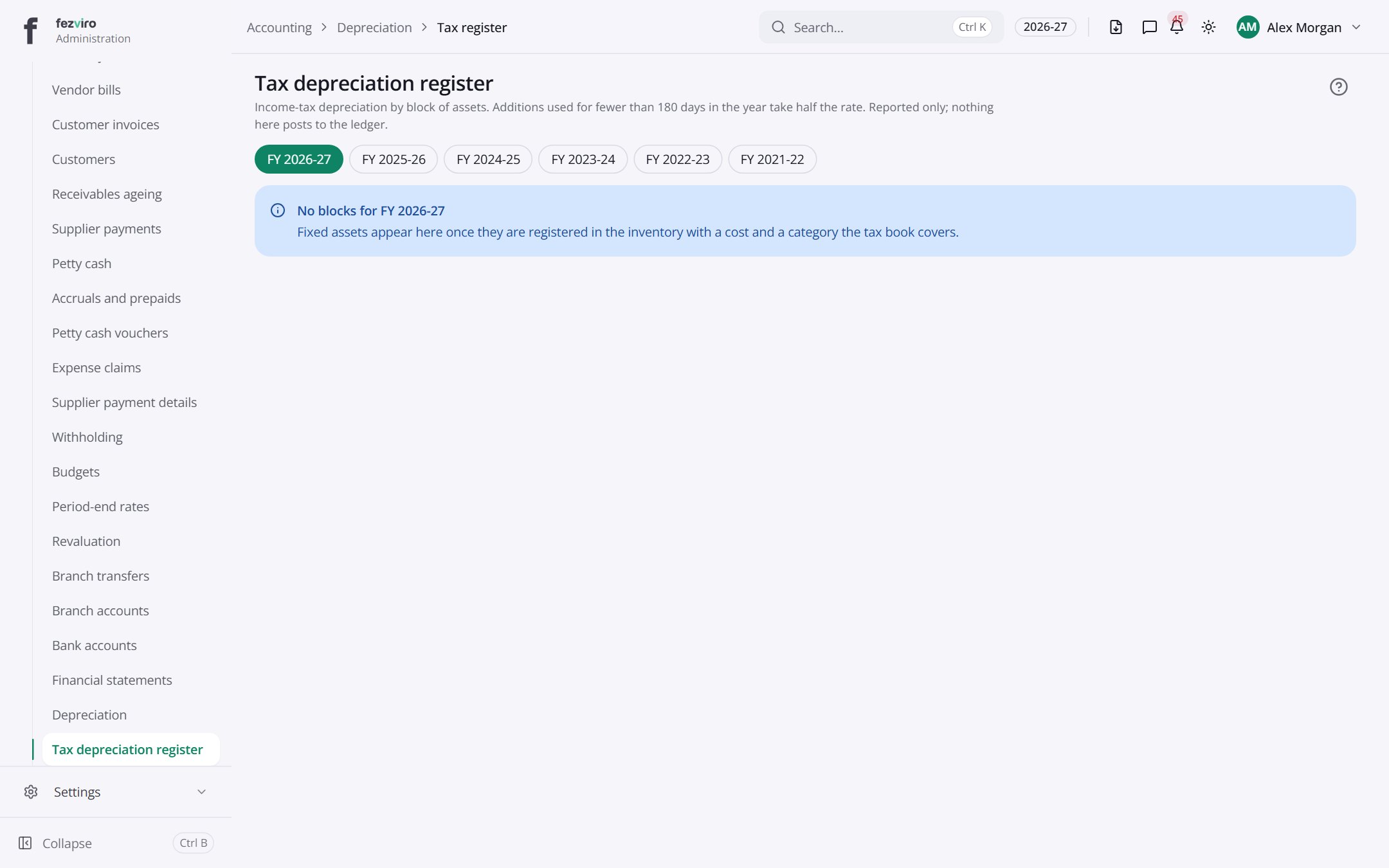 Tax depreciation registerTax-year wear-and-tear figures for each group of assets.
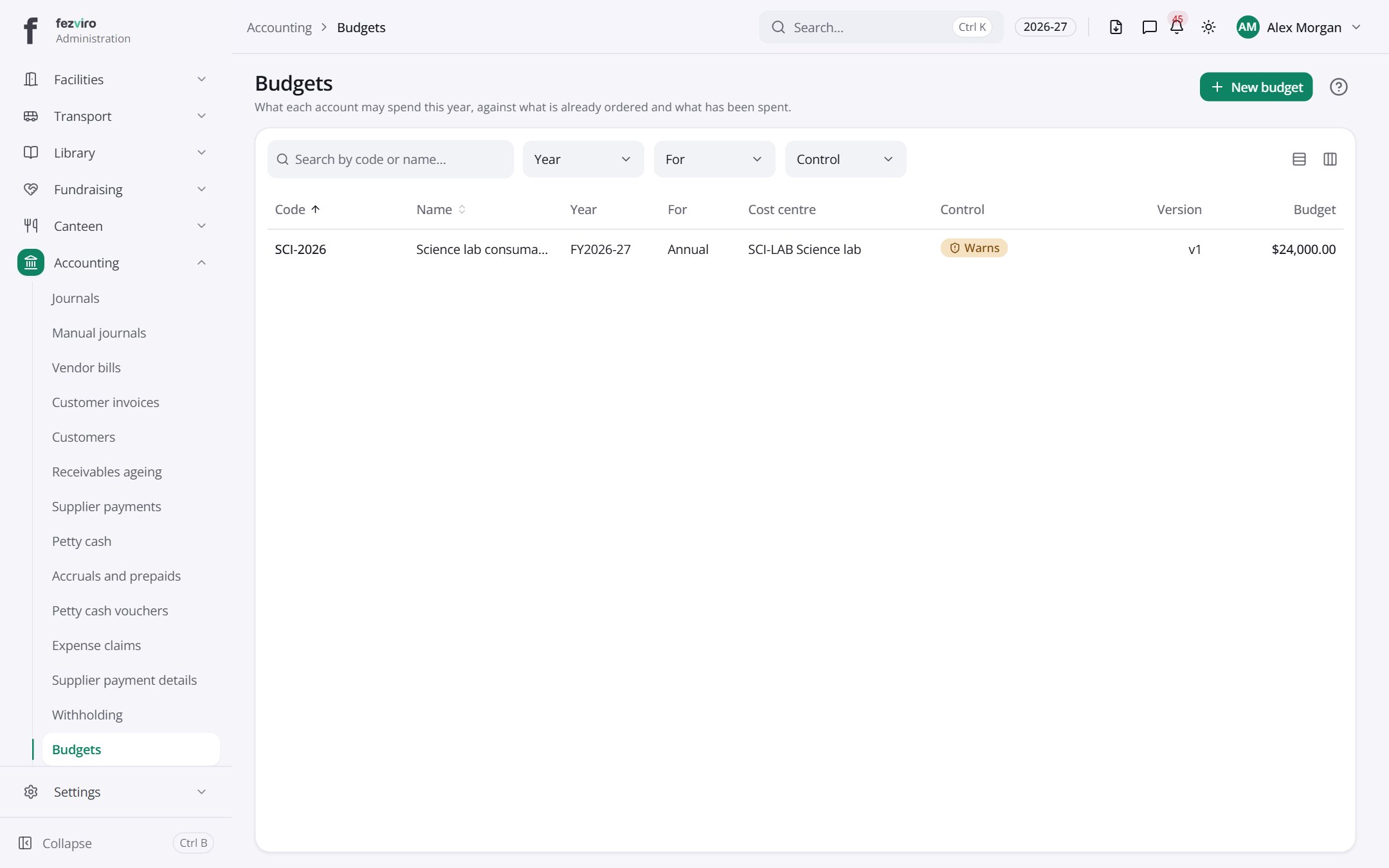 BudgetsYearly spending limits for each account, tracked as money is used.has a form
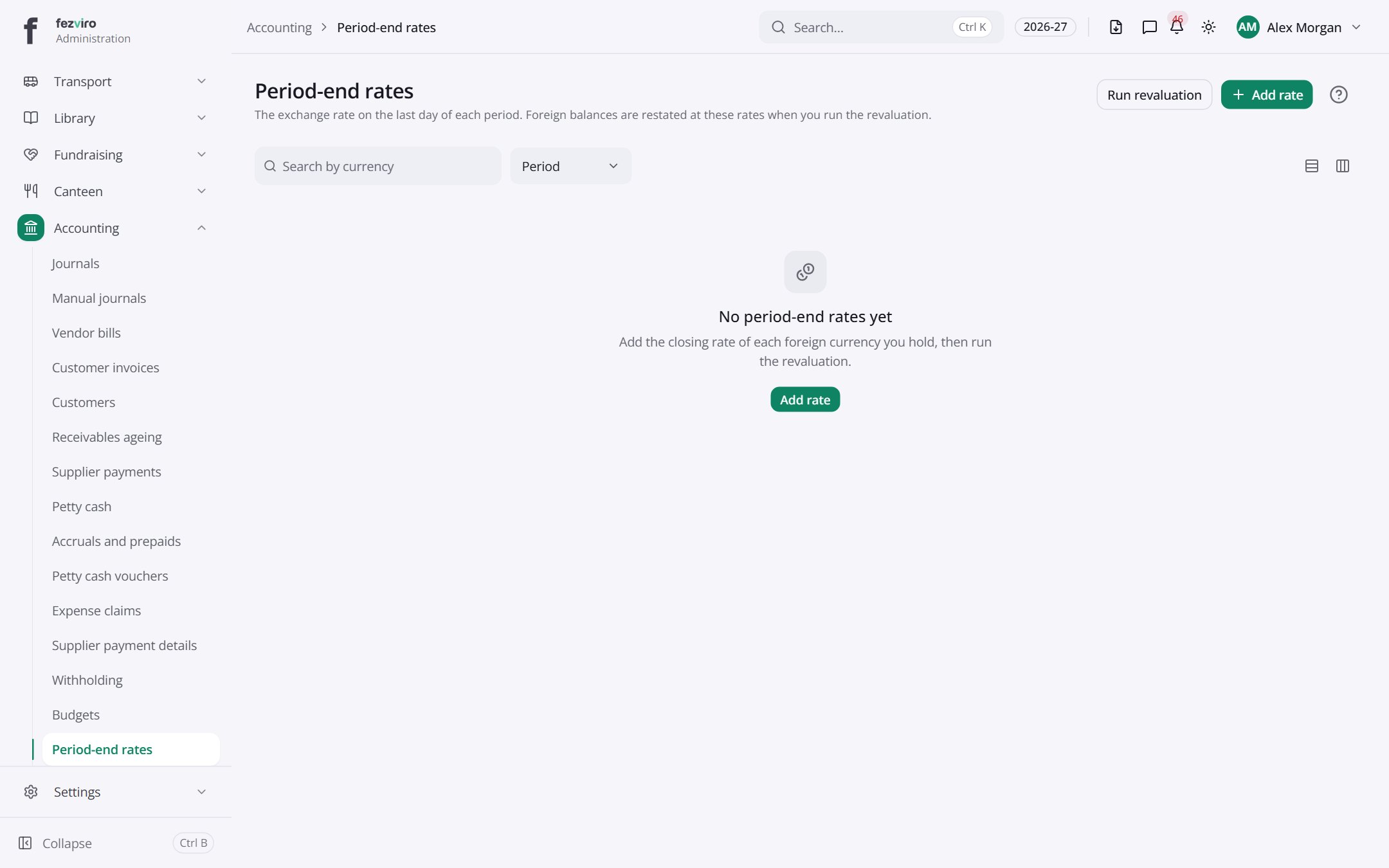 Period-end ratesExchange rates taken on the last day of each period.
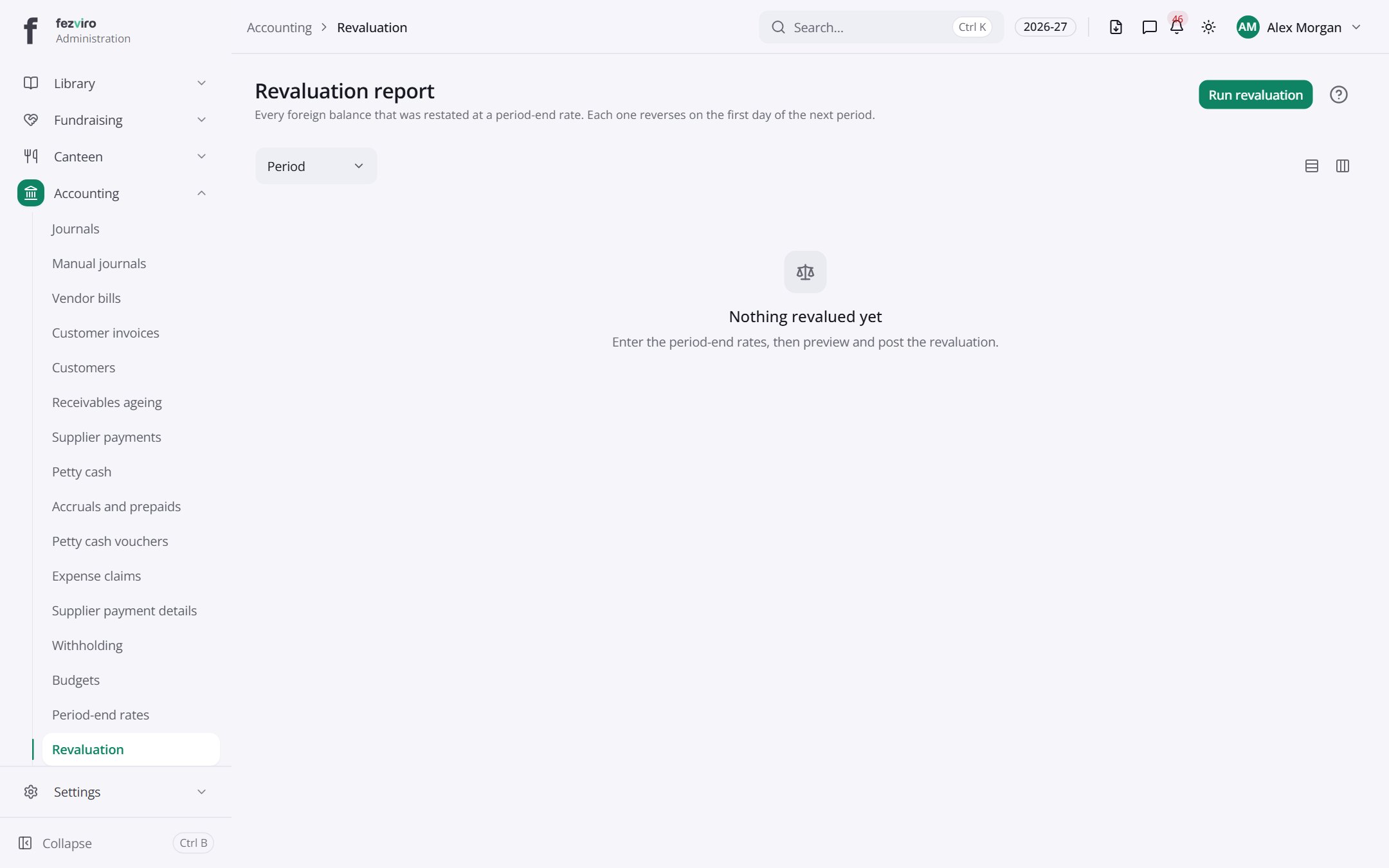 Revaluation reportForeign-currency balances restated at period-end rates, with the differences.
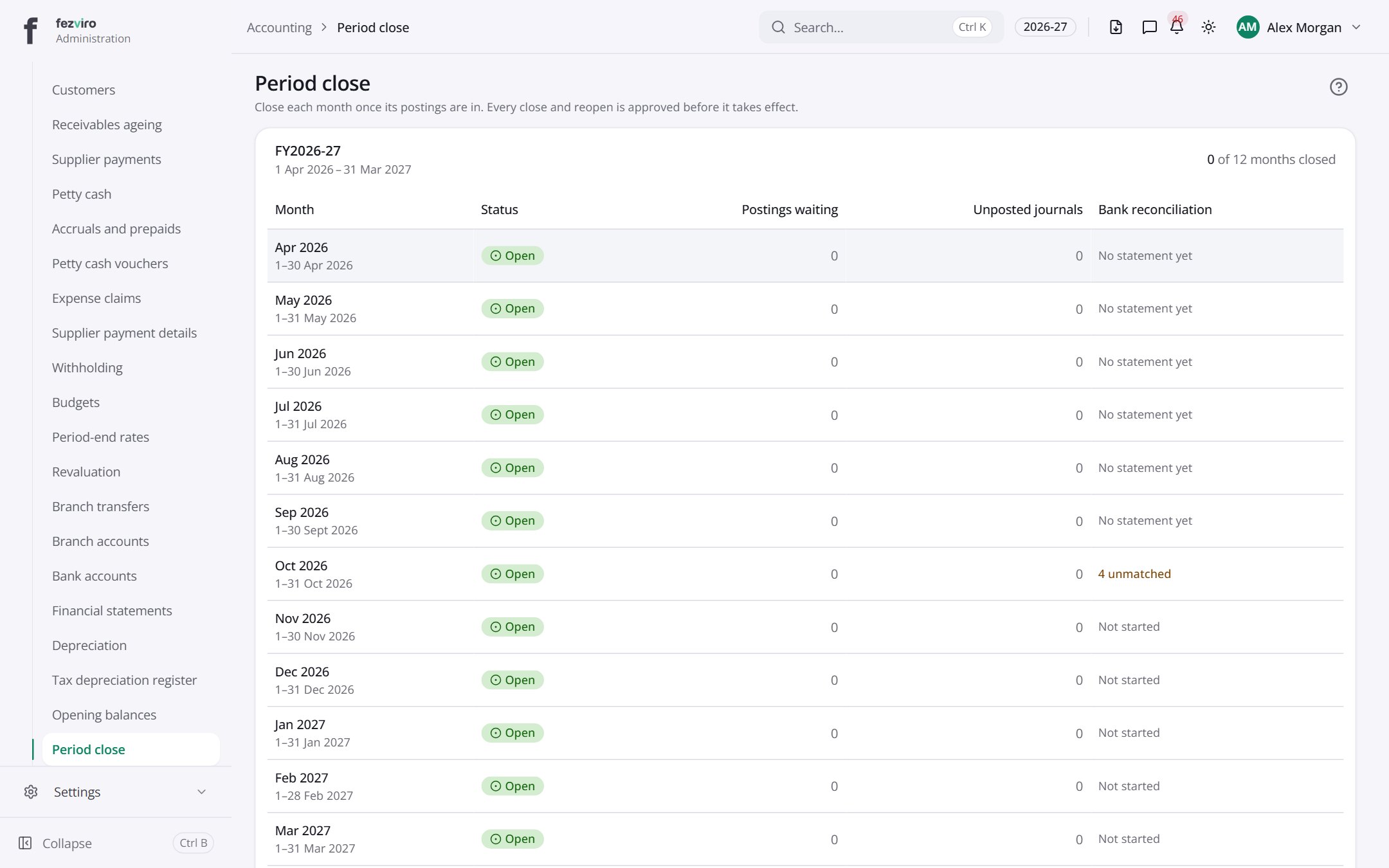 Period closeThe monthly and yearly close of the school's books.
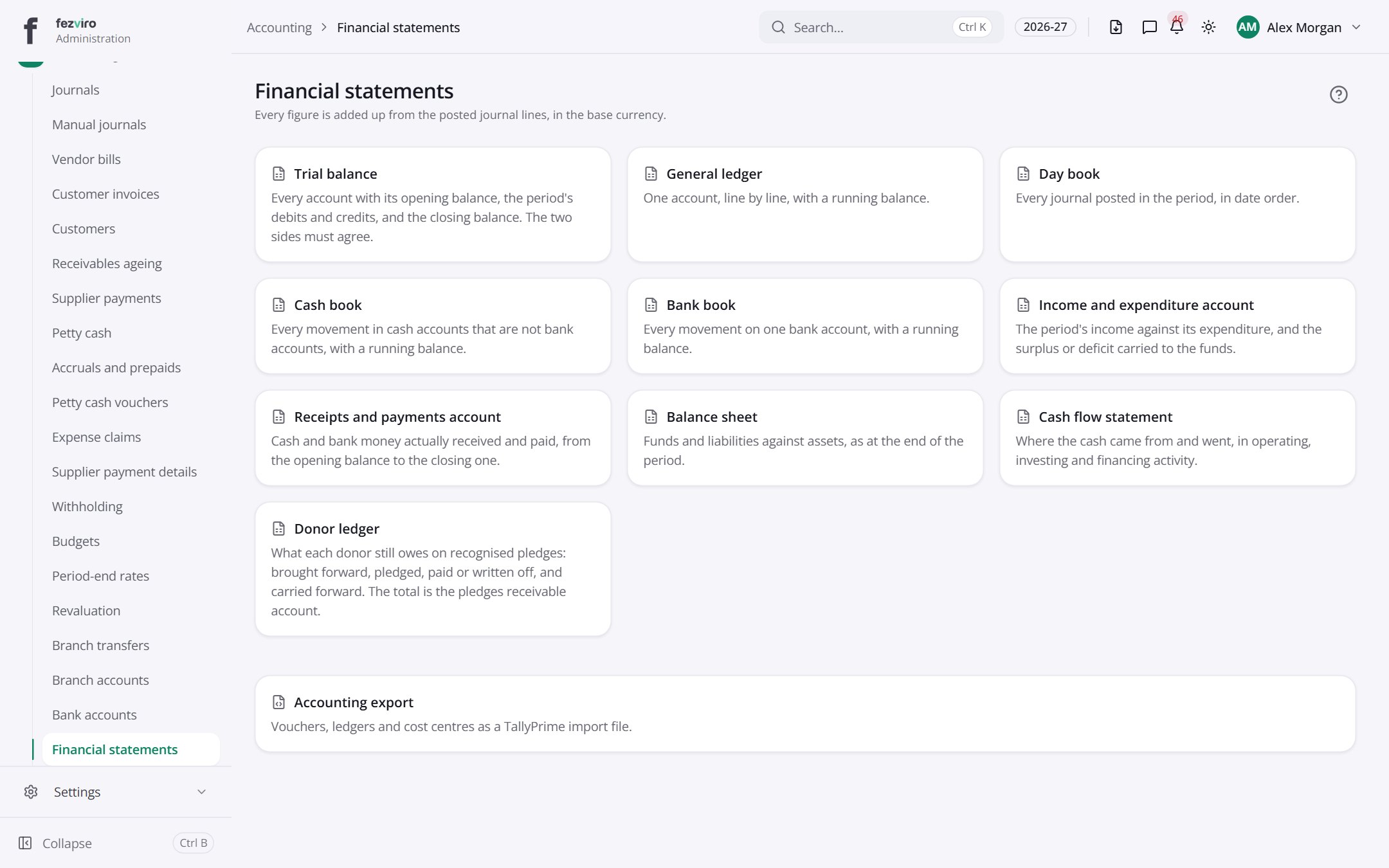 Financial statementsFinancial statements built from everything entered in the books.
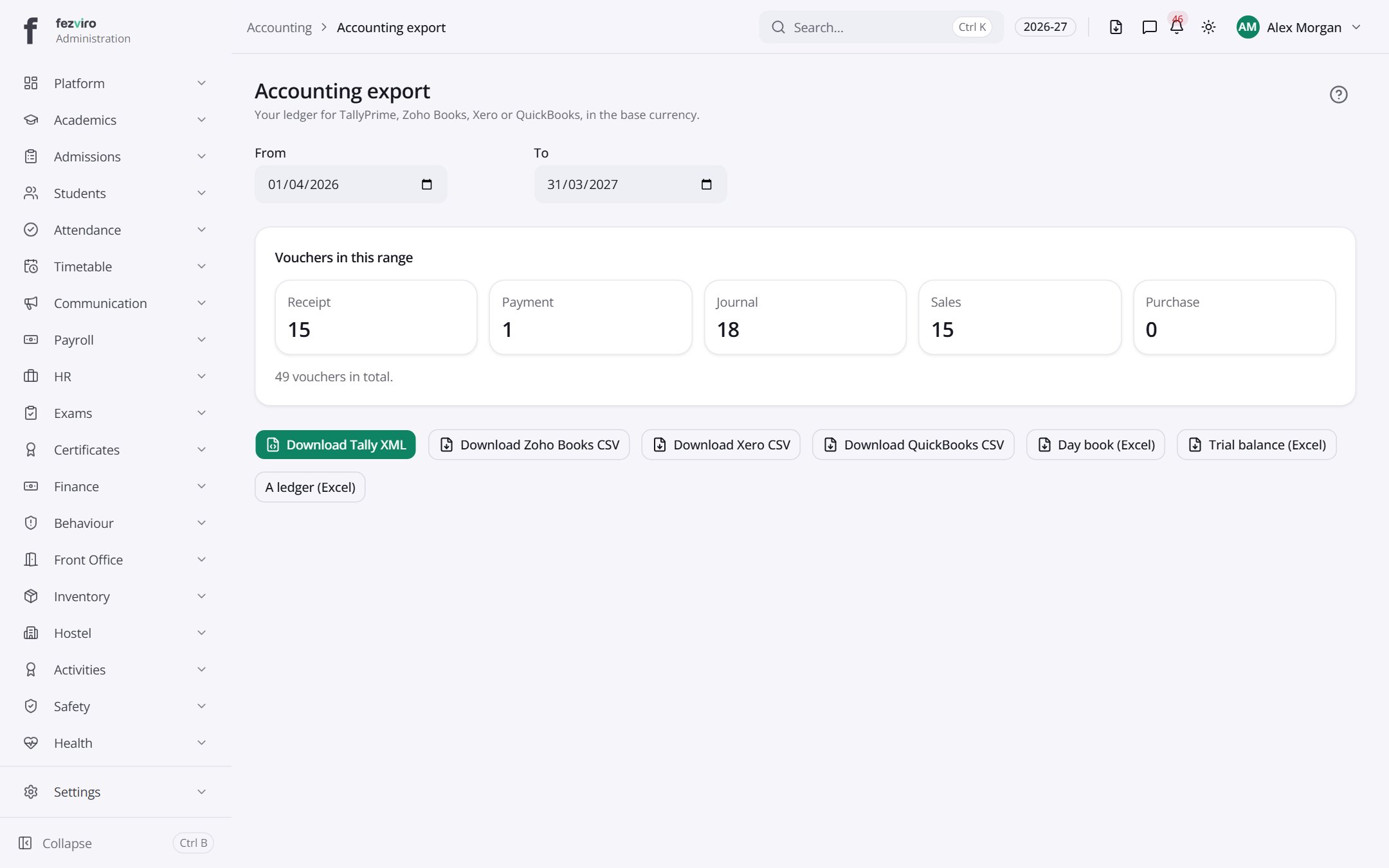 Accounting exportExports the school's books to popular accounting software.
Step by step
Section titled “Step by step”Start the books
Section titled “Start the books”- Load the ready-made school chart of accounts, then adjust Accounts.
- Set Funds, Cost centres and Bank accounts.
- Enter Opening balances and open the first Period.
Pay a supplier
Section titled “Pay a supplier”- Record the Vendor bill (with Withholding where it applies).
- Create a Supplier payment against one or more bills.
- The ledger is updated automatically.
Close the month
Section titled “Close the month”- Check the Posting queue is empty and nothing sits in unmatched codes.
- Run depreciation, accruals and revaluations.
- Review Statements, then close the period. Closed periods take no further postings.
Questions
Section titled “Questions”Do fee receipts post to the ledger automatically?
Yes. Fees, payroll, inventory and donations post through posting rules; nobody re-keys them.
Can we export to Tally?
Yes, from Accounting → Tally.
Can a posted journal be deleted?
No. Financial records are append-only; a reversal is a new entry.