

Result remarks
What it is
Result sets where a teacher can still write remarks.
Why it matters
Makes sure each teacher comments on their own students before release.
When to use it
Teachers open the sets for their classes and write their remarks.
Who uses it
Administrator
How to get here
Section titled “How to get here”- Sign in as Administrator (see Signing in).
- In the left menu, click Exams to open it.
- Click Exams.
What you see
Section titled “What you see”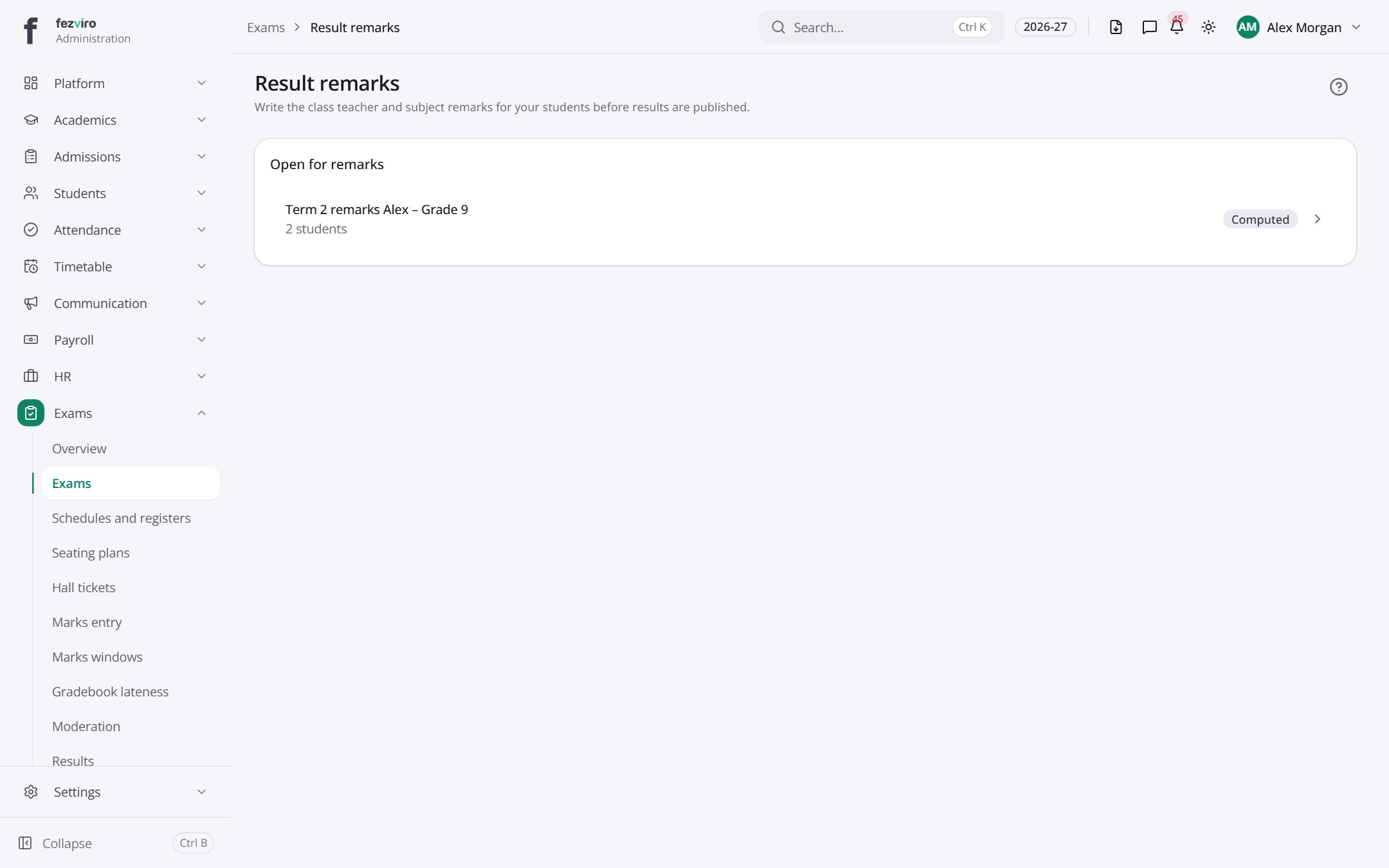
- Sections on the page: Open for remarks.
← Back to Exams & Grading overview