

HR & Staff
The employment record for every staff member, plus attendance, leave, appraisals, training, recruitment and exits.
👥 HR officer, principal, heads of department, all staff (self-service)🖥️ 28 screens📝 16 forms

What it does
Section titled “What it does”- Staff records, auto employee numbers
- Departments, job titles, reporting lines
- Secure bank, ID and background-check details
- Contract history
- Staff documents with expiry reminders
- Qualifications and experience
- Bulk staff import
- Staff attendance, manual or device
- Leave types, allowances, balances
- Leave apply and approve, with delegation
- Team leave calendar
- Monthly attendance summary
- Staff self-service portal
- Appraisals: self, manager, moderator
- Goals and classroom observations
- Training and CPD hours
- Policy e-sign
- Careers page and job applications
- Interviews, offers, onboarding checklist
- Resignation, clearance, exit interview
- Relieving and experience letters
- Branch transfers
Its screens
Section titled “Its screens”Each screen has its own page: what it is for, how to reach it, a picture, its buttons and its form.
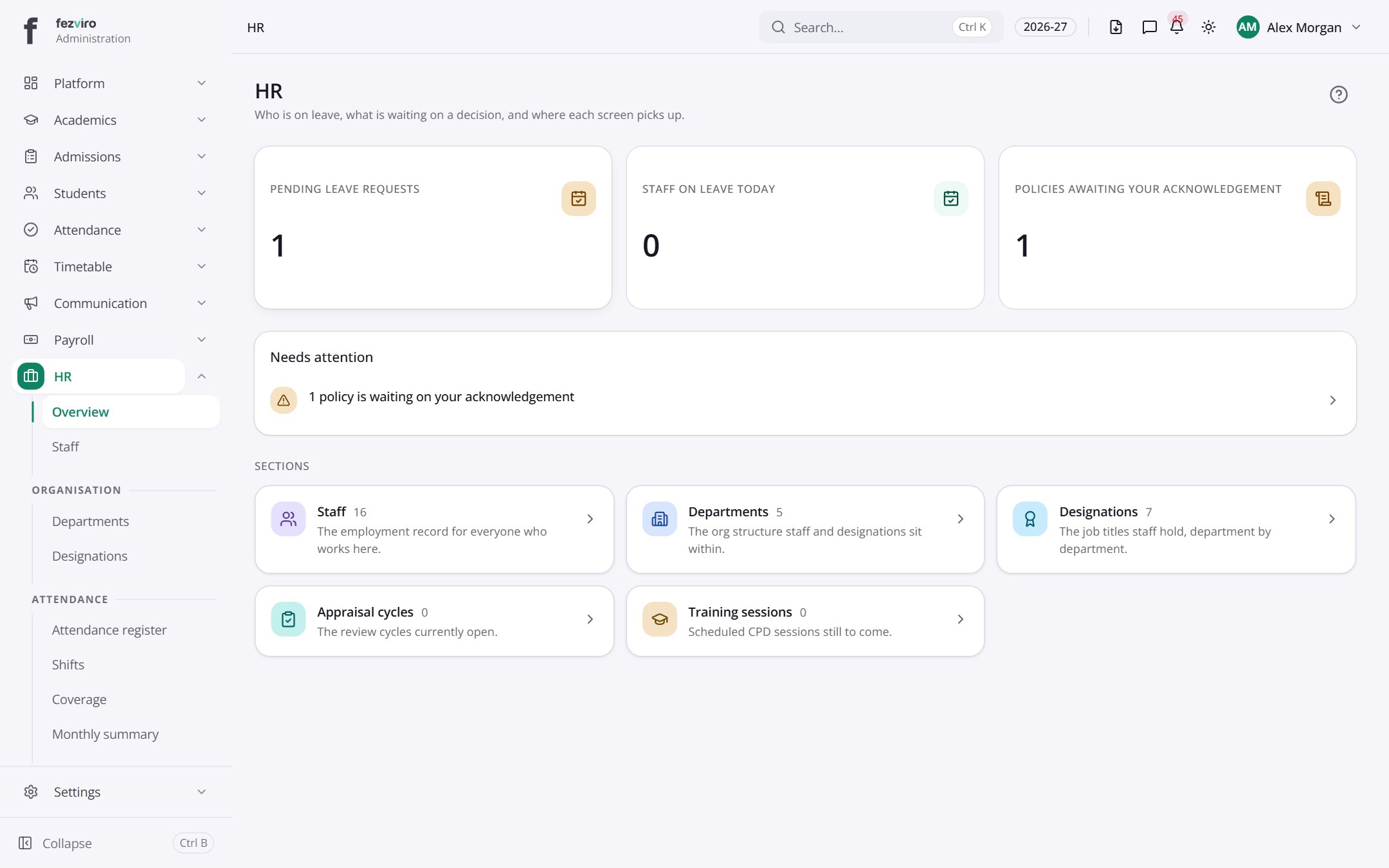 HR & Staff dashboardThe landing page for all staff and HR work.
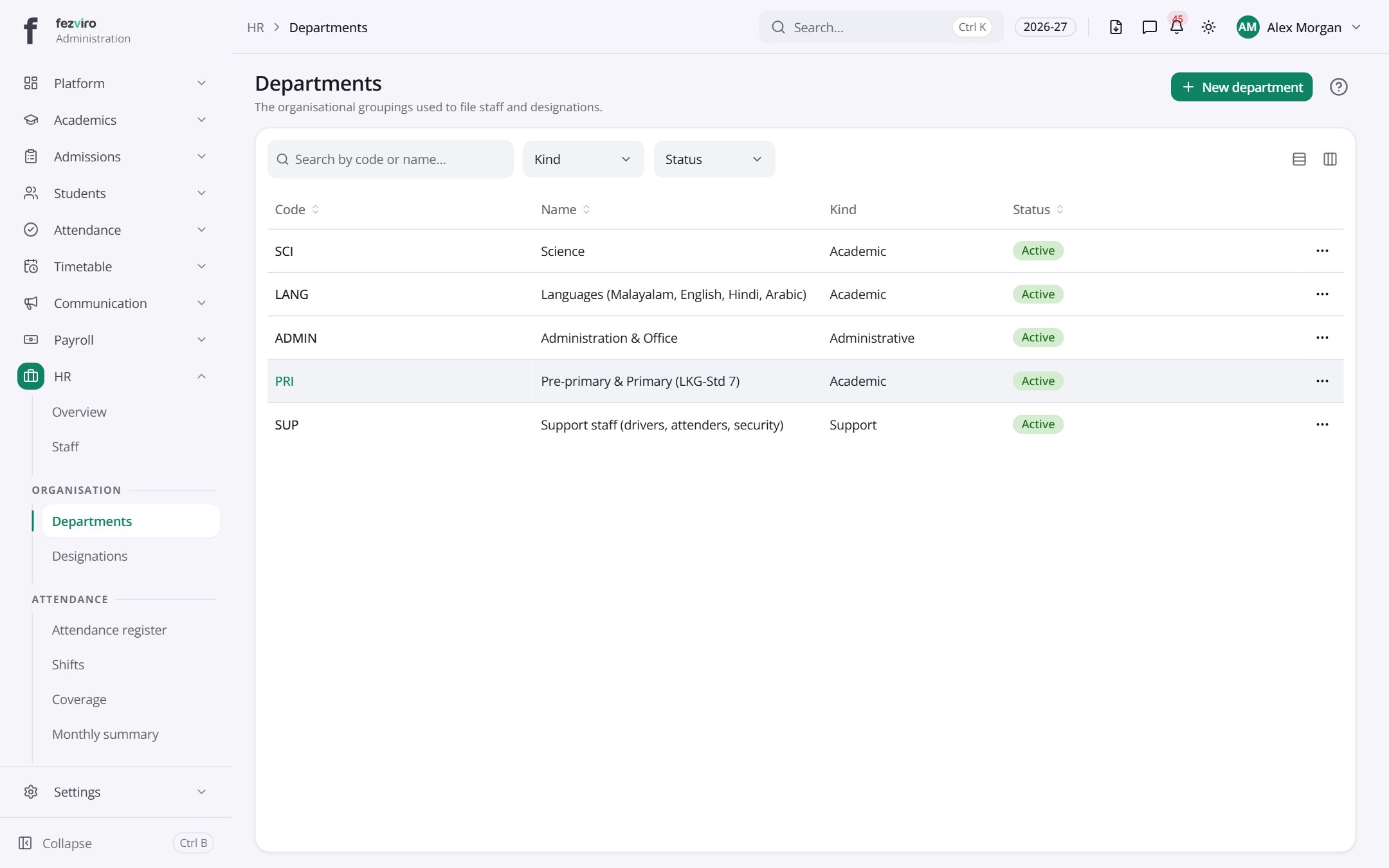 DepartmentsThe school's departments, used to group staff and job titles.has a form
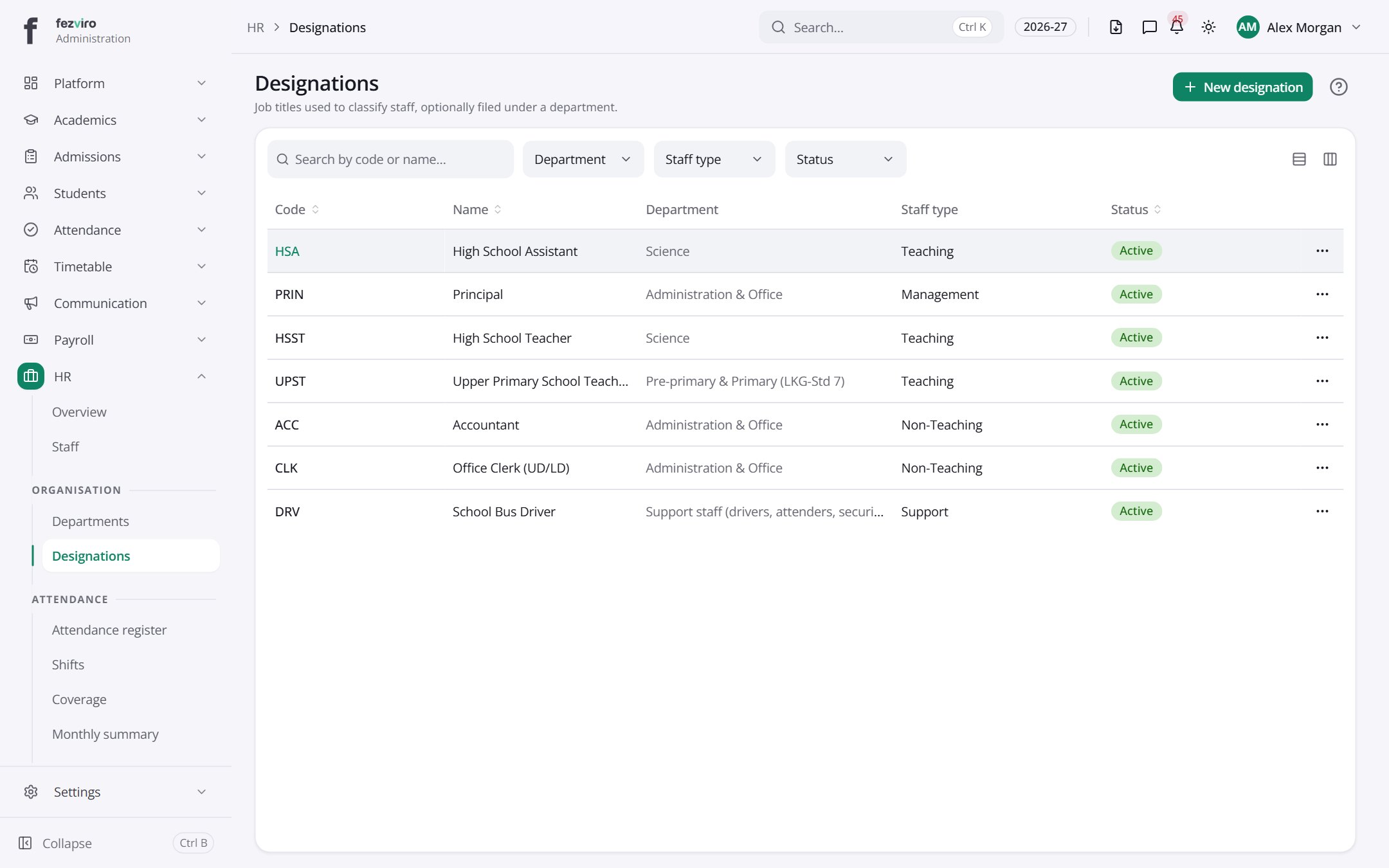 DesignationsThe job titles staff hold, and the department each one sits under.has a form
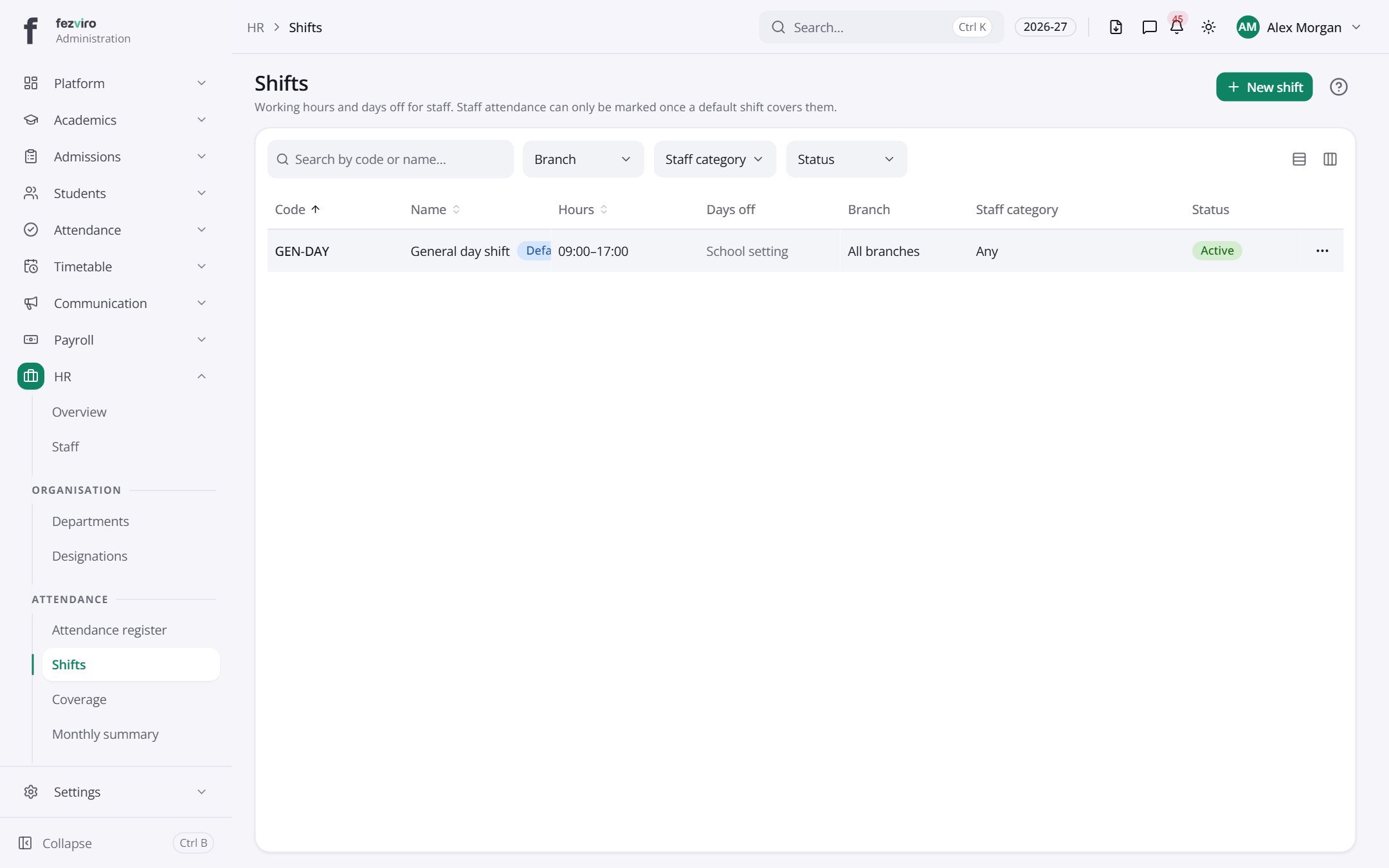 ShiftsWorking hours set up for staff, with a default for each branch.
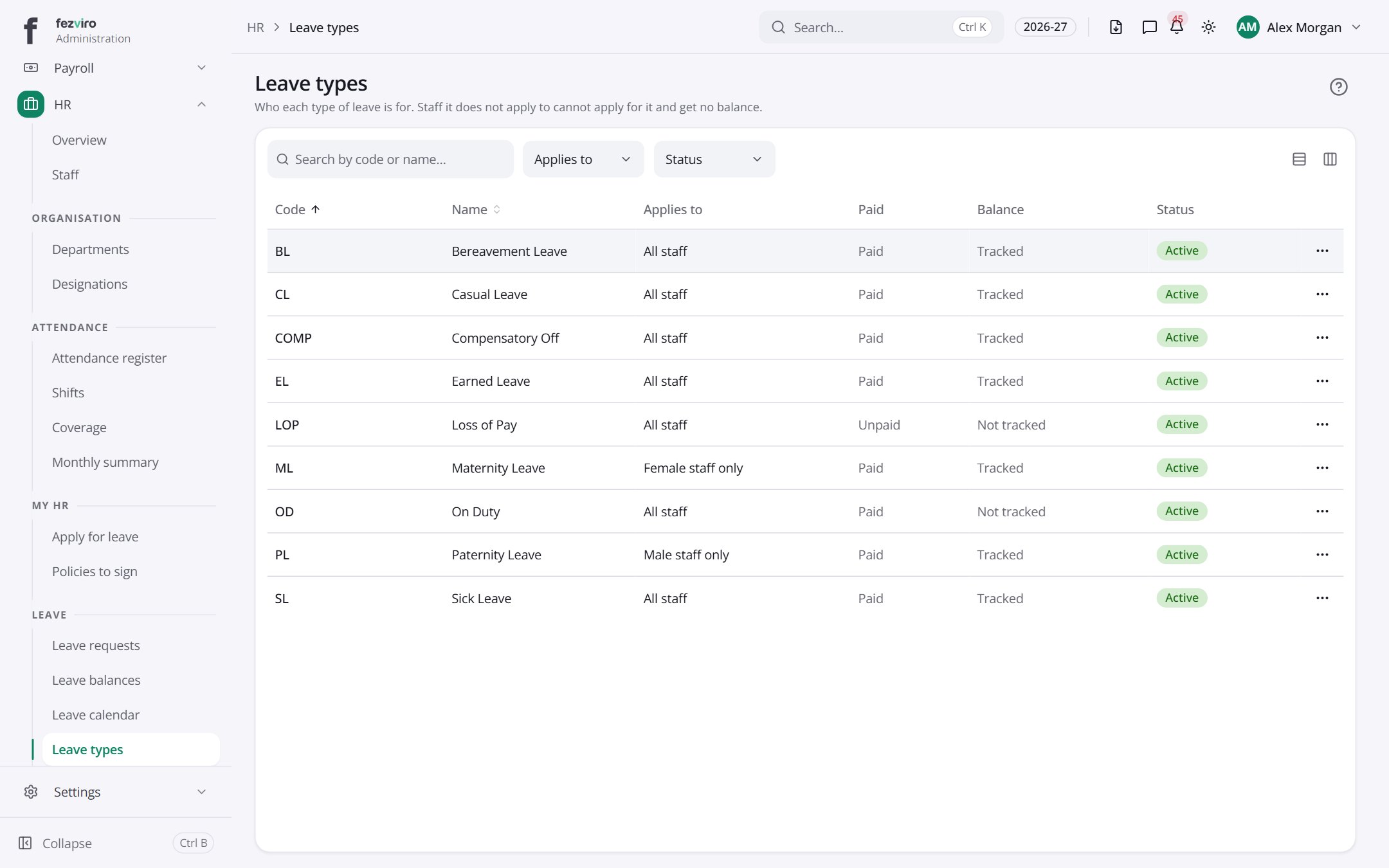 Leave typesThe kinds of leave staff can take, and who each one is for.
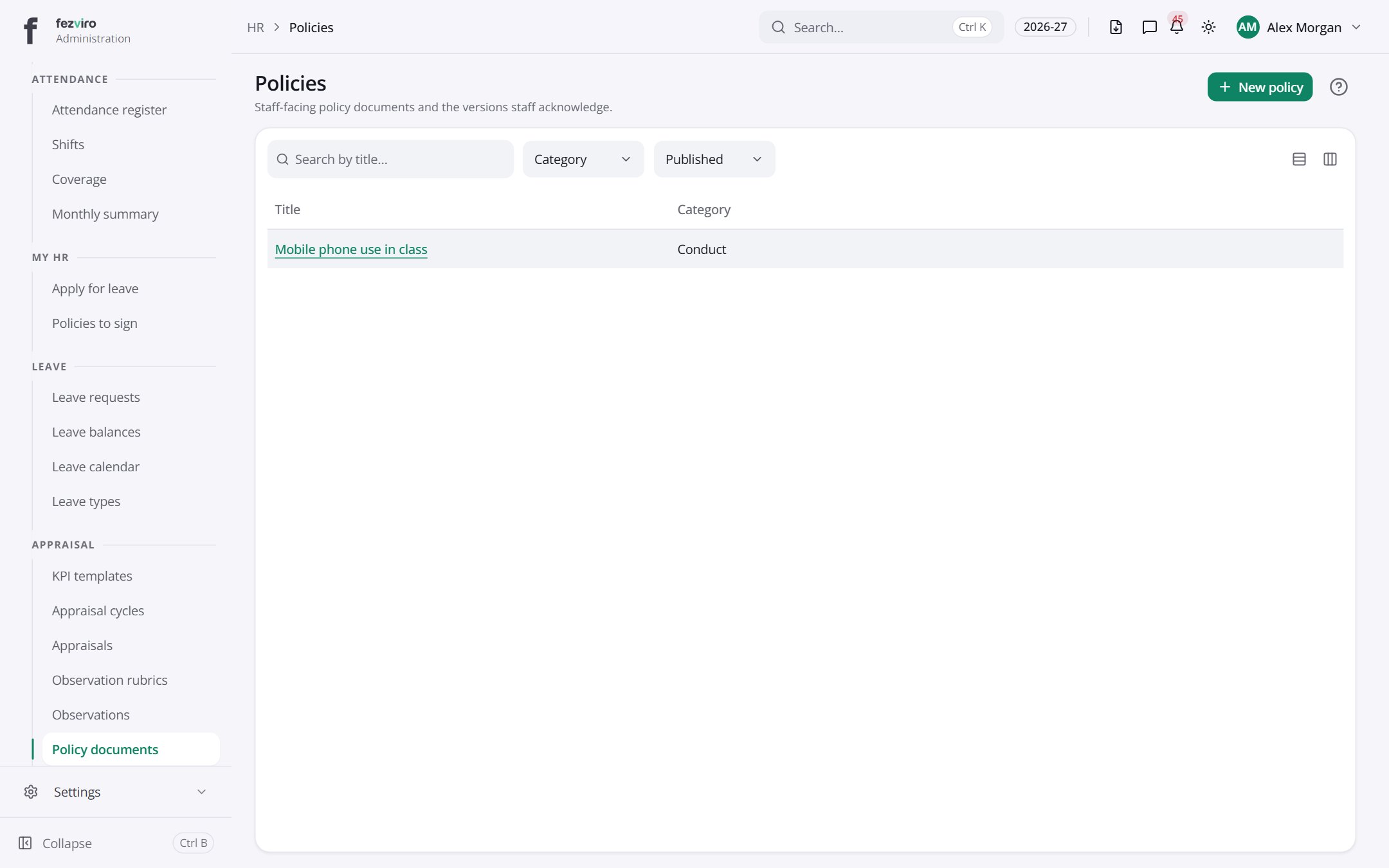 PoliciesThe school's policy library, with every version kept.has a form
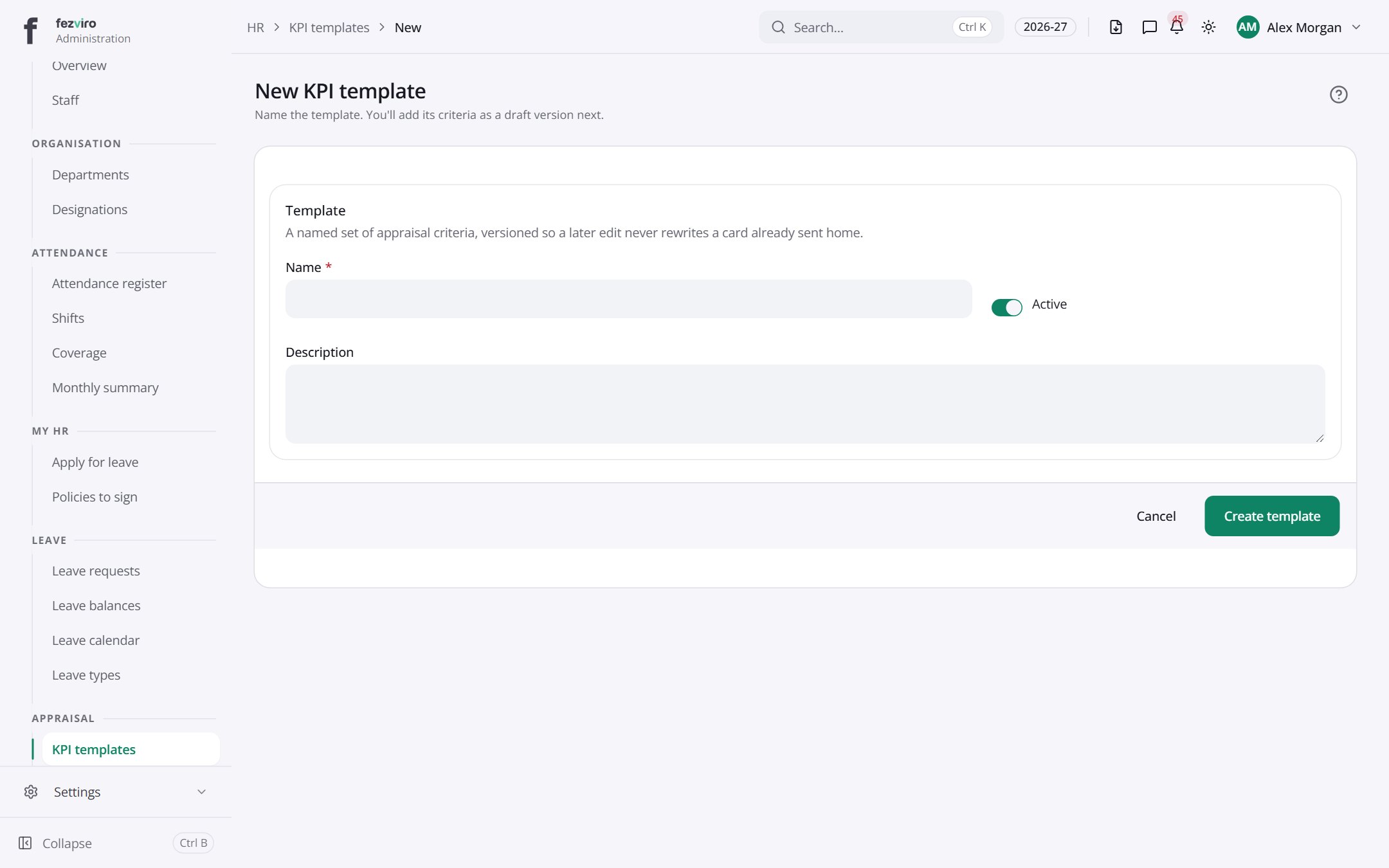 New: New KPI templateName the template. You'll add its criteria as a draft version next.has a form
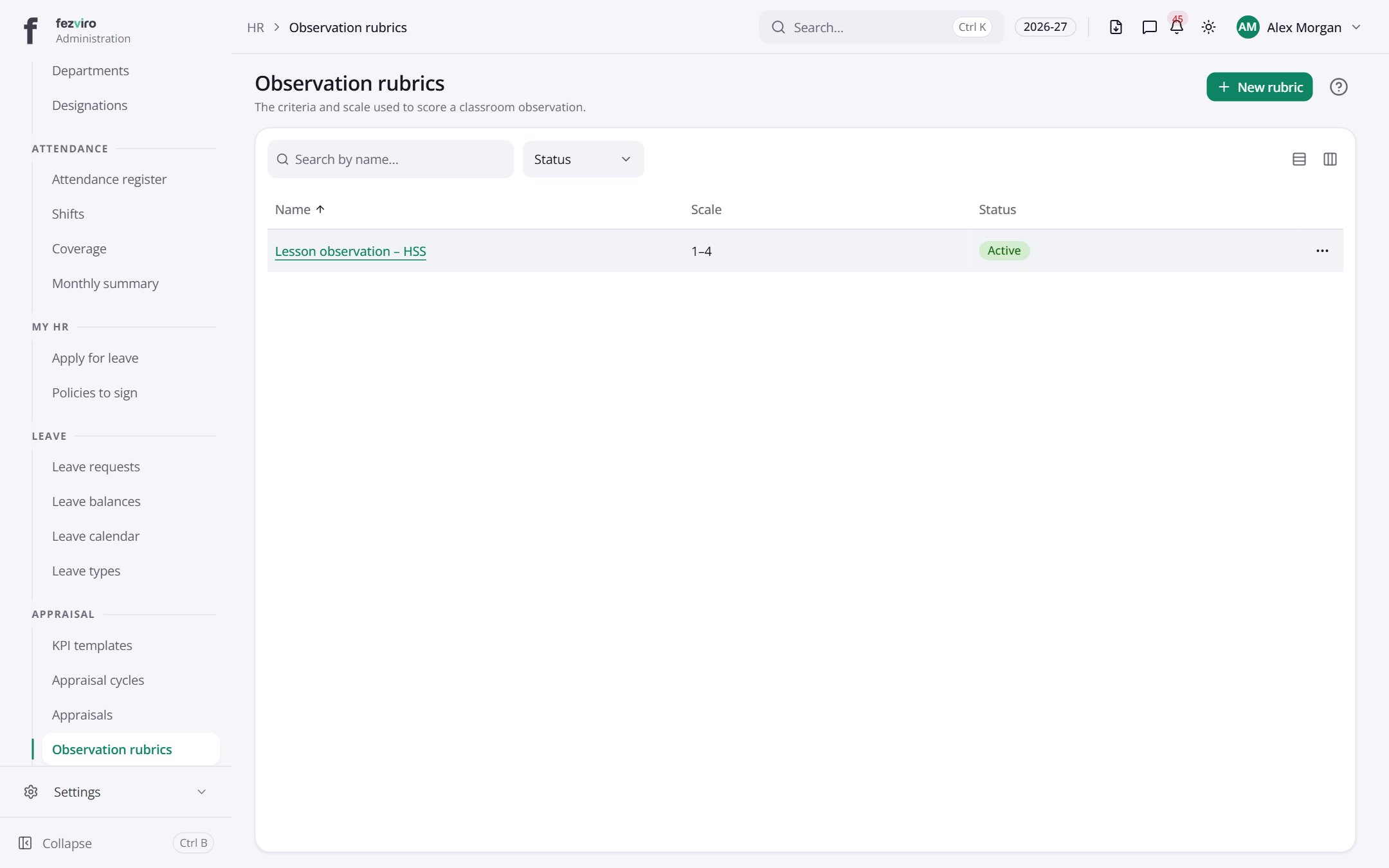 Observation rubricsThe scoring guides used when observing classroom lessons.has a form
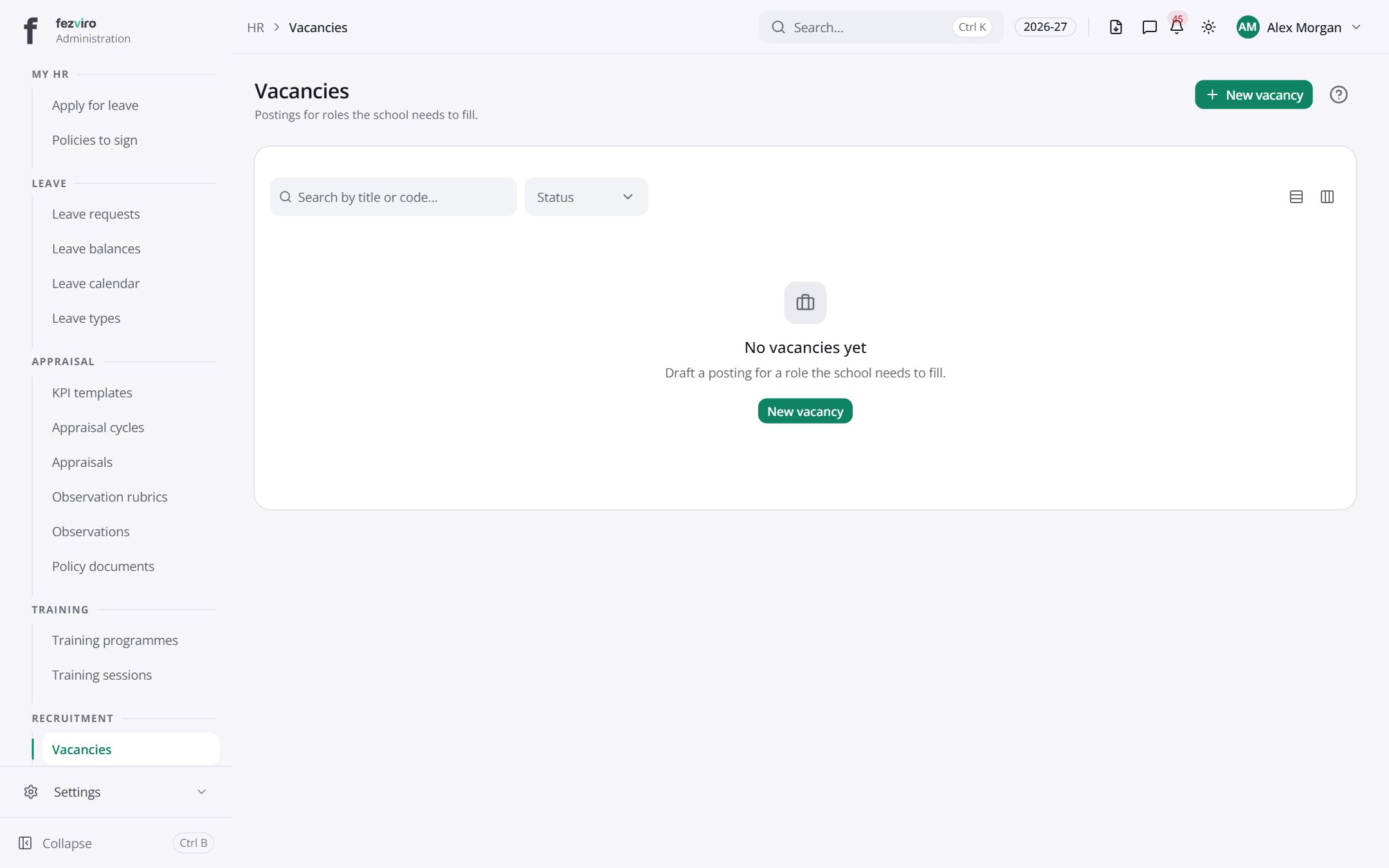 VacanciesOpen job posts, with the details each role needs.has a form
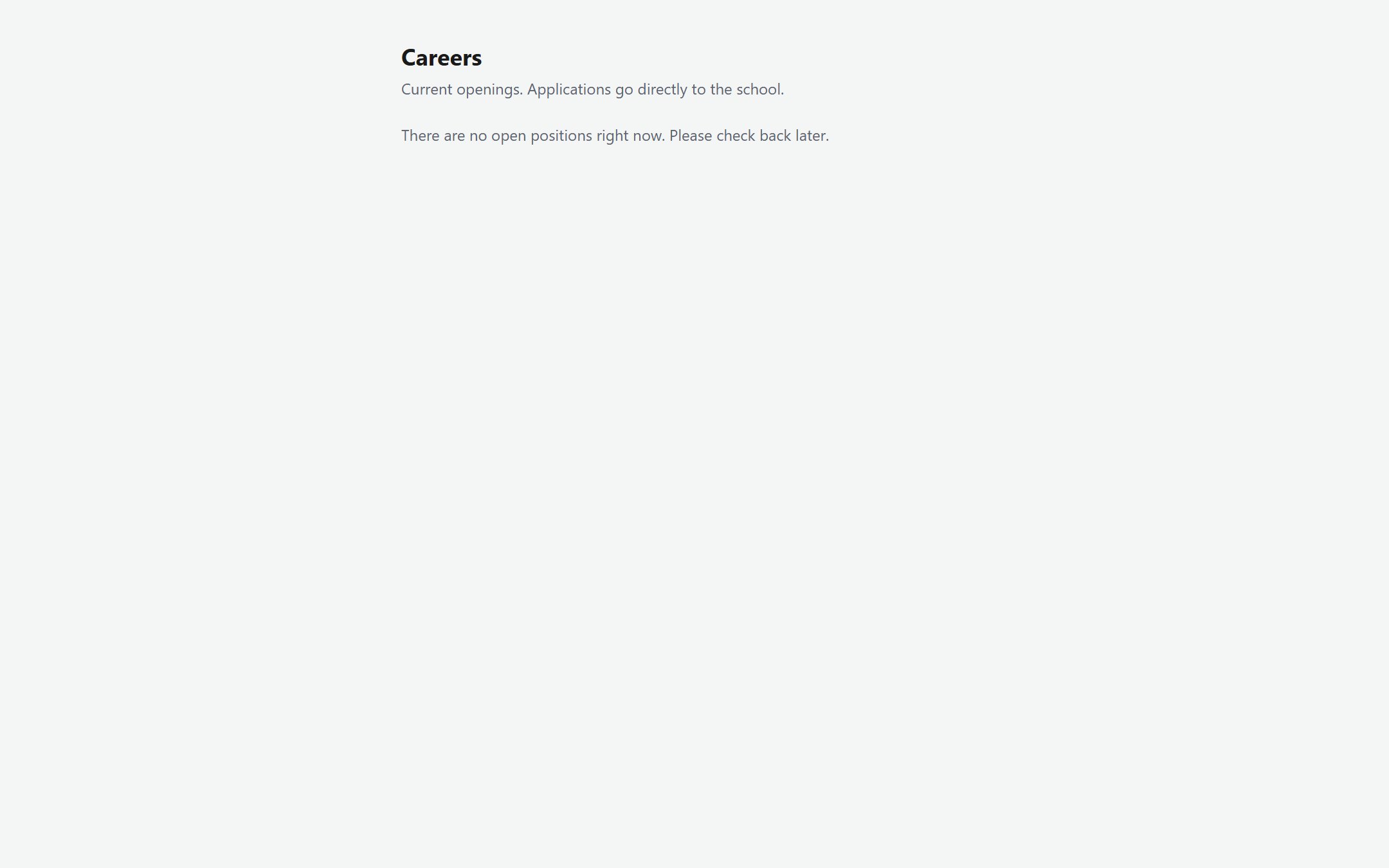 CareersAnyone (no sign-in needed)
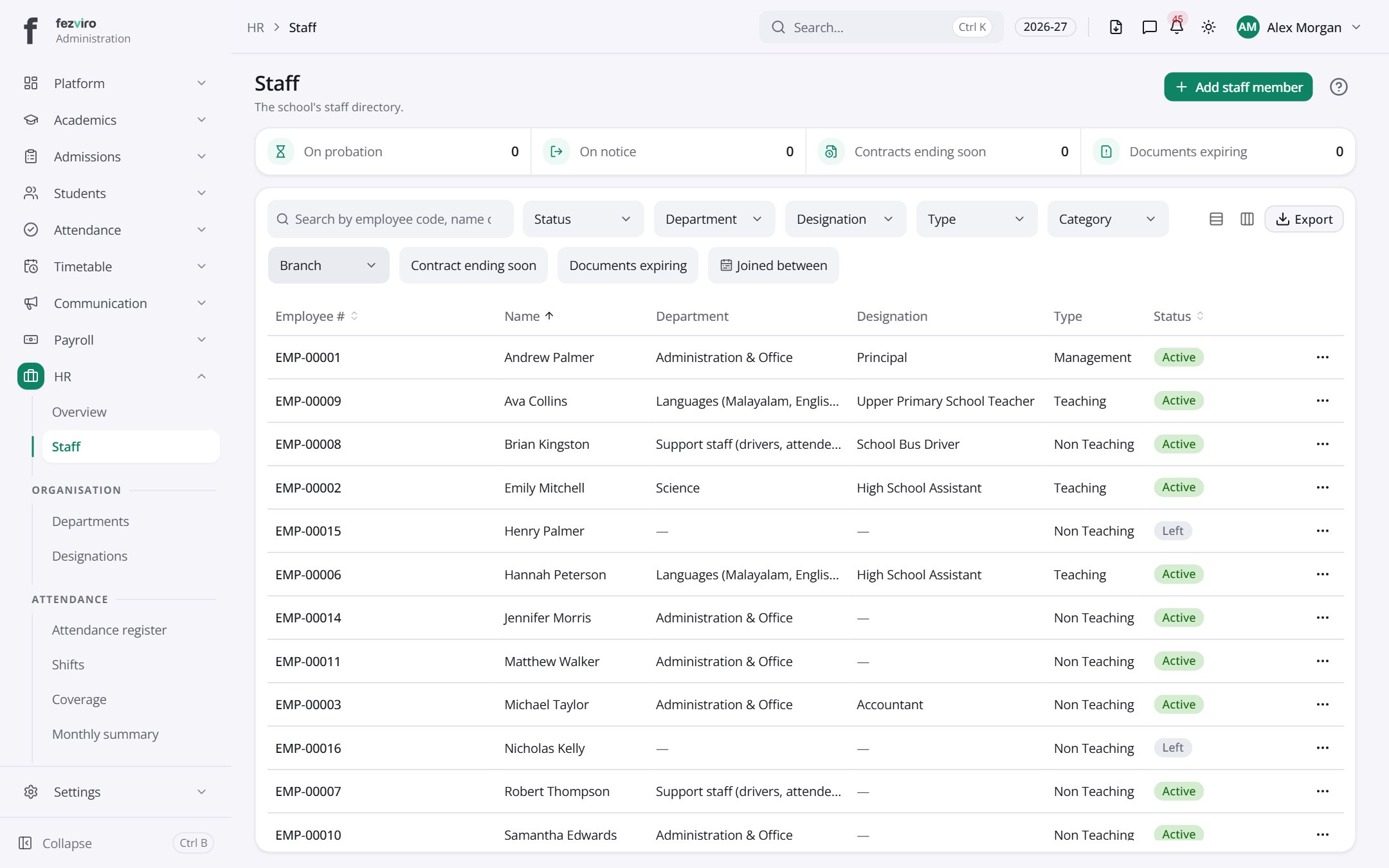 StaffThe directory of every staff member, with search and filters.has a form
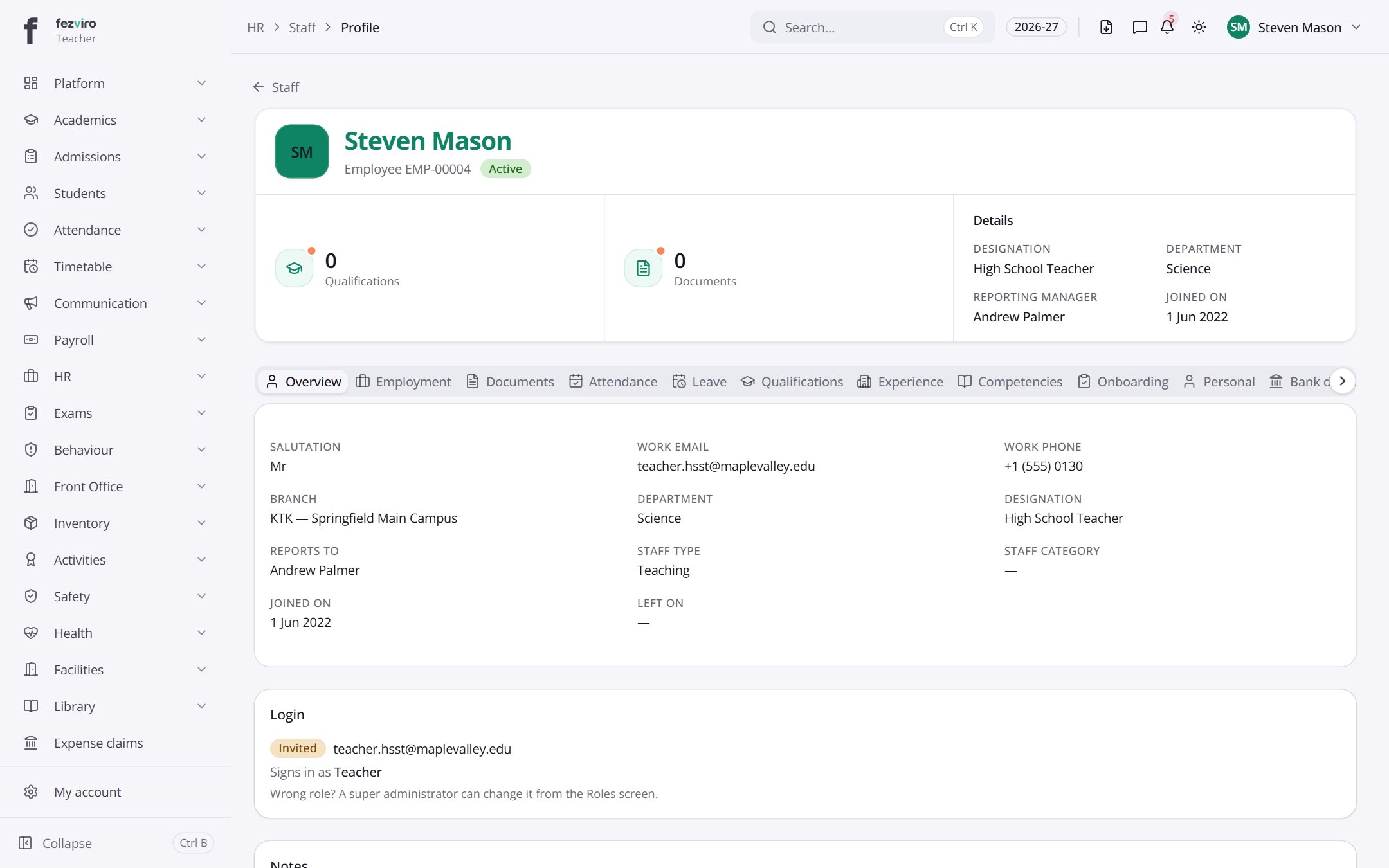 My staff profileYour own staff record, for checking and keeping your details up to date.Teacher
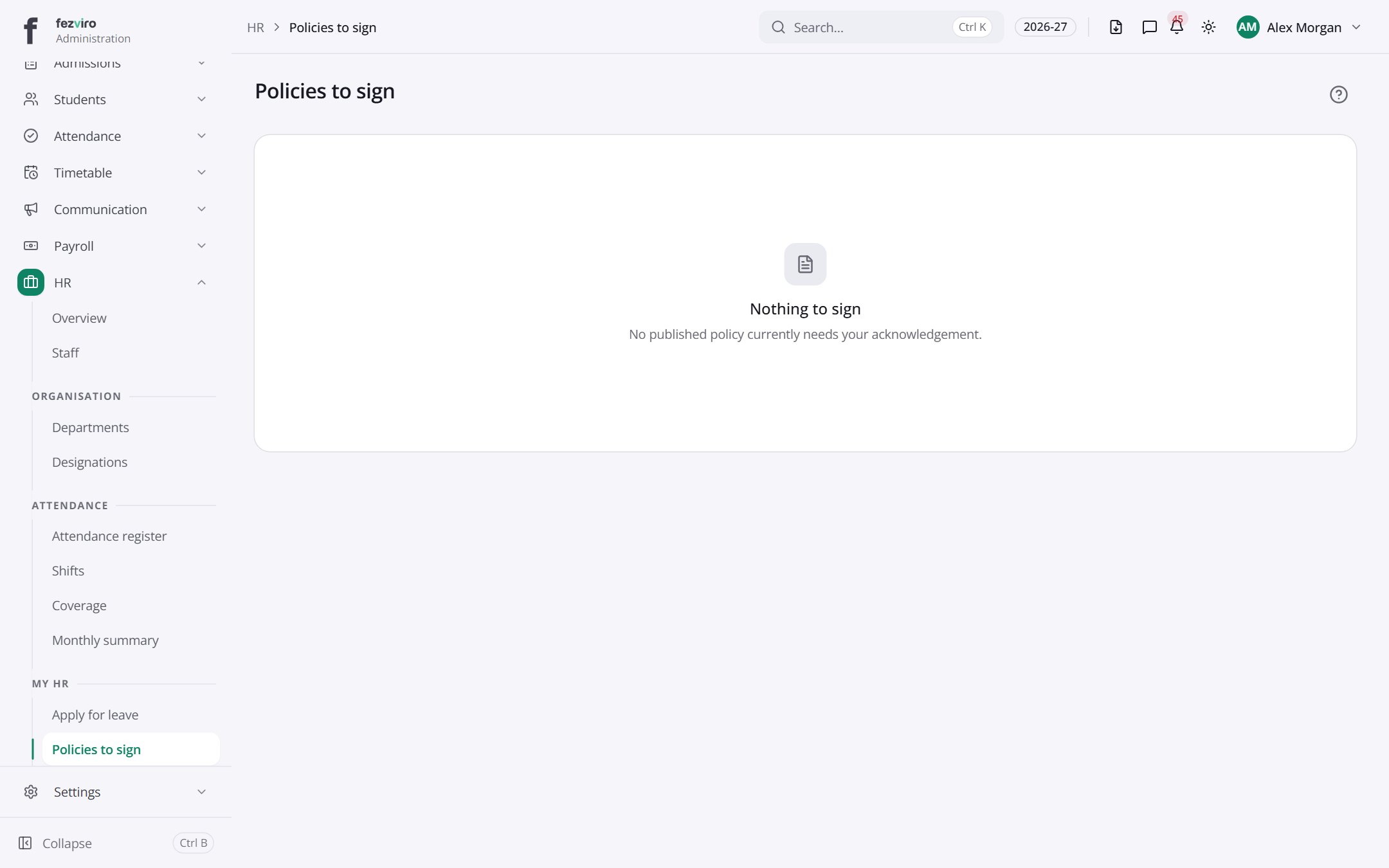 Policies to signSchool policies waiting for your signature, and those you have signed.
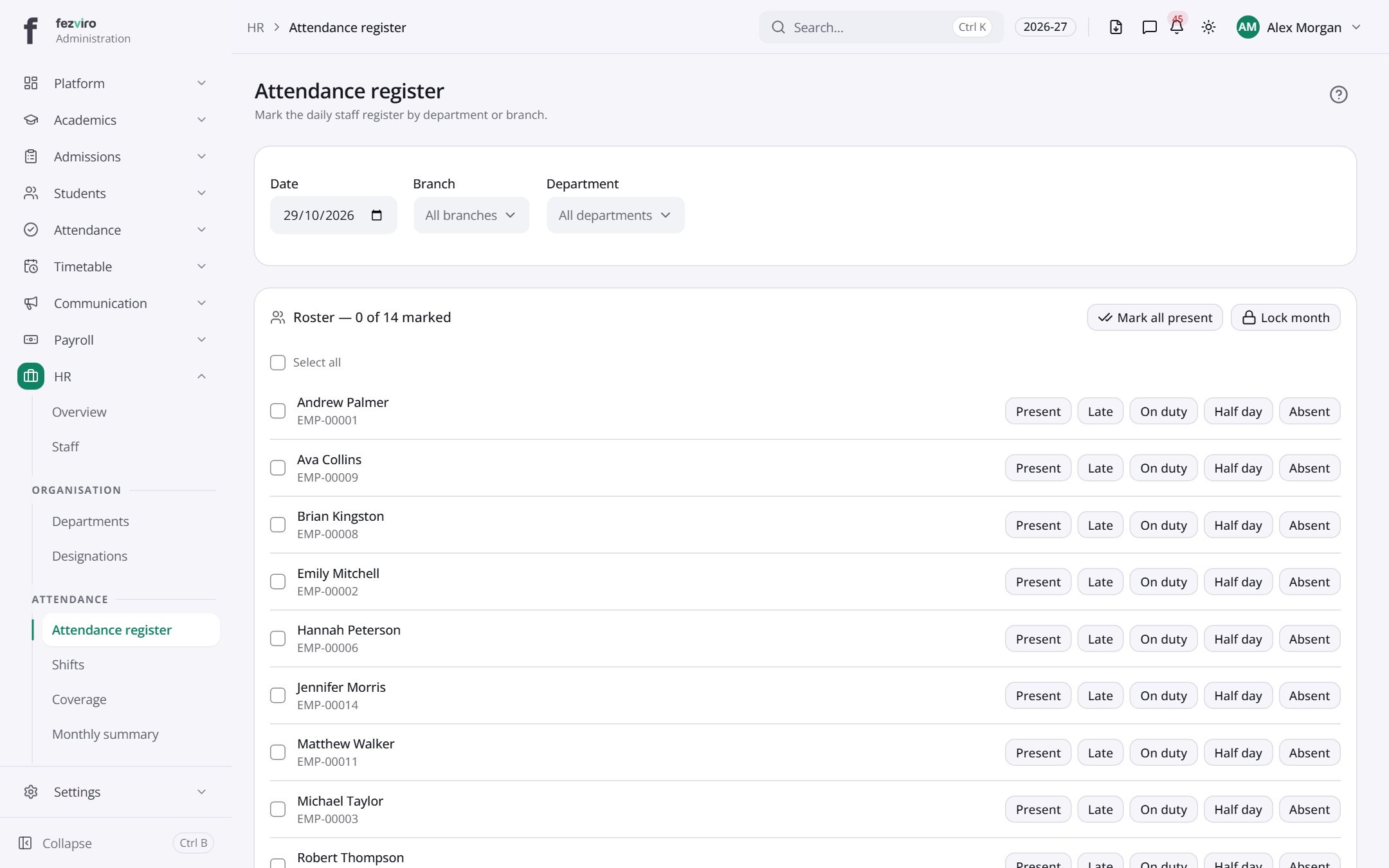 Attendance registerThe daily staff register, marking each person present, absent or on leave.
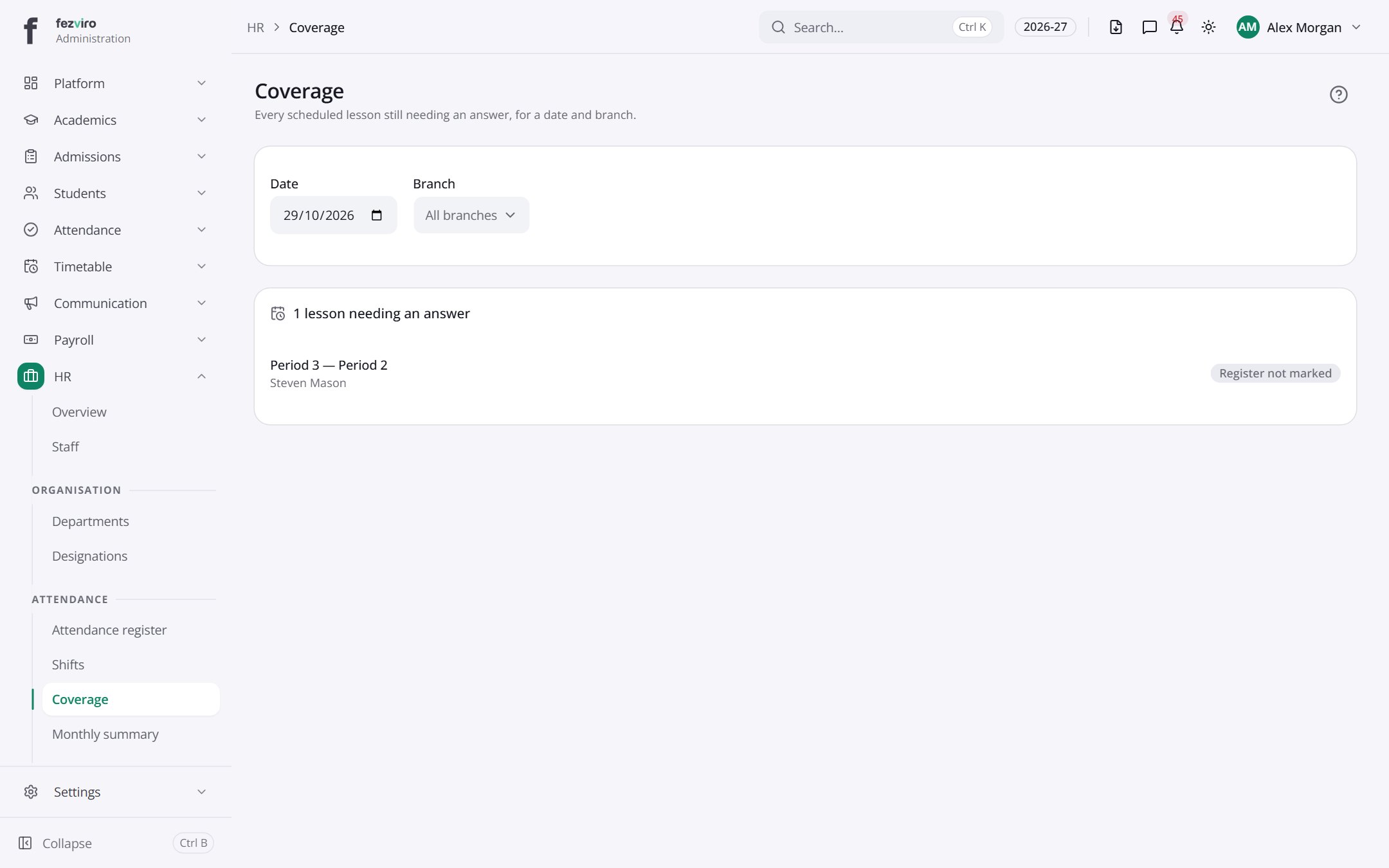 CoverageLessons with no attendance marked, shown for one day at a time.
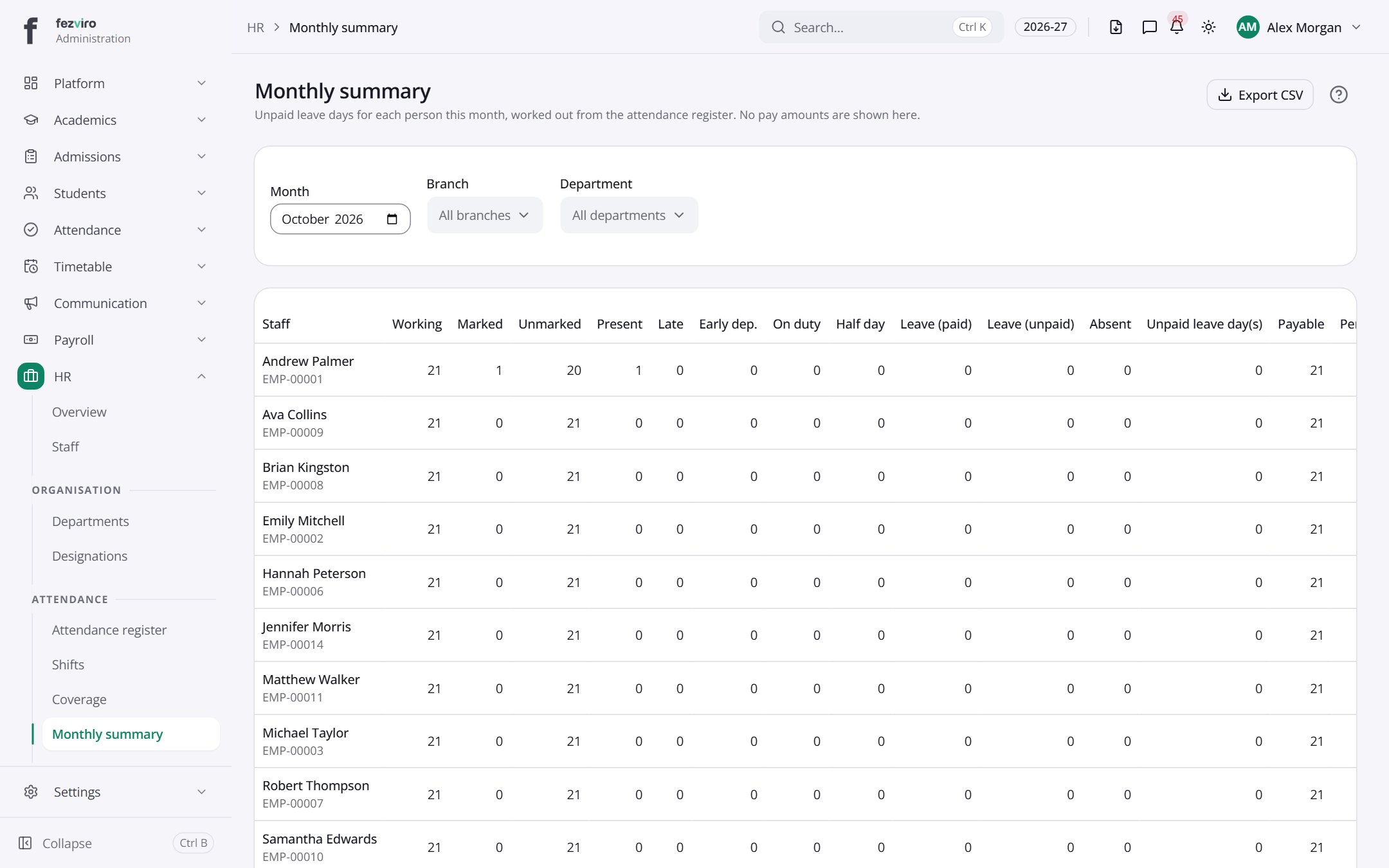 Monthly summaryEach staff member's attendance totals for a chosen month.
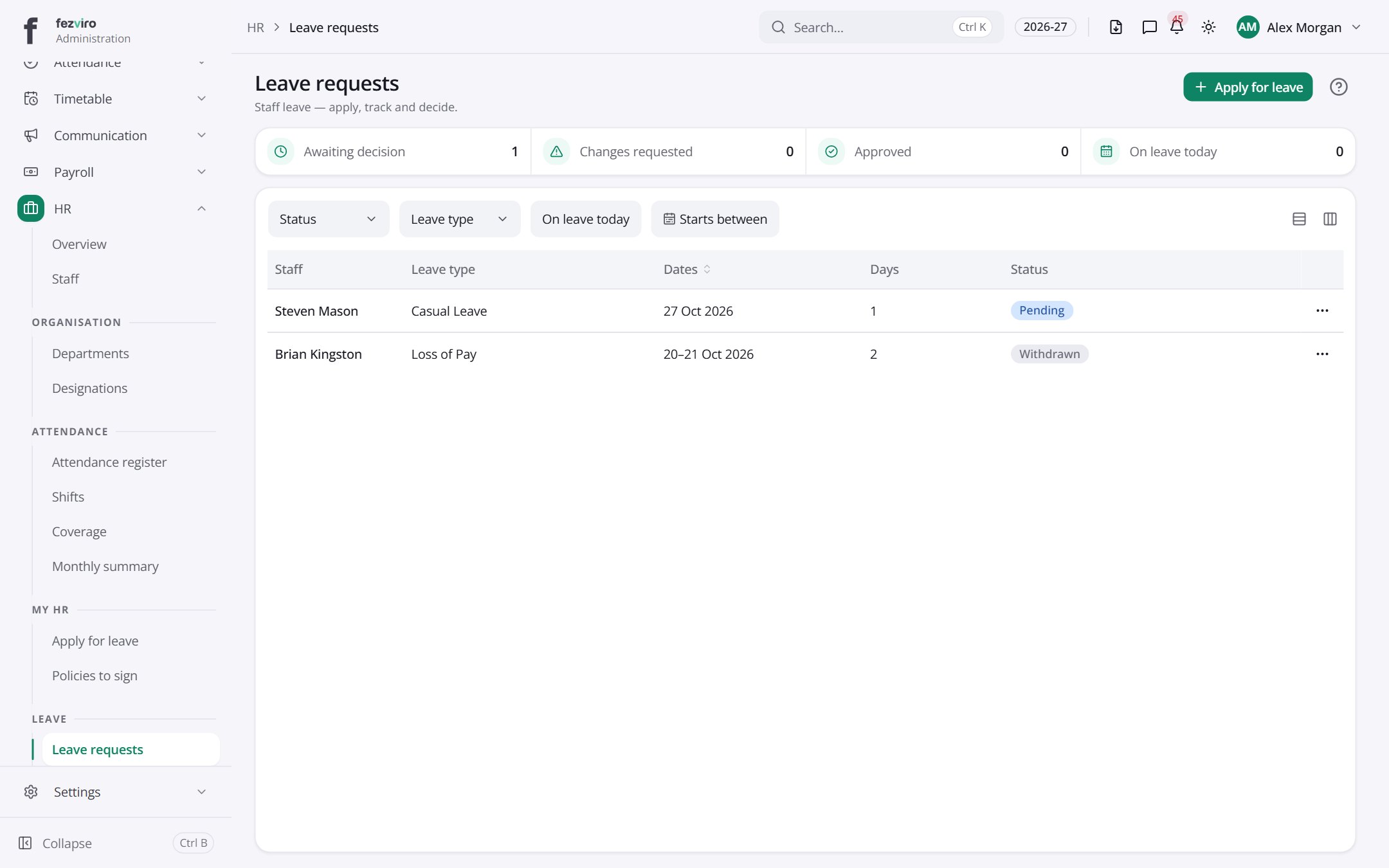 Leave requestsStaff leave requests, from applying through to the final decision.has a form
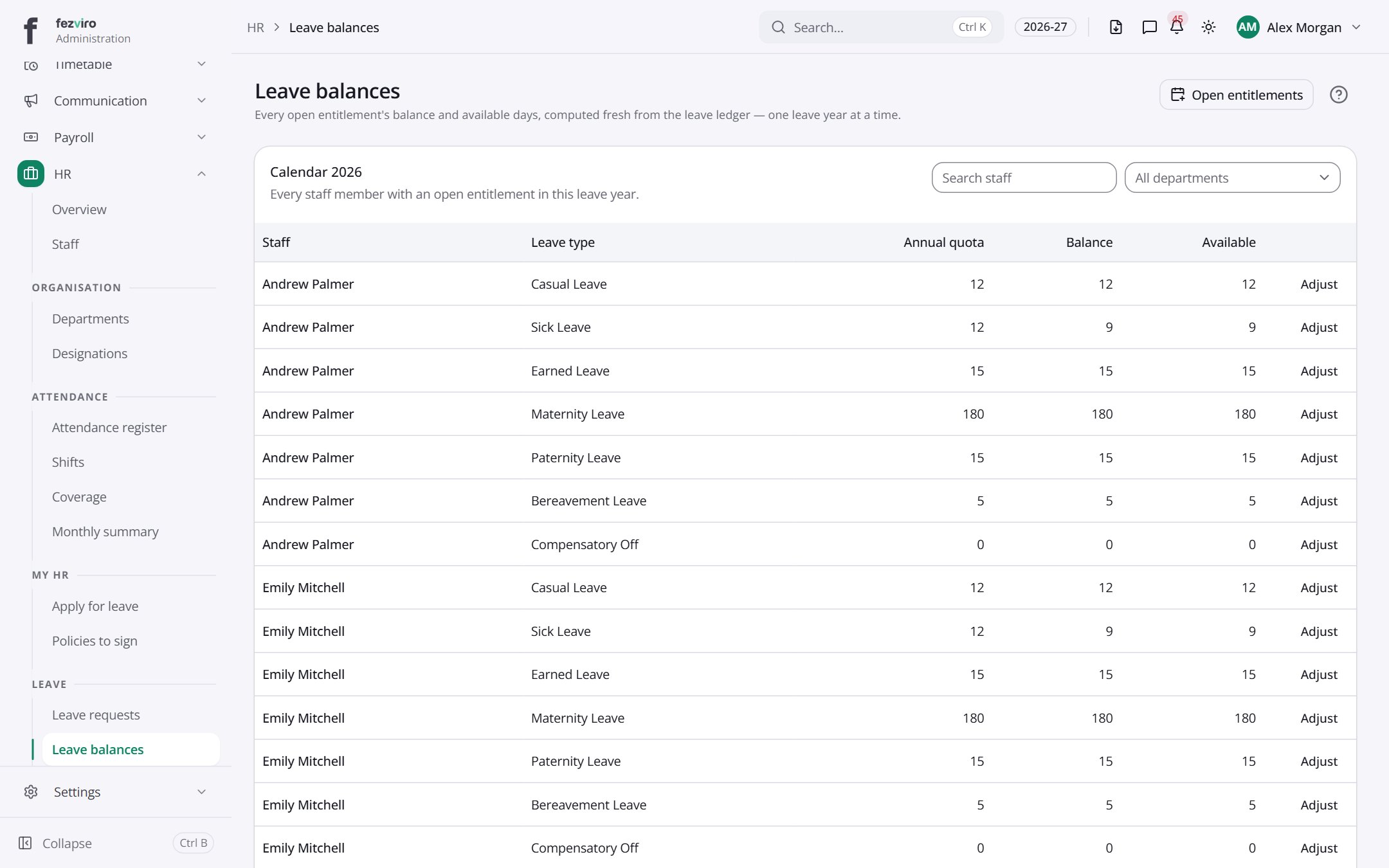 Leave balancesHow much leave each staff member has left this year.
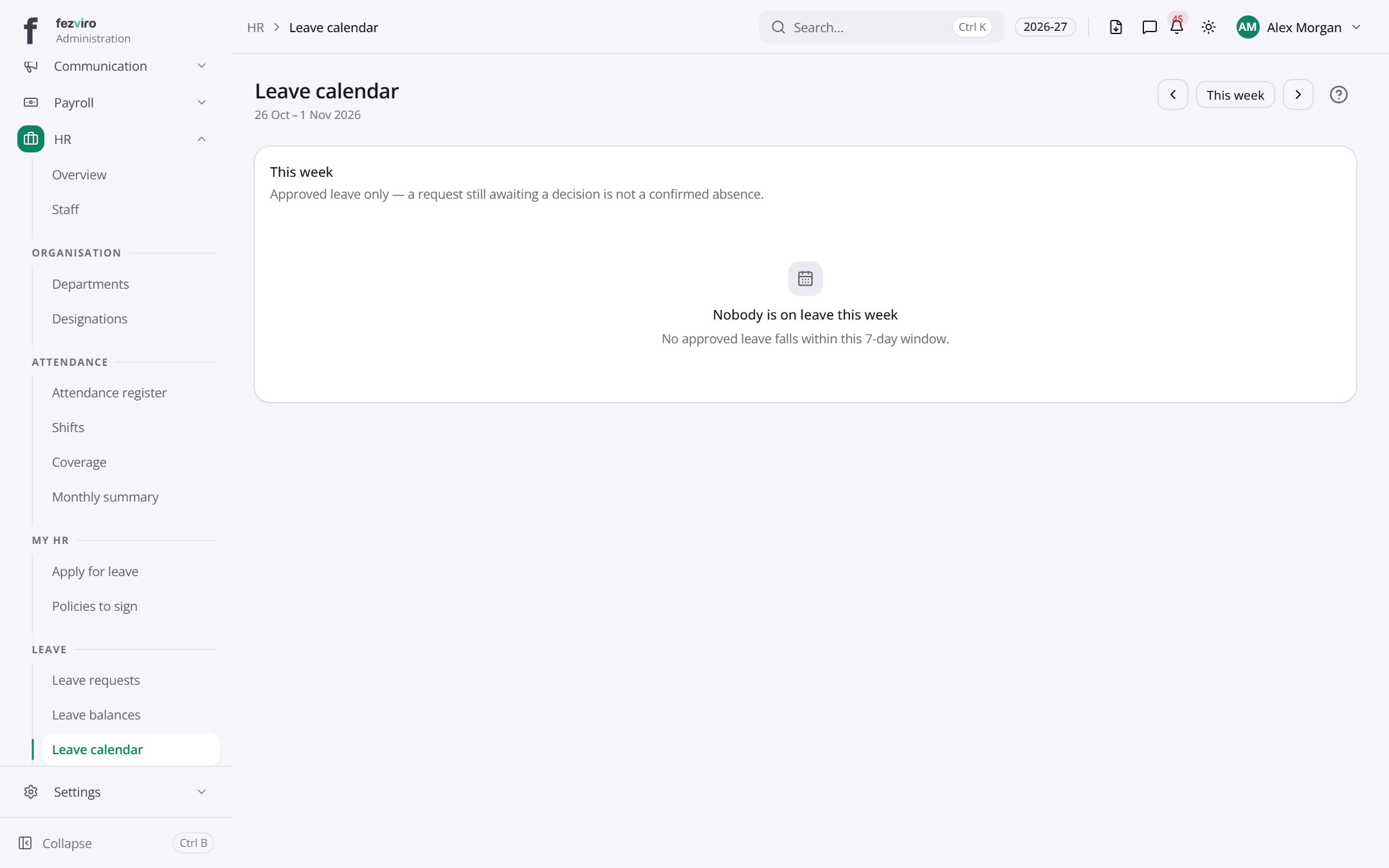 Leave calendarWho is away today and this week, with any clashes highlighted.
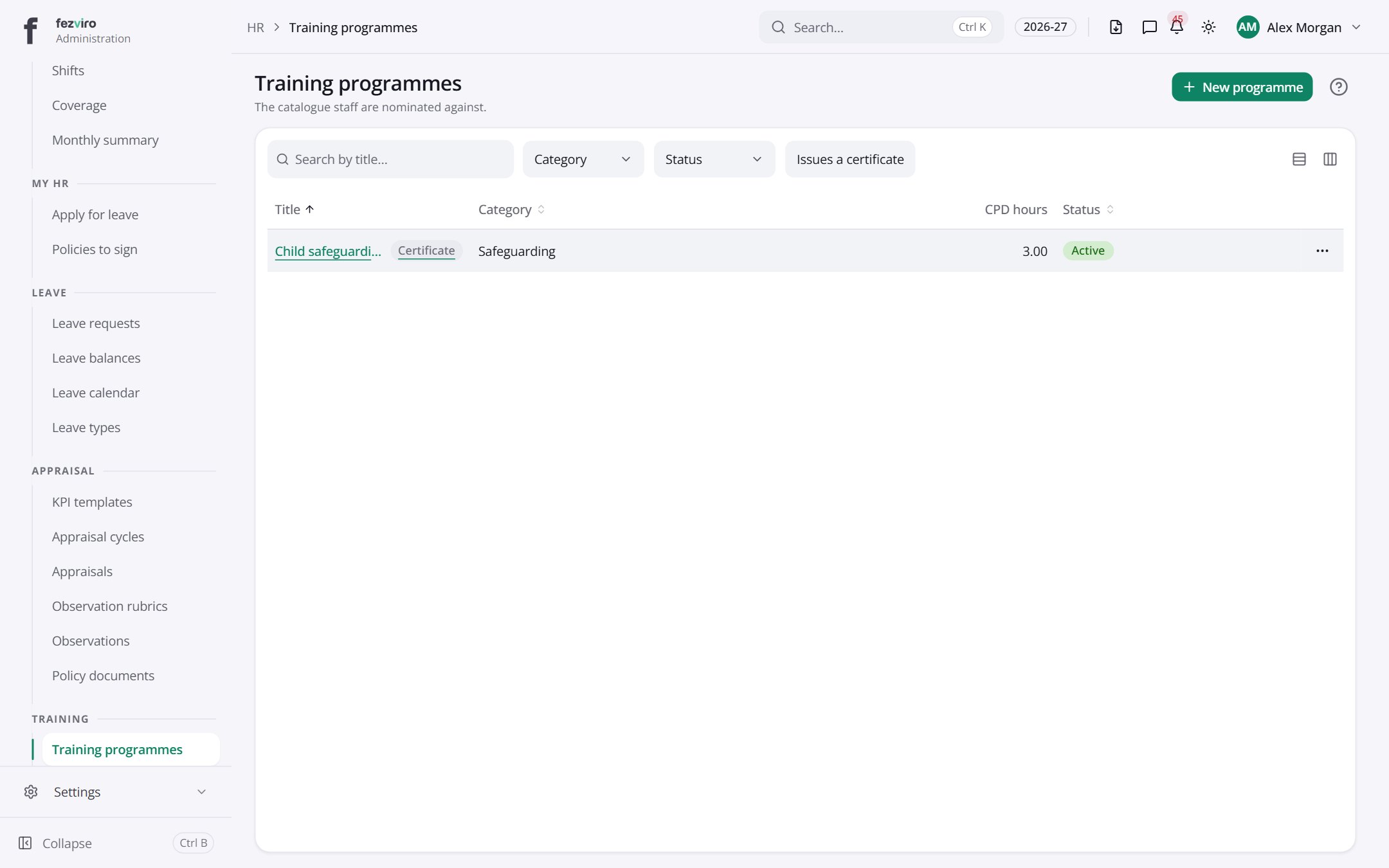 Training programmesThe catalogue of training courses offered to staff.has a form
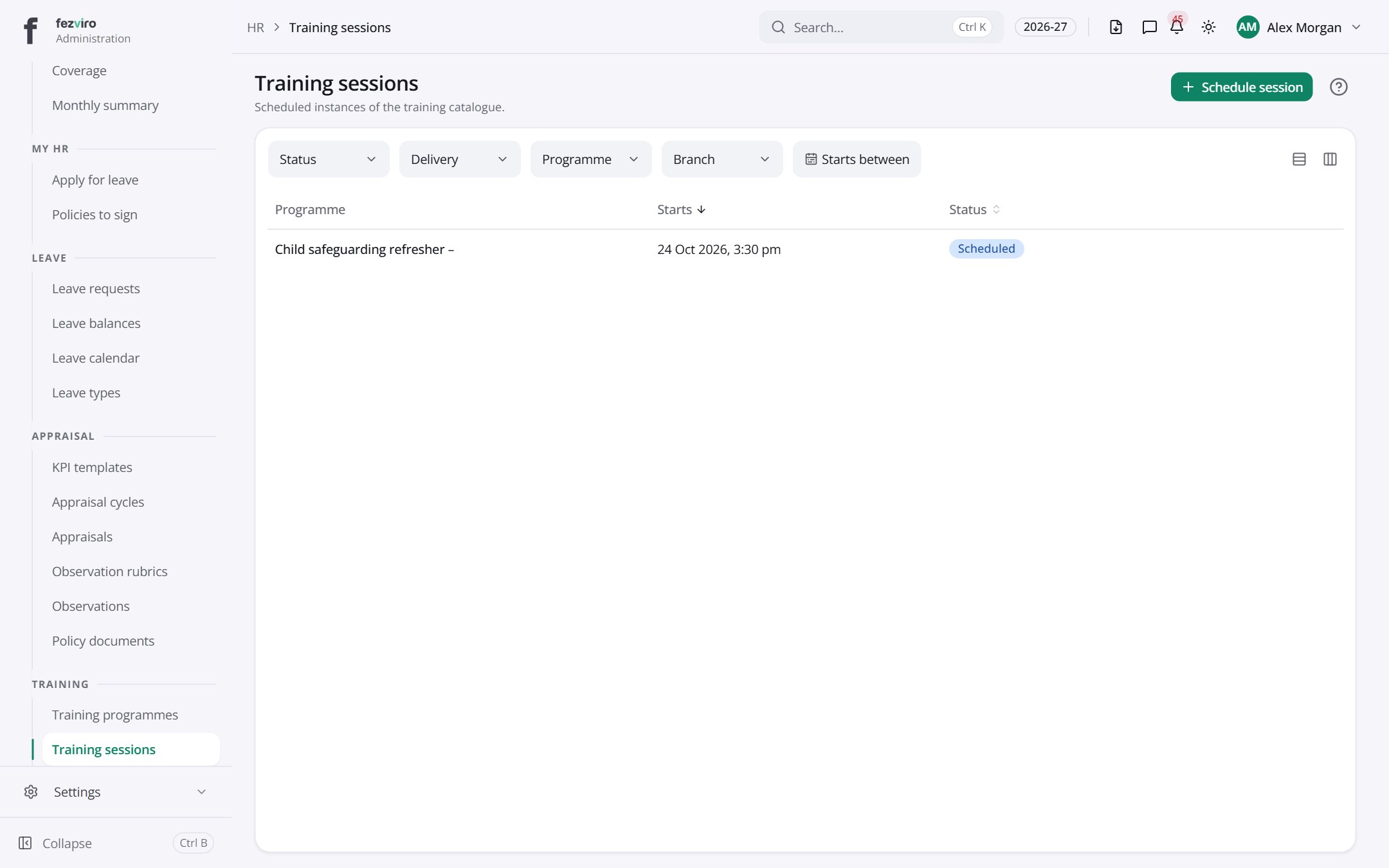 Training sessionsScheduled training sessions, with dates, places and who attended.has a form
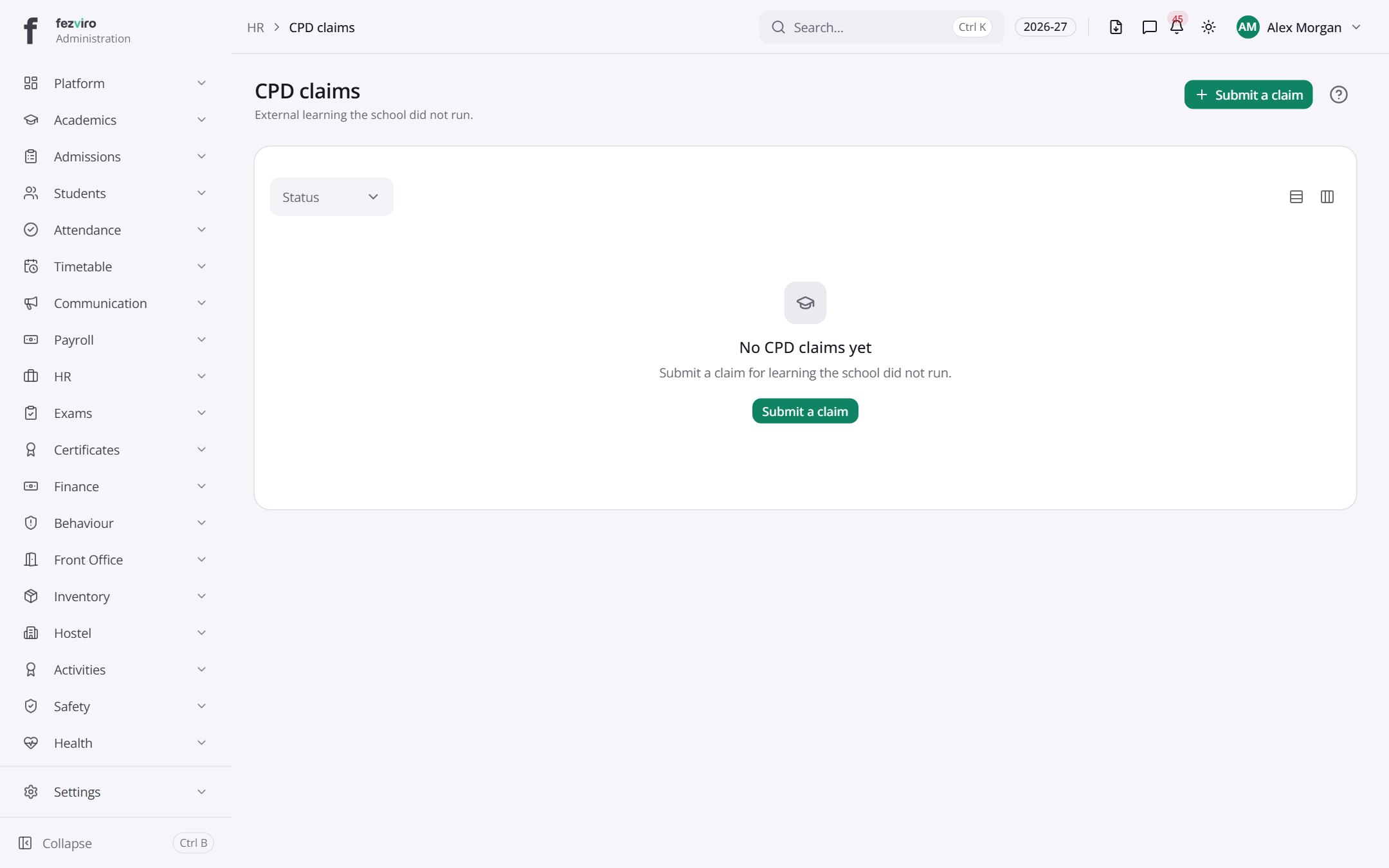 CPD claimsClaims for professional training hours, from staff and managers.has a form
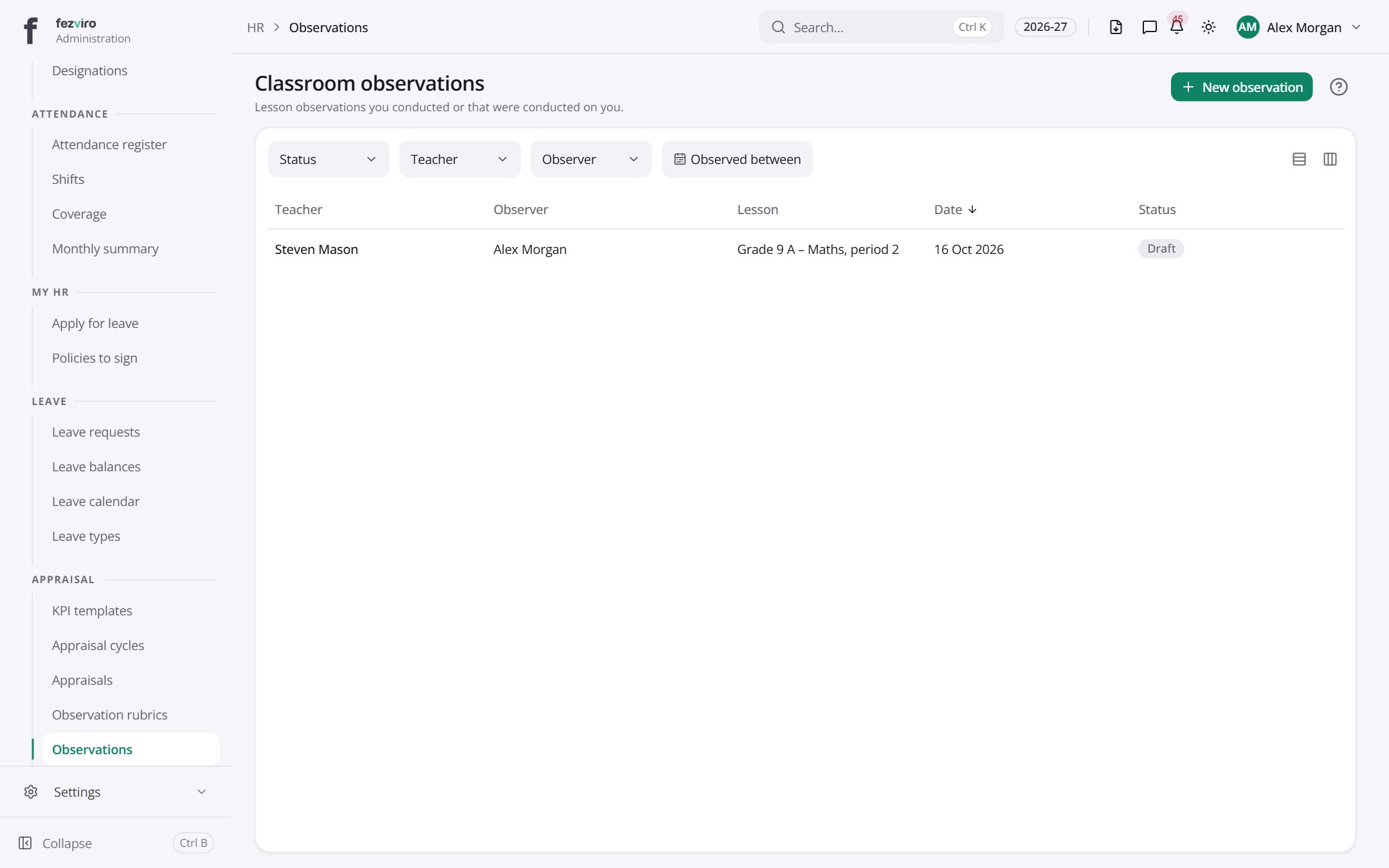 Classroom observationsRecords of classroom observations, with feedback for the teacher.has a form
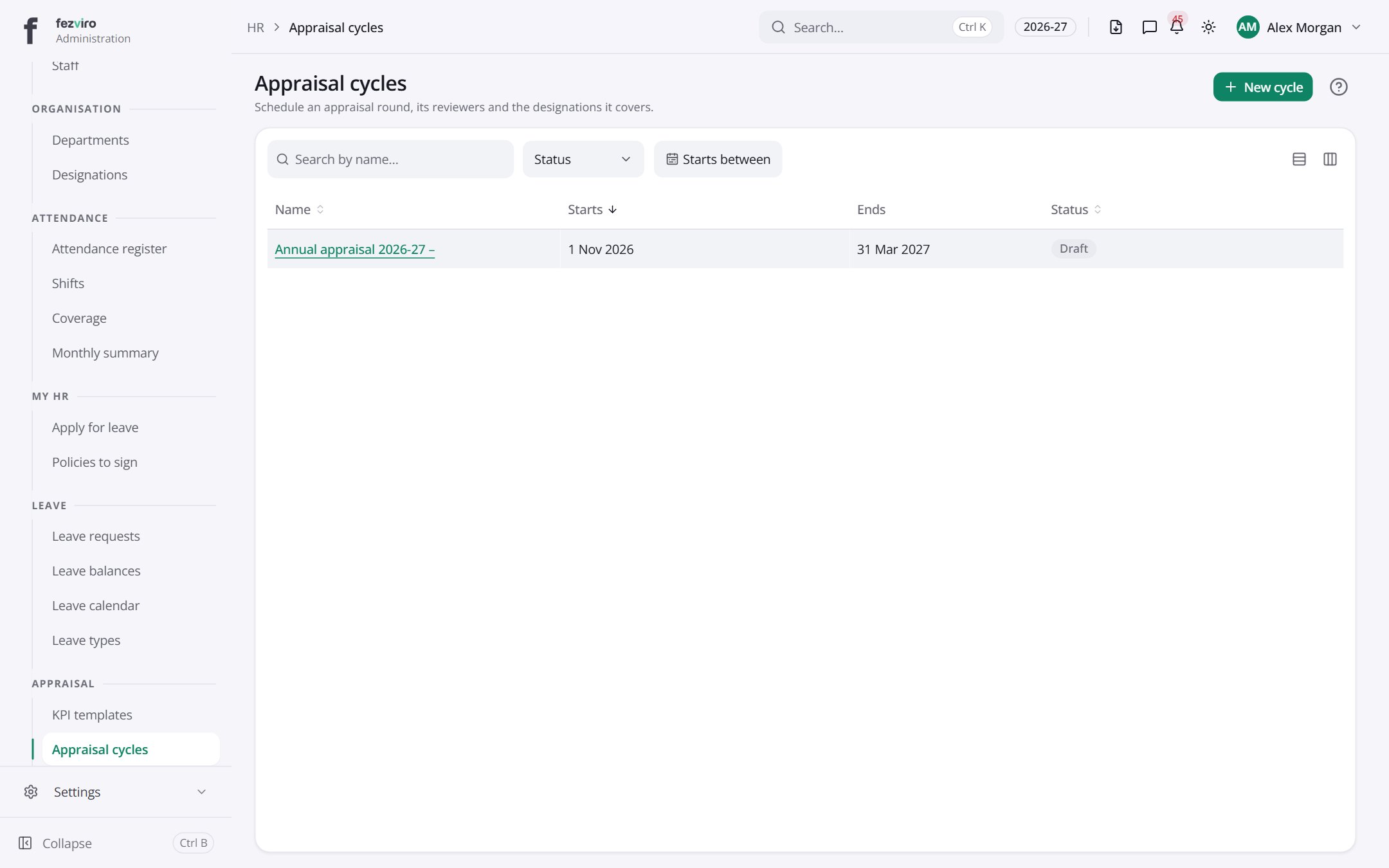 Appraisal cyclesReview periods when staff are appraised, with dates and who takes part.has a form
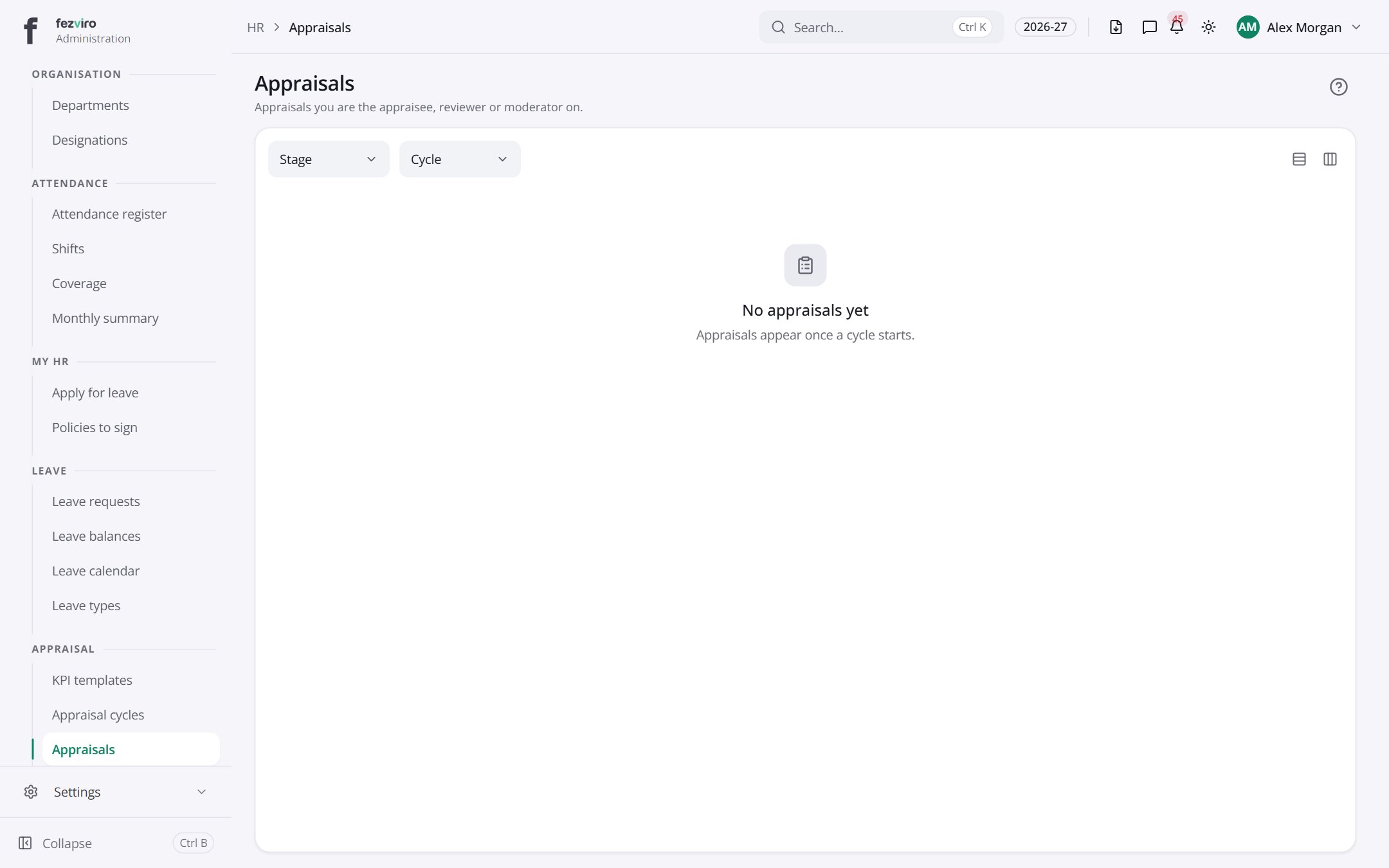 AppraisalsEach staff member's appraisal, from self-review to manager sign-off.
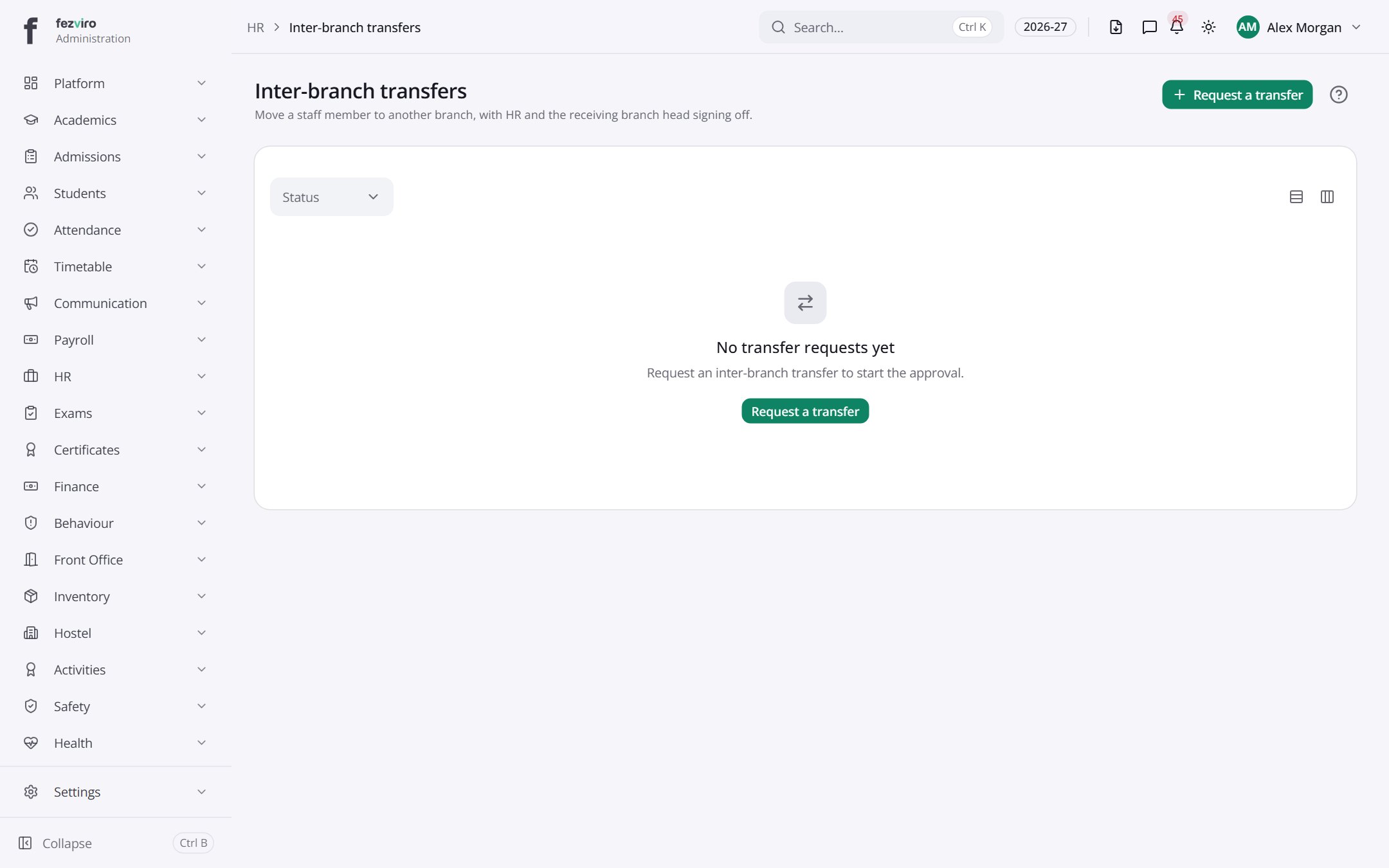 Inter-branch transfersRequests to move a staff member from one branch to another.has a form
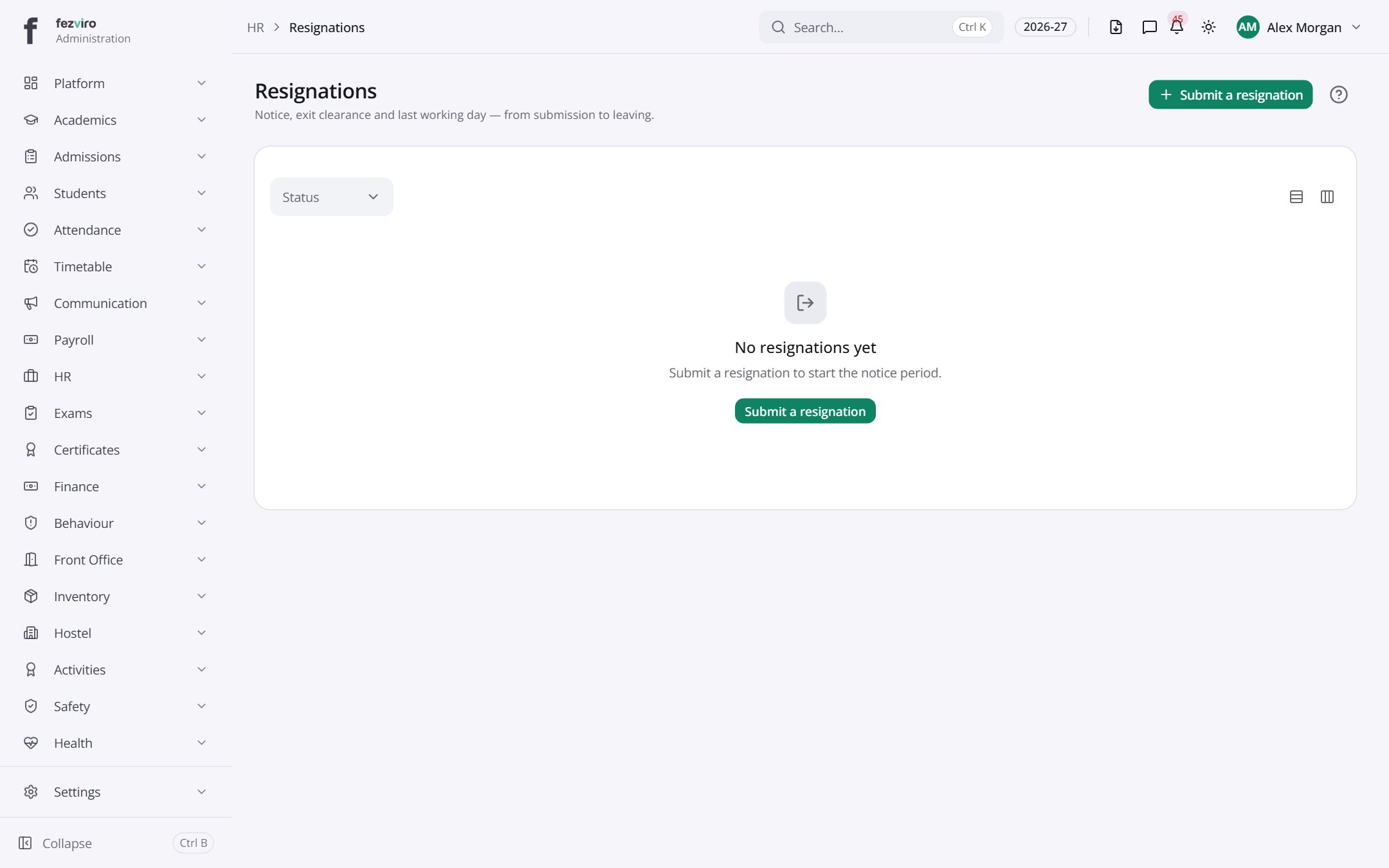 ResignationsResignation notices from staff, from submission to final decision.has a form
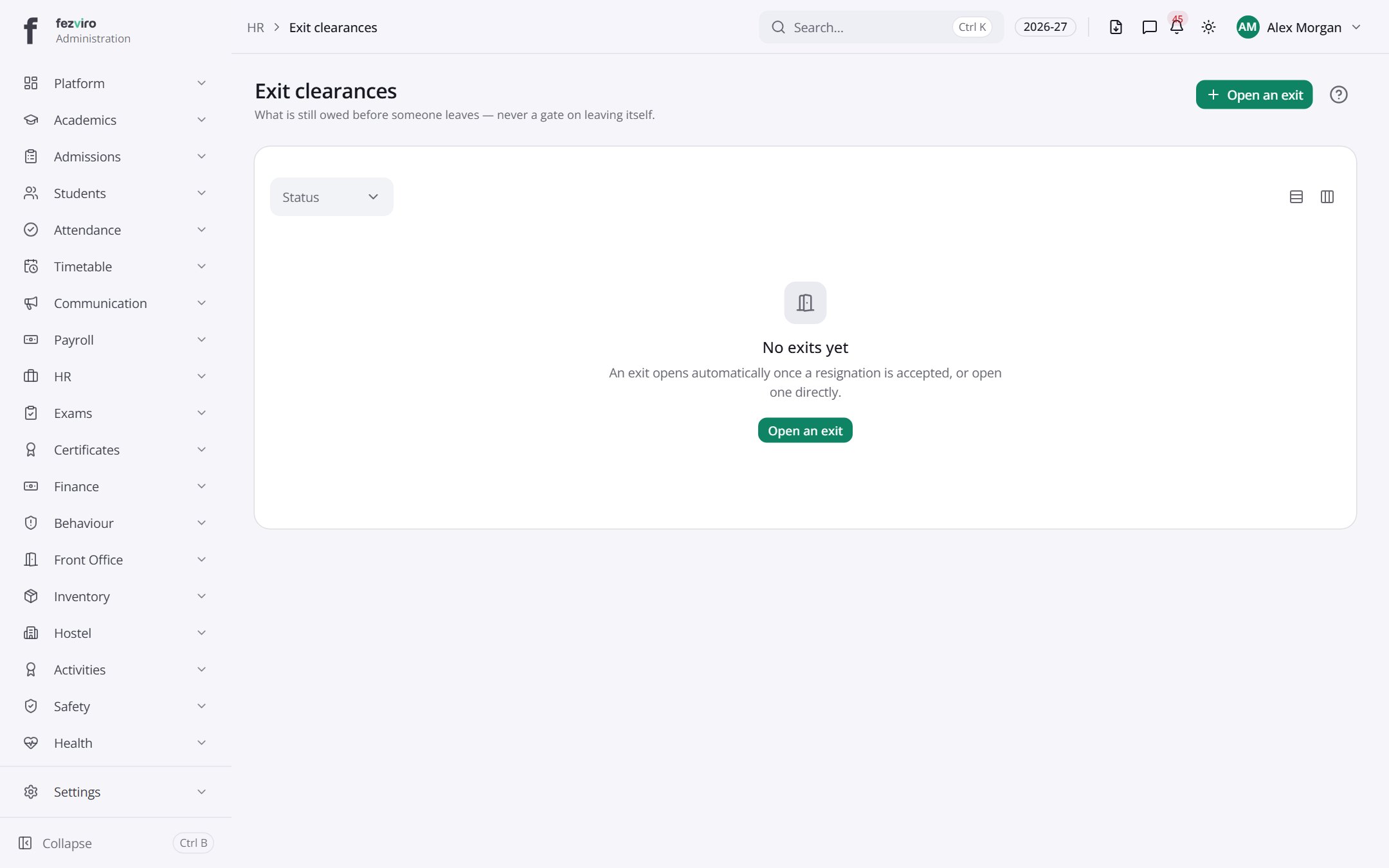 Exit clearancesA checklist of items each leaving staff member must return or settle.has a form
Step by step
Section titled “Step by step”Add a staff member
Section titled “Add a staff member”- Open HR → Staff and add the employee; the employee number is generated.
- Set department, designation and reporting line.
- Add contract, qualifications and documents (expiry dates trigger reminders).
- Link a user login if they need to sign in. Drivers and cleaners need not.
Apply for and approve leave
Section titled “Apply for and approve leave”- Staff apply from their portal; balances show before they submit.
- The manager approves in Leave requests; delegation covers absences.
- The team Leave calendar shows who is away.
Run an appraisal cycle
Section titled “Run an appraisal cycle”- Open an Appraisal cycle.
- Staff complete a self review, managers review, moderators finalise.
- Goals and classroom Observations feed in.
Questions
Section titled “Questions”Is salary or bank data visible to everyone?
No. Bank, ID and salary details are restricted to HR and payroll roles.
Can job applicants apply online?
Yes, via the public careers page; applications flow into vacancies.