

Fundraising pages
What it is
Pages that supporters or class parents have asked to create.
Why it matters
Keeps public pages under control, since nothing shows until approved.
When to use it
Staff review each request and approve it before the page goes live.
Who uses it
Administrator
How to get here
Section titled “How to get here”- Sign in as Administrator (see Signing in).
- In the left menu, click Fundraising to open it.
- Click Fundraising pages.
What you see
Section titled “What you see”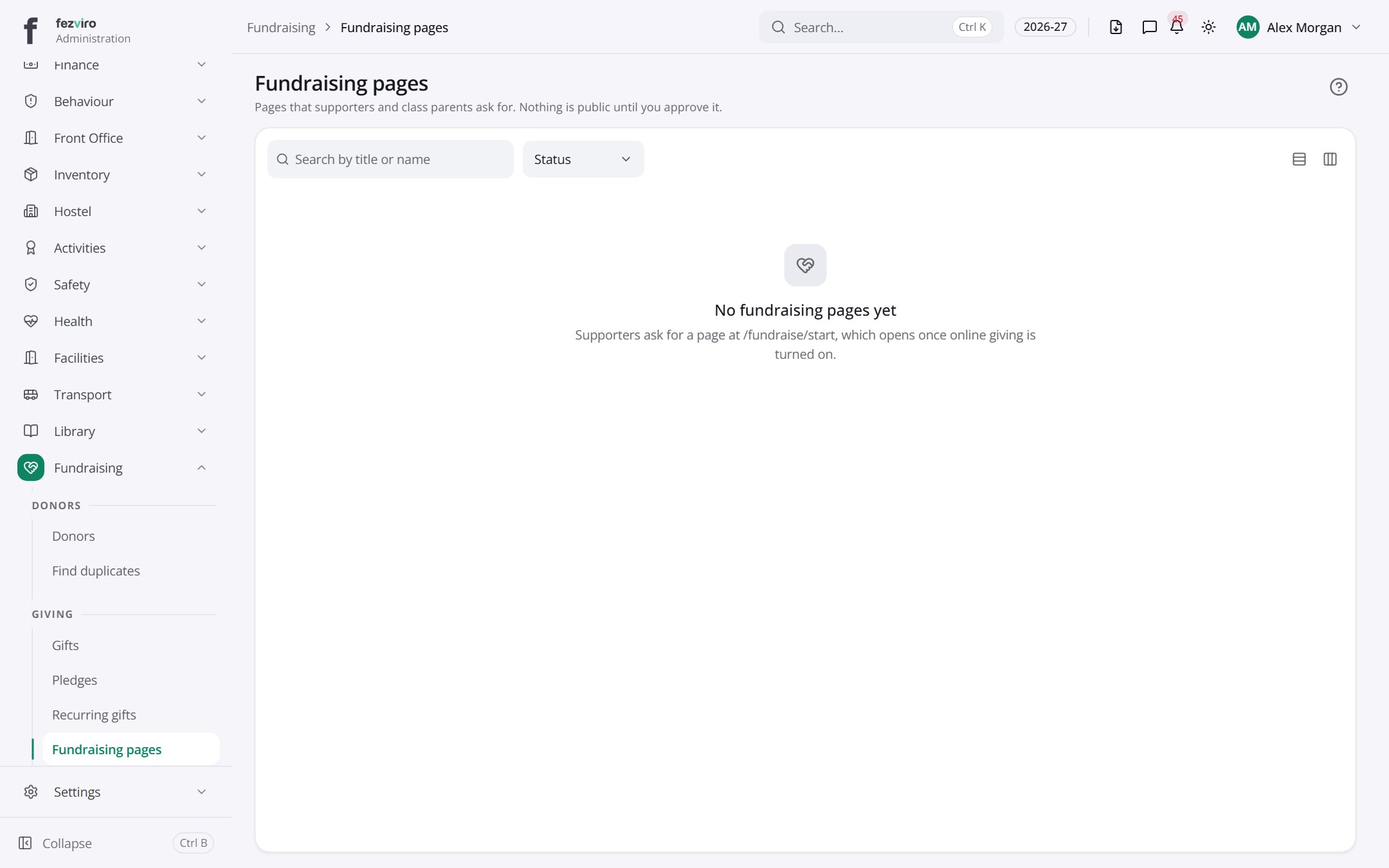
← Back to Fundraising overview