

Student promotion
What it is
A guided page for moving pupils up a year, holding back or graduating them.
Why it matters
Moves whole year groups forward in one careful, reversible run.
When to use it
The office previews, checks and confirms promotions at year end.
Who uses it
Administrator
How to get here
Section titled “How to get here”- Sign in as Administrator (see Signing in).
- In the left menu, click Students to open it.
- Click Promotion.
What you see
Section titled “What you see”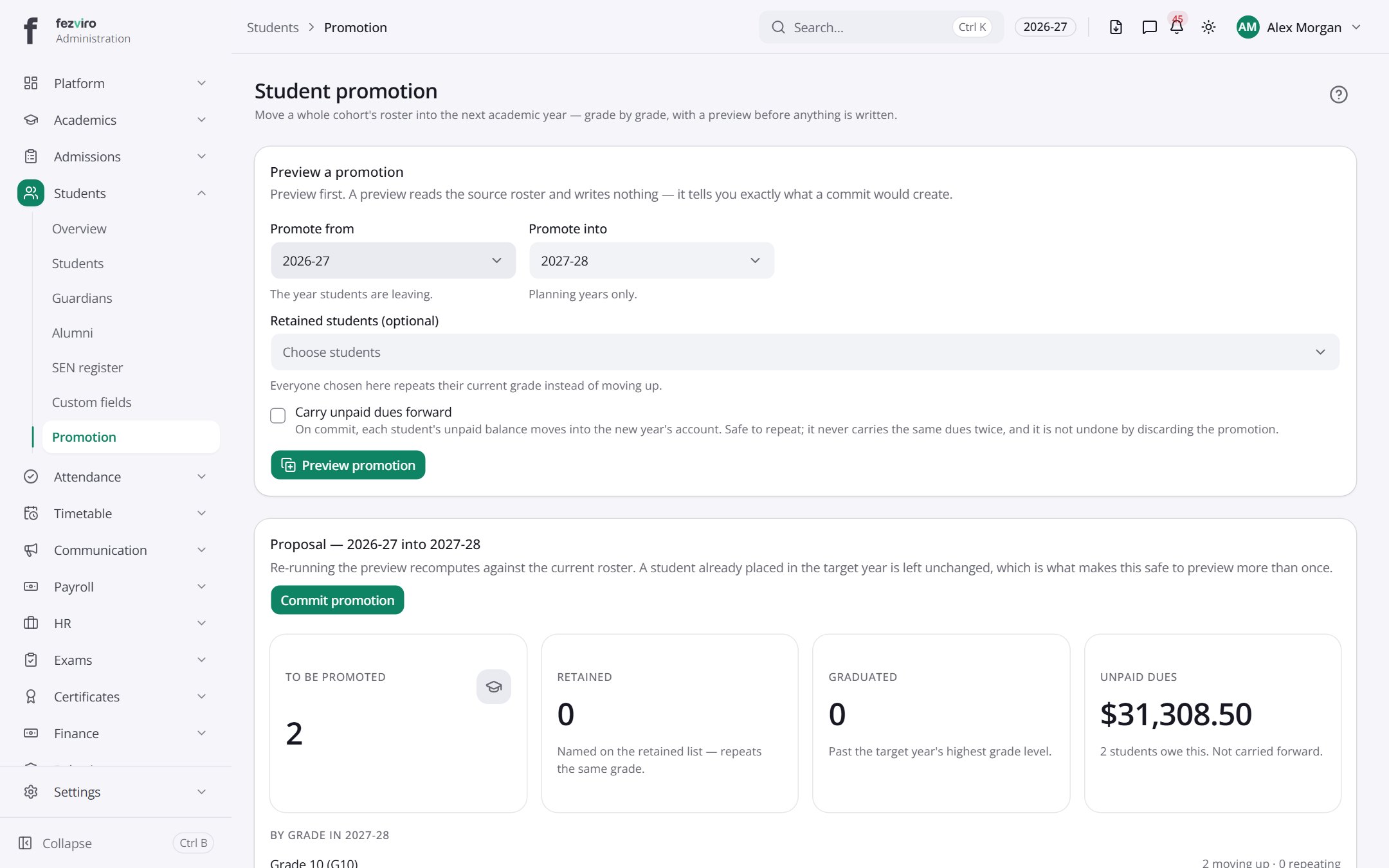
- Sections on the page: Preview a promotion, Proposal — 2026-27 into 2027-28, Promotion history.
← Back to Students & Guardians overview