

Seat plan
What it is
How many seats each year group has, including reserved categories.
Why it matters
Stops the school over-filling a year group or leaving seats empty.
When to use it
Admissions leads plan seats each year and release unused ones on a set date.
Who uses it
Administrator
How to get here
Section titled “How to get here”- Sign in as Administrator (see Signing in).
- In the left menu, click Admissions to open it.
- Click Seat plan.
What you see
Section titled “What you see”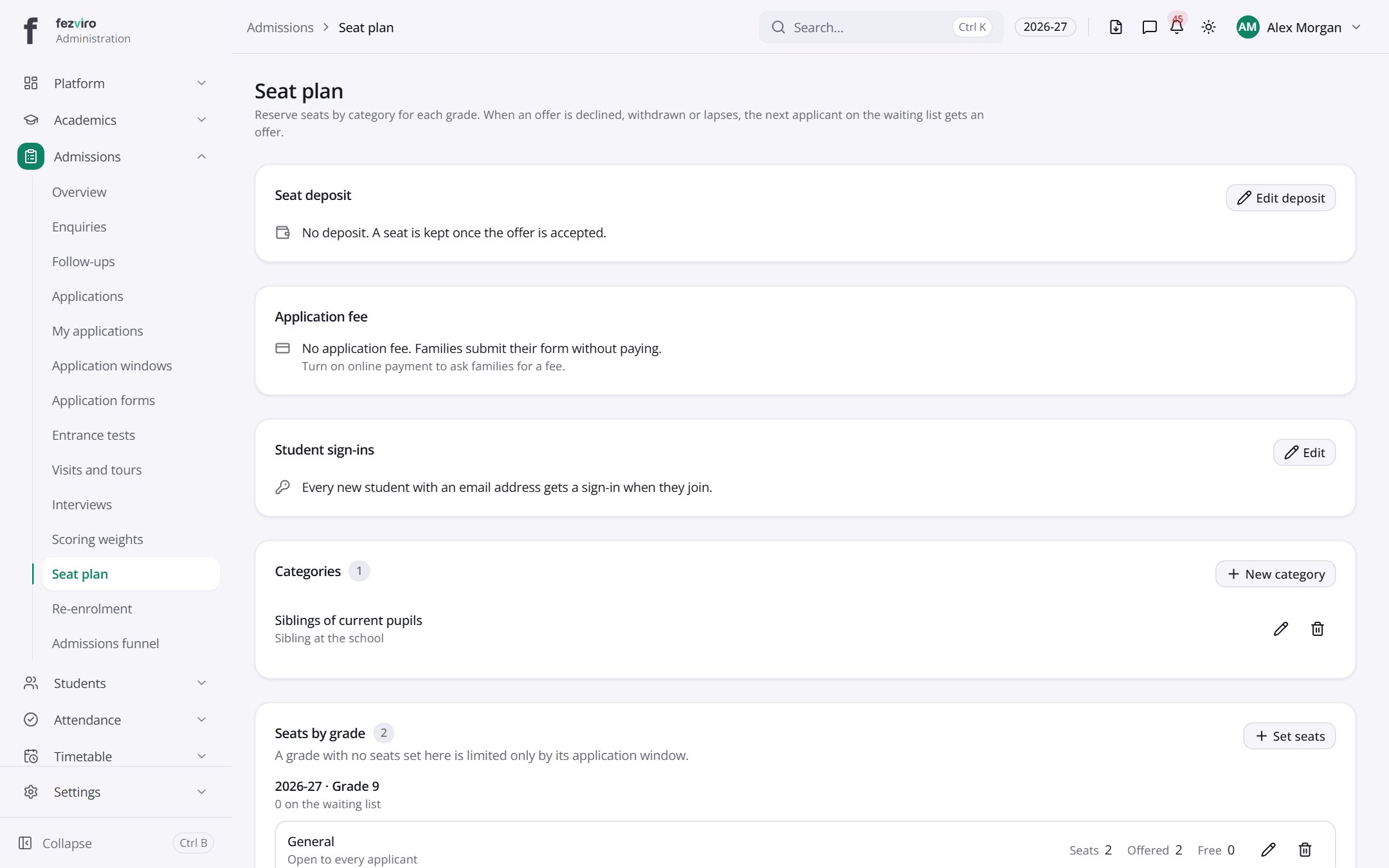
- Sections on the page: Seat deposit, Application fee, Student sign-ins, Categories, Seats by grade.
← Back to Admissions overview