

Setup checklist
What it is
The first-run checklist for setting up a new school.
Why it matters
Shows which setup steps are done and which are still waiting.
When to use it
The administrator works down the list until the school is ready.
Who uses it
Administrator
How to get here
Section titled “How to get here”- Sign in as Administrator (see Signing in).
- In the left menu, click Platform to open it.
- Click Setup.
What you see
Section titled “What you see”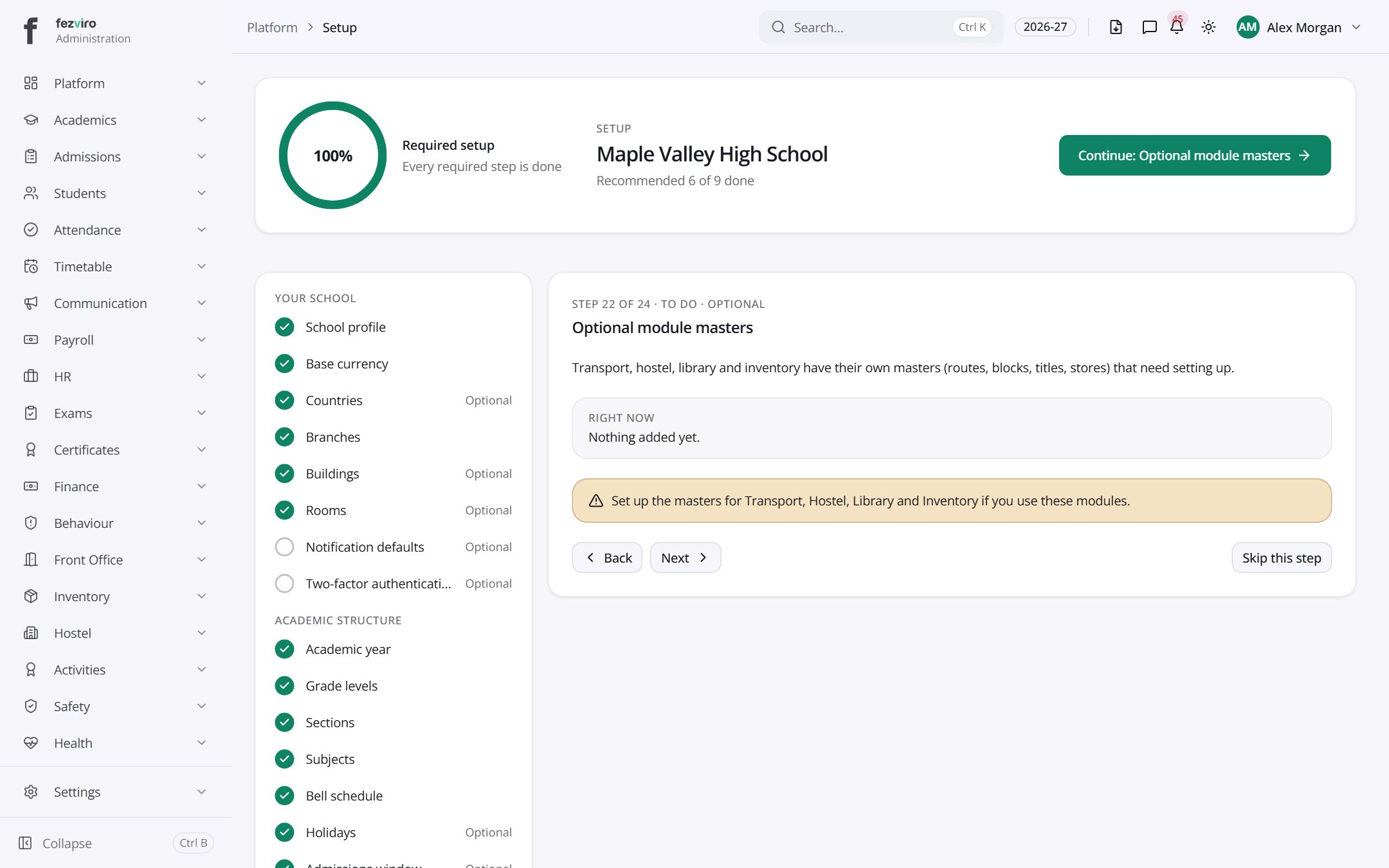
- Sections on the page: Optional module masters.
← Back to Platform & Security overview