

Screening alerts
What it is
Alerts raised when a visitor matches a name or phone on the watchlist.
Why it matters
Lets a person decide quickly whether a match is real or a false alarm.
When to use it
The duty lead clears each alert with a reason or confirms the match.
Who uses it
Administrator
How to get here
Section titled “How to get here”- Sign in as Administrator (see Signing in).
- In the left menu, click Front Office to open it.
- Click Screening alerts.
What you see
Section titled “What you see”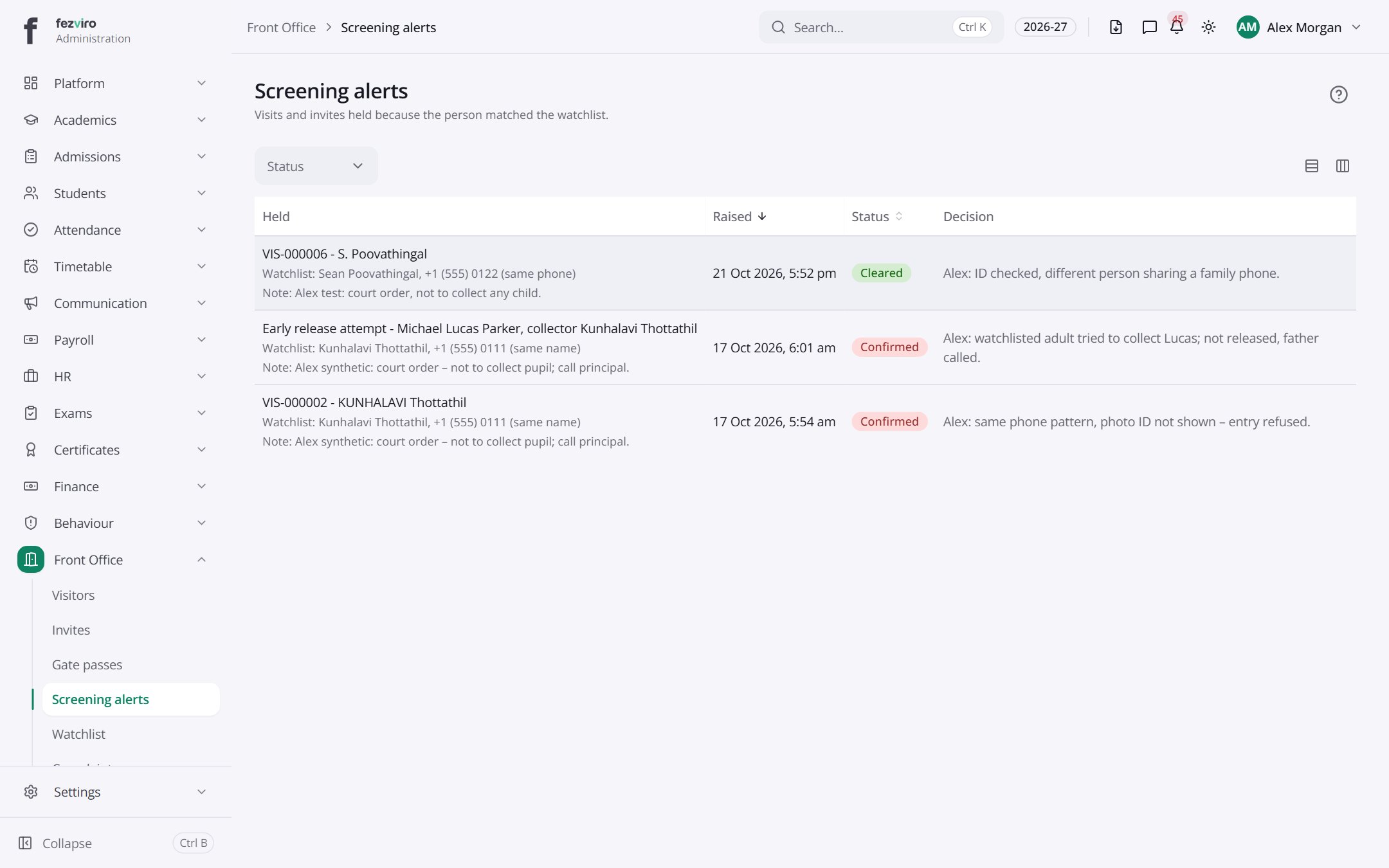
- The list has these columns: Held, Raised, Status, Decision. Click a column name to sort by it.
← Back to Front Office overview