

Timetable
Bell schedules, a drag-and-drop timetable builder with clash detection, published versions, views by class, teacher and room, and same-day cover management.
👥 Timetable coordinator, principal, teachers, students, parents🖥️ 17 screens📝 2 forms

What it does
Section titled “What it does”- Bell schedules and periods
- Rotating day cycles
- Drag-and-drop timetable builder
- Automatic clash detection
- Draft, publish, archive versions
- View by class, teacher or room
- Teacher availability and workload limits
- Pre-check of what won’t fit
- PDF download
- Calendar subscription for phones
- Teacher cover management
- Smart cover suggestions
- Daily cover sheet and cover report
Its screens
Section titled “Its screens”Each screen has its own page: what it is for, how to reach it, a picture, its buttons and its form.
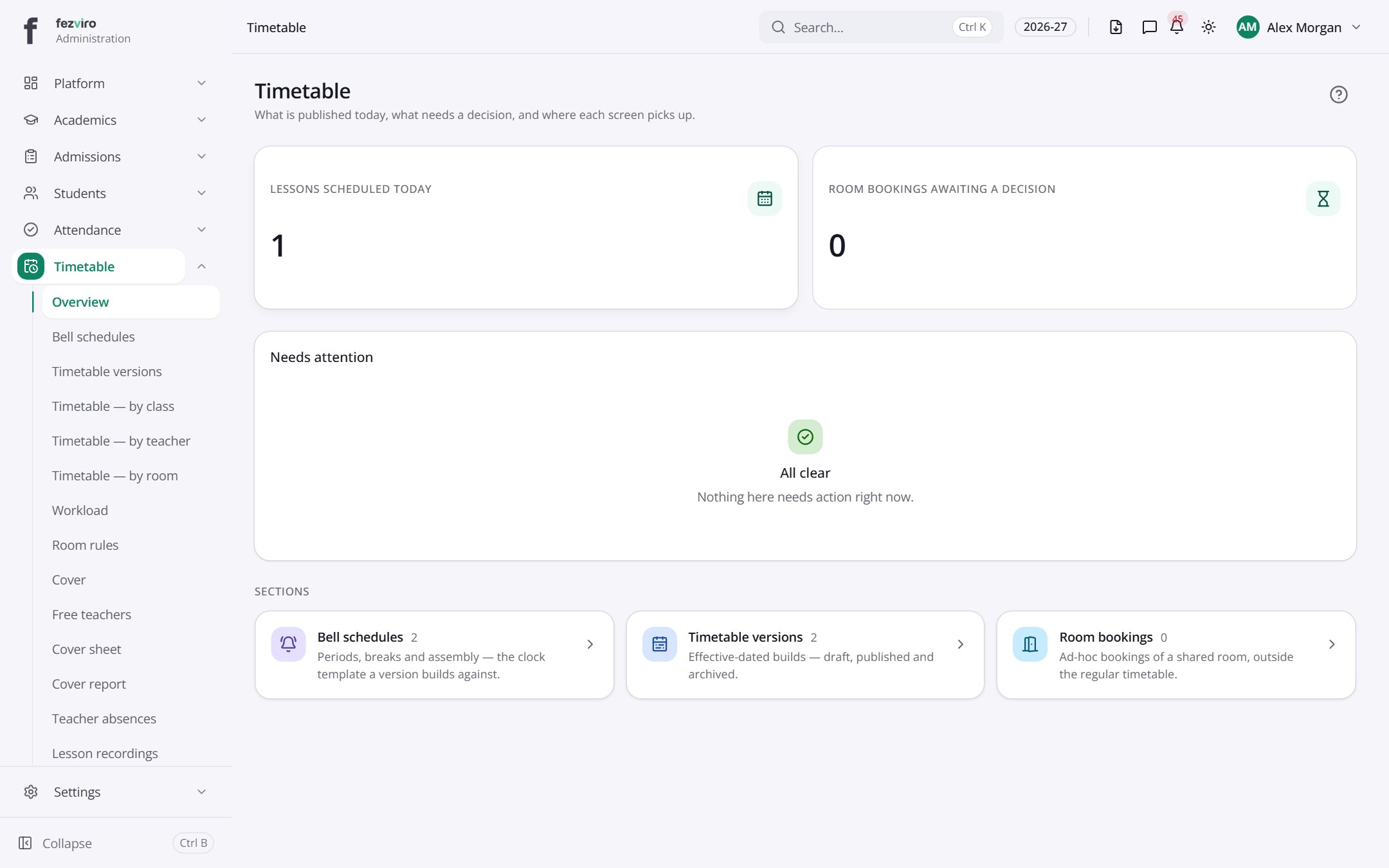 Timetable dashboardThe landing page for timetables and cover.
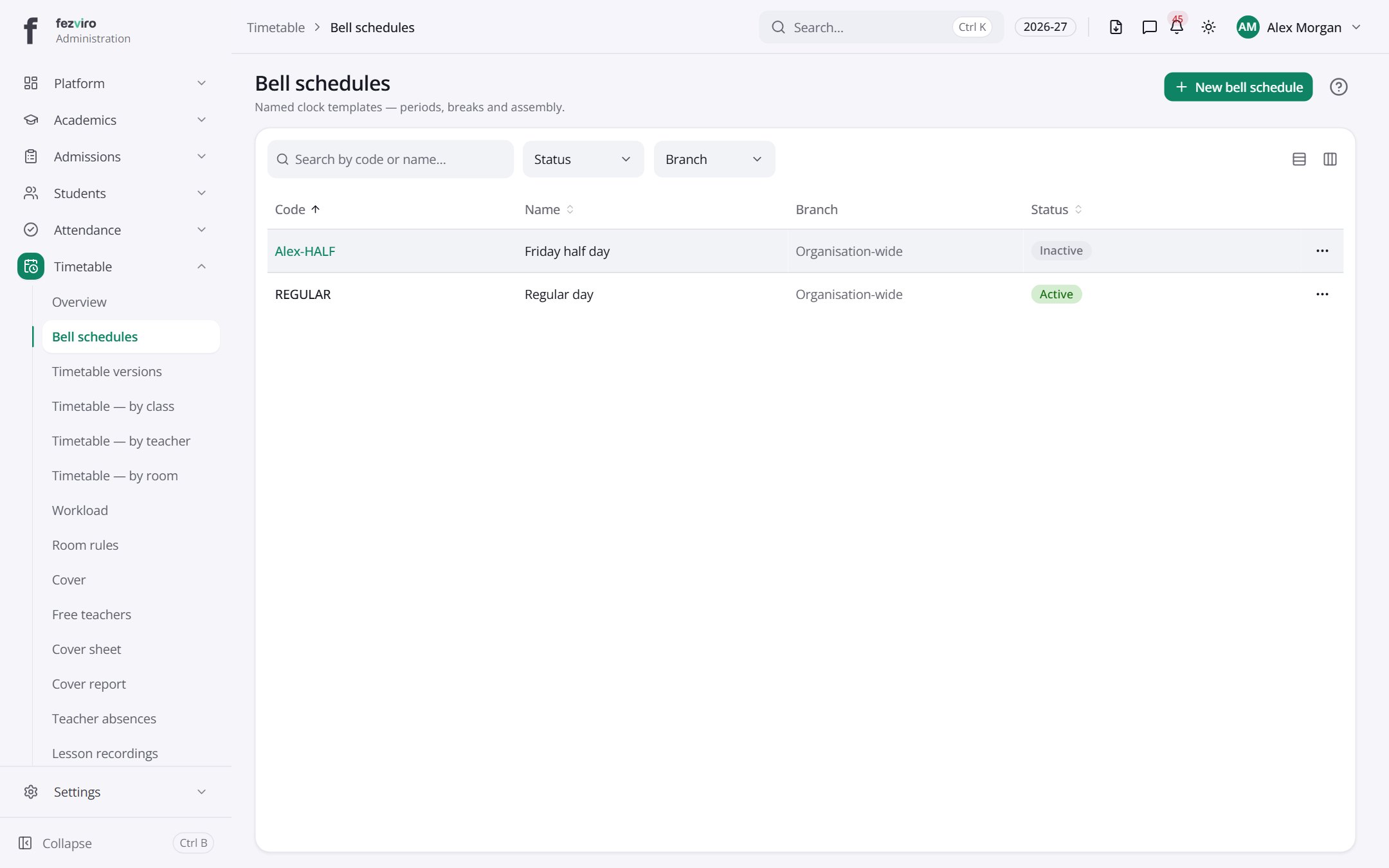 Bell schedulesThe daily clock of periods, breaks and lunch, saved as templates.has a form
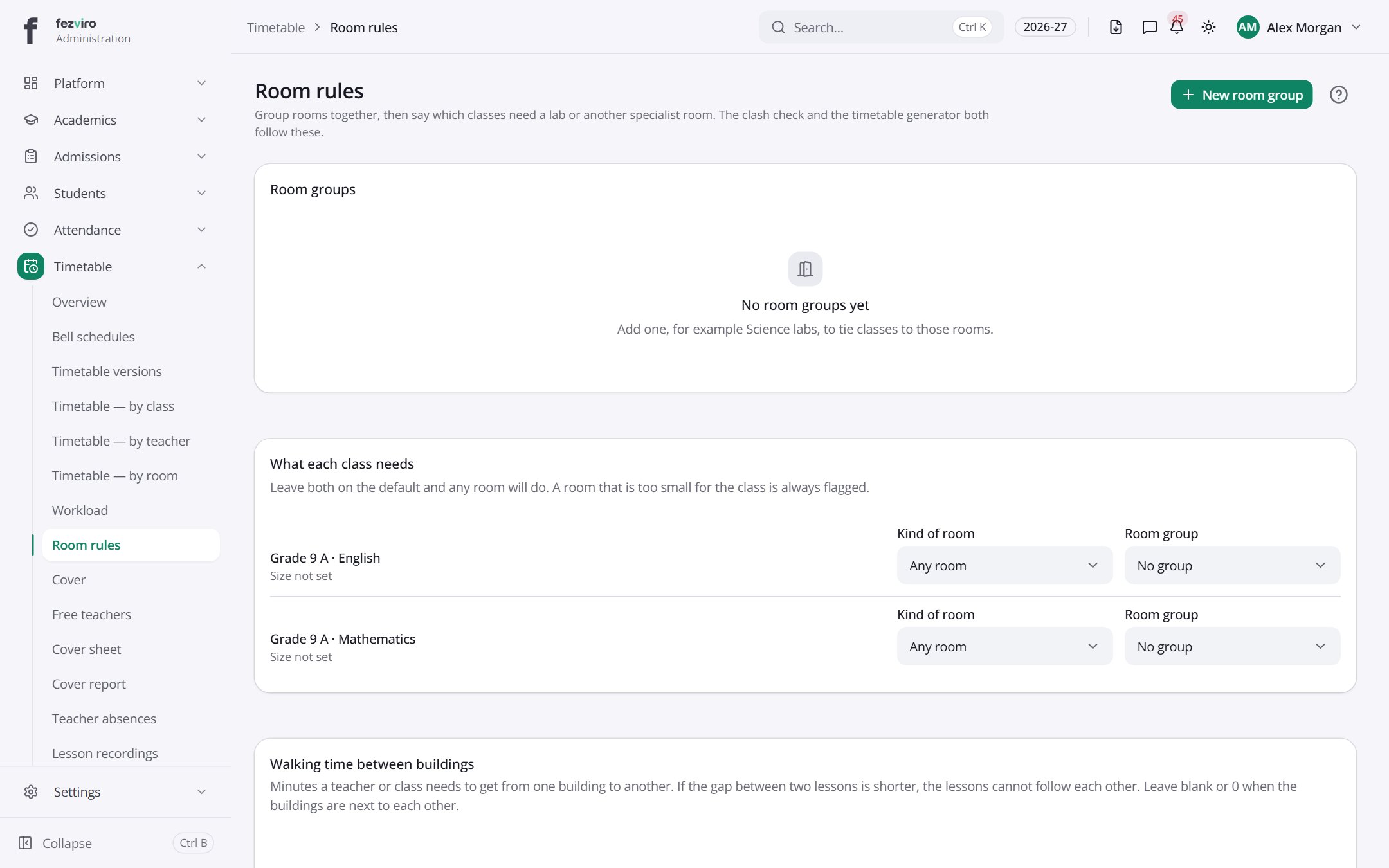 Room rulesRules for which kind of room each class needs, such as a lab.
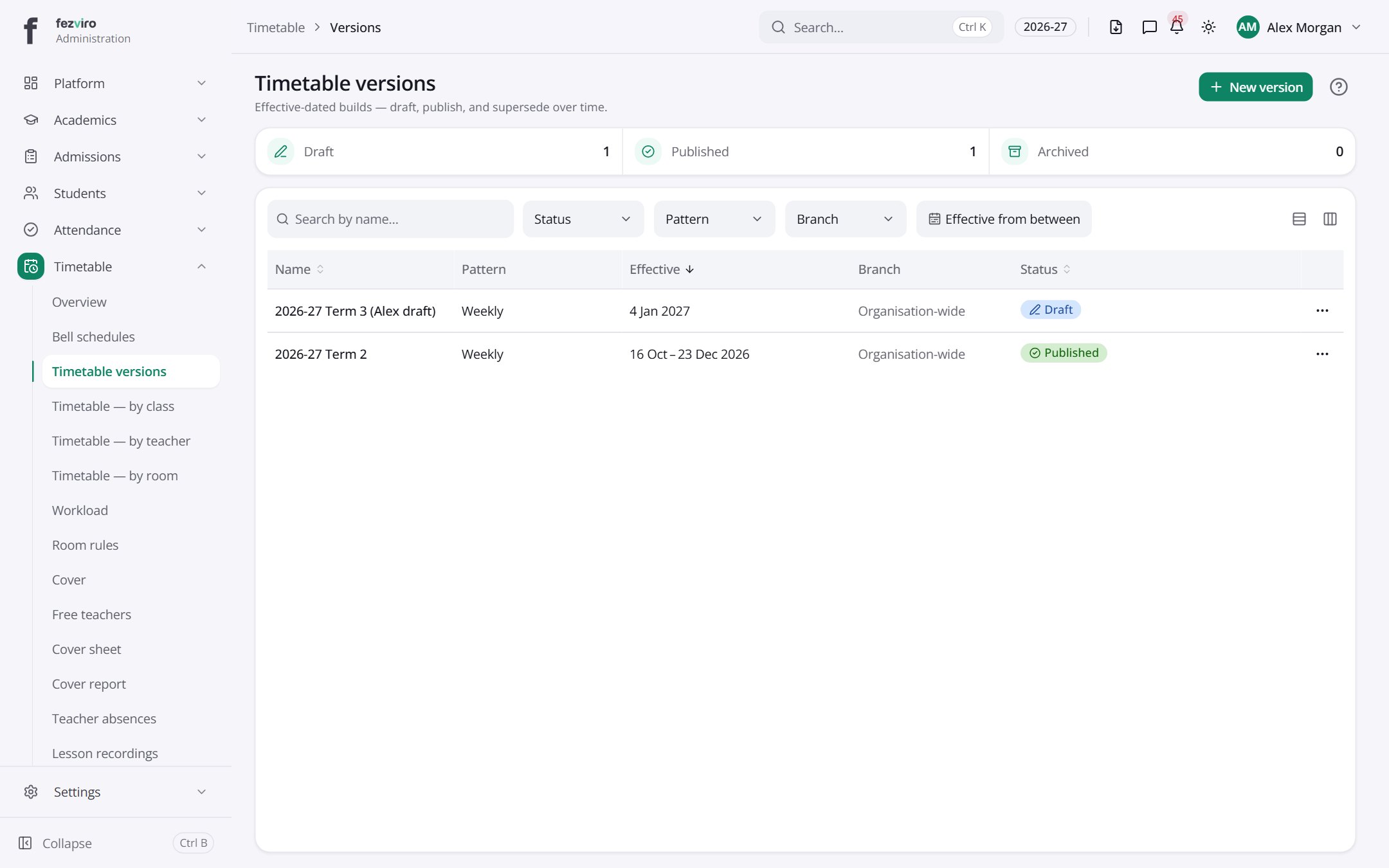 Timetable versionsSaved versions of the timetable, each with its own dates.has a form
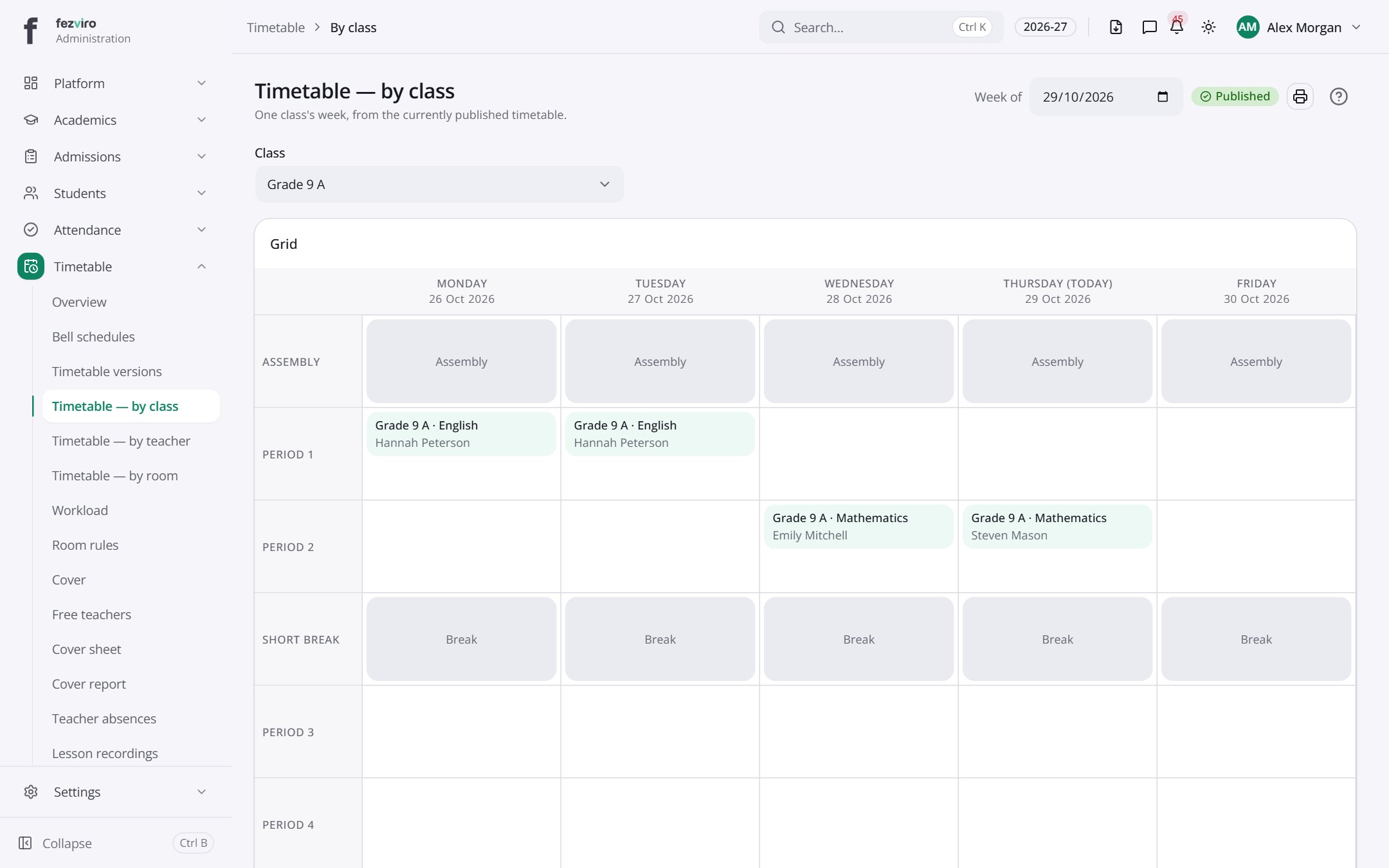 Timetable — by classOne class's weekly timetable, from the timetable currently published.
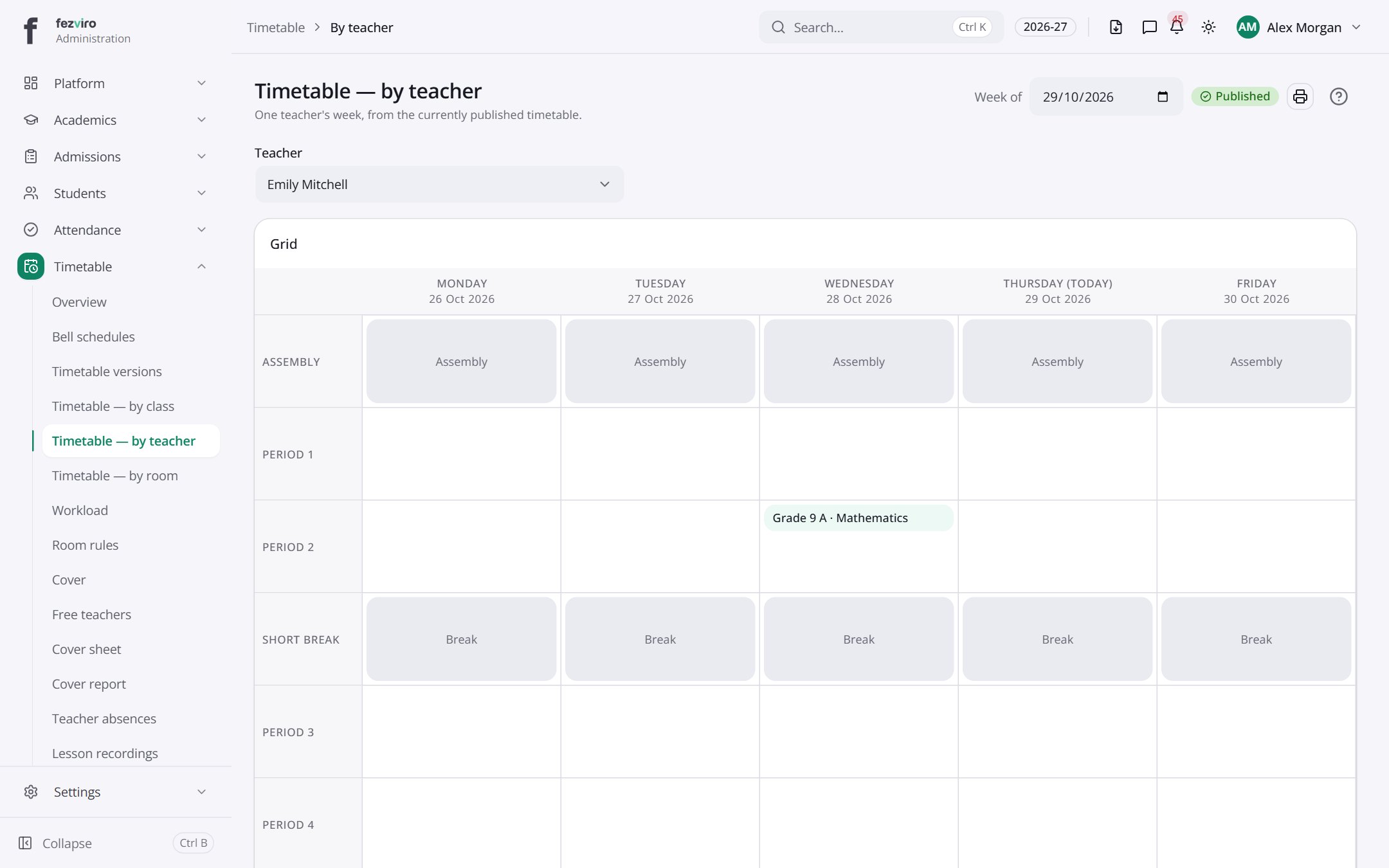 Timetable — by teacherOne teacher's weekly timetable, from the timetable currently published.
 Timetable — by roomOne room's weekly timetable, from the timetable currently published.
 My timetableYour own timetable, or your child's, for the week ahead.Teacher
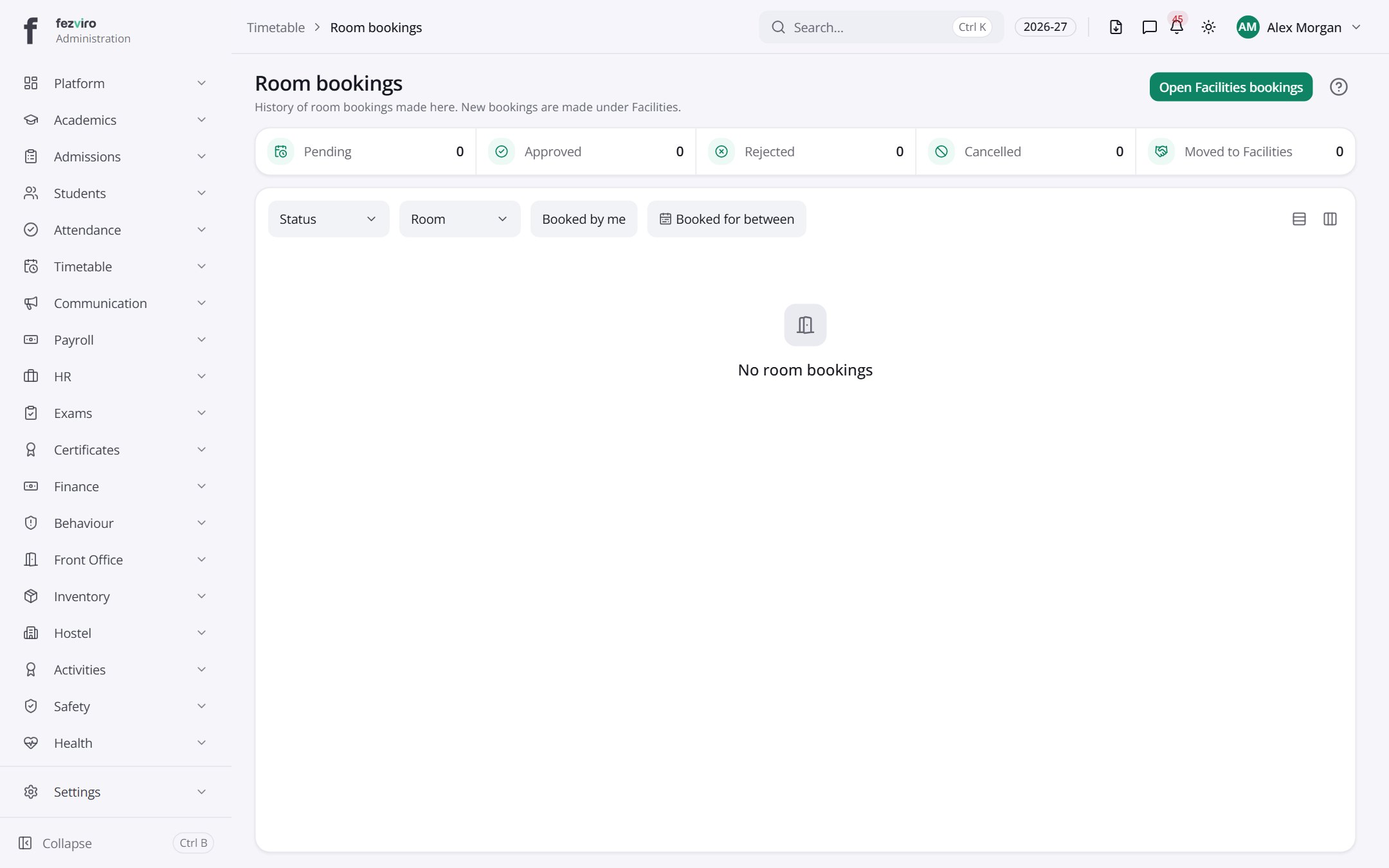 Room bookingsA history of room bookings, filterable by room and status.
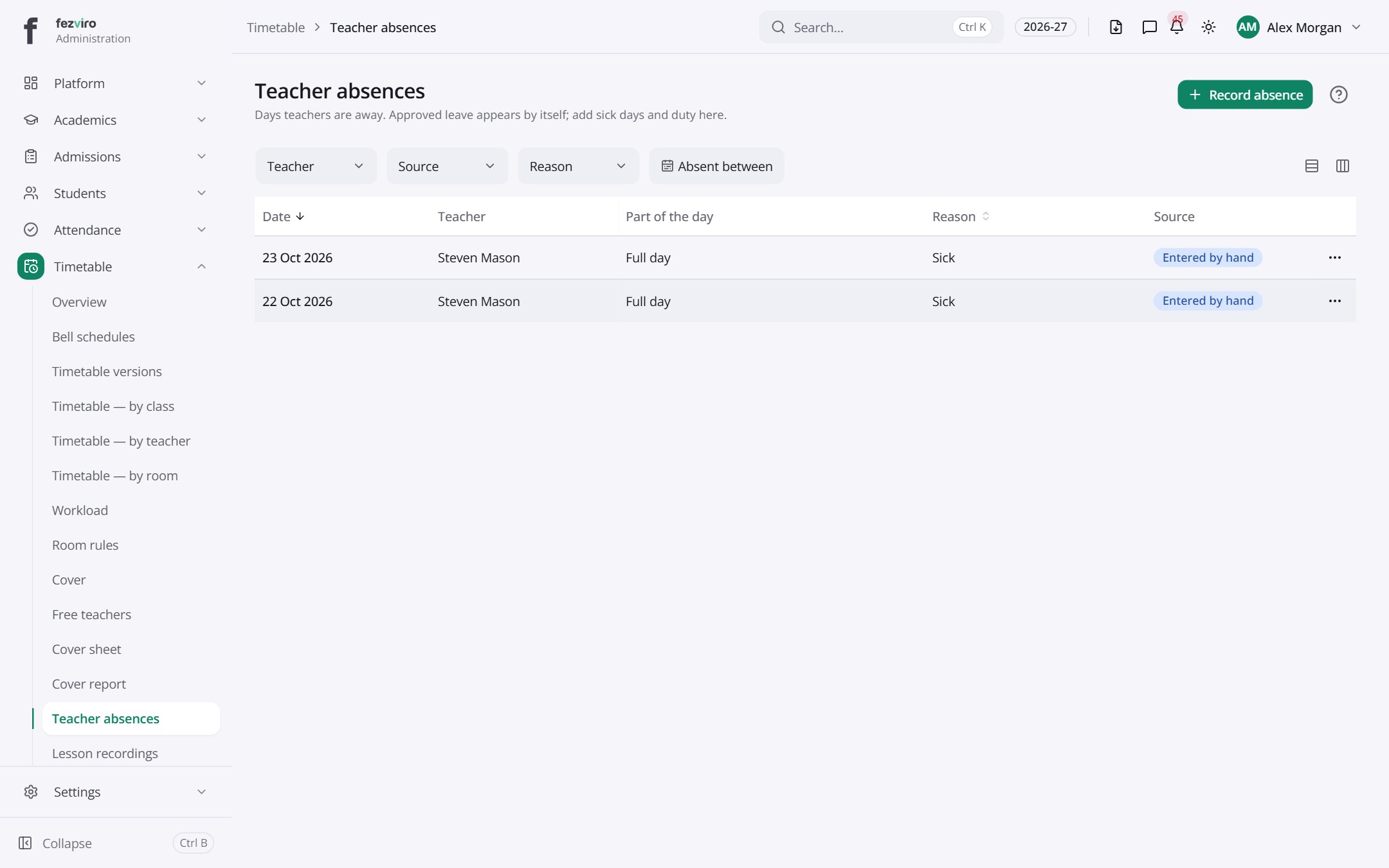 Teacher absencesTeachers who are away, with the reason and the lessons affected.
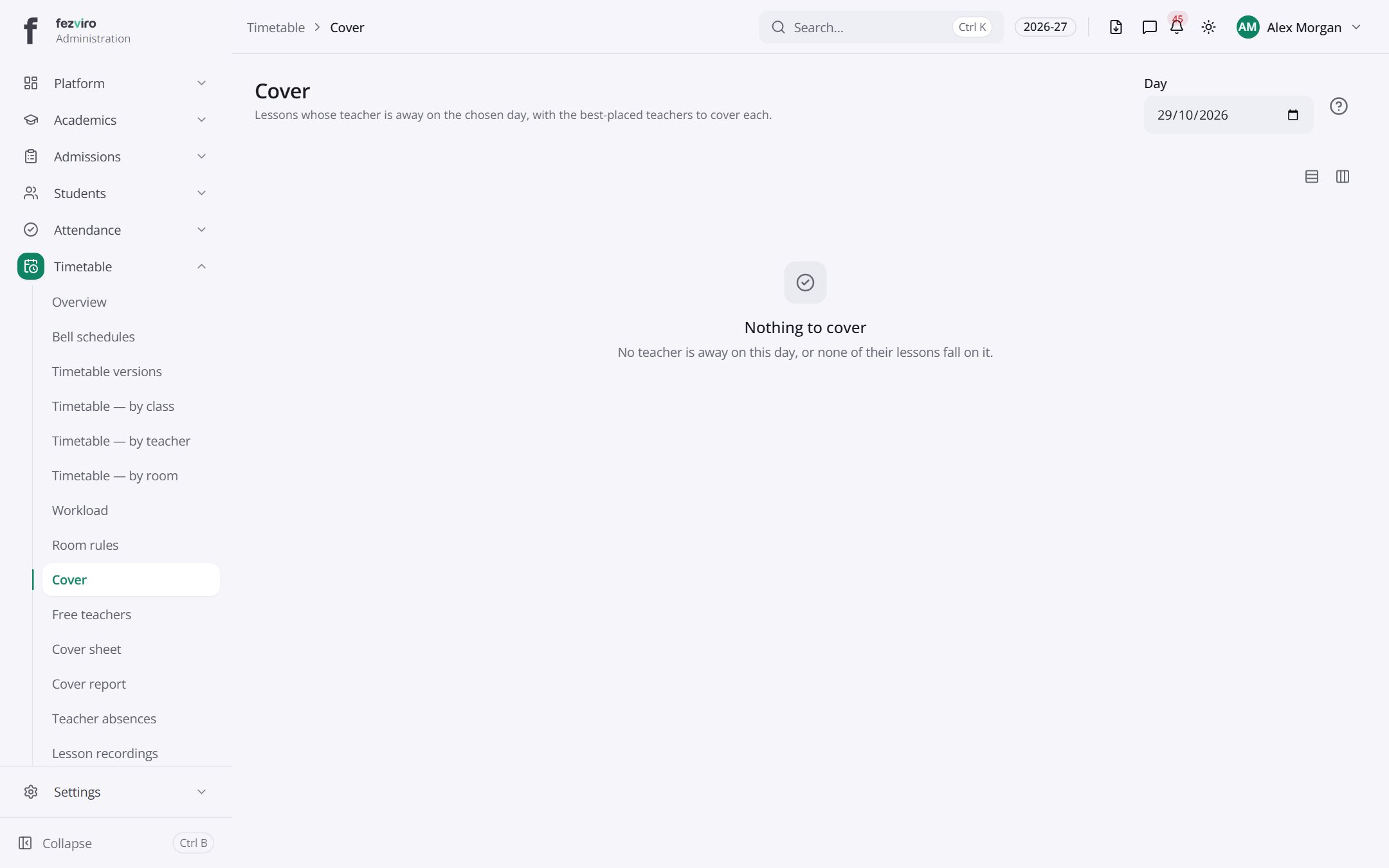 CoverLessons without a teacher on a chosen day, with suggested cover.
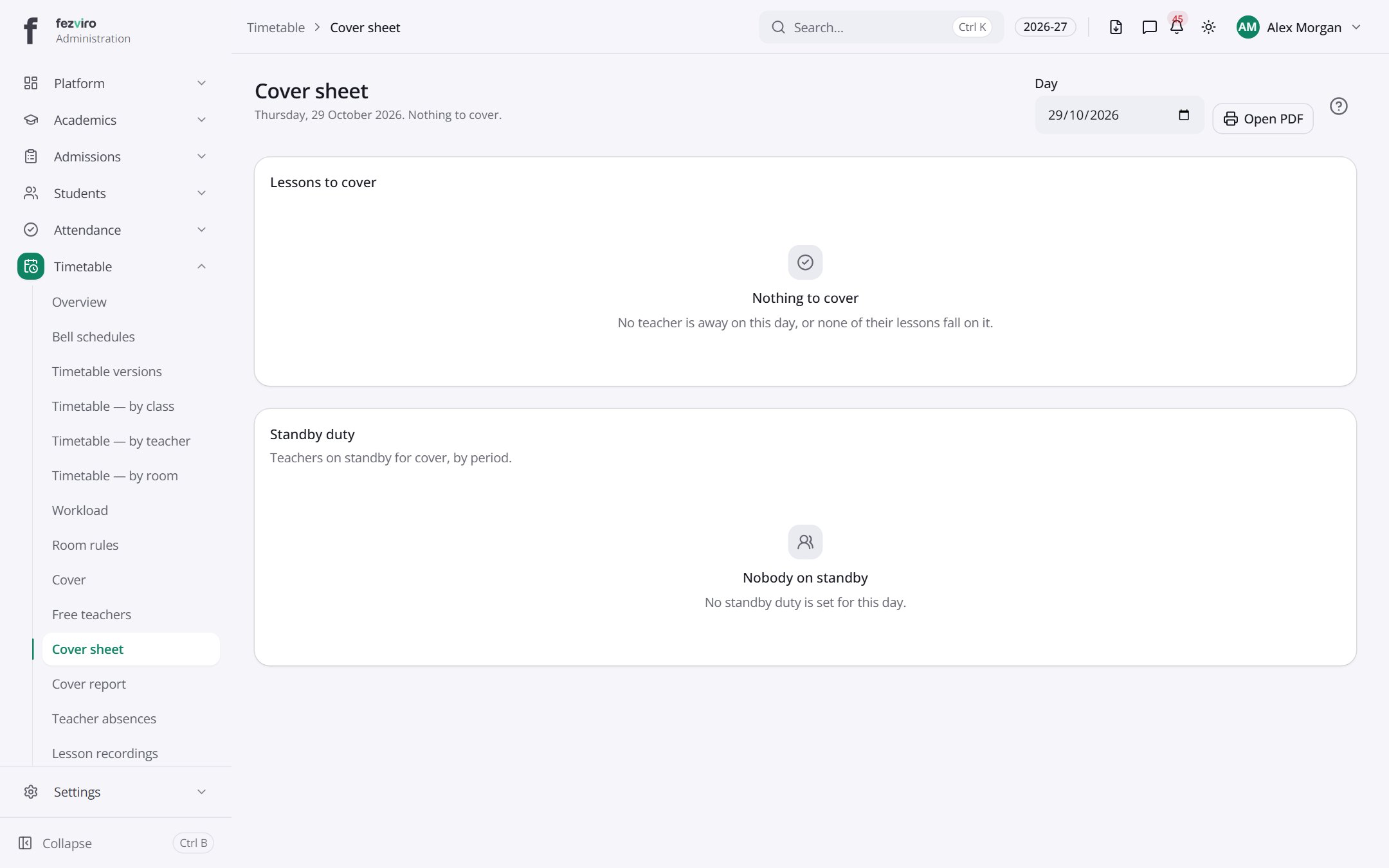 Cover sheetA one-day sheet listing the cover needed and standby teachers.
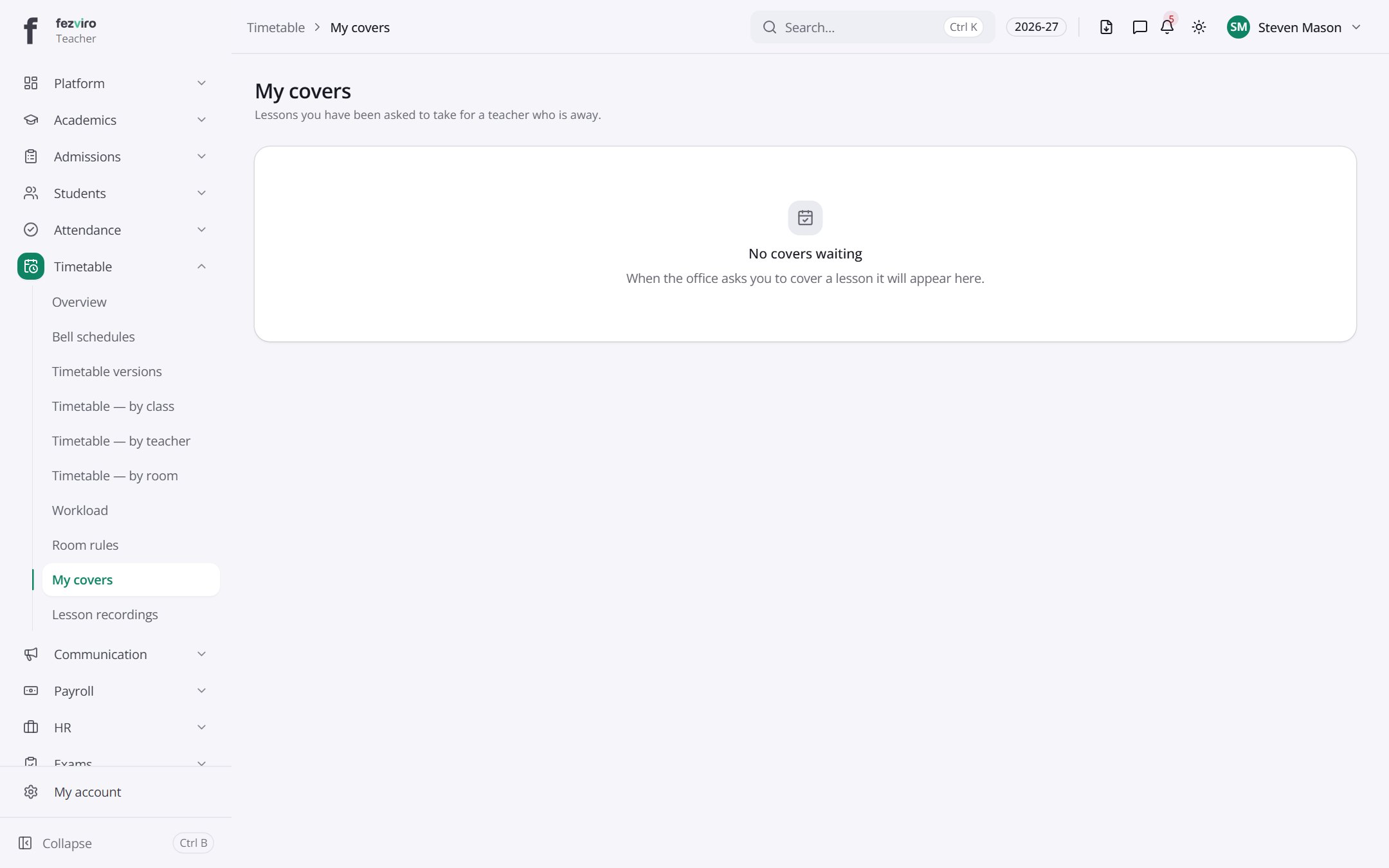 My coversThe lessons you have been asked to cover, waiting for your reply.Teacher
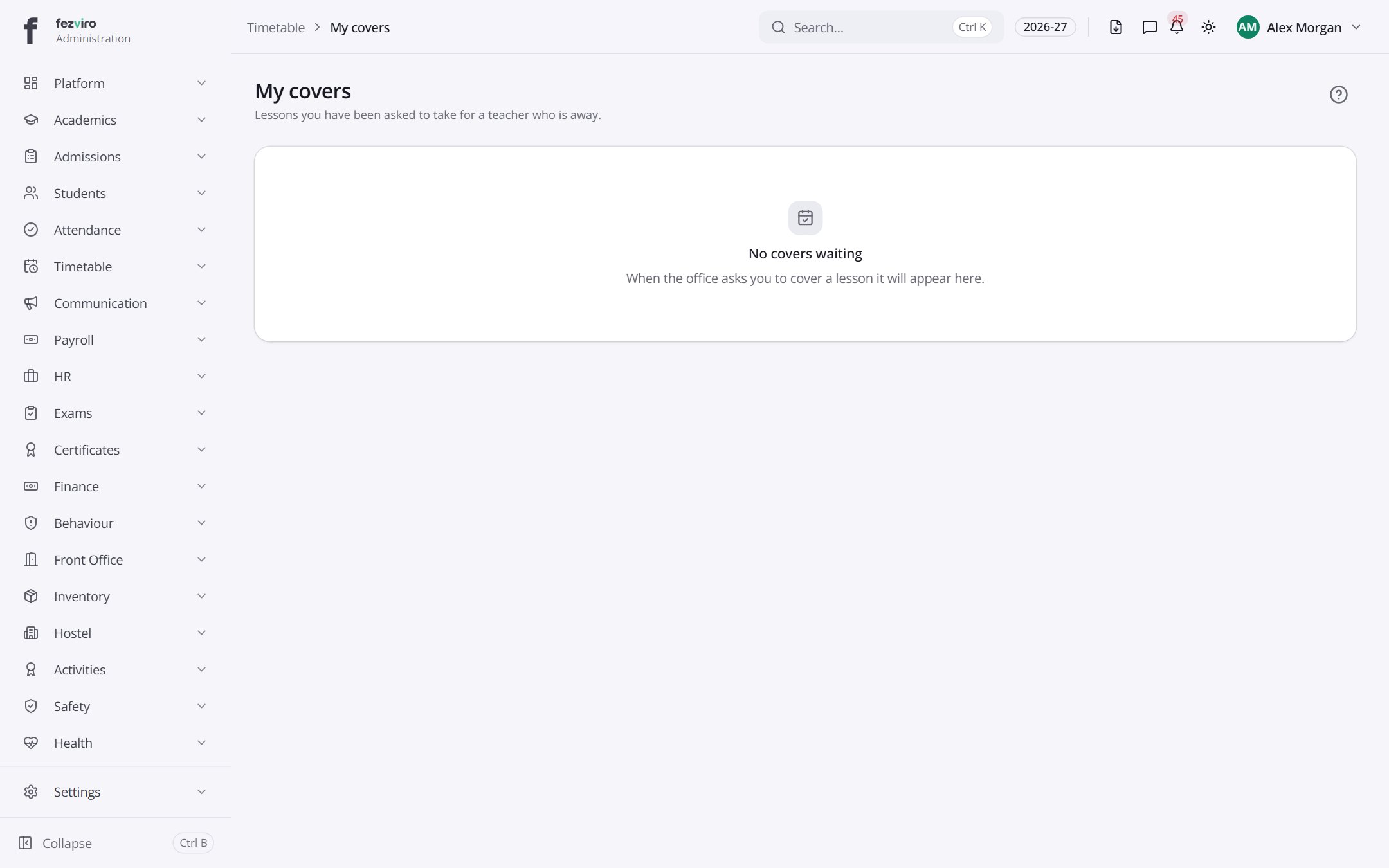 My coversThe lessons you have been asked to cover, waiting for your reply.
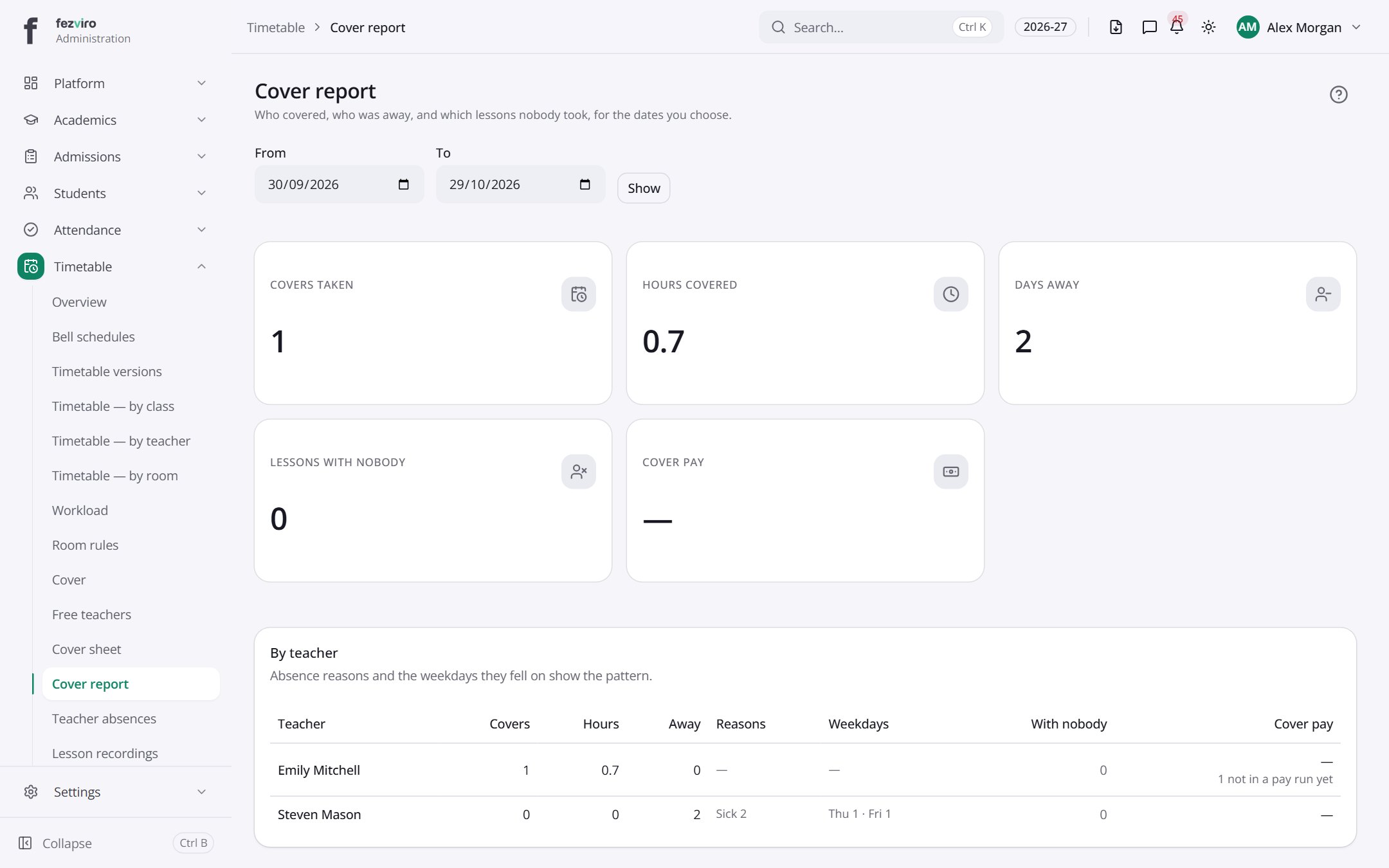 Cover reportA report of the covers each teacher has taken over a date range.
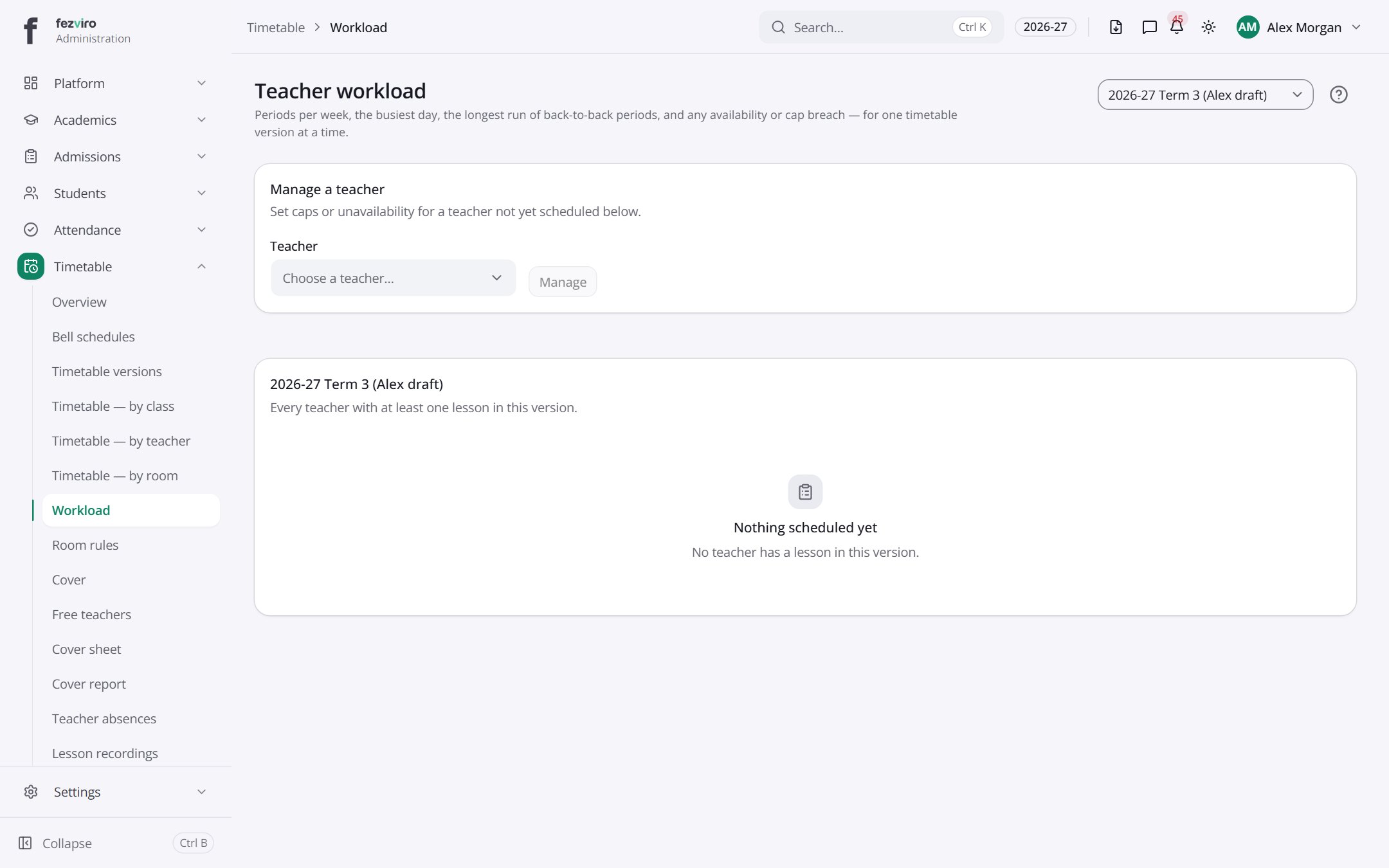 Teacher workloadHow many lessons and hours each teacher is timetabled for.
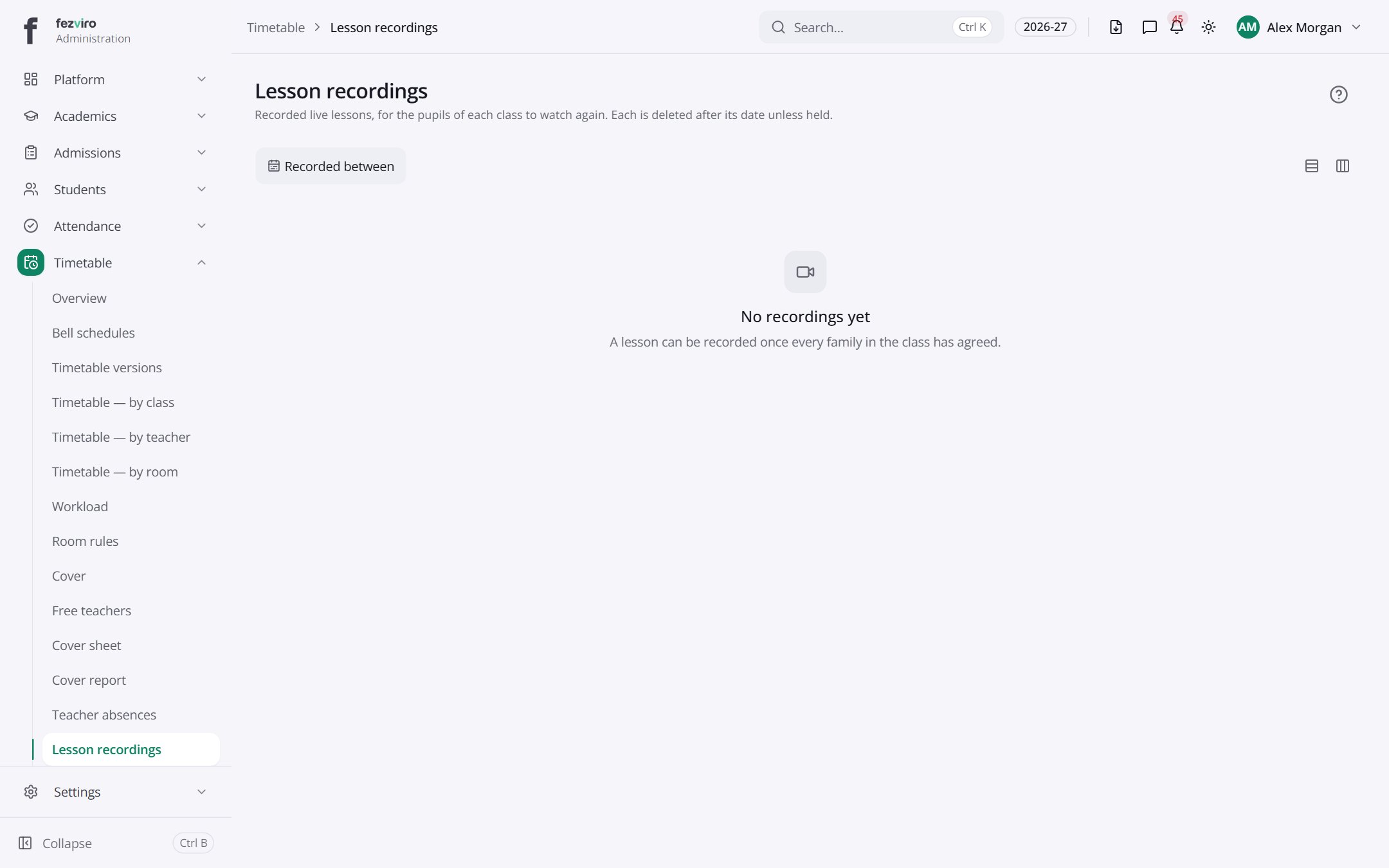 Lesson recordingsRecorded live lessons, with access limited to the right people.
Step by step
Section titled “Step by step”Build the timetable
Section titled “Build the timetable”- Define periods and breaks in Bell schedules.
- Create a draft in Versions and drag lessons onto the grid.
- Clashes (teacher, room, section) are shown immediately, and the pre-check lists anything that will not fit.
- Publish. Teachers, students and parents see it at once.
Arrange cover for an absent teacher
Section titled “Arrange cover for an absent teacher”- Record the absence in Absences.
- Open Cover: the system suggests free, suitable teachers ranked by workload.
- Assign cover; the covering teacher sees it in My covers.
- Print the daily Cover sheet for the staff room.
Questions
Section titled “Questions”Can teachers add the timetable to their phone calendar?
Yes. Each personal timetable has a calendar subscription link.
Does the timetable support rotating day cycles?
Yes, e.g. Day 1–6 cycles independent of weekdays.
Can we keep old versions?
Yes. Versions are drafted, published and archived; past versions remain viewable.