

Schedules and registers
What it is
A menu to choose an exam, then open its paper timetable.
Why it matters
Reaches the right timetable in two taps, not a long search.
When to use it
Staff pick an exam to set or check its papers, rooms and invigilators.
Who uses it
Administrator
How to get here
Section titled “How to get here”- Sign in as Administrator (see Signing in).
- In the left menu, click Exams to open it.
- Click Schedules and registers.
What you see
Section titled “What you see”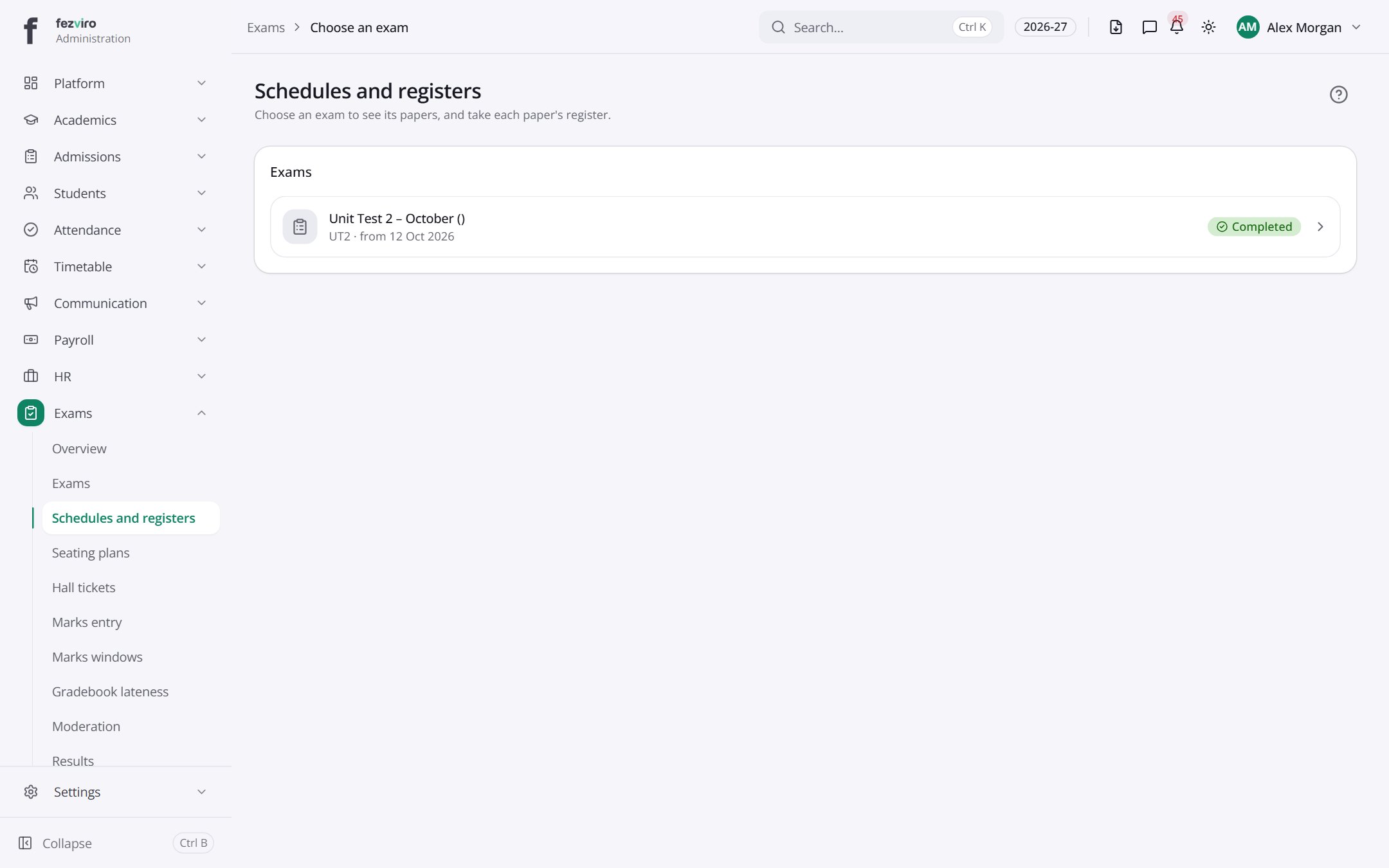
- Sections on the page: Exams.
← Back to Exams & Grading overview