

Emergency alerts
What it is
Emergency messages sent to the people chosen, such as the whole school.
Why it matters
Gets urgent information to everyone at once, in seconds.
When to use it
Safety leads send an alert, then confirm when it is all clear.
Who uses it
Administrator
How to get here
Section titled “How to get here”- Sign in as Administrator (see Signing in).
- In the left menu, click Safety to open it.
- Click Emergency alerts.
What you see
Section titled “What you see”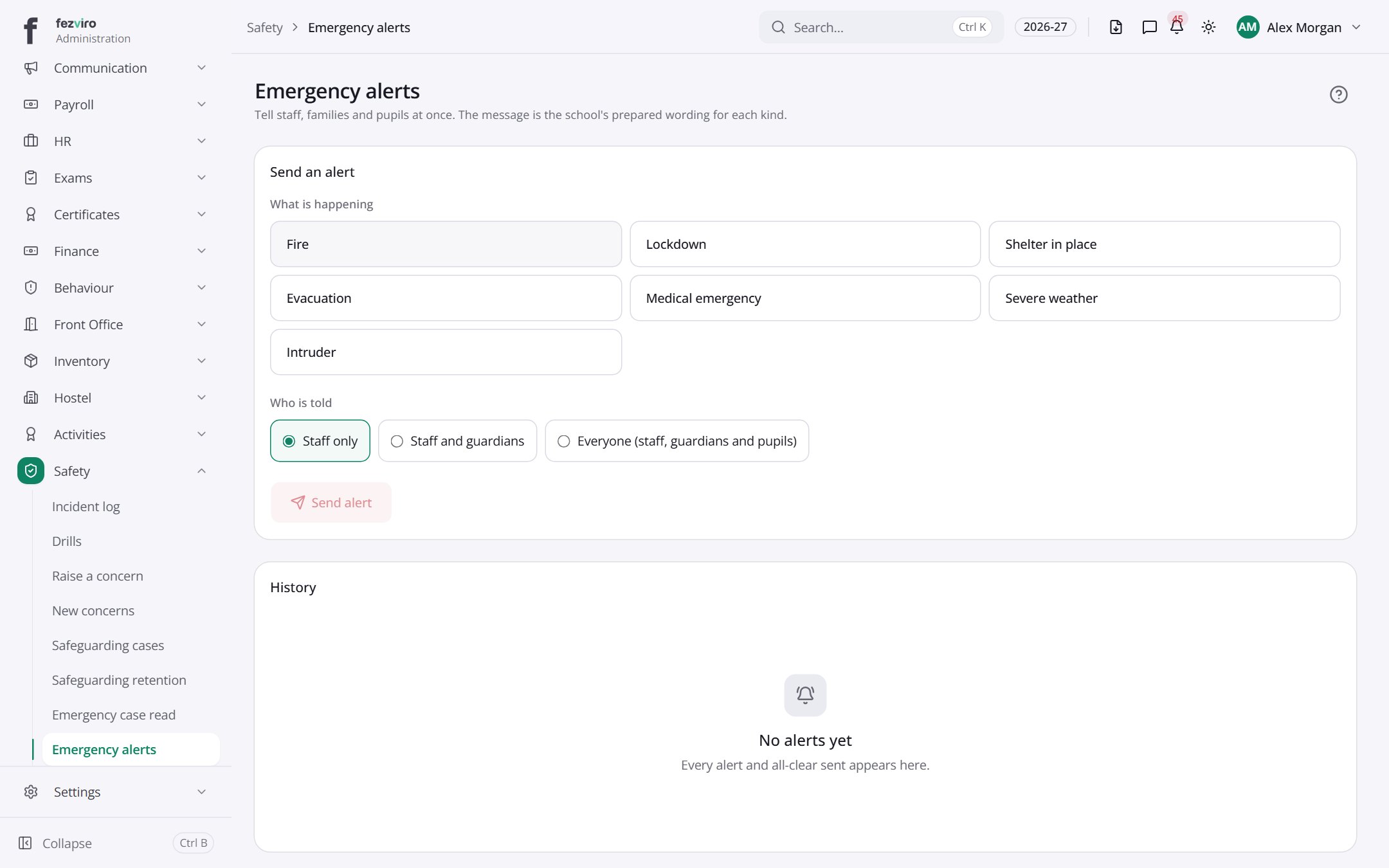
- Sections on the page: Send an alert, History.
← Back to Safety & Safeguarding overview