

Canteen day close
What it is
A daily summary of each till's sales and the cash counted.
Why it matters
Makes sure every day's takings are accounted for before banking.
When to use it
Canteen staff close each day once cash is counted; closed days are final.
Who uses it
Administrator
How to get here
Section titled “How to get here”- Sign in as Administrator (see Signing in).
- In the left menu, click Canteen to open it.
- Click Day close.
What you see
Section titled “What you see”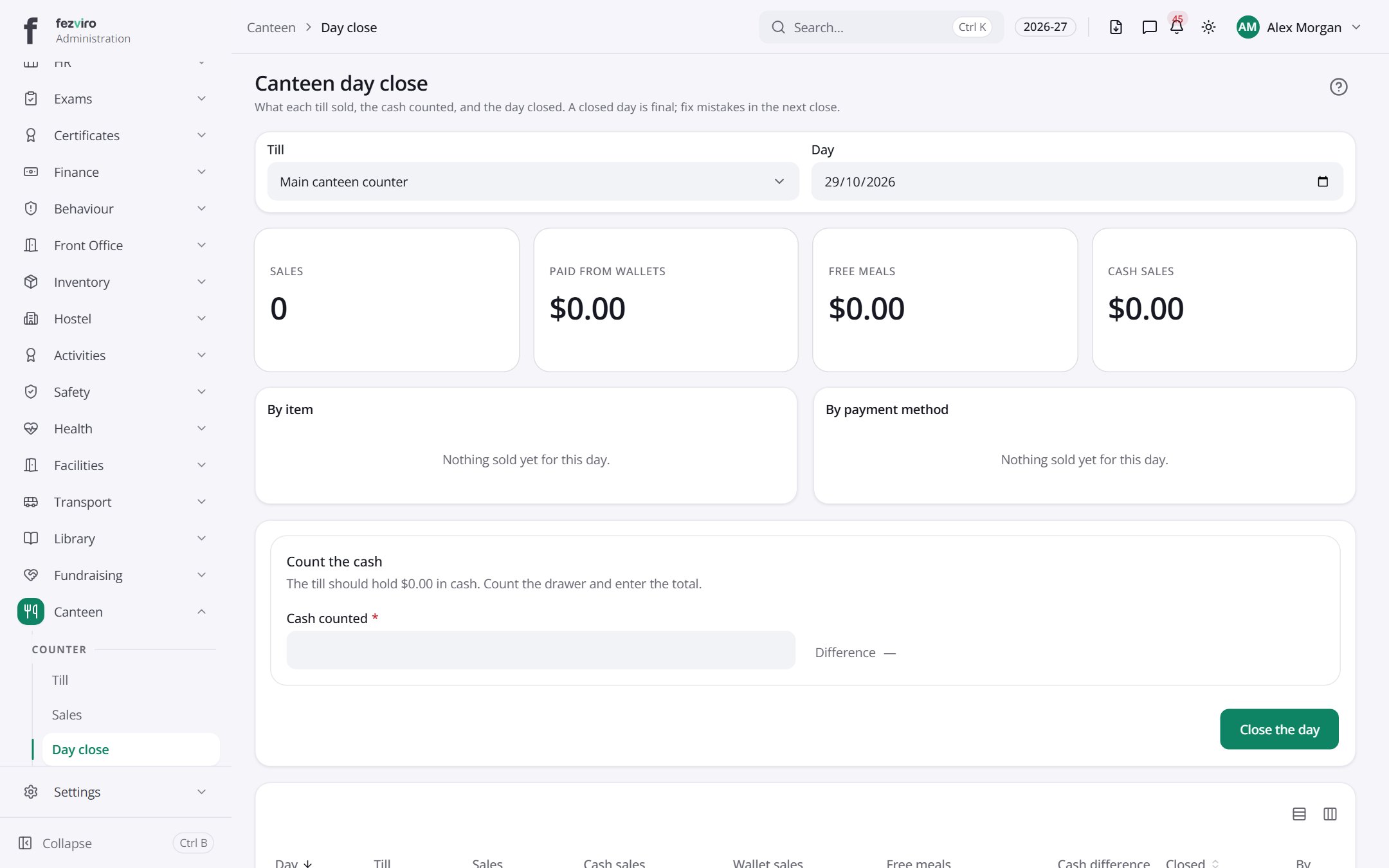
- Sections on the page: By item, By payment method, Count the cash.
- The list has these columns: Day, Till, Sales, Cash sales, Wallet sales, Free meals, Cash difference, Closed, By. Click a column name to sort by it.
← Back to Canteen overview