

Diet substitutions
What it is
Replacement meals offered to pupils with a specific diet.
Why it matters
Keeps pupils with allergies or dietary needs safe at lunch.
When to use it
Kitchen and canteen staff set a replacement, and that pupil is served it automatically.
Who uses it
Administrator
How to get here
Section titled “How to get here”- Sign in as Administrator (see Signing in).
- In the left menu, click Canteen to open it.
- Click Diet substitutions.
What you see
Section titled “What you see”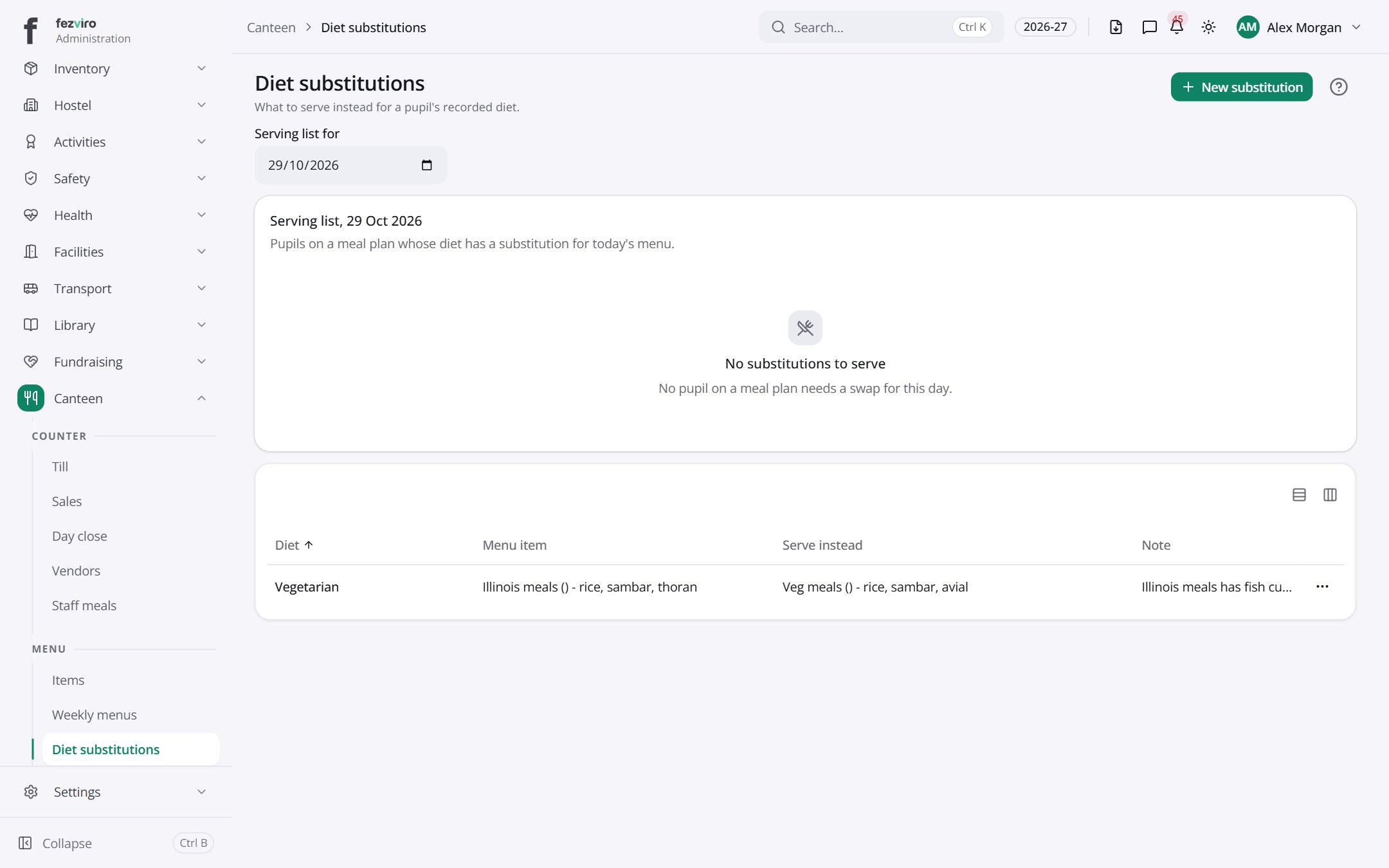
- Sections on the page: Serving list, 29 Oct 2026.
- The list has these columns: Diet, Menu item, Serve instead, Note, Actions. Click a column name to sort by it.
Buttons on this screen
Section titled “Buttons on this screen”- New substitution — opens a form to add a new one. See Filling in the form below.
← Back to Canteen overview