

Opening balances
What it is
Loads the starting balances from the school's old books.
Why it matters
Lets the new system begin from the correct figures on day one.
When to use it
Used once at switchover; the file is checked before anything is entered.
Who uses it
Administrator
How to get here
Section titled “How to get here”- Sign in as Administrator (see Signing in).
- In the left menu, click Accounting to open it.
- Click Opening balances.
What you see
Section titled “What you see”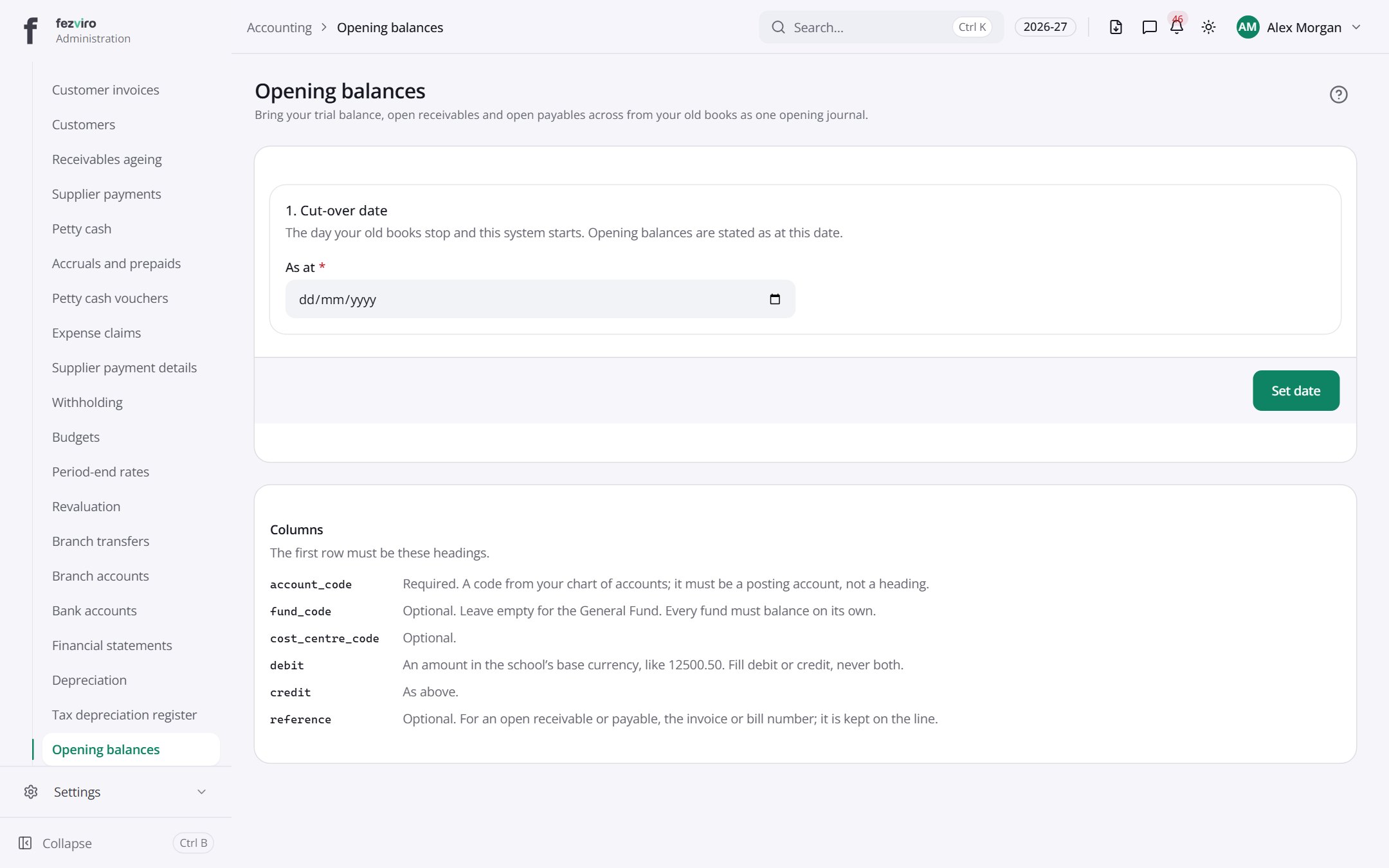
- Sections on the page: 1. Cut-over date, Columns.
← Back to Accounting overview