

Library
Catalogue, circulation, holds, fines, serials, digital resources and stock audits.
👥 Librarian, students, staff, parents (catalogue search)🖥️ 13 screens📝 6 forms

What it does
Section titled “What it does”- Catalogue with ISBN auto-fill
- Barcode labels
- Bulk catalogue import and export
- Automatic membership
- Scan to issue, return, renew
- Holds and waiting lists
- Overdue reminders
- Automatic fines to fee account
- Lost and damaged book charges
- Online catalogue search for families
- Reading lists
- Magazine subscriptions
- Book purchases and donations
- E-resources
- Stock check
- Multi-branch transfers
- Library reports
Its screens
Section titled “Its screens”Each screen has its own page: what it is for, how to reach it, a picture, its buttons and its form.
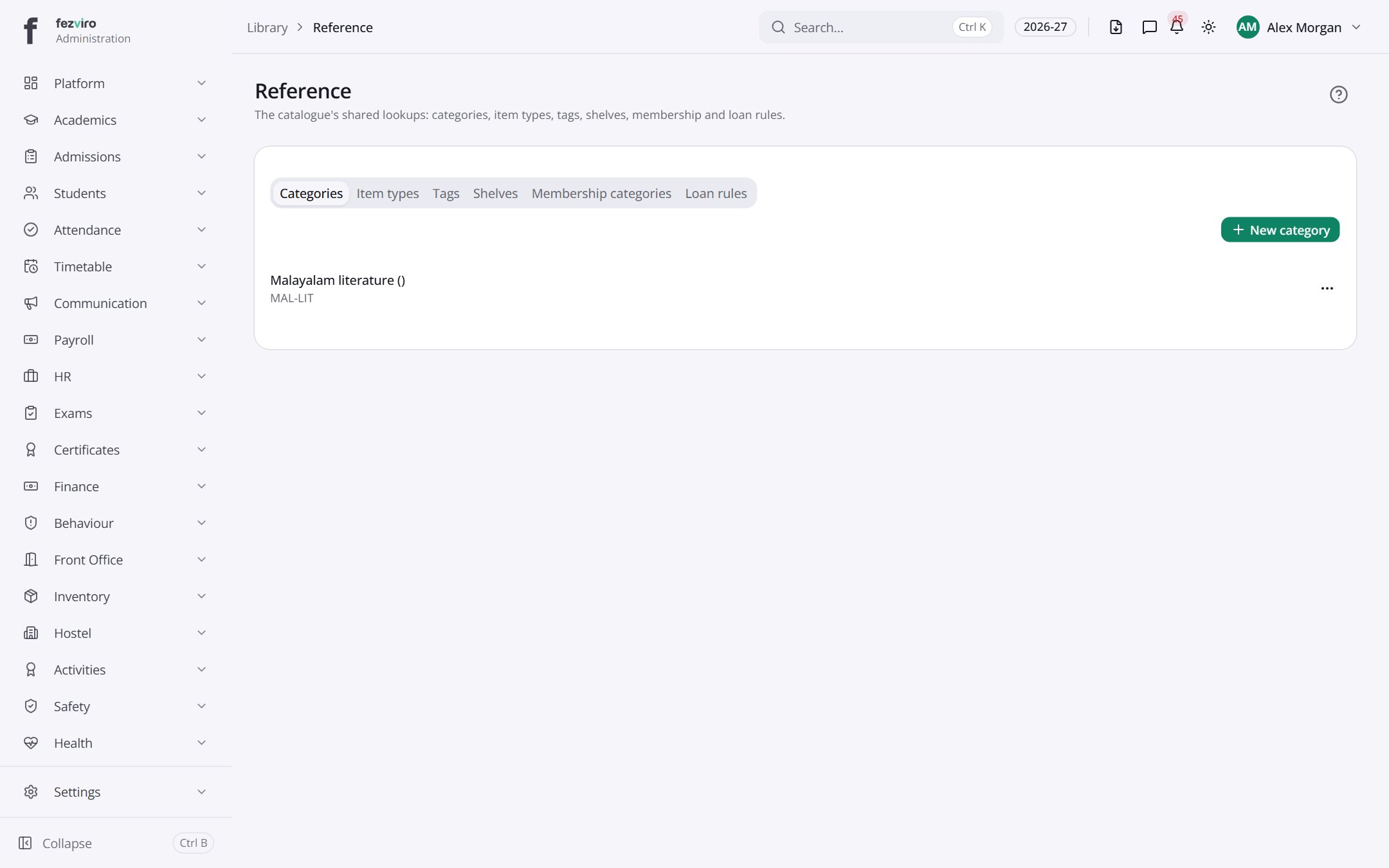 ReferenceThe library's setup lists: shelves, categories, loan rules and memberships.
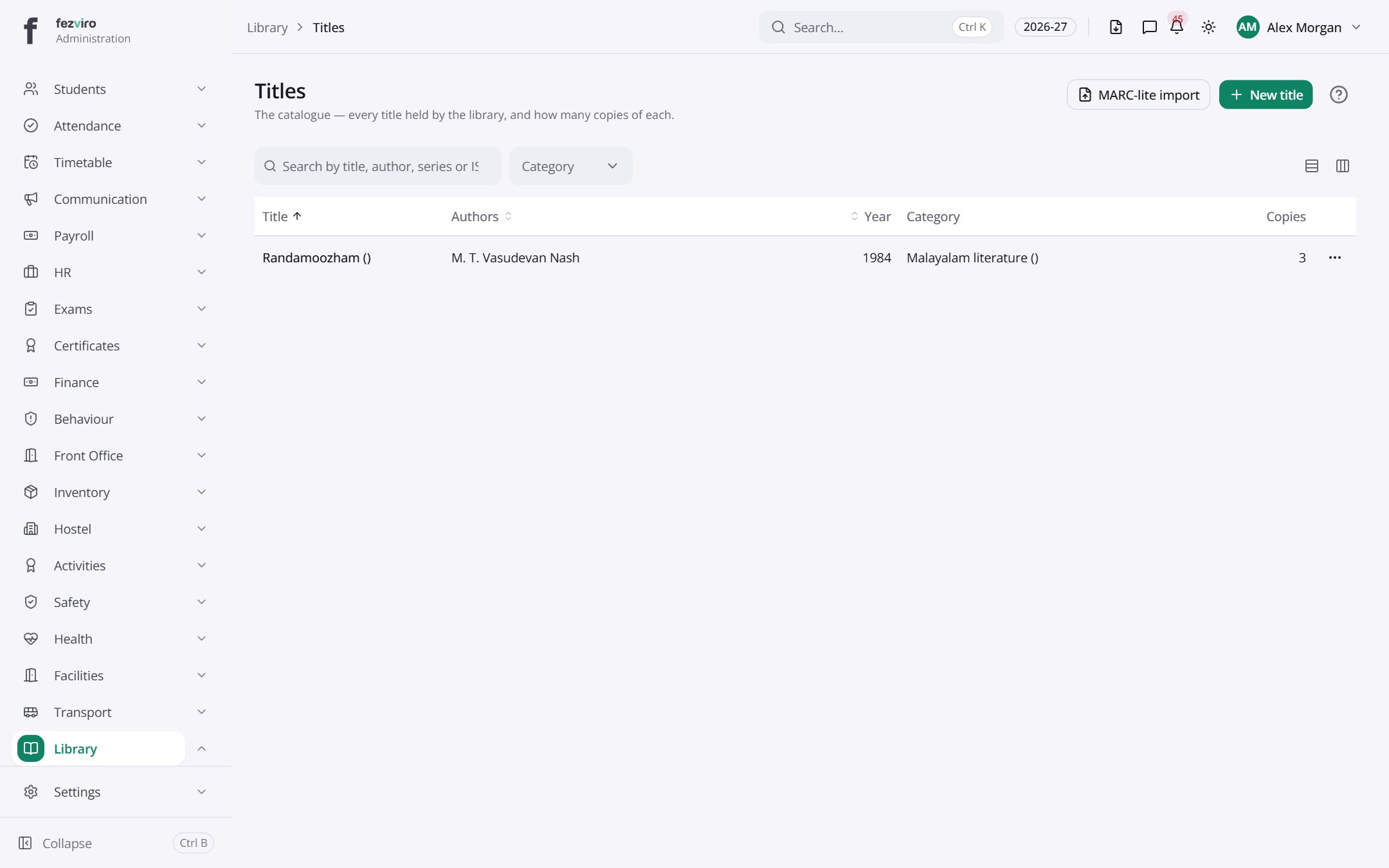 TitlesThe list of every book and item the library holds.has a form
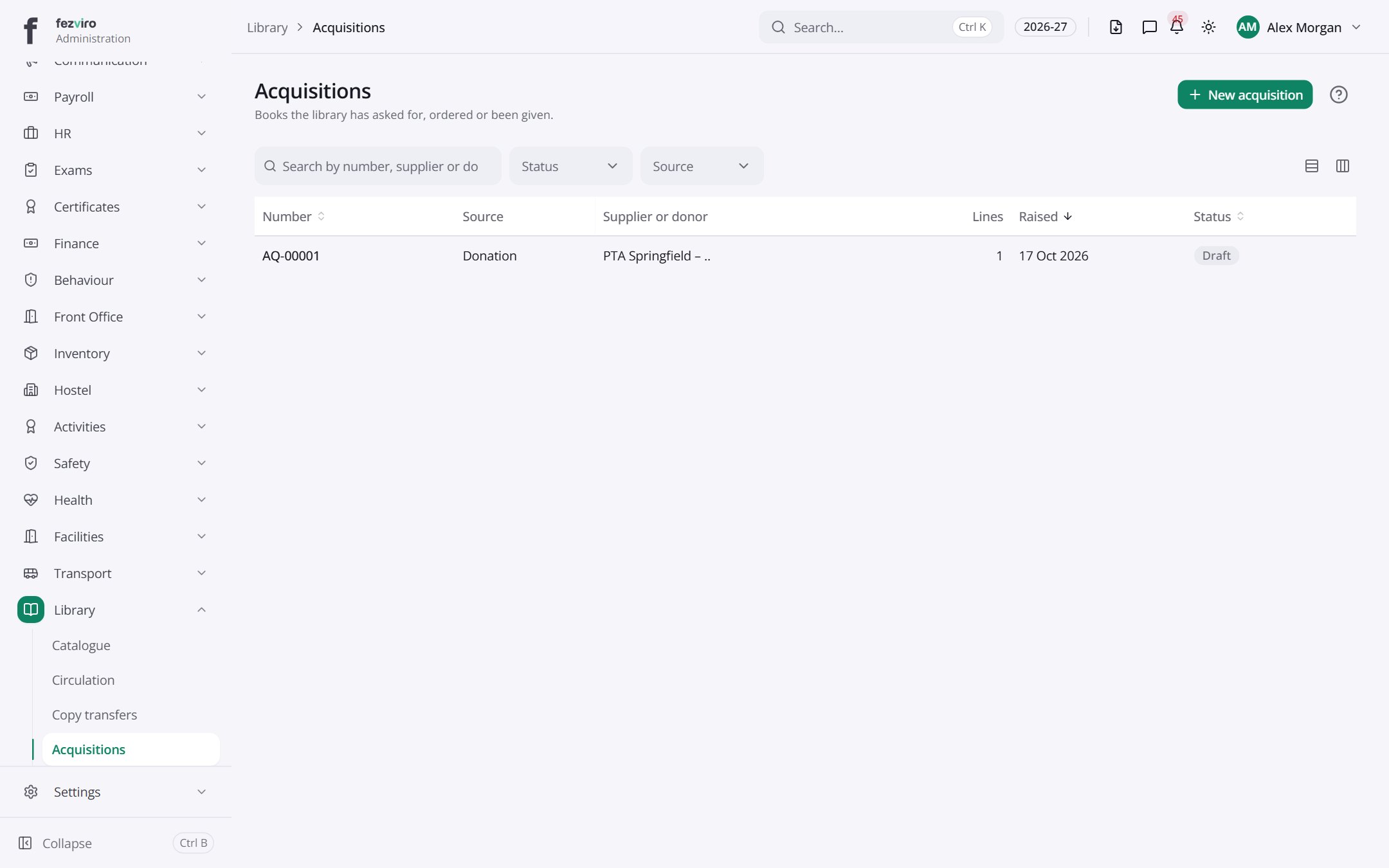 AcquisitionsRequests to buy new books, with their approval and ordering.has a form
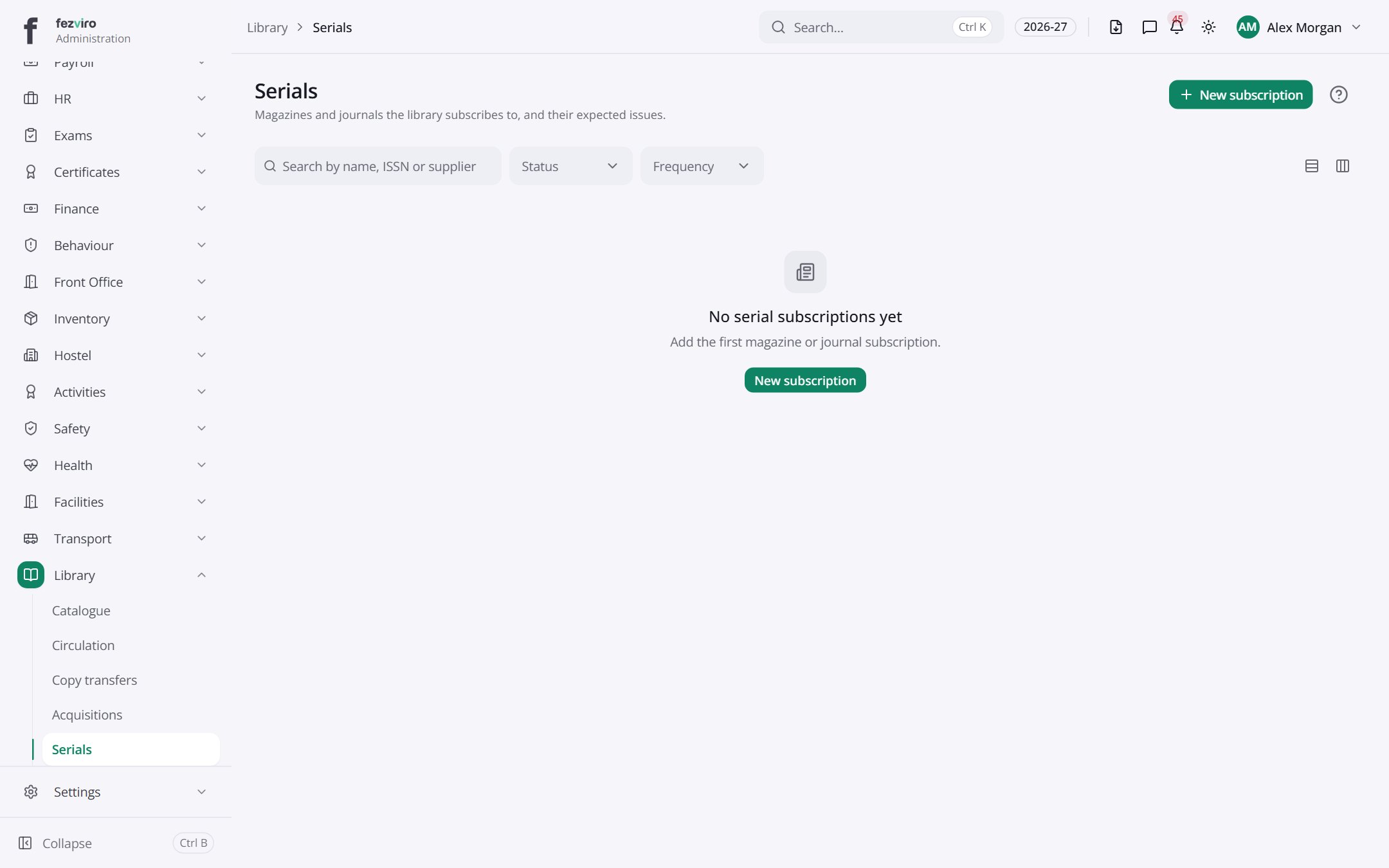 SerialsMagazine and journal subscriptions, with each issue as it arrives.has a form
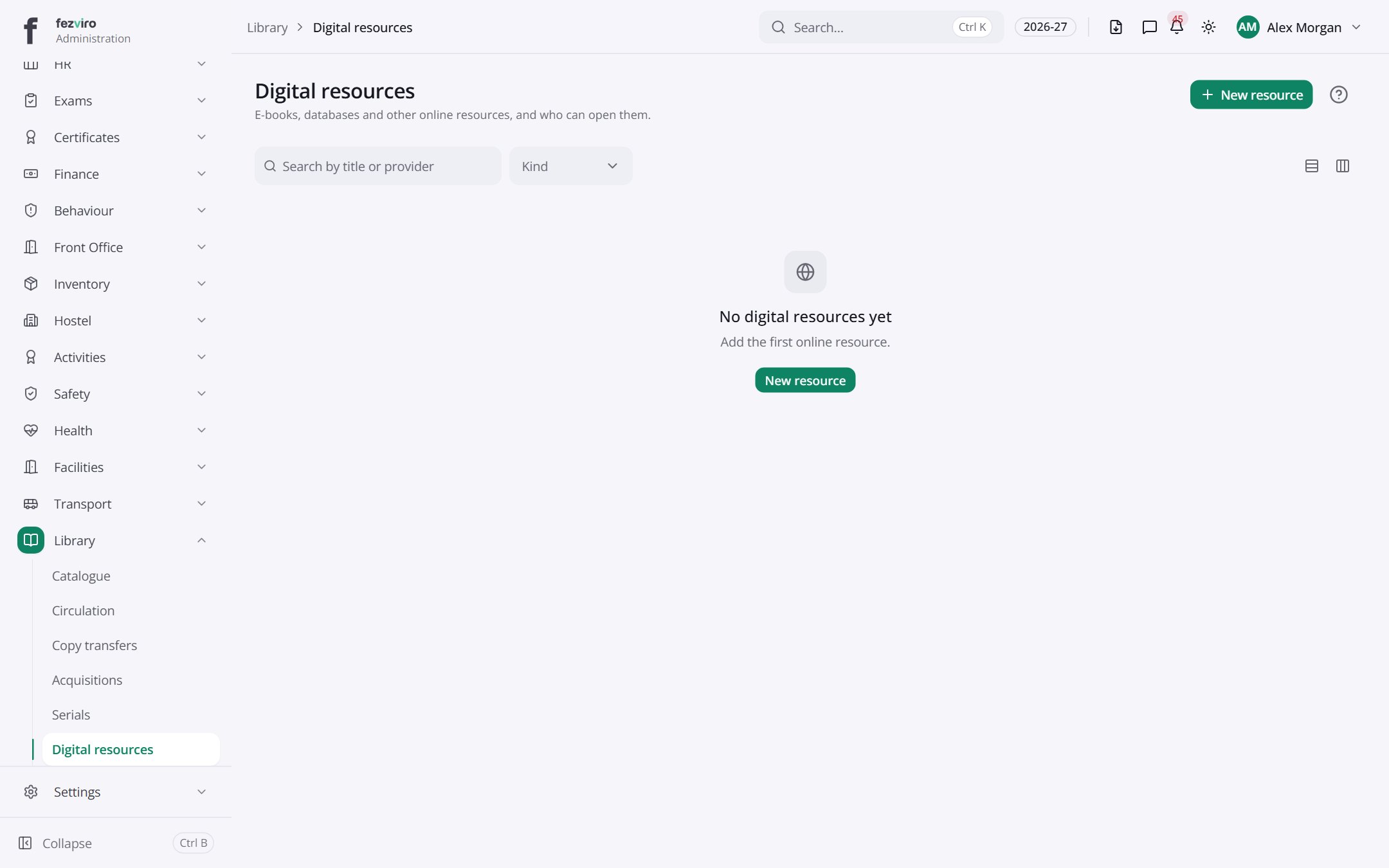 Digital resourcesE-books, databases and online resources the school subscribes to.has a form
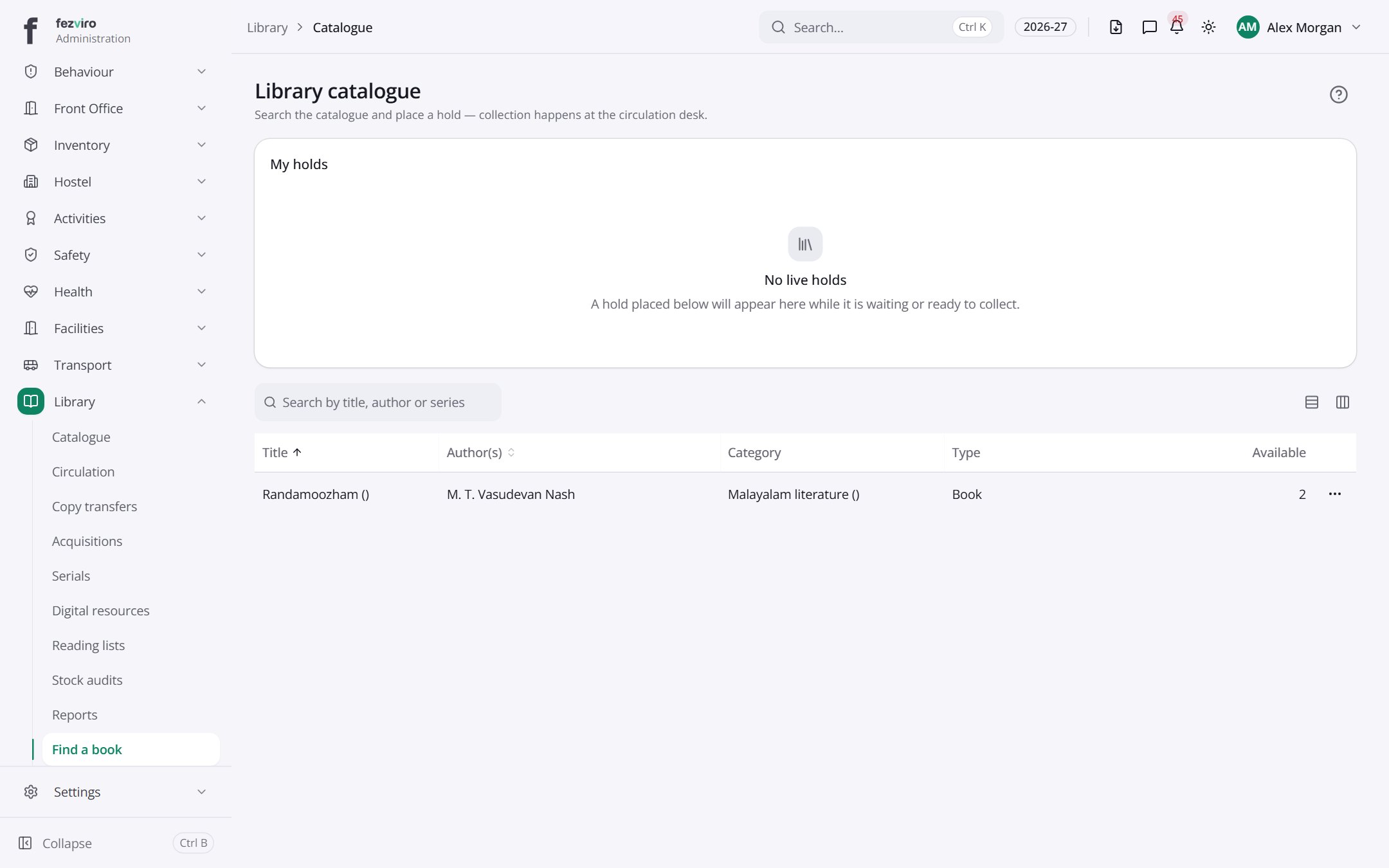 Library catalogueThe online library catalogue families and pupils can search.
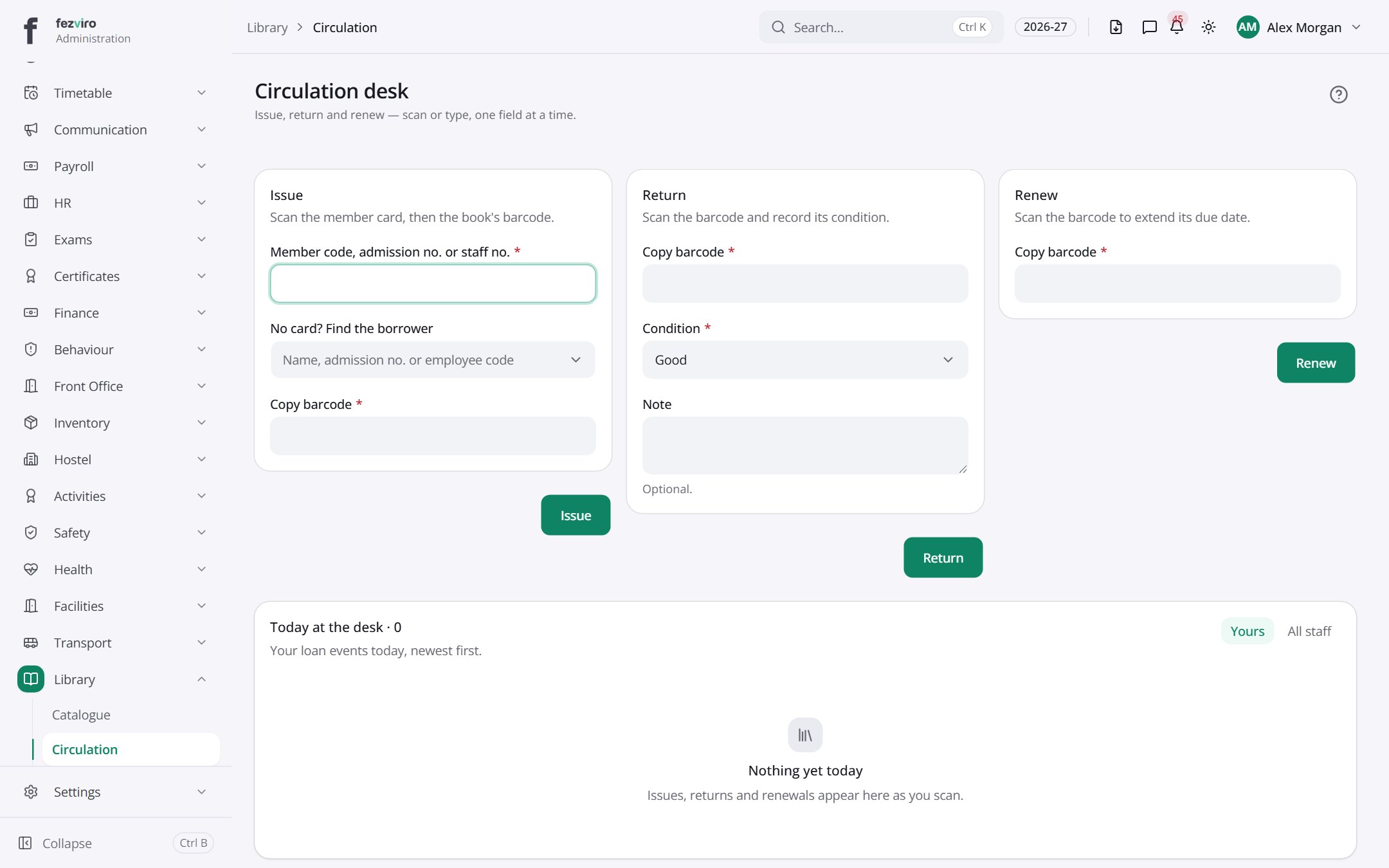 Circulation deskThe desk for lending, returning and renewing books.
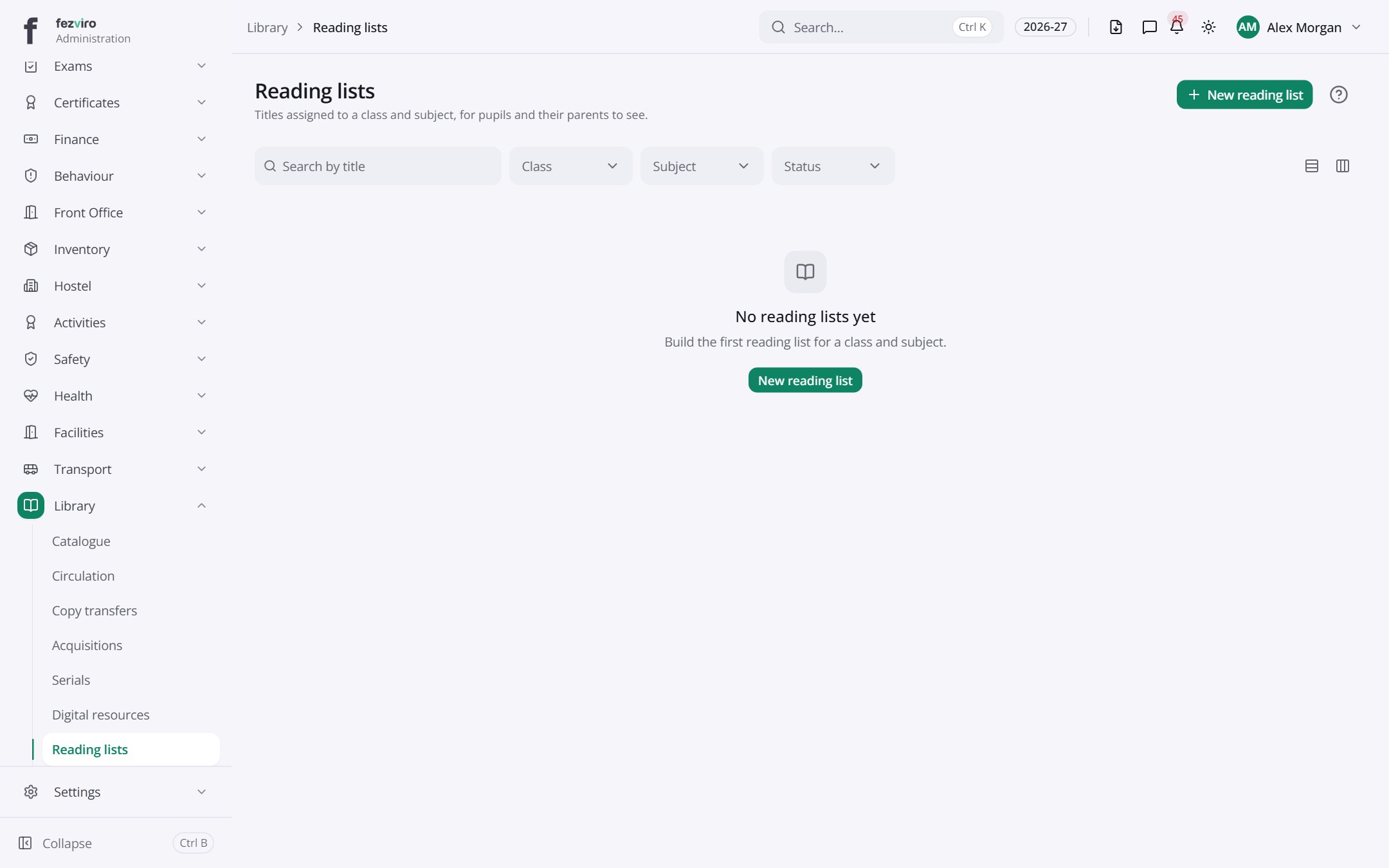 Reading listsLists of recommended books for each class or subject.has a form
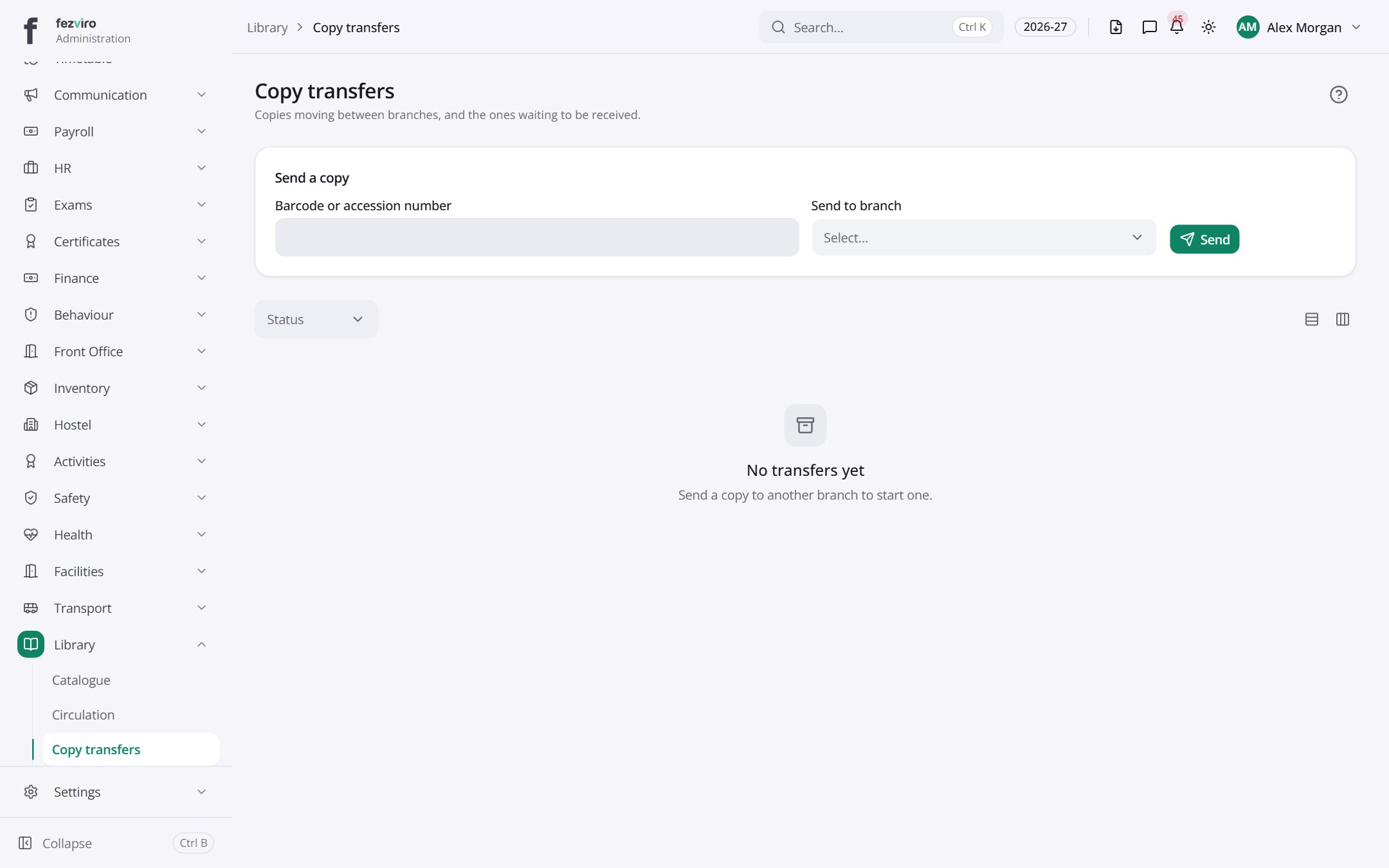 Copy transfersMoves of book copies between library branches.
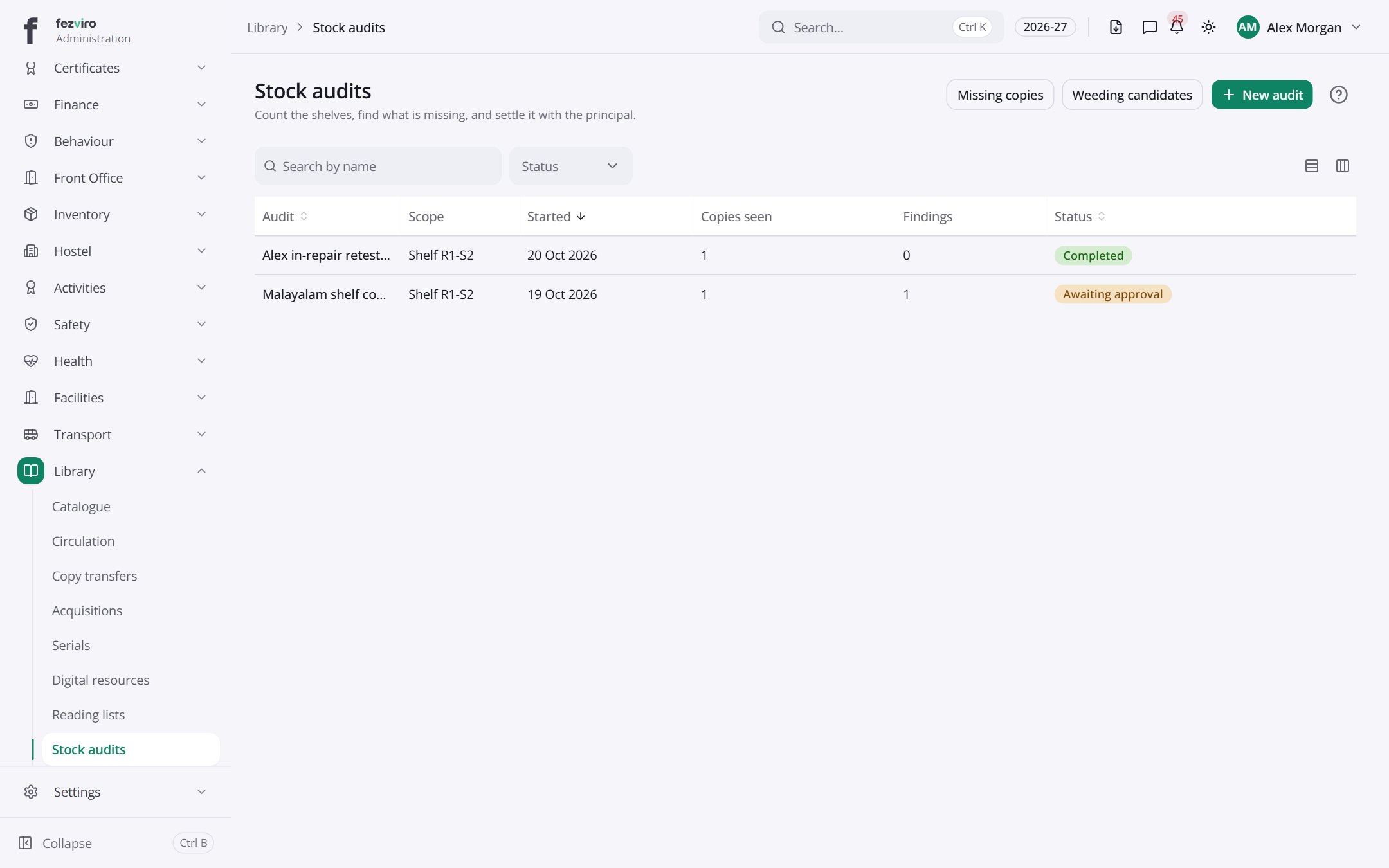 Stock auditsPeriodic checks that each book on the shelves matches the record.has a form
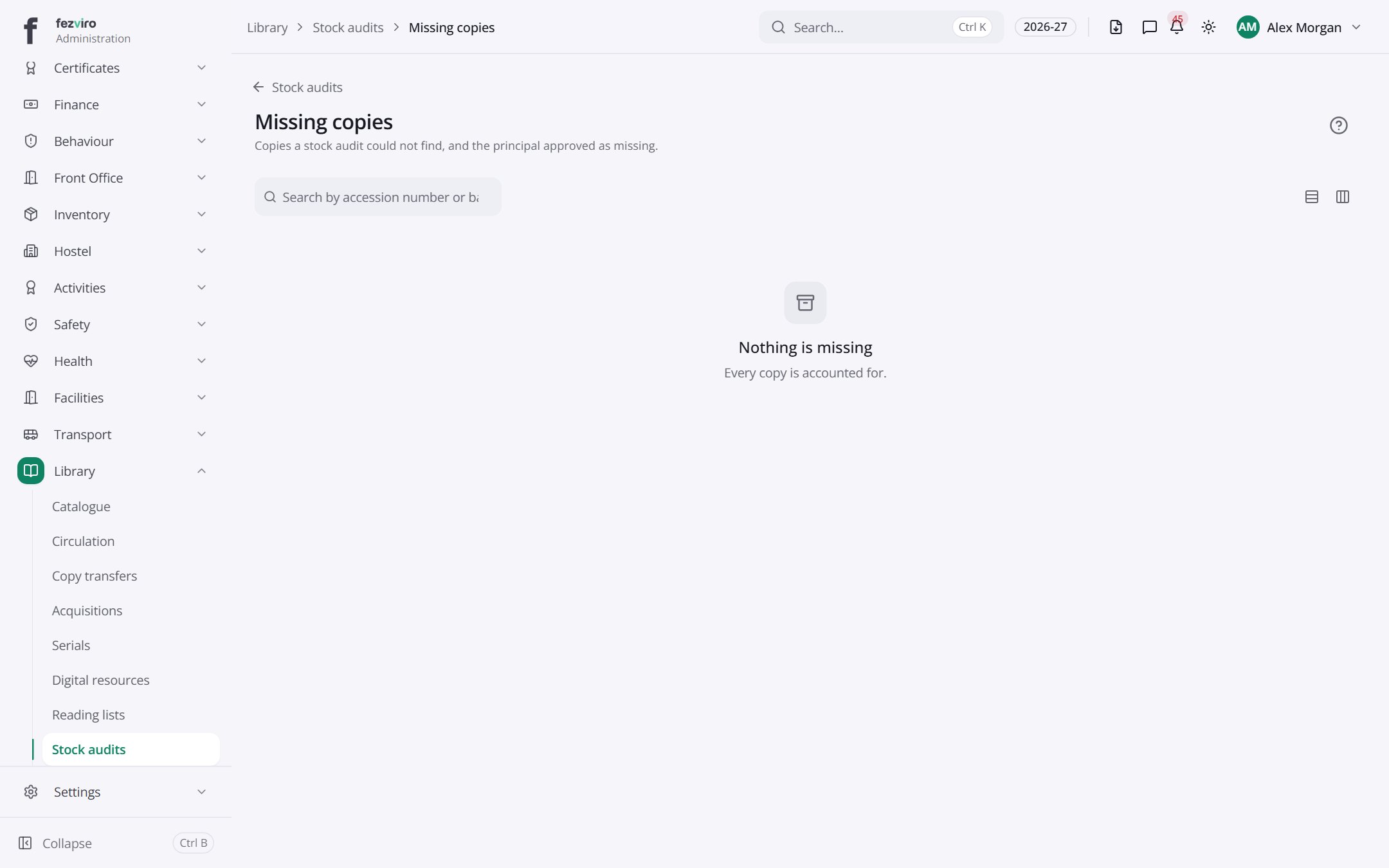 Missing copiesBooks that did not show up in the last audit.
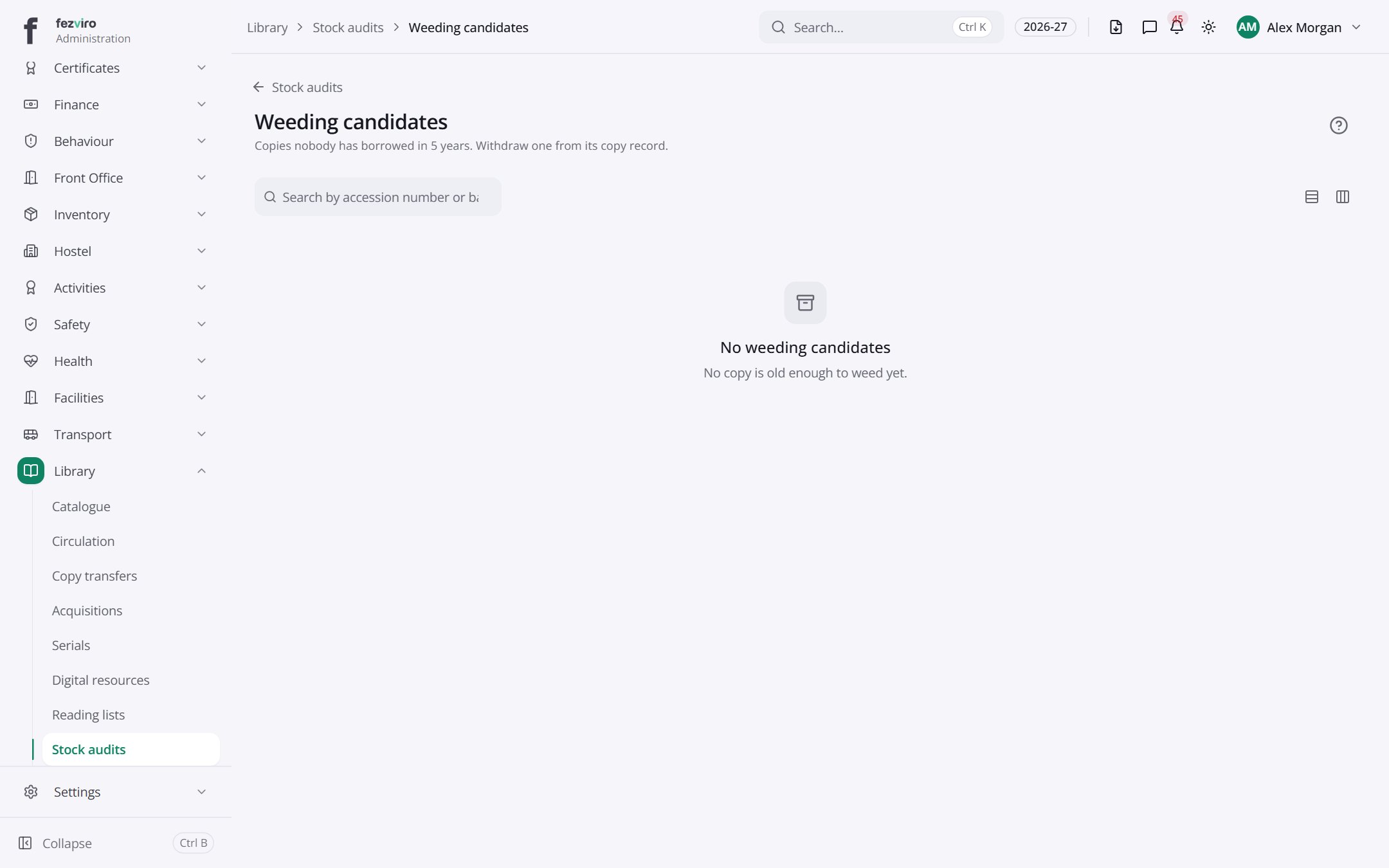 Weeding candidatesOld or damaged books chosen for removal from the shelves.
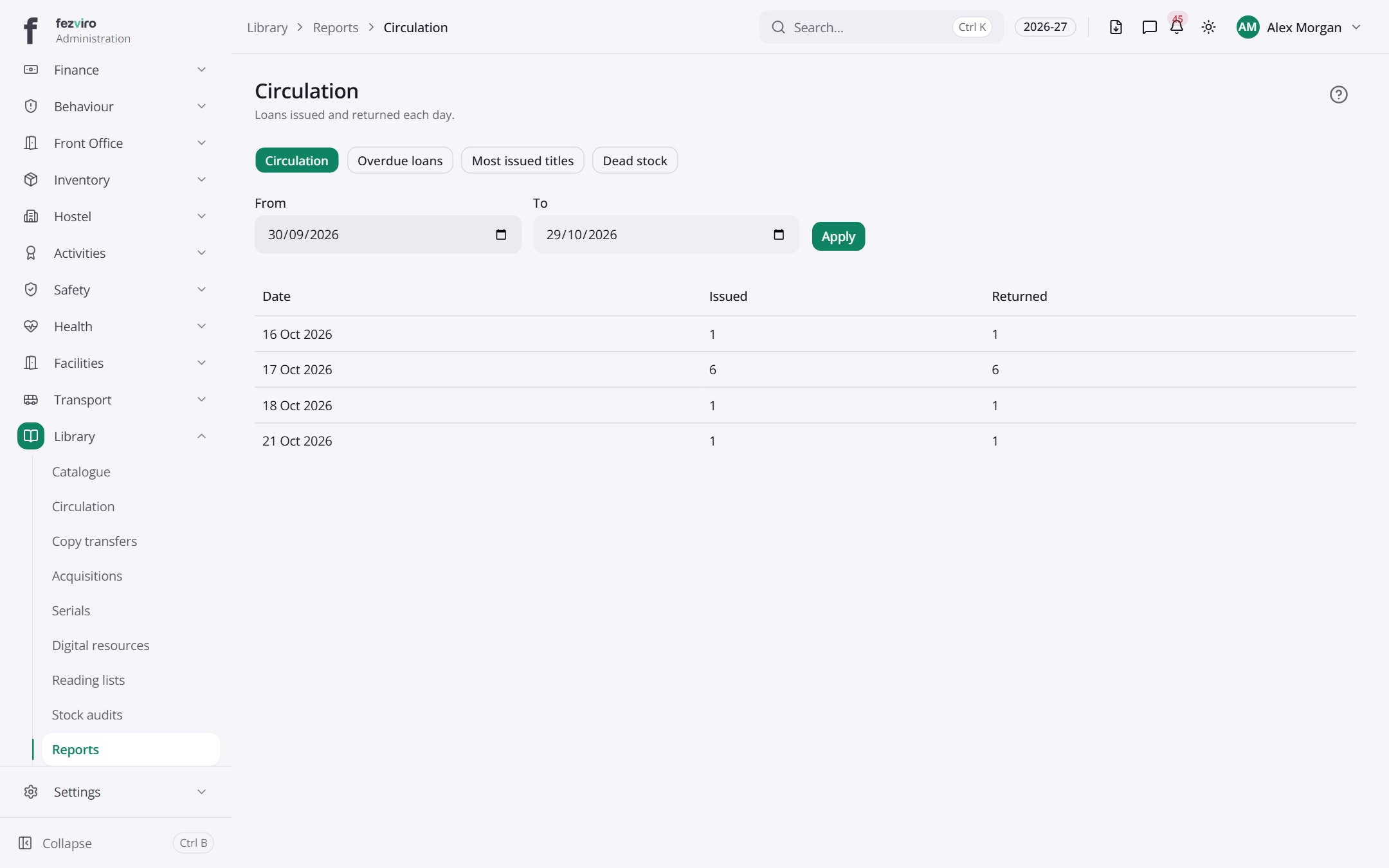 CirculationReports on borrowing, stock and overdue books.
Step by step
Section titled “Step by step”Catalogue a book
Section titled “Catalogue a book”- Open Library → Titles and enter the ISBN; details fill in automatically.
- Add copies and print barcode labels.
Issue and return
Section titled “Issue and return”- Open Circulation and scan the member card and the book barcode.
- Returns and renewals are one scan. Overdue fines post to the student’s fee account automatically.
Questions
Section titled “Questions”Can families search the catalogue?
Yes, through the online catalogue (OPAC).
How are lost books charged?
Lost or damaged copies are billed to the member’s account.